

From my experience with SpiderOak, its standout strength is its uncompromising approach to data privacy through zero-knowledge encryption. This makes it an excellent choice for users and businesses that prioritize security and want to ensure their data remains inaccessible even to the service provider. The platform supports multiple devices and offers robust backup and file synchronization features, although the user interface may require some acclimation for beginners. While the free storage is limited, the paid plans provide ample space for most needs. Overall, if you need a secure, privacy-first cloud backup solution, SpiderOak delivers reliable and trustworthy performance.
SpiderOak Secure Cloud Backup and Privacy-Focused Data Storage Solutions
SpiderOak is a cloud backup and storage service that uses zero-knowledge encryption to ensure only users can access their data, providing secure file synchronization and sharing across devices.
- Best for
- Secure Cloud Backup
- Key capability
- Zero-Knowledge Encryption

Do you recommend this tool?
What is SpiderOak?
SpiderOak is a privacy-focused cloud storage and backup service that uses zero-knowledge encryption to ensure that only the user can access their data. It offers secure file synchronization, backup, and sharing solutions designed to protect sensitive information from unauthorized access, including from SpiderOak itself.
Key features of SpiderOak
SpiderOak’s main features include end-to-end encrypted cloud backup, cross-device file synchronization, secure collaboration tools, and robust disaster recovery options. Its zero-knowledge architecture guarantees that only users hold the encryption keys, ensuring maximum privacy.
Zero-Knowledge Encryption
Ensures that only the user can decrypt their data; SpiderOak cannot access user files.
Cross-Platform Support
Available on Windows, macOS, Linux, iOS, and Android for seamless access.
File Versioning and Recovery
Maintains previous versions of files allowing users to recover from accidental changes or deletions.
Secure Collaboration
Share files and folders securely with team members without compromising privacy.
No Bandwidth Throttling
SpiderOak does not limit upload or download speeds, ensuring efficient backups.
Pros and cons of SpiderOak
Pros
- Strong privacy with zero-knowledge encryption
- Cross-platform availability
- Robust file versioning and recovery
- Secure collaboration features
- No bandwidth throttling
Cons
- Limited free storage capacity
- User interface can be complex for beginners
- No AI-powered features currently
Key use cases for SpiderOak
Secure Cloud Backup
SpiderOak provides encrypted cloud backup solutions that protect user data from unauthorized access using zero-knowledge encryption.
File Synchronization Across Devices
Users can synchronize files securely across multiple devices while maintaining privacy and control over their data.
Data Privacy Compliance
SpiderOak helps businesses and individuals comply with data privacy regulations by ensuring data is encrypted and inaccessible to third parties.
Collaboration with Privacy
Teams can collaborate on shared files securely without exposing sensitive information to the service provider.
Disaster Recovery
SpiderOak offers reliable backup and recovery options to protect against data loss from hardware failure or cyber attacks.
How SpiderOak works
- 1
Create an Account
Sign up on SpiderOak’s platform to start using their secure cloud backup services.
- 2
Install Client Software
Download and install SpiderOak’s desktop or mobile application to manage backups and file synchronization.
- 3
Select Files to Backup
Choose files and folders you want to back up or synchronize securely to the cloud.
- 4
Automatic Encryption and Upload
Files are encrypted locally on your device before being uploaded to SpiderOak’s servers.
- 5
Access and Share Securely
Access your encrypted files from any device and share them securely with collaborators if needed.
Who is using SpiderOak
Privacy-conscious individuals
Small to medium businesses
IT professionals
Remote teams requiring secure collaboration
Users needing reliable disaster recovery
SpiderOak pricing
Free
$0/month
Includes 150 MB of encrypted cloud storage for basic backup needs.
Solo 150 GB
$6/month
Provides 150 GB of encrypted storage with full backup and sync features.
Solo 2 TB
$12/month
Offers 2 TB of encrypted storage suitable for heavy users and professionals.
Plans and prices are as published by the vendor and can change. Check the official site before you buy. Open the pricing page (opens in a new tab)
Frequently asked questions about SpiderOak
Zero-knowledge encryption means that only you hold the keys to decrypt your data; SpiderOak cannot access your files.
Yes, SpiderOak allows secure sharing of encrypted files and folders with collaborators.
Yes, SpiderOak offers solutions that help businesses maintain data privacy and comply with regulations.
Yes, SpiderOak has apps for iOS and Android to access and manage your backups on the go.
Data handling and security practices vary by provider. Review the official privacy policy to understand how your data is stored and used.
Yes, it can help with that use case depending on how you configure it and what features are available. You’ll get the best results with clear inputs and a defined goal.
It depends on your specific needs and how you plan to use the tool. The official website and documentation are the best sources for the latest details.
Sign in to review this tool.
Sign In to ReviewNo reviews yet
Be the first to share how this tool worked for you.
Ask about pricing, limits, or how it compares — or answer someone else.
Sign In to AskNo questions yet
Have a question about using or paying for this tool? Be the first to ask.
Featured on TiorAI



Alternative Tools
Explore similar AI tools that might fit your needs

Free Trial
Tresorit
Tresorit is a secure cloud storage service that uses end-to-end encryption to protect files and enable safe sharing and collaboration for businesses and individuals.
Free
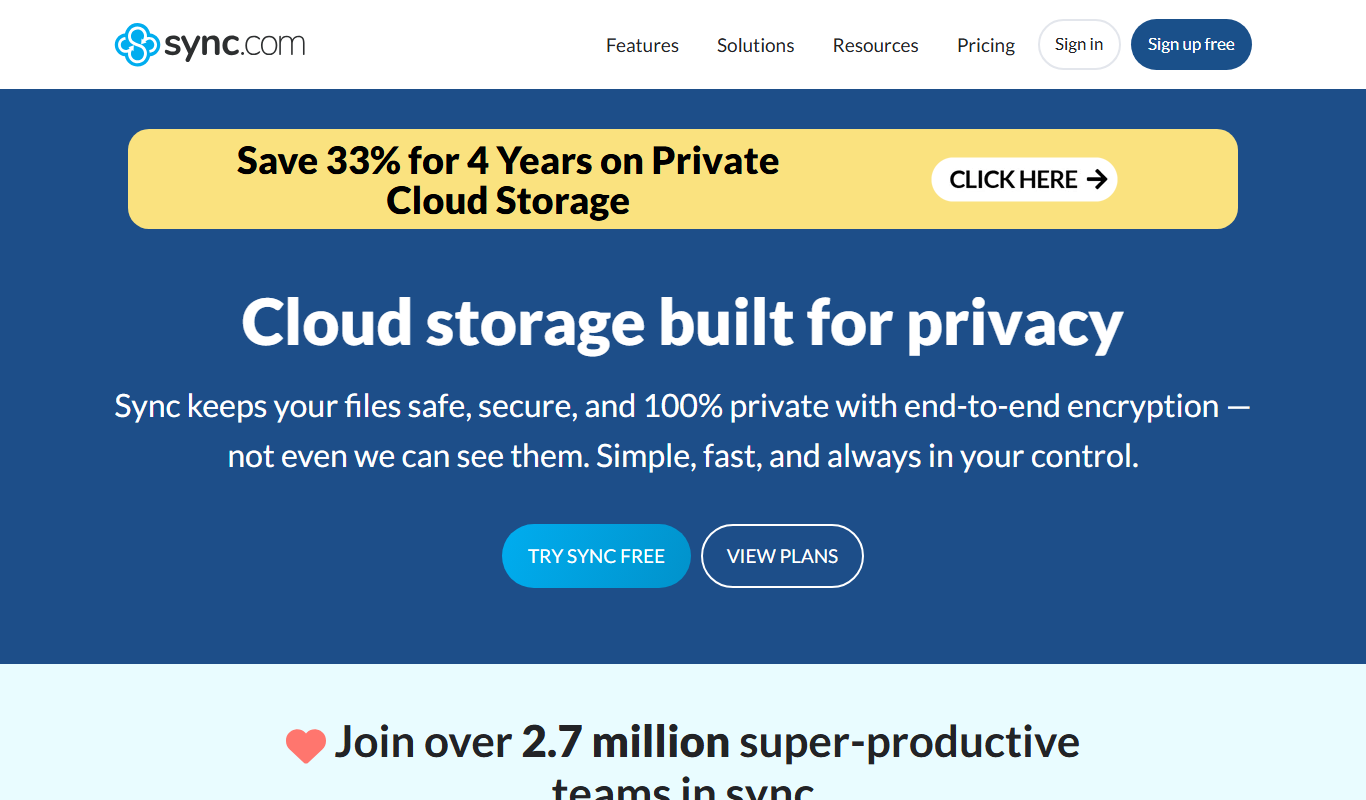
Sync.com
Sync.com is a secure cloud storage and file sharing platform that uses end-to-end encryption to protect user data, offering privacy-focused backup and collaboration features across multiple devices.
Free Trial
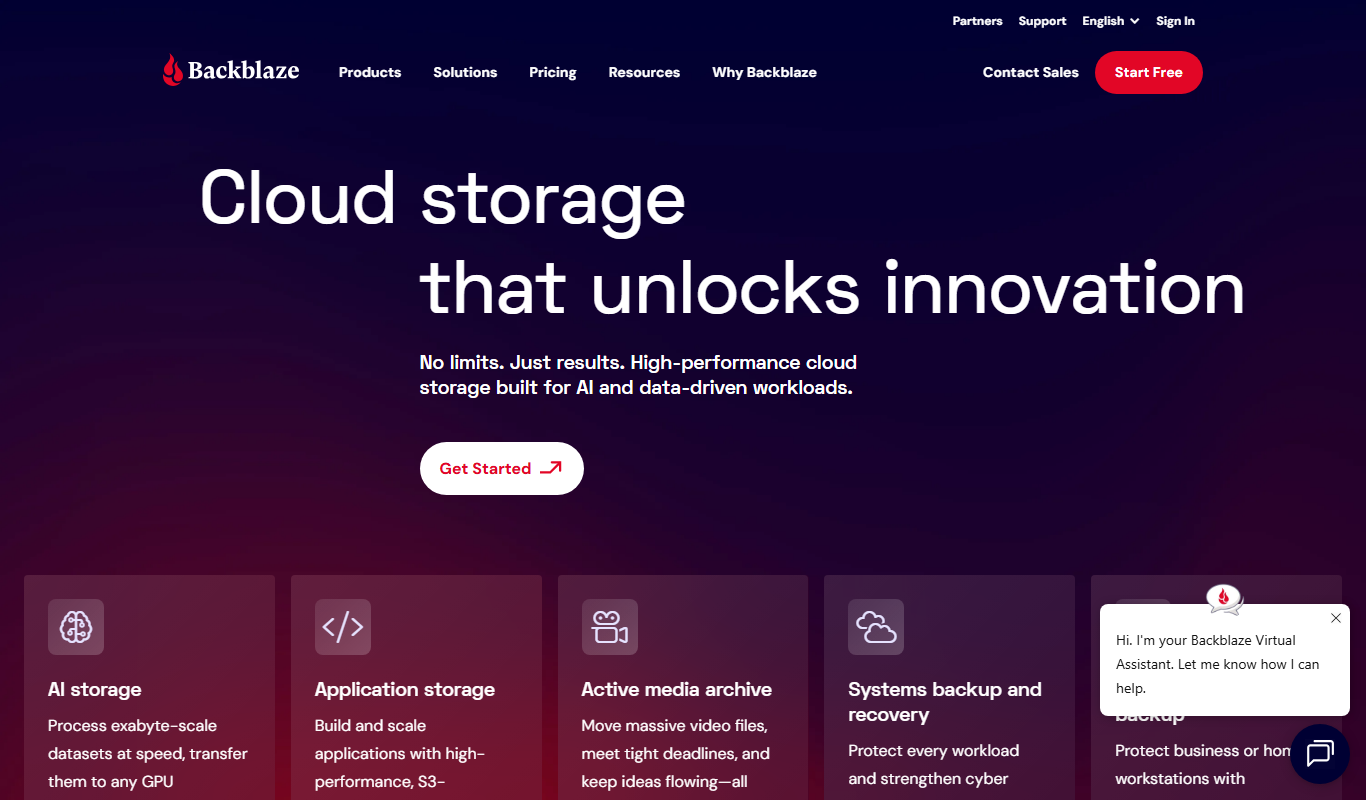
Backblaze
Backblaze is a cloud backup service that automatically backs up unlimited data from your computer and external drives to the cloud, enabling easy recovery of lost files.
More AI Security tools
Other tools in the same category, for when this one is not quite the fit.
Contact for pricing
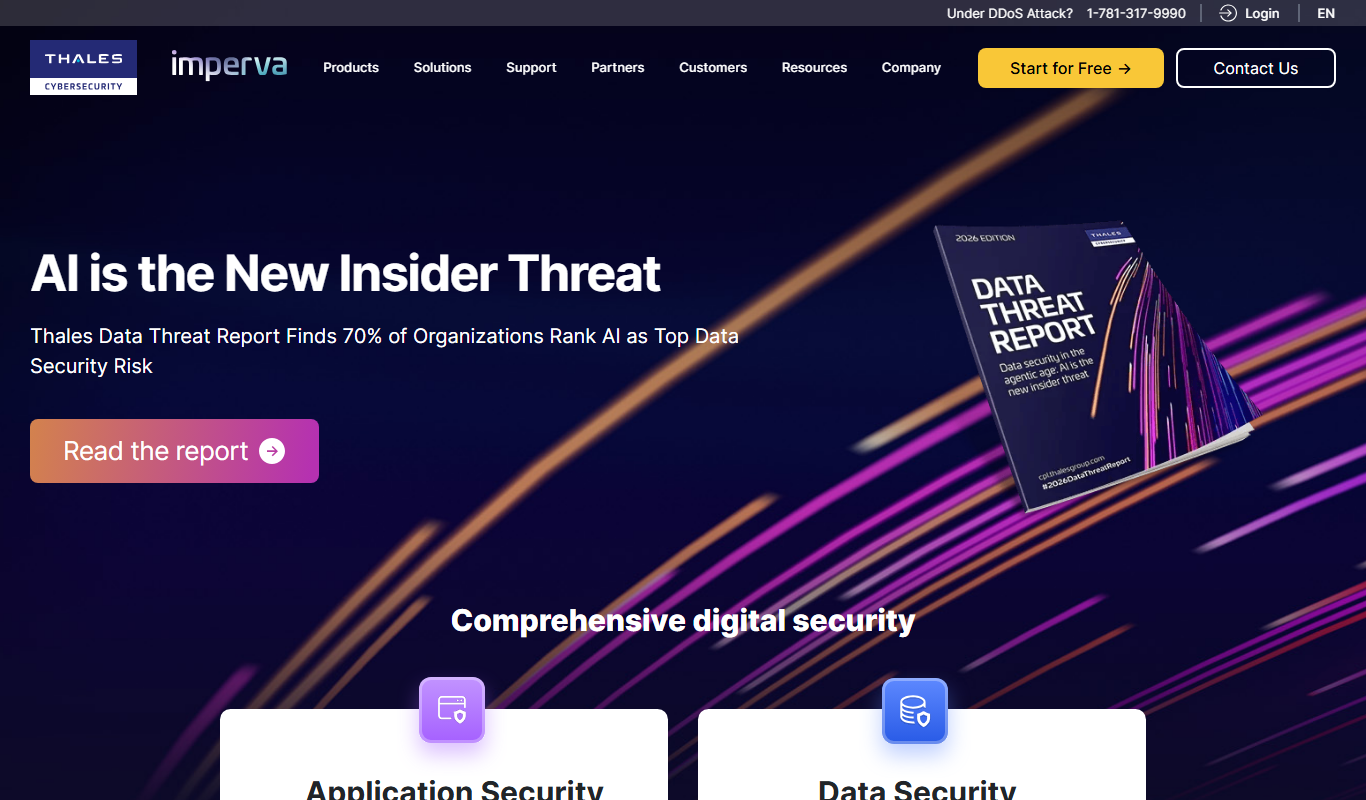
Imperva RASP
Imperva RASP is a cybersecurity solution that integrates into applications to detect and block attacks in real time during runtime, protecting against threats like SQL injection and zero-day vulnerabilities.

Subscription
Vanta
Vanta is a compliance automation platform that helps businesses automate security monitoring, evidence collection, and audit preparation for standards like SOC 2, ISO 27001, HIPAA, and GDPR.

Free
PhishTank API
PhishTank API provides free, real-time access to a community-curated phishing URL database, enabling developers and security professionals to detect and prevent phishing attacks by verifying suspicious URLs.
Subscription
McAfee Total Protection for DLP
McAfee Total Protection for DLP is a cybersecurity solution that prevents data loss by monitoring and controlling sensitive data across endpoints, networks, and cloud environments with customizable policies and real-time incident response.

Custom Pricing
Forcepoint DLP
Forcepoint DLP is an enterprise data loss prevention solution that protects sensitive information across endpoints, networks, and cloud environments using data classification, behavioral analytics, and policy enforcement.

Custom Pricing
Arkose Labs
Arkose Labs is a cybersecurity platform that prevents fraud and automated bot attacks by using adaptive challenge-response tests and real-time risk scoring to secure online accounts and transactions.

Custom Pricing
FaceTec
FaceTec is an AI-driven biometric authentication platform specializing in 3D facial recognition and liveness detection to securely verify user identities and prevent fraud.

Contact for pricing
ArcFace
ArcFace is an AI-powered facial recognition software developed by ArcSoft that provides high-accuracy face detection and verification with anti-spoofing features, suitable for identity verification and security applications.