

Secure Cloud Storage and Encrypted File Sharing for Businesses and Teams
Tresorit is a secure cloud storage service that uses end-to-end encryption to protect files and enable safe sharing and collaboration for businesses and individuals.
- Best for
- Secure File Storage
- Key capability
- End-to-End Encryption
Save Tresorit, follow its updates and vote on it — everything stays in your account.
Sign in or create a free account
What is Tresorit?
Tresorit is a cloud storage service designed for businesses and individuals who require high levels of security and privacy. It offers end-to-end encryption, ensuring that only authorized users can access stored data. Tresorit combines secure file storage, encrypted sharing, and collaboration tools to protect sensitive information from cyber threats and unauthorized access.
Key features of Tresorit
Tresorit’s main features include zero-knowledge end-to-end encryption, secure file sharing with password protection and expiration, granular permission settings, multi-factor authentication, and cross-platform synchronization. It is tailored for teams needing robust security without sacrificing usability.
End-to-End Encryption
Files are encrypted on the user’s device before upload, ensuring zero knowledge on Tresorit’s servers.
Granular Access Controls
Set detailed permissions for files and folders, including read, write, and share rights.
Secure File Sharing
Share files with password protection, expiration dates, and download limits to enhance security.
Cross-Platform Support
Access and sync files securely across Windows, macOS, Linux, iOS, Android, and web browsers.
Compliance Ready
Supports GDPR, HIPAA, and other regulatory standards for data protection and privacy.
Pros and cons of Tresorit
Pros
- Strong end-to-end encryption with zero-knowledge architecture
- Granular permission and sharing controls
- Cross-platform availability including Linux support
- Compliance with major data protection regulations
- User-friendly interface for secure collaboration
Cons
- Pricing is higher compared to mainstream cloud storage providers
- No free tier beyond limited trial period
- Some advanced features may require technical understanding
Key use cases for Tresorit
Secure File Storage
Store sensitive documents and files with end-to-end encryption to prevent unauthorized access.
Encrypted File Sharing
Share files and folders securely with team members or external partners using encrypted links.
Team Collaboration
Collaborate on documents and projects with granular access controls and real-time synchronization.
Compliance and Data Protection
Ensure compliance with GDPR, HIPAA, and other regulations by using Tresorit’s secure infrastructure.
Remote Work Enablement
Enable secure remote access to company files for distributed teams without compromising security.
How Tresorit works
- 1
Create an Account
Sign up on Tresorit’s website to start a free trial or choose a subscription plan.
- 2
Install the App
Download and install Tresorit on your preferred devices including desktop and mobile.
- 3
Upload and Encrypt Files
Add files to your Tresorit folders; the app encrypts them locally before uploading to the cloud.
- 4
Share Securely
Share files or folders with team members or external users using encrypted links with access controls.
- 5
Collaborate and Sync
Work collaboratively with your team with real-time synchronization and permission management.
Who is using Tresorit
Tresorit pricing
Individual
$12.50/month
Secure cloud storage for personal use with 200 GB storage and end-to-end encryption.
Business
$20/user/month
Per user per month for growing teams: at least 3 users, from 6 TB encrypted storage and 15 GB maximum file size.
Enterprise
Contact sales, billed annually
For larger deployments and advanced, multi-team use cases, with custom users, storage and file size limits.
Personal Essential
For 1 user: 1 TB encrypted storage and 10 GB maximum file size.
Personal Pro
For 1 user: 4 TB encrypted storage with advanced permission controls.
Professional
For solopreneurs and consultants: 1 user, 4 TB encrypted storage and 10 GB maximum file size.
Business Pro
Per user per month for larger teams: at least 5 users, from 15 TB encrypted storage and 20 GB maximum file size.
Plans and prices are as published by the vendor and can change. Check the official site before you buy. Open the pricing page (opens in a new tab)
Conclusion
Files are encrypted on the user device before upload, and Tresorit cannot access the files or their keys. Collaboration happens in encrypted main folders called tresors, where each member gets Owner, Manager, Editor or Viewer rights. Shared links are end-to-end encrypted and can add a password, expiry date or download limit. Apps are available on Windows, Mac, Linux, Android, iOS and the web.
Businesses requiring secure file storage, legal and healthcare professionals and compliance-focused organizations are its core audience. On the compliance side, the business plans cite ISO 27001 certification, GDPR, TISAX and FINRA compliance, and a HIPAA-compliant setup for patient data. Personal plans range from Personal Lite with 50 GB to Personal Pro with 4 TB, business plans start at 3 users and 6 TB, and a free trial is available.
Sources
Sign in to review this tool.
Sign In to ReviewNo reviews yet
Be the first to share how this tool worked for you.
Ask about pricing, limits, or how it compares — or answer someone else.
Sign In to AskNo questions yet
Have a question about using or paying for this tool? Be the first to ask.
Featured on TiorAI



Alternative Tools
Explore similar AI tools that might fit your needs
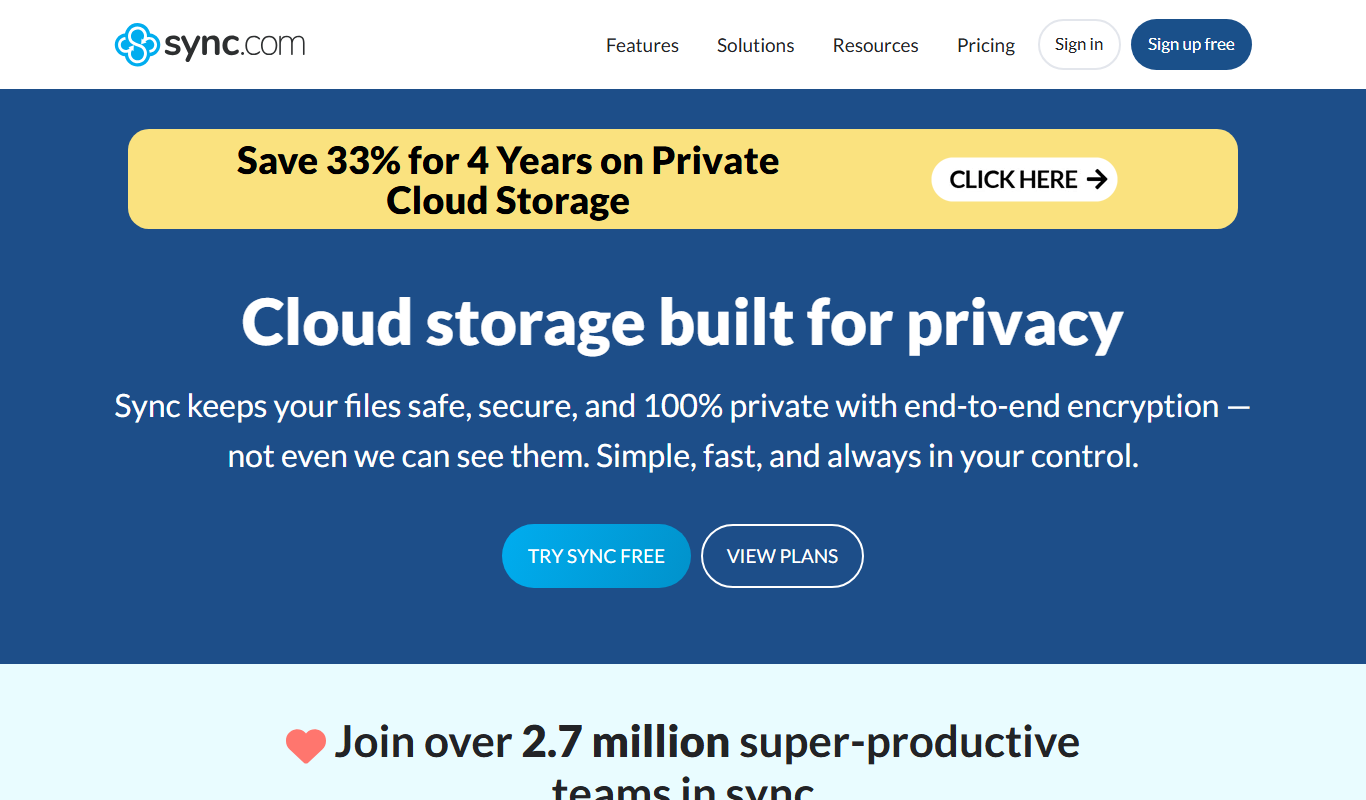
Sync.com
Sync.com is a secure cloud storage and file sharing platform that uses end-to-end encryption to protect user data, offering privacy-focused backup and collaboration features across multiple devices.

pCloud
pCloud is a secure cloud storage and file sharing service that offers client-side encryption, cross-platform synchronization, and flexible pricing including lifetime plans.
More Business Management tools
Other tools in the same category, for when this one is not quite the fit.

Jobotrak
Jobotrak is a job application tracker for applications, interviews and contacts, with AI resume tailoring and interview prep and a free plan for up to 20 job applications.

Influs
Influs is a talent operations workspace where creator agencies run their roster, campaigns, deliverables, approvals, payments and margin.

BIK
BIK is an agentic AI CRM and marketing automation platform for eCommerce brands, with 100+ AI commerce agents across retention, acquisition and support.

Digits — Accounting, reimagined.
Digits is AI-native accounting software with 24/7 automated bookkeeping, real-time financials, AI Bill Pay and invoicing for business owners and accountants.

Linkly AI
Linkly AI is a local document search engine for AI agents that indexes the files on your computer and lets any AI tool search and read them through MCP, a CLI or Skills.

BirdseyePost
BirdseyePost by Birdseye makes personalized direct mail simple: create targeted postcards, reach the right audience and track results with QR code scans.

Beacon
Beacon helps marketers create professional lead magnets in minutes without hiring a designer, plus opt-in forms and libraries of gated content.

Lens Protocol
Lens Protocol is a blockchain stack built for SocialFi, made up of Lens Chain, the Social Protocol and Storage Nodes, where one Lens account works across many apps.