

Secure Cloud Storage and File Sharing with Sync.com for Privacy Focused Users
Sync.com is a secure cloud storage and file sharing platform that uses end-to-end encryption to protect user data, offering privacy-focused backup and collaboration features across multiple devices.
- Best for
- Secure File Storage
- Key capability
- End-to-End Encryption
Save Sync.com, follow its updates and vote on it — everything stays in your account.
Sign in or create a free account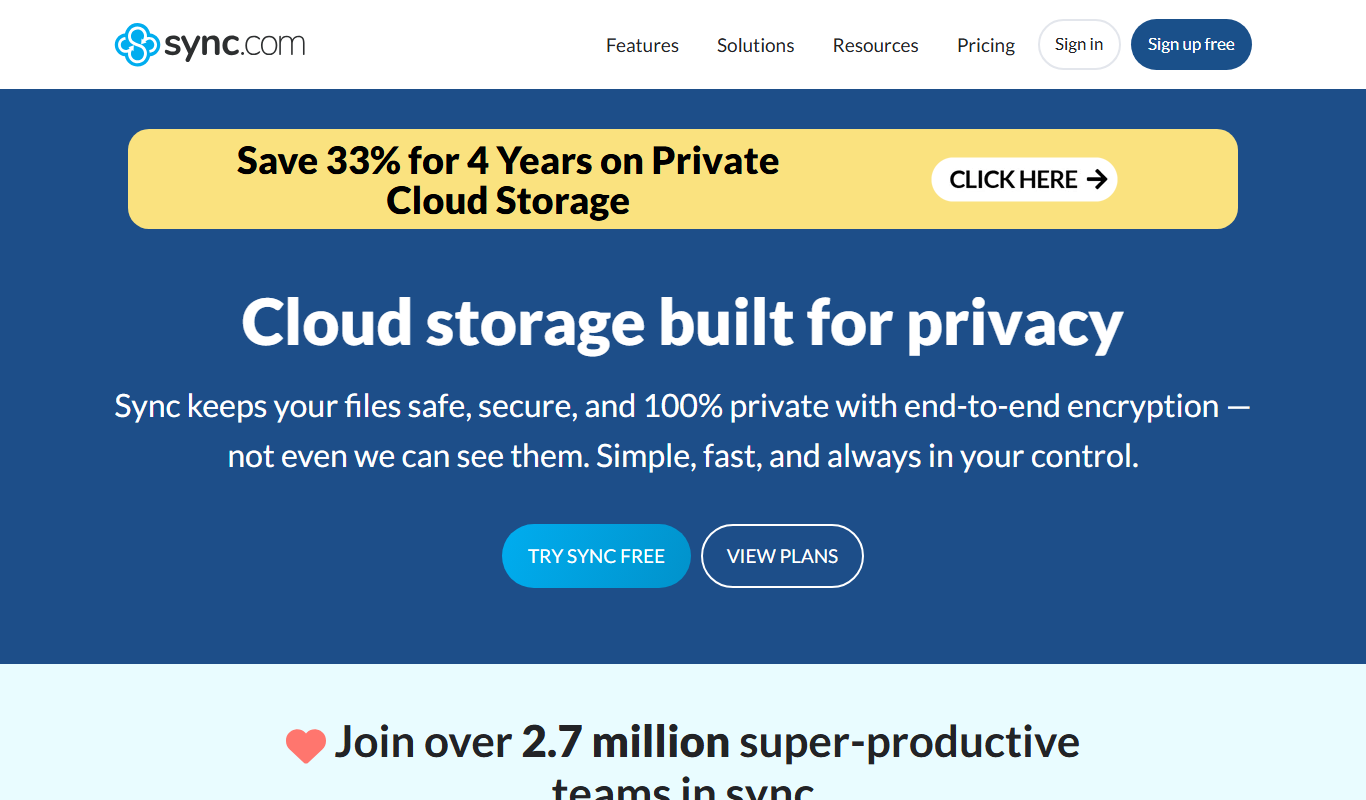
What is Sync.com?
Sync.com is a cloud storage and file sharing service focused on privacy and security. It offers end-to-end encrypted storage, ensuring that only users can access their data. Sync.com provides seamless synchronization across devices and secure sharing options, making it suitable for individuals and businesses that prioritize data confidentiality.
Key features of Sync.com
Key features include zero-knowledge encryption, secure file sharing with password protection, automatic backup and sync, cross-platform support, and compliance with privacy regulations such as GDPR.
End-to-End Encryption
All files are encrypted on the client side before upload, ensuring privacy.
Zero-Knowledge Privacy
Sync.com cannot access your data, providing true confidentiality.
Cross-Platform Support
Available on web, desktop (Windows, macOS), and mobile (iOS, Android).
File Versioning and Recovery
Restore previous versions of files and recover deleted items easily.
Secure File Sharing
Share files with password protection, expiry dates, and download limits.
Pros and cons of Sync.com
Pros
- Strong end-to-end encryption and privacy
- User-friendly interface across platforms
- Flexible and secure file sharing options
- Affordable pricing with generous storage
- Good compliance with data protection laws
Cons
- No built-in document editing or collaboration tools
- Limited integrations with third-party apps
- Free plan storage is relatively small
Key use cases for Sync.com
Secure File Storage
Store files safely in the cloud with end-to-end encryption to protect sensitive data.
Private File Sharing
Share files and folders securely with colleagues or clients without compromising privacy.
Backup and Sync
Automatically back up important files and synchronize them across multiple devices.
Collaboration
Collaborate on documents with team members while maintaining control over access permissions.
Compliance and Data Privacy
Ensure compliance with data protection regulations through zero-knowledge encryption.
How Sync.com works
- 1
Create an Account
Sign up for a Sync.com account via the website or app.
- 2
Upload Files
Upload files or folders to your encrypted cloud storage.
- 3
Sync Across Devices
Install Sync.com on your devices to automatically synchronize files.
- 4
Share Securely
Generate secure links or invite collaborators with controlled permissions.
Who is using Sync.com
Sync.com pricing
Free
$0/month
5 GB storage with basic sharing and sync features.
Personal 1TB
$8/month
1TB of storage.
Teams Unlimited
$15/user/month
Unlimited storage, team management, and compliance features.
Pro Solo
$16/month
5TB of storage.
Plans and prices are as published by the vendor and can change. Check the official site before you buy. Open the pricing page (opens in a new tab)
Frequently asked questions about Sync.com
Yes, Sync.com uses end-to-end encryption and zero-knowledge privacy, meaning only you can access your data.
Yes, you can share files via secure links with password protection and expiry options.
Yes, it keeps previous versions of files and allows recovery of deleted files.
Sync.com supports web browsers, Windows, macOS, iOS, and Android devices.
Data handling and security practices vary by provider. Review the official privacy policy to understand how your data is stored and used.
This tool is designed to help users accomplish its core tasks more efficiently. It is typically used by individuals or teams looking to improve productivity and workflow.
Yes, it can help with that use case depending on how you configure it and what features are available. You’ll get the best results with clear inputs and a defined goal.
Conclusion
Encryption happens on the client side before upload, and with zero-knowledge privacy the company cannot access the stored data. Installed on Windows, macOS, iOS or Android devices, the apps synchronize files automatically, and web browsers work as well. Shared links can carry password protection, expiry dates and download limits, while previous file versions and deleted items can be restored.
Privacy-conscious individuals, small to medium businesses and legal and healthcare professionals are the groups it is meant for. A free plan offers 5 GB, and paid options include Personal 1TB at $8/month, Pro Solo with 5TB at $16/month and Teams Unlimited at $15/user.
Sources
Sign in to review this tool.
Sign In to ReviewNo reviews yet
Be the first to share how this tool worked for you.
Ask about pricing, limits, or how it compares — or answer someone else.
Sign In to AskNo questions yet
Have a question about using or paying for this tool? Be the first to ask.
Featured on TiorAI



Alternative Tools
Explore similar AI tools that might fit your needs

Tresorit
Tresorit is a secure cloud storage service that uses end-to-end encryption to protect files and enable safe sharing and collaboration for businesses and individuals.

pCloud
pCloud is a secure cloud storage and file sharing service that offers client-side encryption, cross-platform synchronization, and flexible pricing including lifetime plans.
More Business Management tools
Other tools in the same category, for when this one is not quite the fit.

Formisoft AI
Formisoft helps independent practices get patient paperwork completed before the appointment, with intake forms, signatures, booking, payments and follow-up in one place.

Jobotrak
Jobotrak is a job application tracker for applications, interviews and contacts, with AI resume tailoring and interview prep and a free plan for up to 20 job applications.

Influs
Influs is a talent operations workspace where creator agencies run their roster, campaigns, deliverables, approvals, payments and margin.

BIK
BIK is an agentic AI CRM and marketing automation platform for eCommerce brands, with 100+ AI commerce agents across retention, acquisition and support.

Digits — Accounting, reimagined.
Digits is AI-native accounting software with 24/7 automated bookkeeping, real-time financials, AI Bill Pay and invoicing for business owners and accountants.

Linkly AI
Linkly AI is a local document search engine for AI agents that indexes the files on your computer and lets any AI tool search and read them through MCP, a CLI or Skills.

BirdseyePost
BirdseyePost by Birdseye makes personalized direct mail simple: create targeted postcards, reach the right audience and track results with QR code scans.

Beacon
Beacon helps marketers create professional lead magnets in minutes without hiring a designer, plus opt-in forms and libraries of gated content.