

From my experience with Formisoft AI, I found it excels at automating complex document processing tasks with high accuracy, especially for invoices and contracts. The platform’s customizable workflows and API integrations make it a strong fit for enterprises looking to streamline data extraction and reduce manual entry errors. However, the lack of publicly available pricing and limited language support may require direct consultation to assess fit for smaller or multilingual organizations. Overall, if your business handles large volumes of documents and needs reliable AI-driven automation, Formisoft AI delivers robust capabilities.
Formisoft AI Intelligent Document Processing Software for Businesses
Formisoft AI is an AI-driven document processing platform that automates data extraction and workflow integration for business documents.
- Best for
- Invoice Processing
- Key capability
- Advanced OCR Technology
Your actions
Save Formisoft AI, follow its updates and vote on it — everything stays in your account.
Sign in or create a free account
What is Formisoft AI?
Formisoft AI is an intelligent document processing platform that leverages artificial intelligence and machine learning to automate the extraction, classification, and validation of data from various business documents. It helps organizations reduce manual data entry, improve accuracy, and accelerate document-centric workflows.
Key features of Formisoft AI
The platform offers advanced OCR capabilities, AI-powered data extraction, customizable workflows, integration APIs, and compliance monitoring tools to streamline document processing tasks across industries.
Advanced OCR Technology
Accurately converts scanned documents and images into machine-readable text.
AI-Powered Data Extraction
Uses machine learning models to identify and extract key data points from diverse document types.
Customizable Workflows
Allows businesses to tailor document processing workflows to their specific needs.
API Integration
Seamlessly connects with existing enterprise software for automated data transfer.
Compliance and Security
Includes features to ensure data privacy and regulatory compliance.
Pros and cons of Formisoft AI
Pros
- Highly accurate AI-driven data extraction
- Customizable workflows to fit business needs
- Strong integration capabilities via API
Cons
- Pricing details are not publicly available
- Limited language support focused on English
Key use cases for Formisoft AI
Invoice Processing
Automatically extract and validate invoice data to streamline accounts payable workflows.
Contract Analysis
Analyze and extract key terms and clauses from contracts to improve legal review efficiency.
Form Data Extraction
Capture data from various forms and documents to reduce manual data entry errors.
Compliance Monitoring
Ensure regulatory compliance by automatically identifying and flagging relevant document content.
Workflow Automation
Integrate document processing with existing business systems to automate end-to-end workflows.
How Formisoft AI works
- 1
Upload Documents
Users upload scanned documents, PDFs, or images to the Formisoft AI platform.
- 2
AI Processing
The AI engine automatically classifies documents and extracts relevant data fields using OCR and machine learning.
- 3
Data Validation
Extracted data is validated against business rules and can be reviewed or corrected if needed.
- 4
Integration
Validated data is exported or integrated into ERP, CRM, or other business systems via API.
Who is using Formisoft AI
Finance and accounting departments
Legal teams
Enterprise businesses with high document volumes
Compliance officers
IT departments managing automation
Formisoft AI pricing
Custom Enterprise Plan
Contact for pricing
Tailored pricing based on volume, features, and integration requirements.
Plans and prices are as published by the vendor and can change. Check the official site before you buy. Open the pricing page (opens in a new tab)
Frequently asked questions about Formisoft AI
Formisoft AI can process invoices, contracts, forms, receipts, and other scanned or digital documents.
Yes, it offers API integrations to connect with ERP, CRM, and other business systems.
Currently, Formisoft AI offers custom demos but does not list a free trial on their website.
It depends on your specific needs and how you plan to use the tool. The official website and documentation are the best sources for the latest details.
It depends on your specific needs and how you plan to use the tool. The official website and documentation are the best sources for the latest details.
Integration support depends on the tool and its available connectors or API. Check the official documentation or integrations page to confirm what is supported.
Sign in to review this tool.
Sign In to ReviewNo reviews yet
Be the first to share how this tool worked for you.
Ask about pricing, limits, or how it compares — or answer someone else.
Sign In to AskNo questions yet
Have a question about using or paying for this tool? Be the first to ask.
Featured on TiorAI



More AI Analytics Assistant tools
Other tools in the same category, for when this one is not quite the fit.

Custom Pricing
Monetate
Monetate is an AI-powered personalization platform that enables marketers to deliver tailored digital experiences through behavioral targeting, A/B testing, and product recommendations to improve customer engagement and conversions.

Custom Pricing
Optimizely
Optimizely is a digital experience platform that enables businesses to run A/B tests, personalization campaigns, and feature flag rollouts to optimize websites and apps for better user engagement and conversions.

Custom Pricing
Community Sift
Community Sift is an AI-driven content moderation platform, now offered by Microsoft Game Dev, that detects and filters harmful online content in 22 languages.
Free
Jamovi
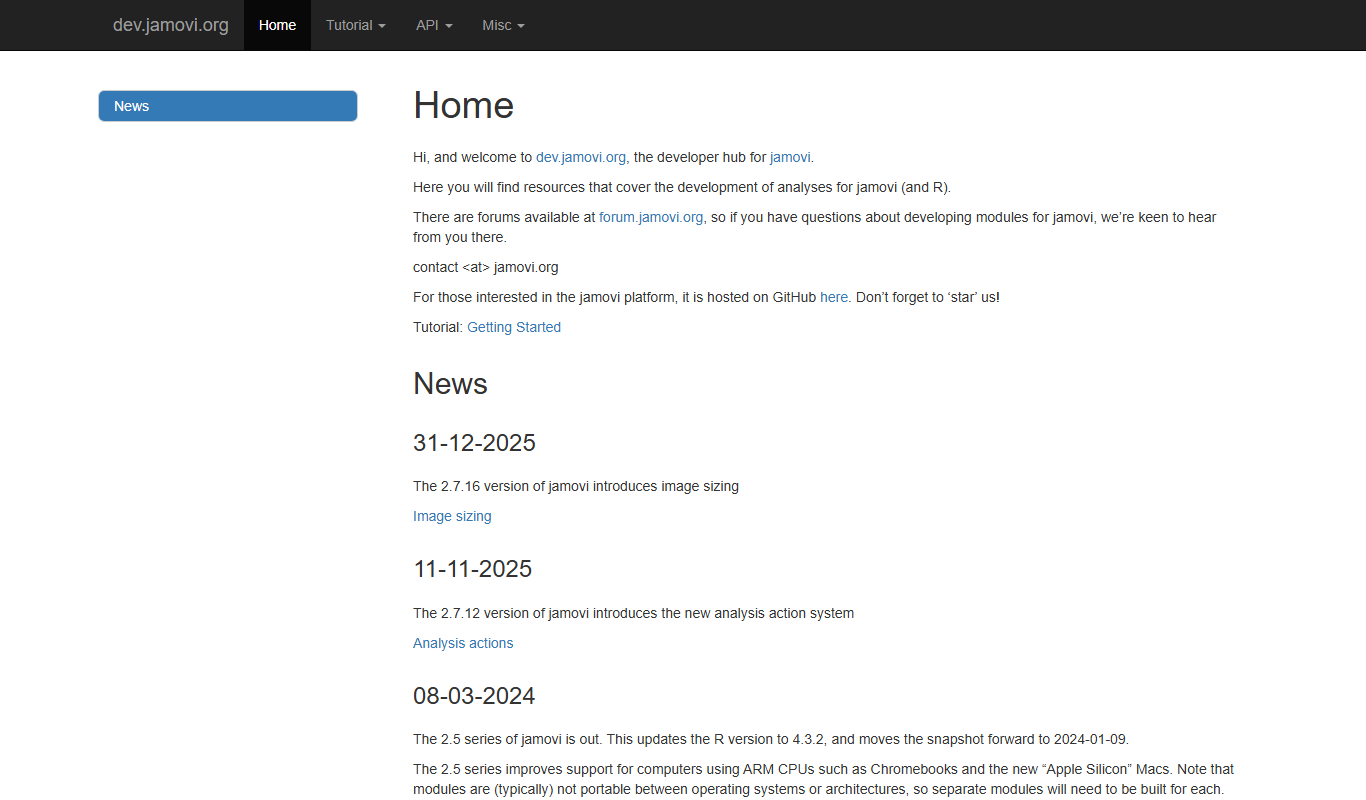
Jamovi is a free, open-source statistical software designed for easy and reproducible data analysis with a user-friendly interface built on R.

Enterprise Licensing
SPSS
IBM SPSS Statistics is a powerful software suite for statistical analysis, data management, and predictive analytics used by researchers and analysts worldwide.

Enterprise
Qualtrics
Qualtrics is an experience management platform that enables organizations to design surveys, collect feedback, and analyze data using AI-powered tools to improve customer, employee, product, and brand experiences.

Custom Pricing
Medallia
Medallia is a customer experience management platform that collects and analyzes feedback across multiple channels using AI to provide actionable insights for businesses.

Custom Pricing
STATSports
STATSports is a sports performance analytics platform that uses wearable GPS and biometric sensors combined with advanced data analytics to monitor athlete workload, optimize training, and reduce injury risk.