

Sparky AI Note-Taking App for Ideas, Reminders, Journal and Daily Logs
Sparky is an AI note-taking app for day-to-day life that keeps ideas, reminders, a daily journal, meal logs and budgets in one place.
- Best for
- Daily journaling
- Key capability
- Capture any way
Save Sparky, follow its updates and vote on it — everything stays in your account.
Sign in or create a free account
What is Sparky?
Sparky is an AI note-taking app built for your day-to-day life: ideas, reminders, daily journal, meals logs, budgets and more in one app. You capture voice notes, links, photos or text, and Sparky transcribes, auto-tags and organizes them, with a daily planner, habit tracking and AI reflections.
Key features of Sparky
Sparky captures voice notes, links, photos and text, transcribes and auto-tags entries, offers AI Reply summaries and to-do lists, logs meals, moods and finances, and adds a daily planner, habit tracking and stats.
Capture any way
Record voice notes, save links, snap photos or jot down text.
Auto-organized notes
Voice notes are transcribed and polished, and every entry is auto-tagged.
Smart events
Your words become records and insights about meals, moods, finances and more.
Daily planner
To-dos and smart scheduling synced to your Calendar and Reminders.
Habit tracking
Keep up with your habits and watch your streaks grow.
Pros and cons of Sparky
Pros
- Notes, journal, planner and logs in one app
- Voice notes transcribed and auto-tagged
- Available on iPhone, Android, web and Chrome
Cons
- Widgets and Apple Watch capture are coming soon
- Pro features are paid in-app purchases
Key use cases for Sparky
Daily journaling
Keep a timeline-based daily journal with photos.
Voice notes
Capture thoughts by voice and get them transcribed.
Life logging
Log meals, moods and finances by simply describing them.
Daily planning
Manage to-dos and schedules synced to your calendar.
Habit tracking
Track habits and streaks.
How Sparky works
- 1
Start for free
Get Sparky on iPhone, Android, the web or Chrome.
- 2
Capture
Record a voice note, save a link, snap a photo or jot down text.
- 3
Let Sparky organize
Entries are transcribed, polished and auto-tagged.
- 4
Plan your day
Turn notes into to-dos and schedule them in the daily planner.
- 5
Review insights
Review AI-powered reflections and stats about your notes and habits.
Who is using Sparky
Sparky pricing
Free
Free
Start for free.
Pro Monthly
$12.99/month
Pro in-app subscription billed monthly.
Pro Annually
$79.99/year
Pro in-app subscription billed annually.
Pro Lifetime
$199.99 one-time
Lifetime Pro access as an in-app purchase.
Plans and prices are as published by the vendor and can change. Check the official site before you buy. Open the pricing page (opens in a new tab)
Frequently asked questions about Sparky
You can start for free; Pro is available as a monthly, annual or lifetime in-app purchase.
iPhone, Android, the web and a Chrome extension.
Yes. Sparky transcribes and polishes your voice notes and auto-tags every entry.
Yes, as one kind of log: Sparky turns your words into records about meals, moods, finances and more.
It gives you summaries, to-do lists or new content generated from your own notes.
Yes. The daily planner syncs to-dos and scheduling with your Calendar and Reminders.
Conclusion
Everyday notes are the starting point: users record voice notes, save links, snap photos or type text, and Sparky transcribes, polishes and auto-tags each entry. Just describing a meal, a mood or a purchase turns it into a record, so budgets are one kind of log next to ideas, reminders and a daily journal. AI Reply can then produce summaries or to-do lists from those notes.
A daily planner syncs to-dos with Calendar and Reminders, while habit streaks and charts round out the tracking side. Sparky runs on iPhone, Android, the web and a Chrome extension, and widgets and Apple Watch capture are still coming soon. It starts free, with Pro sold as monthly, annual or lifetime in-app purchases.
Sources
Sign in to review this tool.
Sign In to ReviewNo reviews yet
Be the first to share how this tool worked for you.
Ask about pricing, limits, or how it compares — or answer someone else.
Sign In to AskNo questions yet
Have a question about using or paying for this tool? Be the first to ask.
Featured on TiorAI



Alternative Tools
Explore similar AI tools that might fit your needs

YNAB
YNAB is a personal budgeting tool that uses zero-based budgeting to help users assign every dollar a job, track expenses, and achieve financial goals with real-time bank syncing and mobile apps.
PocketGuard
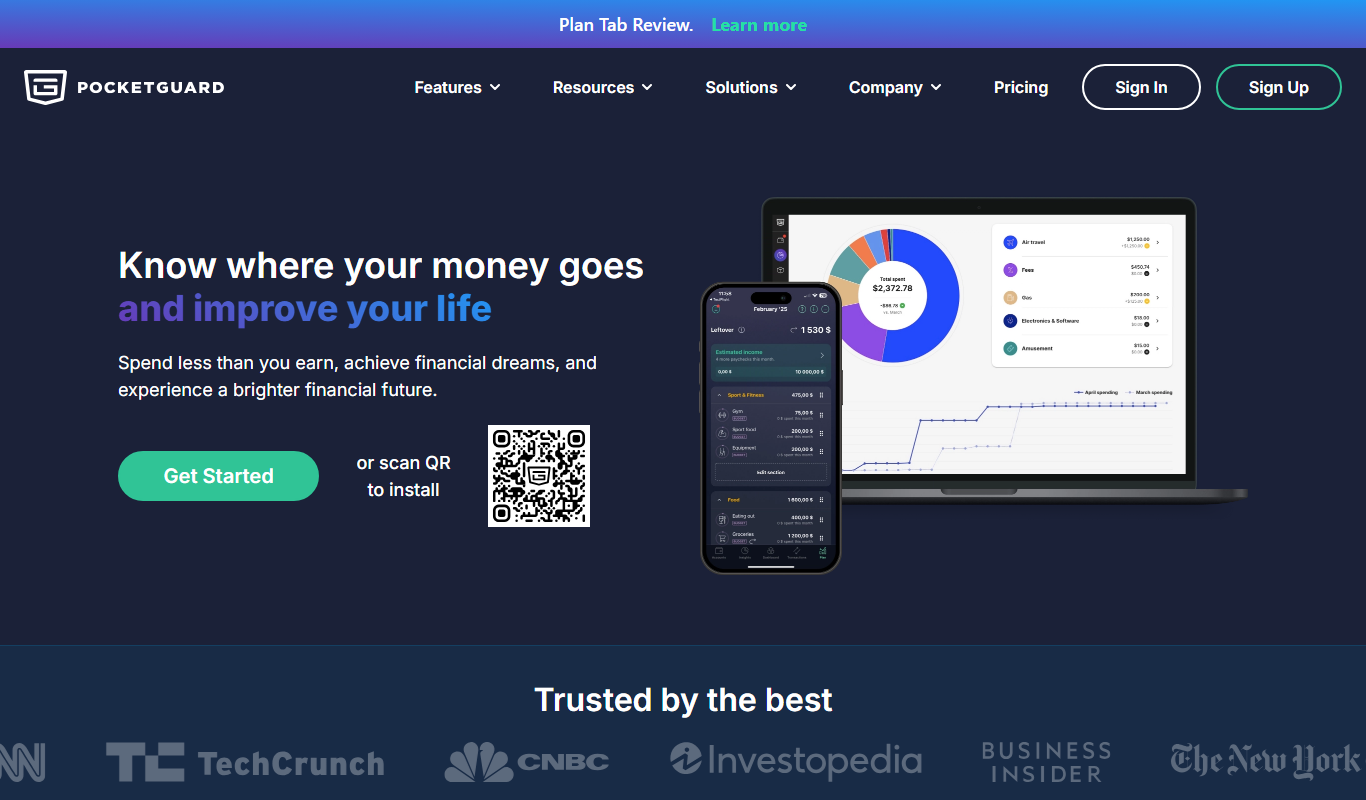
PocketGuard is a personal finance app that helps users manage budgets, track expenses, and monitor bills by securely linking bank accounts and providing real-time financial insights.
More AI Productivity Tools tools
Other tools in the same category, for when this one is not quite the fit.
TLDL
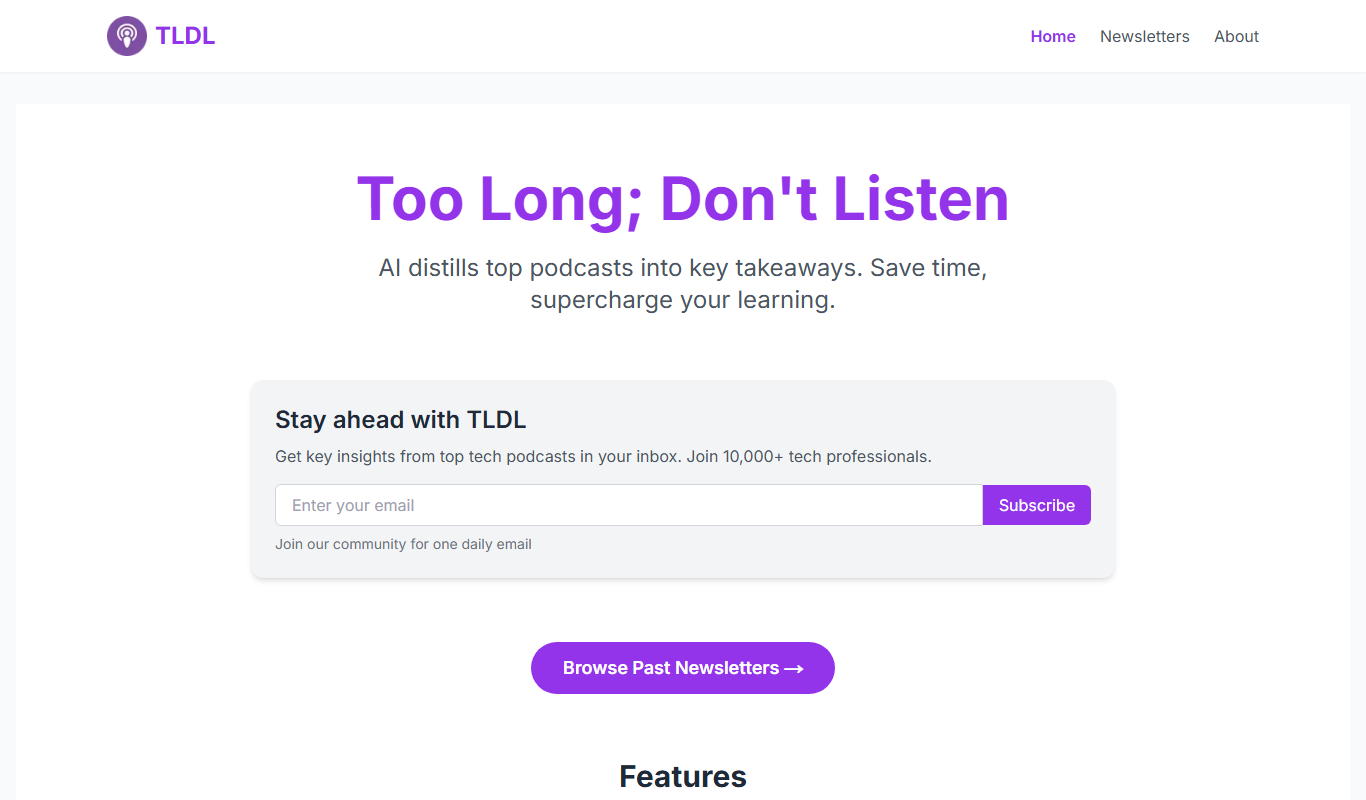
TLDL offers free AI briefings: podcast summaries, LLM pricing guides and tool comparisons, built for engineers, founders and investors tracking AI.

GenPPT – AI PowerPoint Generator
GenPPT is an AI presentation generator that turns notes, an outline or a PDF into presentation slides: approve the outline, edit in chat and export to PowerPoint or PDF.

Cannypen
Cannypen is one platform to generate AI content and AI voiceovers, with AI writing templates, AI images, AI speech to text and AI code tools.
MagicSlides
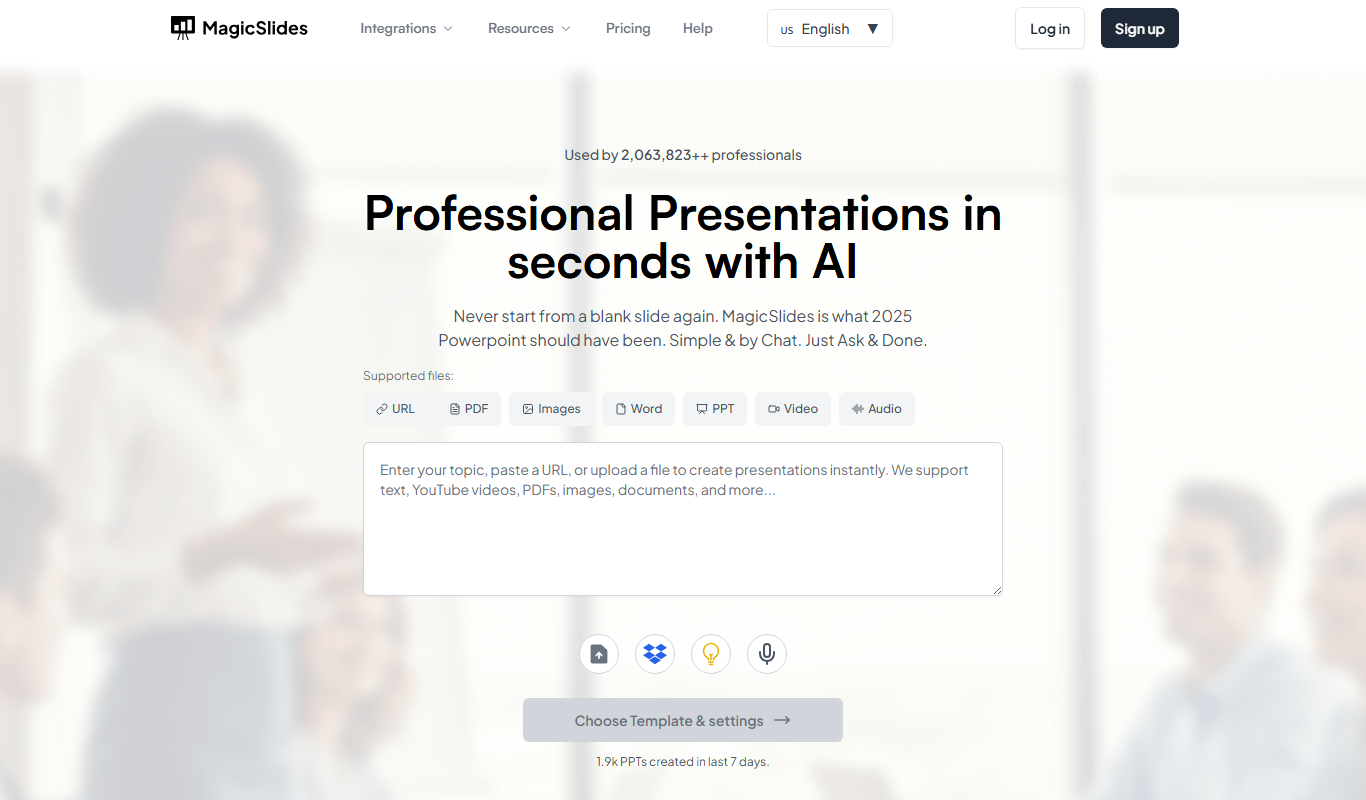
MagicSlides is an AI-powered tool that generates complete presentation slide decks from text input, automating content creation and design to save time.

Decktopus AI
Decktopus AI is an end-to-end AI presentation platform that turns a topic or uploaded file into a complete, ready-to-present deck with structure, content and design included.

DeckAssistant
DeckAssistant is a Stream Deck plugin that puts AI at your fingertips: press a button to have AI process selected text in any application or to open a freeform prompt.

Goodlookup
Goodlookup is a smart Google Sheets function that matches similar text semantically, used like vlookup or index match for topic clustering and record linking.

Nextool
Nextool.ai is a free, curated directory of 1,900+ AI tools across 148 categories.