

SimScale Cloud-Based Simulation Software for Engineering and Design Analysis
SimScale is a cloud-native simulation platform that enables engineers to perform CFD, FEA, and thermal analyses through a web browser without local hardware requirements.
Save SimScale, follow its updates and vote on it — everything stays in your account.
Sign in or create a free account
What is SimScale?
SimScale is a cloud-based engineering simulation platform that enables users to perform advanced computational fluid dynamics (CFD), finite element analysis (FEA), and thermal simulations directly in a web browser. It eliminates the need for expensive hardware or software installations by leveraging cloud computing resources. Engineers, designers, and researchers use SimScale to test and optimize product designs virtually, accelerating development cycles and reducing physical prototyping costs.
Key features of SimScale
SimScale offers a comprehensive suite of simulation tools including fluid flow analysis, structural mechanics, thermal simulations, and multiphysics capabilities. Its cloud-native architecture allows for scalable computing power, collaborative project management, and easy access from any device with internet connectivity.
Cloud-Based Platform
Access powerful simulation tools through a web browser without installing software.
Multiphysics Simulation
Perform CFD, FEA, thermal, and coupled physics analyses within one environment.
Collaborative Workspace
Share projects and results with team members easily for collaborative engineering workflows.
Extensive Material Library
Choose from a wide range of materials with predefined properties for accurate simulations.
Scalable Computing Power
Run complex simulations faster by utilizing scalable cloud resources.
Pros and cons of SimScale
Pros
- No local hardware required due to cloud computing
- Supports a wide range of simulation types
- Collaborative environment for teams
- Accessible via web browser on multiple devices
- Comprehensive tutorials and community support
Cons
- Free plan projects are public by default
- Complex simulations may require paid plans for sufficient cloud credits
- Dependent on internet connection quality
Who is using SimScale
SimScale pricing
Free Community
$0/month
Access to basic simulation features with public project visibility and limited cloud credits.
Professional
Contact for pricing
Advanced features, private projects, increased cloud credits, and priority support.
Enterprise
Custom pricing
Tailored solutions with dedicated support, on-premise options, and integration services.
Plans and prices are as published by the vendor and can change. Check the official site before you buy. Open the pricing page (opens in a new tab)
Conclusion
Engineering simulation in SimScale runs in a web browser, so CFD, FEA, thermal and coupled physics analyses need no software installation or local hardware. Complex simulations run faster on scalable cloud resources, and projects and results can be shared with team members for collaborative engineering work. Mechanical engineers, product designers and R&D teams use it to test and optimize product designs virtually, with the aim of reducing physical prototyping costs. Engineering students and educators are part of its audience as well.
The free Community plan comes with limited cloud credits, and its projects are public by default. Private projects and increased cloud credits come with paid plans priced on request, and complex simulations may require them for sufficient credits. Work also depends on the quality of the internet connection.
Sources
Sign in to review this tool.
Sign In to ReviewNo reviews yet
Be the first to share how this tool worked for you.
Ask about pricing, limits, or how it compares — or answer someone else.
Sign In to AskNo questions yet
Have a question about using or paying for this tool? Be the first to ask.
Featured on TiorAI



More AI Developer Tools tools
Other tools in the same category, for when this one is not quite the fit.

Opstra
Opstra is a web-based options trading analytics platform that helps traders build, analyze, and backtest options strategies using real-time Indian market data.

SoftwareMill
SoftwareMill is a software development company specializing in custom IT solutions, cloud-native applications, and real-time data streaming using Scala, Java, and related technologies.

HeidiSQL
HeidiSQL is a free database client for Windows, with a native Linux build in beta, that supports MySQL, MariaDB, PostgreSQL, Microsoft SQL Server, SQLite and Firebird.
phpMyAdmin
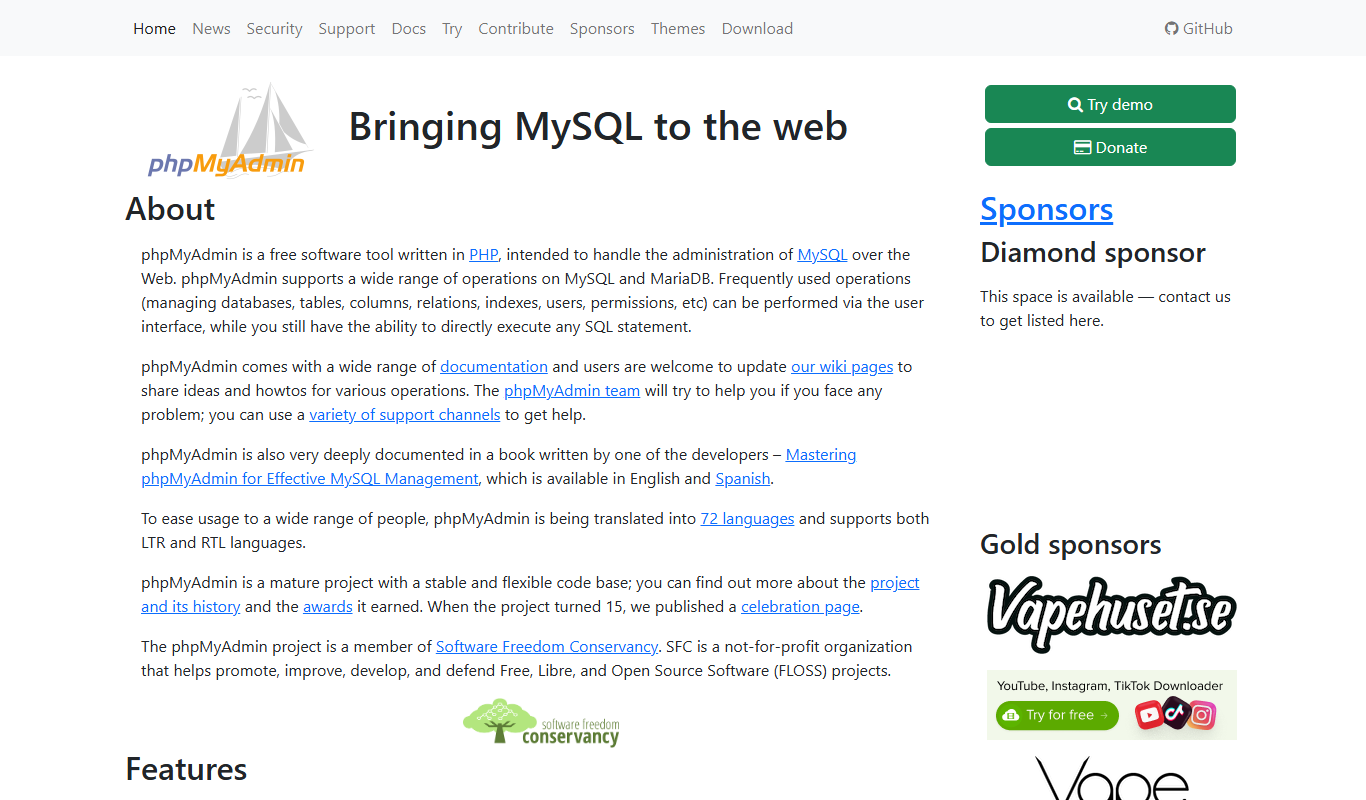
phpMyAdmin is a free, open-source web application that provides a graphical interface to manage MySQL and MariaDB databases, allowing users to perform database administration tasks without command-line knowledge.

DBeaver
DBeaver is a cross-platform database management tool that supports numerous database types, offering features like SQL editing, data visualization, and team collaboration.
TablePlus
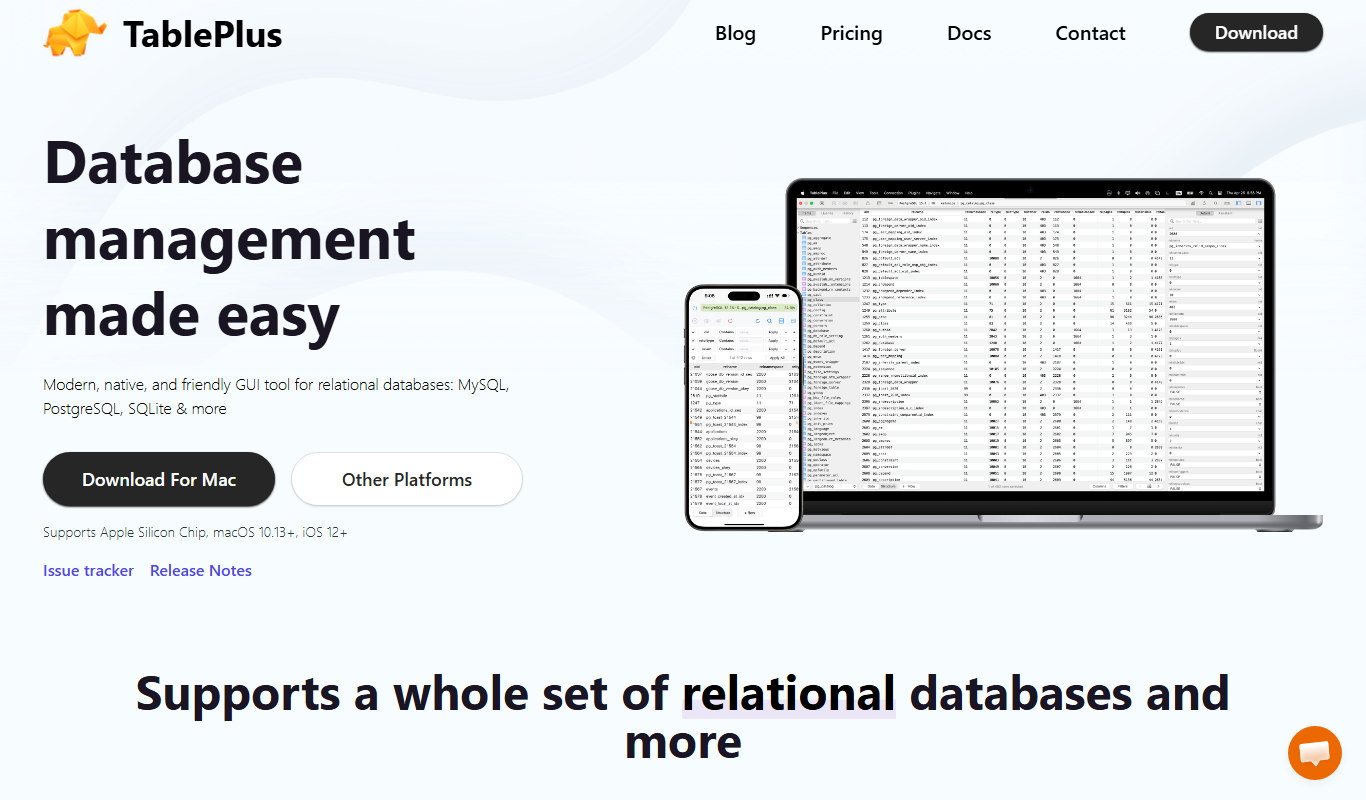
TablePlus is a native database management tool supporting multiple databases with features like advanced SQL editor, inline data editing, and secure connections.

Burp Suite
Burp Suite is a comprehensive web security testing platform by PortSwigger that enables penetration testers and security researchers to identify and exploit vulnerabilities in web applications through both automated scanning and manual testing tools.

Gerrit
Gerrit is an open-source web-based code review tool that integrates with Git to enable collaborative software development by managing code reviews, approvals, and merges.