

Scribe AI Tutorial Maker for Step-by-Step Process Documentation
Scribe AI is a tool that automatically captures your workflow steps and generates detailed tutorials with screenshots, helping teams document processes and train employees efficiently.
- Best for
- Process Documentation
- Key capability
- Automatic Step Capture
Save Scribe AI, follow its updates and vote on it — everything stays in your account.
Sign in or create a free account
What is Scribe AI?
Scribe AI is a tool designed to automatically capture and generate step-by-step tutorials and process documentation. It records user actions on a computer or web application and instantly creates detailed guides with screenshots and instructions. This helps teams document workflows, train employees, and share knowledge efficiently without manual effort.
Key features of Scribe AI
Scribe AI offers automatic screen recording, real-time tutorial generation, easy editing of steps, sharing and embedding options, and integrations with popular business tools. It simplifies creating professional process documentation and training materials.
Automatic Step Capture
Records clicks, keystrokes, and screen changes to generate step-by-step guides automatically.
Instant Tutorial Creation
Creates detailed tutorials in real time without manual screenshot taking or writing.
Easy Editing Interface
Allows users to edit steps, add annotations, and customize instructions effortlessly.
Sharing and Embedding
Supports sharing tutorials via links or embedding them into other platforms for easy access.
Integrations
Works with tools like Slack, Notion, and other business apps to streamline workflow documentation.
Pros and cons of Scribe AI
Pros
- Automates tedious documentation tasks
- Easy to use with minimal setup
- Generates professional-looking tutorials quickly
- Supports sharing and embedding for wide accessibility
- Integrates with popular business tools
Cons
- No full video recording capabilities
- Some advanced features require paid subscription
Key use cases for Scribe AI
Process Documentation
Automatically capture and create step-by-step guides for business processes and workflows.
Employee Training
Create clear tutorials to onboard new employees quickly and consistently.
Customer Support
Generate visual help guides to assist customers in using software or services.
Knowledge Sharing
Facilitate internal knowledge transfer by documenting best practices and procedures.
No-Code Automation
Integrate with no-code tools to streamline documentation and workflow automation.
How Scribe AI works
- 1
Install and Launch
Add the Scribe Chrome extension or use the web app to start capturing your workflow.
- 2
Record Your Process
Perform the steps you want to document; Scribe automatically captures screenshots and descriptions.
- 3
Edit and Customize
Review the generated tutorial, add notes, reorder steps, or customize instructions as needed.
- 4
Share or Embed
Publish your tutorial via a shareable link or embed it into documentation platforms or websites.
Who is using Scribe AI
Scribe AI pricing
Basic
Free
Generate how-to guides in your browser: works with any web app, quick customization, shareable with link and embed.
Pro Personal
$25 per seat per month, starts at 1 seat
Produce and share step-by-step guides for any process; ideal for solo consultants. Works with web, mobile and desktop apps, company branding, screenshot editing and redaction, export to PDF, HTML and Markdown.
Pro Team
$13 per seat per month, starts at 5 seats
Create documentation for clients, new hires or your whole organization; everything in Pro Personal plus comments for collaboration.
Enterprise
Custom
Advanced security, compliance and multi-team management: auto-redaction of PII and PHI, SSO, admin roles, central user and document management and language translations.
Plans and prices are as published by the vendor and can change. Check the official site before you buy. Open the pricing page (opens in a new tab)
Frequently asked questions about Scribe AI
Yes, Scribe AI is designed for users of all technical levels with an intuitive interface.
Scribe focuses on step-by-step guides with screenshots rather than full video recordings.
The Free plan has limits on captures; the Pro plan offers unlimited tutorial creation.
Yes, team collaboration features are available on paid plans.
It depends on your specific needs and how you plan to use the tool. The official website and documentation are the best sources for the latest details.
This tool is designed to help users accomplish its core tasks more efficiently. It is typically used by individuals or teams looking to improve productivity and workflow.
Yes, it can help with that use case depending on how you configure it and what features are available. You’ll get the best results with clear inputs and a defined goal.
Conclusion
The Capture product automatically captures screenshots and descriptions while the steps of a process are performed, producing a step-by-step guide that writes itself. The free Basic plan works with any web app in the browser, while paid tiers extend capture to web, mobile and desktop apps and add company branding and screenshot redaction. Guides are shareable with a link and embed, and the Pro plans export them to PDF, HTML and Markdown.
It is designed for customer support teams, HR and training departments and product managers who onboard new employees or publish help guides for customers. Scribe now presents this as workflow context for teams and AI agents, with a separate Optimize product that uses AI to discover and improve workflows. Pro Team starts at 5 seats, and Enterprise adds SSO for authentication and auto-redaction of PII and PHI.
Sources
Sign in to review this tool.
Sign In to ReviewNo reviews yet
Be the first to share how this tool worked for you.
Ask about pricing, limits, or how it compares — or answer someone else.
Sign In to AskNo questions yet
Have a question about using or paying for this tool? Be the first to ask.
Featured on TiorAI


Alternative Tools
Explore similar AI tools that might fit your needs

Loom
Loom is a video messaging platform that enables users to quickly record and share screen and webcam videos for remote communication, collaboration, and tutorials.
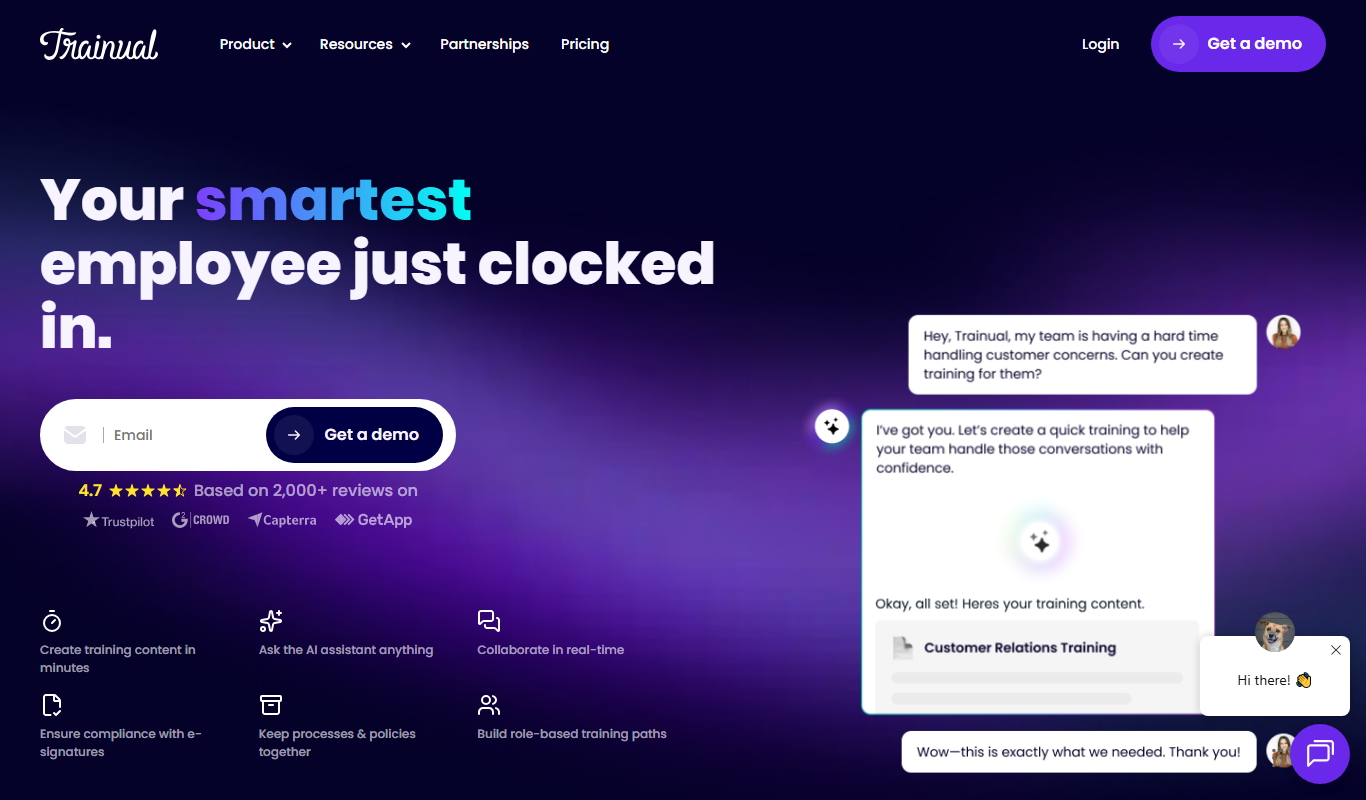
Trainual
Trainual is a cloud-based platform that helps businesses document processes and train employees efficiently through customizable manuals, checklists, and progress tracking.
More AI Content Generator tools
Other tools in the same category, for when this one is not quite the fit.

Groove
Groove.ai offers AI tools for content creation, marketing and sales copy, from articles and social posts to sales letters, ads and video scripts.

StoryStream
StoryStream is an AI shoppable content platform that turns UGC, imagery and video into shoppable experiences for eCommerce brands and retailers.

Beacon
Beacon helps marketers create professional lead magnets in minutes without hiring a designer, plus opt-in forms and libraries of gated content.
AI21 Studio
AI21 Studio is the AI21 developer platform for API access to the Jamba Mini and Jamba Large foundation models, with usage-based pricing.
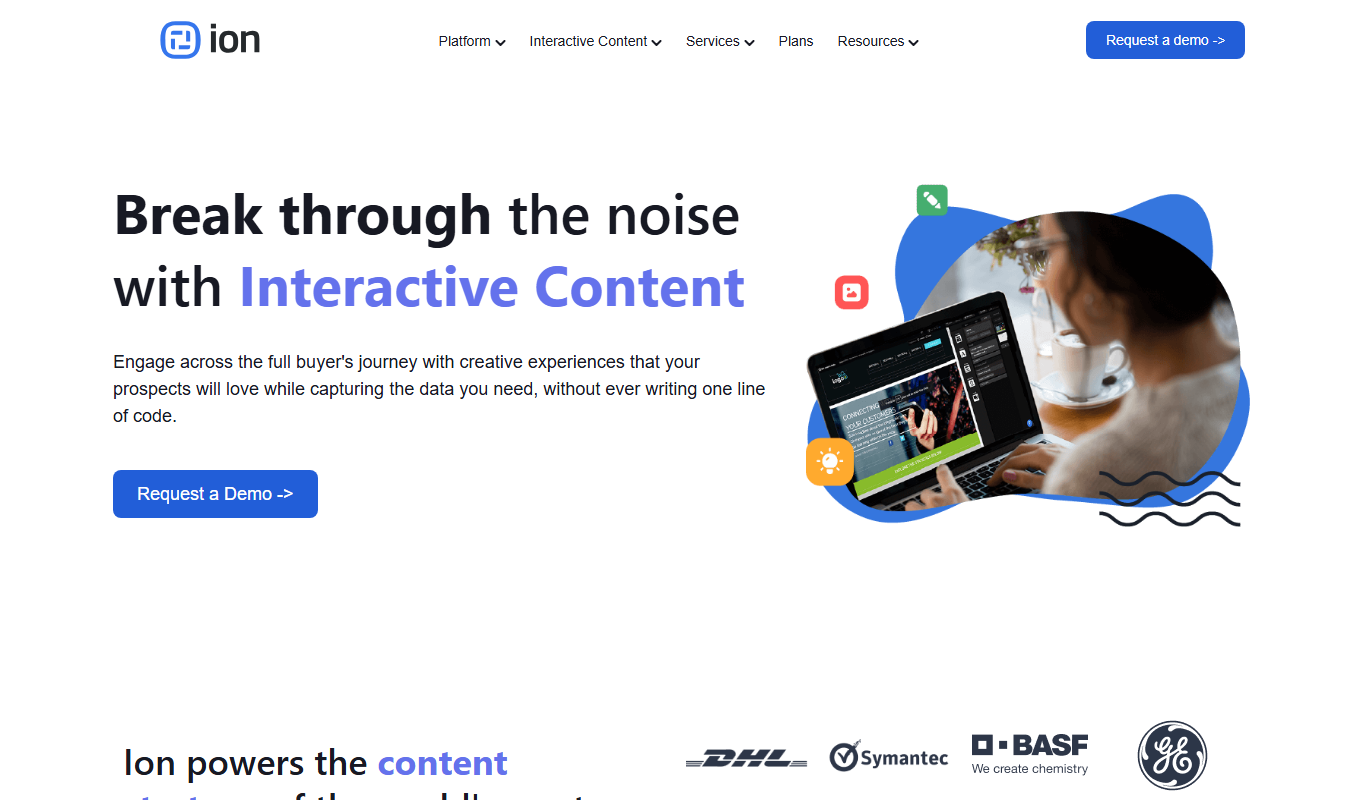
Ion Interactive
Ion Interactive is a web-based platform that enables marketers to create interactive content like quizzes and assessments to engage audiences and generate leads without coding.

写作猫AI
写作猫AI is a Chinese-language AI writing assistant that supports content generation, creative writing, and text refinement through a web platform.

Calmly Writer
Calmly Writer is a minimalist writing app designed to help users focus by providing a distraction-free interface, Markdown support, autosave, and export options. It is available as a free web app and a paid desktop app for offline use.

750 Words
750 Words is a web-based platform that encourages users to write 750 words daily to build a consistent writing habit, offering a distraction-free interface and progress tracking.