

Scene One online novel and book writing software for every device
Scene One is free online novel and book writing software that works in your browser and on every device, including your phone, now with an AI writing assistant.
- Best for
- Writing a novel
- Key capability
- Scene editor
Save Scene One, follow its updates and vote on it — everything stays in your account.
Sign in or create a free account
What is Scene One?
Scene One is online novel and book writing software that works in the browser and on every device, including phones, now with an AI writing assistant. Stories are organized as projects made of scenes, with character profiles, project and scene notes, word count statistics, writing streaks, sharing and PDF or Word DOCX export. A free plan covers one story of up to 100,000 words, and the paid Standard plan unlocks unlimited projects and story wikis.
Key features of Scene One
Scene One offers a scene editor, automatic cloud saving with nightly backups, character profiles that track where each character appears, project and scene notes, word count statistics with streaks and awards, sharing, export, dark mode and focus mode.
Scene editor
A what-you-see-is-what-you-get editor that groups each project into scenes.
Character profiles
Build biographies for your characters and jump to every scene where each one appears.
Statistics, streaks and awards
Words are counted as you type, with per-project statistics, daily writing streaks and awards.
Works on every device
Runs in every major browser on iOS, Android, Mac and Windows, with automatic cloud saving.
Pros and cons of Scene One
Pros
- Free plan for one story of up to 100,000 words
- Works in the browser on phones, tablets and desktops
- Automatic cloud saving with nightly backups
Cons
- Signups are currently closed
- The free plan exports PDF only and allows one story
Key use cases for Scene One
Writing a novel
Draft a novel or book in the browser or on a phone.
Plotting with a beat sheet
Develop plots with the Save the Cat! beat sheet on the Standard plan.
Worldbuilding wikis
Create custom wikis for characters, locations and more on the Standard plan.
Sharing drafts
Share projects with others in full-collaboration mode or as a read-only link.
How Scene One works
- 1
Create a project
Each story is a project with multiple scenes, character profiles and statistics.
- 2
Write in scenes
Write in the editor; every character is saved to the cloud as you type.
- 3
Track your progress
Follow word counts per scene and project and build writing streaks.
- 4
Share and export
Share projects in collaborative or read-only mode and export as PDF or Word DOCX.
Who is using Scene One
Scene One pricing
Free
Free
One story up to 100,000 words, PDF-only exporter, standard features on trial for 2 weeks from sign-up.
Standard
$9 per month
Unlimited stories and words, PDF and Word DocX exporters, custom wikis for characters, locations and more.
Plans and prices are as published by the vendor and can change. Check the official site before you buy. Open the pricing page (opens in a new tab)
Frequently asked questions about Scene One
Free online novel and book writing software that works in your browser and on every device, including your phone.
You can write one manuscript of up to 100,000 words for free, forever; the Standard plan adds unlimited projects.
iOS, Android, Mac and Windows, in Chrome, Safari, Firefox and Edge.
PDF and Word DOCX; the free plan exports PDF only.
Yes, in full-collaboration mode or as a read-only link.
The sign-up page currently says signups are closed.
Conclusion
Novel drafting happens in a simple editor that works much like Word or Google Docs, with each story set up as a project made of scenes. Character profiles record where every character appears, and word counts feed per-project statistics, writing streaks and awards. It works on iOS, Android, Mac and Windows in every major browser and saves every character to the cloud as you type.
The book writing software now comes with an AI writing assistant, and projects can be shared with others in full-collaboration mode or as a read-only link. A free plan covers one story of up to 100,000 words with PDF export only, while the paid Standard plan adds unlimited projects, Word export, story wikis and a Save the Cat! beat sheet. Signups are currently closed, according to the sign-up page.
Sources
Sign in to review this tool.
Sign In to ReviewNo reviews yet
Be the first to share how this tool worked for you.
Ask about pricing, limits, or how it compares — or answer someone else.
Sign In to AskNo questions yet
Have a question about using or paying for this tool? Be the first to ask.
Featured on TiorAI



More AI Book Writing tools
Other tools in the same category, for when this one is not quite the fit.

Colorin AI
Colorin AI is an AI coloring book generator that batch-generates pages with consistent characters and exports print-ready PDFs for KDP and Etsy.

AIStoryBuilders
AI Story Builders is AI-powered novel writing software that organizes characters, locations and timelines in a database so the AI can write continuations, rewrites and inspiration that fit your story.

First Book ai
First Book ai turns your expertise into a professionally structured nonfiction business book, chapter by chapter, in your voice, with one-time credit pricing.
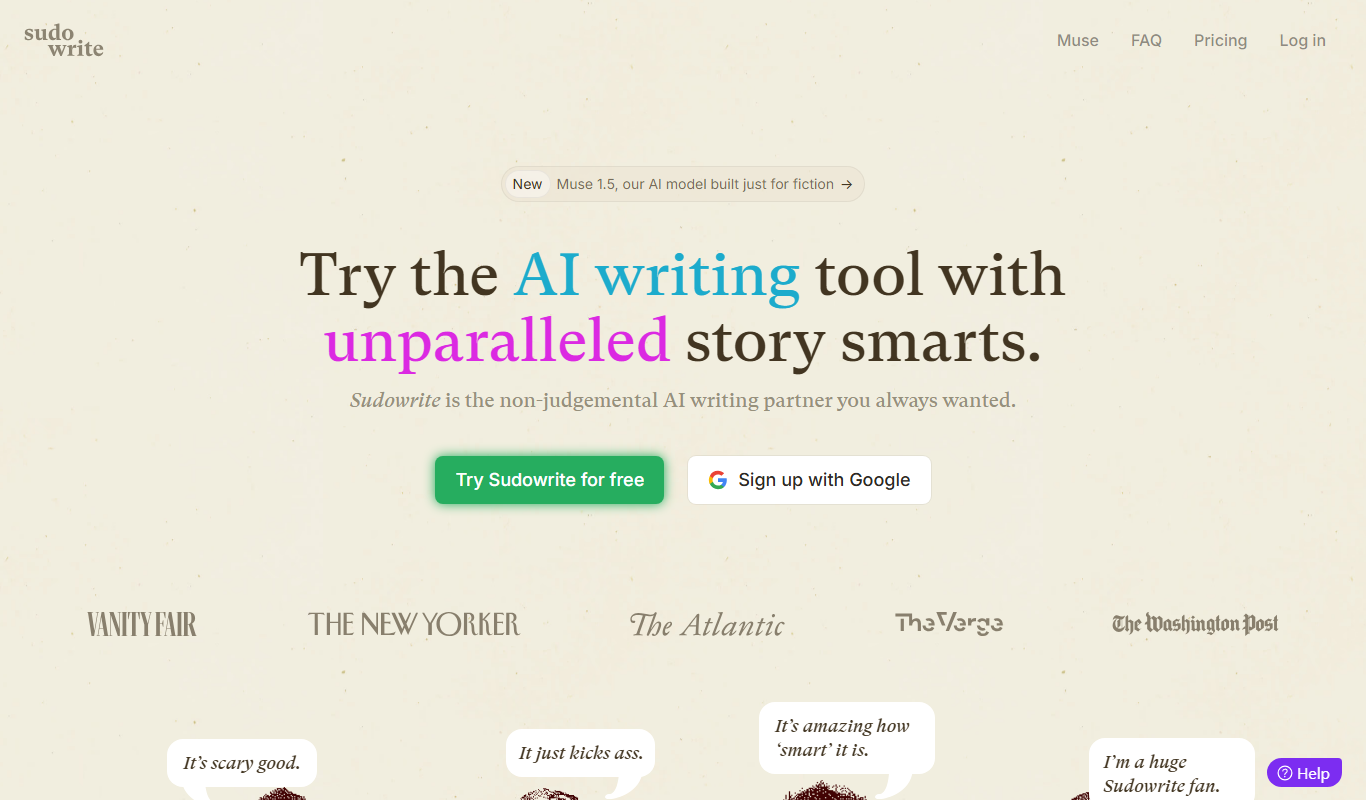
Sudowrite
Sudowrite is an AI writing assistant designed to help writers brainstorm, expand, and improve their writing by generating creative suggestions and overcoming writer's block.

StoryBooks
Storybooks creates personalized, illustrated children's stories that build literacy, creativity and social-emotional intelligence, for parents, teachers and writers.
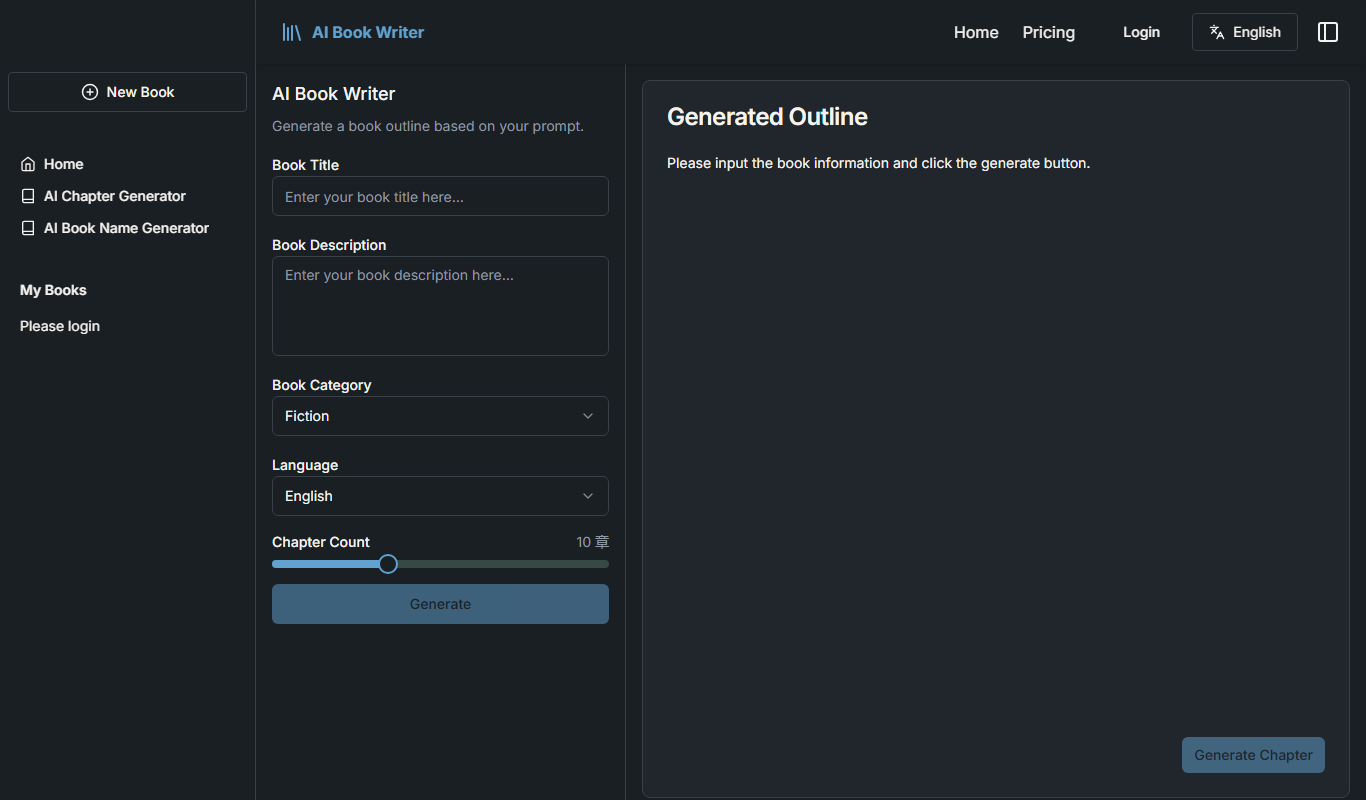
AI Book Writer
AI Book Writer is a web-based AI tool that assists authors in generating, expanding, and editing book content to streamline the writing process.

Kidzbook
Kidzbook is an AI-driven platform that creates personalized, interactive storybooks for children, enhancing reading and creativity through tailored storytelling.

Squibler
Squibler is an AI book and novel writer that lets you write books, novels and screenplays by chatting with AI.