

RunComfy ComfyUI Cloud with Fast GPUs and Scalable API
RunComfy runs ComfyUI in the cloud with no setup, fast GPUs, ready-to-run workflows and a scalable API.
- Best for
- Running ComfyUI without a local GPU
- Key capability
- Native ComfyUI in the cloud
Save RunComfy, follow its updates and vote on it — everything stays in your account.
Sign in or create a free account

What is RunComfy?
RunComfy is a cloud ComfyUI platform. It runs an unmodified ComfyUI in the browser on fast GPUs with no setup, offers ready-to-run workflow templates and a trainer, and turns saved workflows into a production API that autoscales.
Key features of RunComfy
RunComfy offers native ComfyUI in the cloud, auto setup of workflow dependencies, 200+ ready-to-run templates, on-demand GPU machines, model downloads from Civitai and Hugging Face, and one-click serverless API deployment.
Native ComfyUI in the cloud
An unmodified ComfyUI for a seamless transition between local and cloud environments.
Workflow auto setup
Drop a workflow.json and every dependency, custom node and model is handled for you.
200+ templates
Curated ComfyUI workflows that are ready to run with no setup.
On-demand GPUs
GPU machines with VRAM from 16GB to 141GB for models of all sizes.
Serverless API
Deploy any saved workflow as a serverless API with one click, with GPU orchestration and autoscaling handled.
Pros and cons of RunComfy
Pros
- No setup: dependencies, custom nodes and models handled automatically
- GPUs from 16GB to 141GB VRAM
- Pay as you go with no subscription required
- Every workflow is a reproducible snapshot
- Model downloads from Civitai, Hugging Face and Google Drive
Cons
- Without Pro, storage is 10 GB and inactive assets are removed after 90 days
- GPU time is billed per second from a prepaid balance
- Battery life requires regular charging
Key use cases for RunComfy
Running ComfyUI without a local GPU
Avoid a complex local install that requires a powerful GPU.
Production image and video APIs
Turn a saved workflow into a serverless API that autoscales.
Team sharing
Share a saved workflow environment via a simple link.
Model training
Run training jobs on GPUs that auto-release when training completes.
How RunComfy works
- 1
Drop your workflow
Upload your workflow.json.
- 2
Automatic setup
Every dependency, custom node and model is set up for you.
- 3
Open the link and run
Open the link and run your workflow on a cloud GPU.
- 4
Share or deploy
Share the saved workflow by link or deploy it as a serverless API.
Who is using RunComfy
RunComfy pricing
Pay as You Go
From $0.99 per hour (Medium GPU machine), billed by the second
No subscription required; standard rates apply to all GPU usage.
Pro
$29.99 per month, or $19.99 per month billed $239.90 yearly
20%+ off all GPU rates, with 20 CPU hours included each month.
Plans and prices are as published by the vendor and can change. Check the official site before you buy. Open the pricing page (opens in a new tab)
Frequently asked questions about RunComfy
A cloud ComfyUI platform: launch ComfyUI with no setup, run workflows on fast GPUs and deploy a production API that autoscales.
No. Drop your workflow.json and RunComfy handles every dependency, custom node and model.
On-demand GPU machines with VRAM ranging from 16GB to 141GB.
GPU time is billed by the second; rates are shown per hour.
No. Pay as You Go needs no subscription, and Pro gives better rates.
Yes. Any saved workflow can be deployed as a serverless API with a single click.
Conclusion
Installing ComfyUI locally can be complex and needs a powerful GPU, and RunComfy moves it to the cloud as an unmodified ComfyUI on fast GPUs with no setup. Dropping in a workflow.json file is enough, since the auto setup handles every dependency, custom node and model. More than 200 ready-to-run templates and direct model downloads from Civitai, Hugging Face and Google Drive round out the workspace.
Saved workflows become reproducible snapshots that can be shared by link or deployed as a serverless API with autoscaling. GPU machines range from 16GB to 141GB of VRAM and are billed by the second on a pay-as-you-go basis, while an optional Pro subscription lowers GPU rates. Without Pro, storage is 10 GB and inactive assets are removed after 90 days.
Sources
Sign in to review this tool.
Sign In to ReviewNo reviews yet
Be the first to share how this tool worked for you.
Ask about pricing, limits, or how it compares — or answer someone else.
Sign In to AskNo questions yet
Have a question about using or paying for this tool? Be the first to ask.
Featured on TiorAI



Alternative Tools
Explore similar AI tools that might fit your needs

Sensoria Smart Socks
Sensoria Smart Socks are wearable fitness devices with embedded sensors that track foot pressure and gait in real time, providing feedback and analytics to improve running performance and aid rehabilitation.
More AI Developer & Coding Tools tools
Other tools in the same category, for when this one is not quite the fit.

Yep.so – From idea to signups in 15 minutes
Yep.so is an AI-powered no-code landing page builder that generates pages to capture leads and validate ideas in minutes.

GenPage
GenPage is an AI landing page platform for marketing teams that creates dedicated landing pages for every ad, keyword and account.

60sec.site
60sec.site is a web tool that enables users to create and publish minimalist websites or landing pages in about 60 seconds without any coding skills.
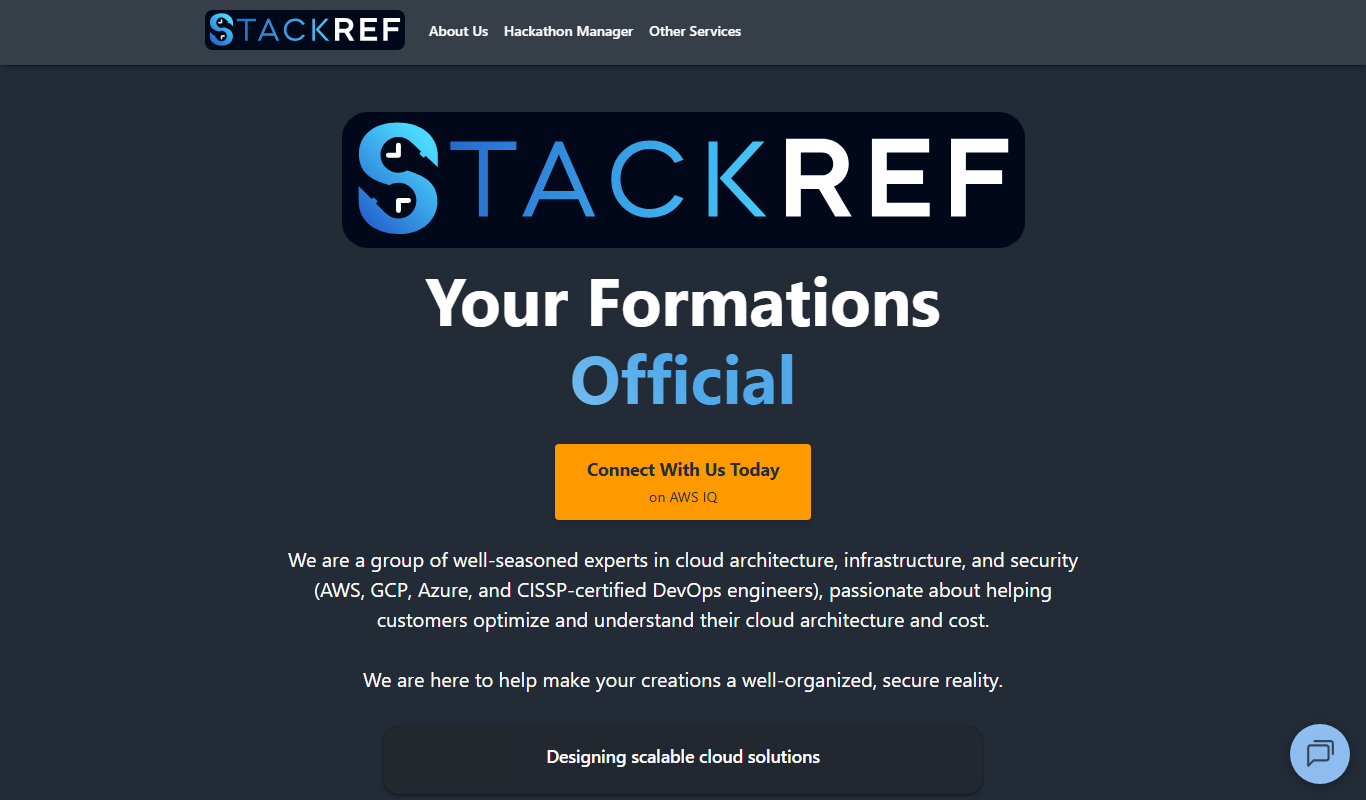
StackRef
StackRef is a cloud, DevOps and security consulting practice for AWS, GCP and Azure, run by a CISSP-certified cloud architect.
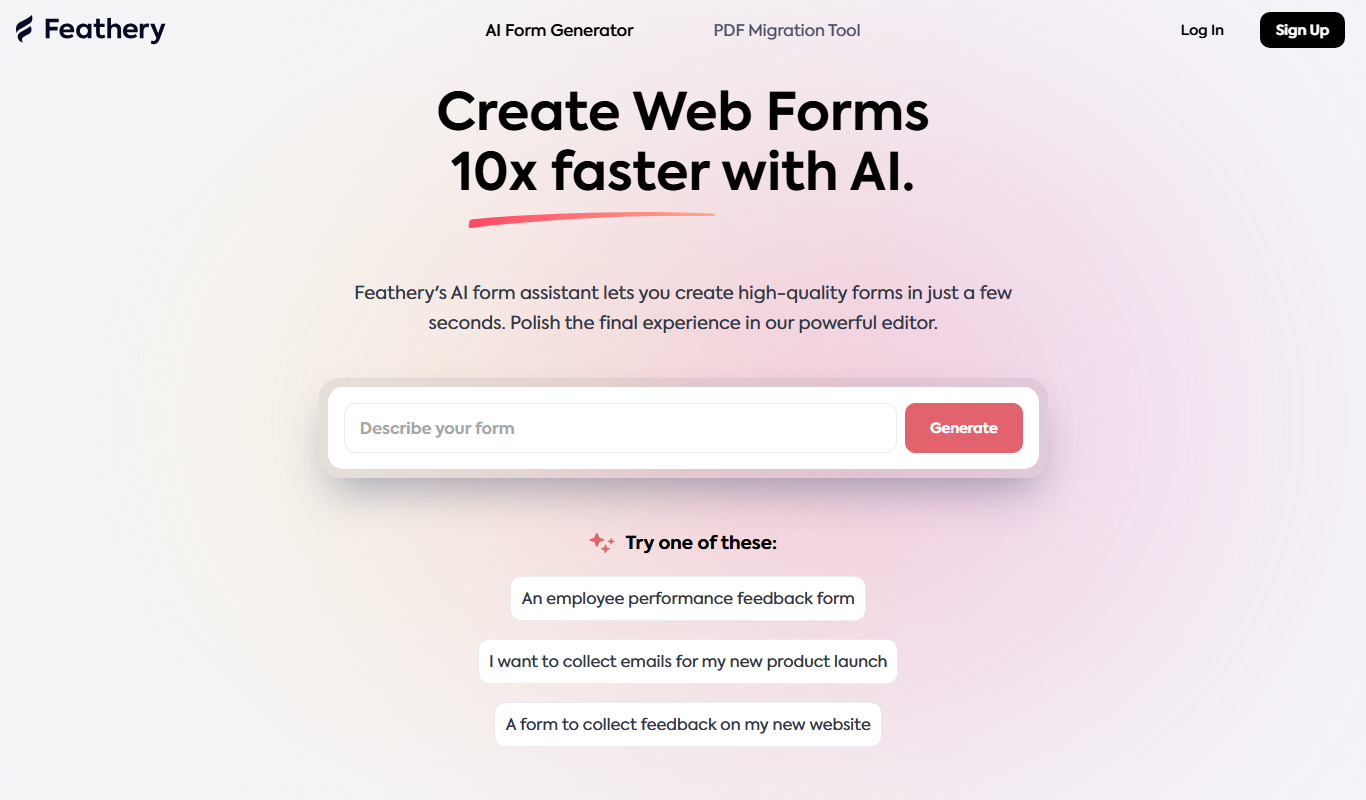
Feathery AI
Feathery is an AI workflow platform for insurance and wealth management teams that automates submission intake, client onboarding and account opening, with a no-code form builder, document automation and the Robin AI assistant.
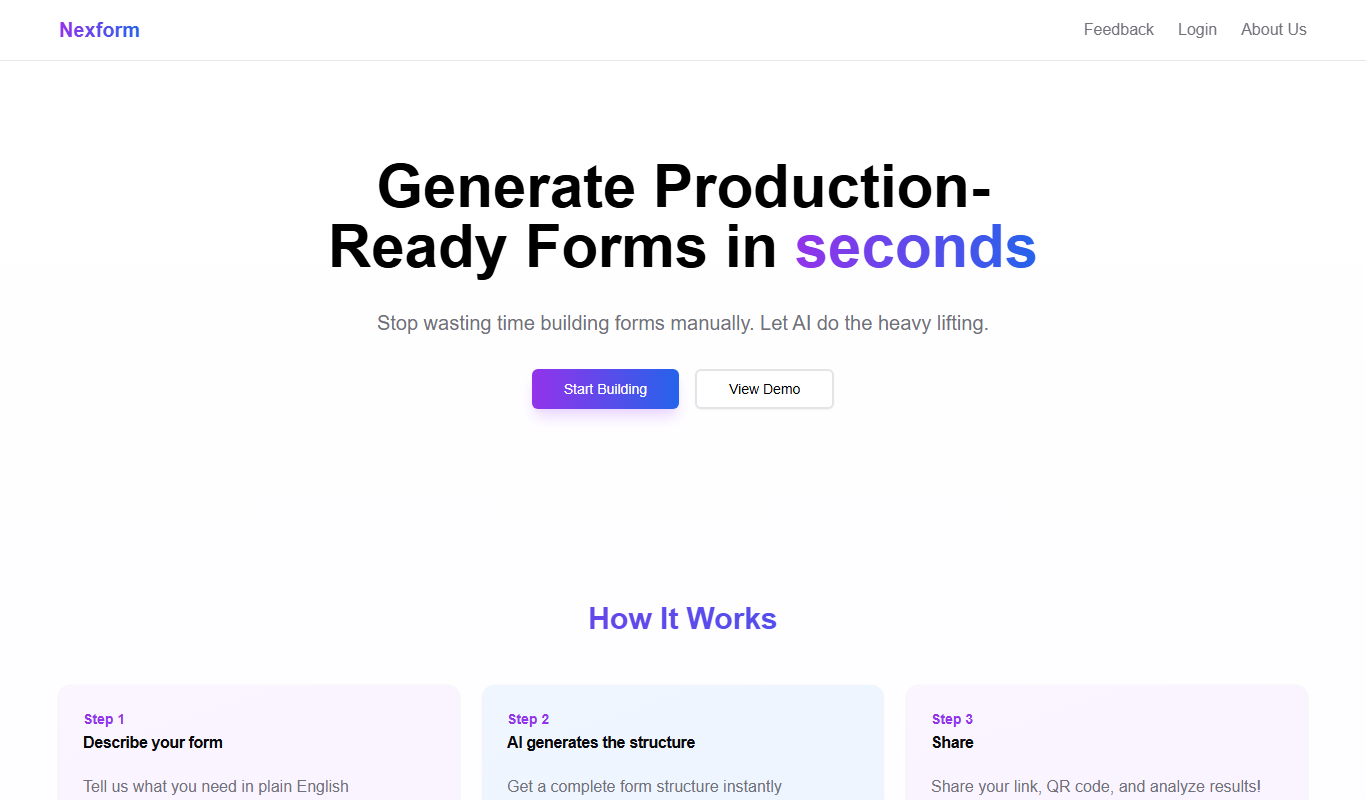
Nexform
Nexform is an AI-powered form builder that generates professional forms and surveys from a text description, with automatic QR codes and short links for sharing.

ChatBuild AI
ChatBuild AI lets businesses create custom trained AI chatbot agents for their website in minutes, with no coding experience needed.

VBA Code Generator
VBA Code Generator is a web-based tool that helps users create VBA scripts for Excel macros without needing programming skills, enabling automation of repetitive Excel tasks quickly.