

Rokoko Studio Motion Capture Software for Animation and Virtual Production
Rokoko Studio is a motion capture software that captures and streams human movement data in real time, enabling creators to animate 3D characters for games, films, and virtual production using affordable mocap hardware.
- Best for
- 3D Character Animation
- Key capability
- Real-Time Motion Capture
Save Rokoko Studio, follow its updates and vote on it — everything stays in your account.
Sign in or create a free account
What is Rokoko Studio?
Rokoko Studio is a motion capture software designed to capture, record, and stream human movement data in real time. It enables creators to animate 3D characters by using affordable motion capture suits and sensors, making professional-grade mocap accessible for indie developers, animators, and virtual production teams.
Key features of Rokoko Studio
The software offers real-time motion capture streaming, easy integration with popular 3D engines like Unity and Unreal, intuitive editing tools, and support for Rokoko’s Smartsuit Pro and other compatible devices. It simplifies the process of capturing complex human movements and applying them to digital characters.
Real-Time Motion Capture
Stream motion data live to 3D engines and animation software for immediate feedback.
Intuitive Editing Tools
Edit captured motion data easily with built-in tools for smoothing, trimming, and layering animations.
Multi-Device Support
Compatible with Rokoko Smartsuit Pro, gloves, face capture, and other third-party mocap hardware.
Seamless Integration
Direct plugins and export options for Unity, Unreal Engine, Blender, and other popular 3D applications.
Cloud Collaboration
Share and collaborate on motion capture projects with team members via cloud services.
Pros and cons of Rokoko Studio
Pros
- Affordable motion capture solution for indie creators
- Real-time streaming and integration with major 3D engines
- User-friendly interface with powerful editing tools
- Supports a range of mocap hardware devices
Cons
- Requires compatible hardware to capture motion
- Advanced features locked behind subscription
- Limited language support (English only)
Key use cases for Rokoko Studio
3D Character Animation
Create realistic 3D character animations using motion capture data for games, films, and VR.
Virtual Production
Use real-time motion capture to drive virtual characters and environments during live shoots.
Game Development
Integrate motion capture animations into game engines like Unity and Unreal for immersive gameplay.
Performance Capture
Record and refine actor performances for digital avatars and animated characters.
Educational and Training Content
Produce engaging training videos and simulations with realistic animated characters.
How Rokoko Studio works
- 1
Set Up Hardware
Wear the Rokoko Smartsuit Pro or connect compatible motion capture devices.
- 2
Connect to Rokoko Studio
Launch the software and connect your hardware via Bluetooth or Wi-Fi.
- 3
Capture Motion
Record or stream your movements in real time to the software.
- 4
Edit and Refine
Use Rokoko Studio’s editing tools to clean up and adjust motion data.
- 5
Export or Stream
Export animations to formats compatible with Unity, Unreal, or other 3D software, or stream live to virtual production setups.
Who is using Rokoko Studio
Rokoko Studio pricing
Starter
$0, free forever
Get started with Studio: record & export mocap, access to clean-up filters, export to .FBX.
Pro
$50/m billed annually
Access all features: all Plus features, plus Face Capture, advanced command API, UDP trigger messages, export to .CSV and a designated Customer Success Manager.
Basic
$10/m billed annually
Optimized for AI mocap: all Starter features, plus import & retarget custom characters, export to .BHV + advanced options, smoothing filter & loop segments.
Plus
$20/m billed annually
Optimized for hardware tools: all Basic features, plus live stream to 3rd party tools, unlimited team members & user management, custom skeleton presets, chat & email support.
Enterprise
Starting from $100/m, contact us
All Pro features, plus local storage with no cloud sync, extra offline days, custom support hours, custom onboarding plan and custom SLA.
Plans and prices are as published by the vendor and can change. Check the official site before you buy. Open the pricing page (opens in a new tab)
Frequently asked questions about Rokoko Studio
You need a Rokoko Smartsuit Pro or compatible motion capture devices like gloves or face capture hardware.
Yes, it supports direct integration with Unity and Unreal Engine through plugins.
Yes, the Starter plan is free forever and includes recording and exporting mocap, clean-up filters and export to .FBX.
The software runs on Windows and macOS.
It depends on your specific needs and how you plan to use the tool. The official website and documentation are the best sources for the latest details.
It depends on your specific needs and how you plan to use the tool. The official website and documentation are the best sources for the latest details.
Yes, it can help with that use case depending on how you configure it and what features are available. You’ll get the best results with clear inputs and a defined goal.
Some tools offer a free plan or trial with limited features. Availability can vary, so confirm on the official website.
Conclusion
Capture starts with Rokoko gear such as the Smartsuit Pro II, Smartgloves II or Face Capture, which is set up in minutes and connects over wifi with no cameras needed. Takes are stored automatically in the Rokoko Studio account, where footlocks are corrected, motions smoothed or retargeted to a custom character. Finished animation exports as FBX, BVH or CSV, or streams live into Unreal, Unity, Blender and Maya through plugins.
Indie game developers, 3D animators and virtual production teams are the intended users. Studio is free forever on the Starter plan, while the paid Basic, Plus and Pro plans add custom character retargeting, live streaming to 3rd party tools and Face Capture. An Enterprise plan adds local storage with no cloud sync and a custom SLA.
Sources
Sign in to review this tool.
Sign In to ReviewNo reviews yet
Be the first to share how this tool worked for you.
Ask about pricing, limits, or how it compares — or answer someone else.
Sign In to AskNo questions yet
Have a question about using or paying for this tool? Be the first to ask.
Featured on TiorAI



Alternative Tools
Explore similar AI tools that might fit your needs

Xsens MVN
Xsens MVN is a wearable inertial motion capture system that tracks full-body human movement in real time without cameras, used for animation, biomechanics, VR/AR, and more.
More AI Animation Generator tools
Other tools in the same category, for when this one is not quite the fit.

Santa Tracker
Google Santa Tracker is a free web platform by Google that lets users track Santa Claus's journey around the world on Christmas Eve, featuring interactive games and holiday activities.

Decentraland
Decentraland is a blockchain-based virtual reality platform that allows users to own virtual land as NFTs, create 3D environments, and interact socially in a decentralized metaverse.
ImgPlay
ImgPlay is a mobile and web app that converts videos and photos into animated GIFs with editing tools like text, stickers, and filters for social media sharing.
Flowframes
Flowframes is a free Windows desktop software that uses AI to interpolate video frames, creating smooth slow motion and enhancing video frame rates without internet connection.

OpenShot
OpenShot is a free, open-source video editing software that supports Windows, macOS, and Linux. It offers features like unlimited tracks, video transitions, 3D animated titles, and a drag-and-drop interface, making it ideal for beginners and intermediate users.
3Dthis
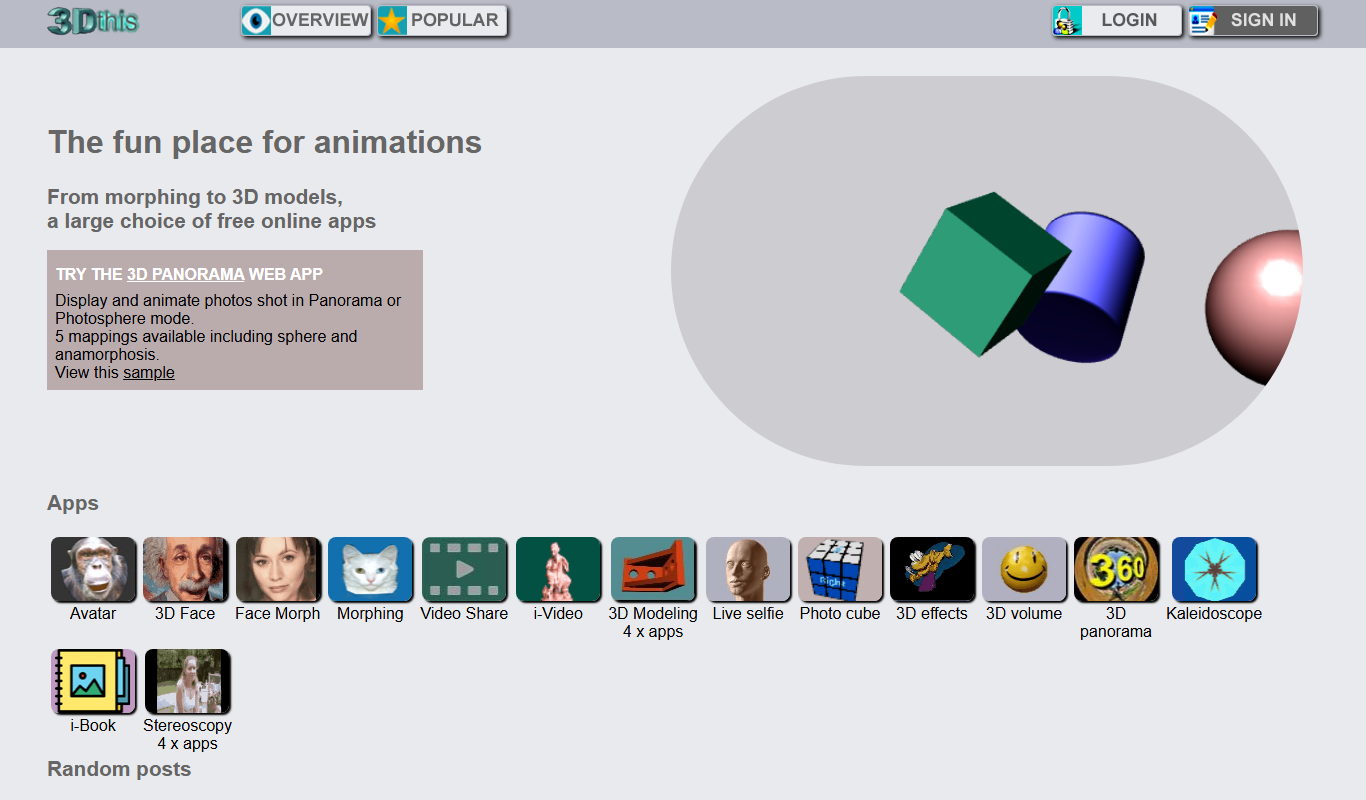
3Dthis is a web-based platform that allows users to create, animate, and customize 3D avatars and models from photos or templates without software installation.

Faceware
Faceware is a markerless facial motion capture software that tracks and translates human facial expressions into digital animations in real time, widely used in gaming, film, and virtual production.
SketchAR
SketchAR is an augmented reality app that projects virtual sketches onto physical surfaces, enabling users to trace and learn drawing interactively on mobile devices.