

From my experience with RDA AI, I found it excels at delivering fresh, unique AI-generated artworks daily without requiring any artistic skills. The platform is straightforward and accessible, making it ideal for artists, content creators, and anyone seeking creative inspiration. However, the limitation of only one new artwork per day and the lack of a dedicated mobile app might restrict more frequent or mobile use. Overall, if you want a simple, daily dose of AI-driven art to spark ideas or enhance your projects, RDA AI offers a reliable and easy-to-use solution.
RDA AI - AI-Powered Daily Art Generator for Creative Inspiration
RDA AI is a web platform that generates a unique piece of AI-created digital art every day, providing users with daily creative inspiration and easy options to download or share the artwork.
- Best for
- Daily Creative Inspiration
- Key capability
- Daily AI-Generated Artworks

Do you recommend this tool?
What is RDA AI?
RDA AI (Random Daily Art) is a web-based AI-powered art generator that delivers a unique piece of digital artwork every day. It leverages artificial intelligence to create diverse and original art pieces automatically, providing users with daily creative inspiration without requiring any artistic input.
Key features of RDA AI
The tool offers daily AI-generated artworks, easy access through a web interface, and options to download or share the art. It focuses on delivering fresh, unique art pieces each day to inspire creativity and exploration.
Daily AI-Generated Artworks
Automatically creates a new unique piece of digital art every day.
Web-Based Access
No installation required; accessible from any modern web browser.
Download and Sharing Options
Easily download art or share it on social media platforms.
Creative Inspiration Focus
Designed to spark creativity and provide fresh visual ideas daily.
Pros and cons of RDA AI
Pros
- Provides fresh creative inspiration daily
- Easy to use with no artistic skills needed
- Accessible from any web browser
- Option to download and share art easily
Cons
- Limited to one new artwork per day
- No dedicated mobile app available
- Subscription details and benefits are not fully transparent
Key use cases for RDA AI
Daily Creative Inspiration
Users receive a new AI-generated artwork every day to spark creativity and artistic ideas.
Art Exploration
Explore unique and diverse AI-generated art styles and concepts without needing artistic skills.
Social Media Content
Generate fresh, unique art pieces daily to share on social media platforms for engagement.
Backgrounds and Visual Assets
Use AI-generated art as backgrounds or visual elements for projects, presentations, or websites.
How RDA AI works
- 1
Visit Website
Access the RDA AI platform via the web browser.
- 2
View Daily Art
The platform automatically displays a new AI-generated artwork each day.
- 3
Download or Share
Users can download the artwork or share it on social media directly from the site.
- 4
Subscribe for More
Optional subscription may provide additional features or higher resolution downloads.
Who is using RDA AI
Artists seeking inspiration
Content creators and social media managers
Designers looking for unique visual assets
Art enthusiasts exploring AI-generated art
Educators and students in creative fields
RDA AI pricing
Free
$0/month
Access to daily AI-generated art with standard resolution and sharing.
Subscription
$5/month
Higher resolution downloads and possibly early access or additional features.
Plans and prices are as published by the vendor and can change. Check the official site before you buy. Open the pricing page (opens in a new tab)
Frequently asked questions about RDA AI
No, RDA AI generates art automatically, so no artistic skills are required.
Usage rights depend on the platform’s terms; users should review the licensing on the website.
Currently, RDA AI is accessible only via the web browser.
A new piece of AI-generated art is created and displayed daily.
This tool is designed to help users accomplish its core tasks more efficiently. It is typically used by individuals or teams looking to improve productivity and workflow.
It depends on your specific needs and how you plan to use the tool. The official website and documentation are the best sources for the latest details.
Yes, it can help with that use case depending on how you configure it and what features are available. You’ll get the best results with clear inputs and a defined goal.
Some tools offer a free plan or trial with limited features. Availability can vary, so confirm on the official website.
Sign in to review this tool.
Sign In to ReviewNo reviews yet
Be the first to share how this tool worked for you.
Ask about pricing, limits, or how it compares — or answer someone else.
Sign In to AskNo questions yet
Have a question about using or paying for this tool? Be the first to ask.
Featured on TiorAI



More AI Art Generator tools
Other tools in the same category, for when this one is not quite the fit.

Free
Prompt Hero
Prompt Hero is a web platform that provides a marketplace and community for discovering, sharing, and selling AI prompts used in text-to-image generation with popular AI art models.
Paid
MyPetPortrait
MyPetPortrait is an online service that creates personalized pet portraits from your photos, offering various artistic styles and options for digital or printed artwork.
Free
Sketchbook
Sketchbook is a professional digital drawing and painting software by Autodesk that offers customizable brushes, layers, and cross-platform support for artists and designers.
Free
Aggie.io
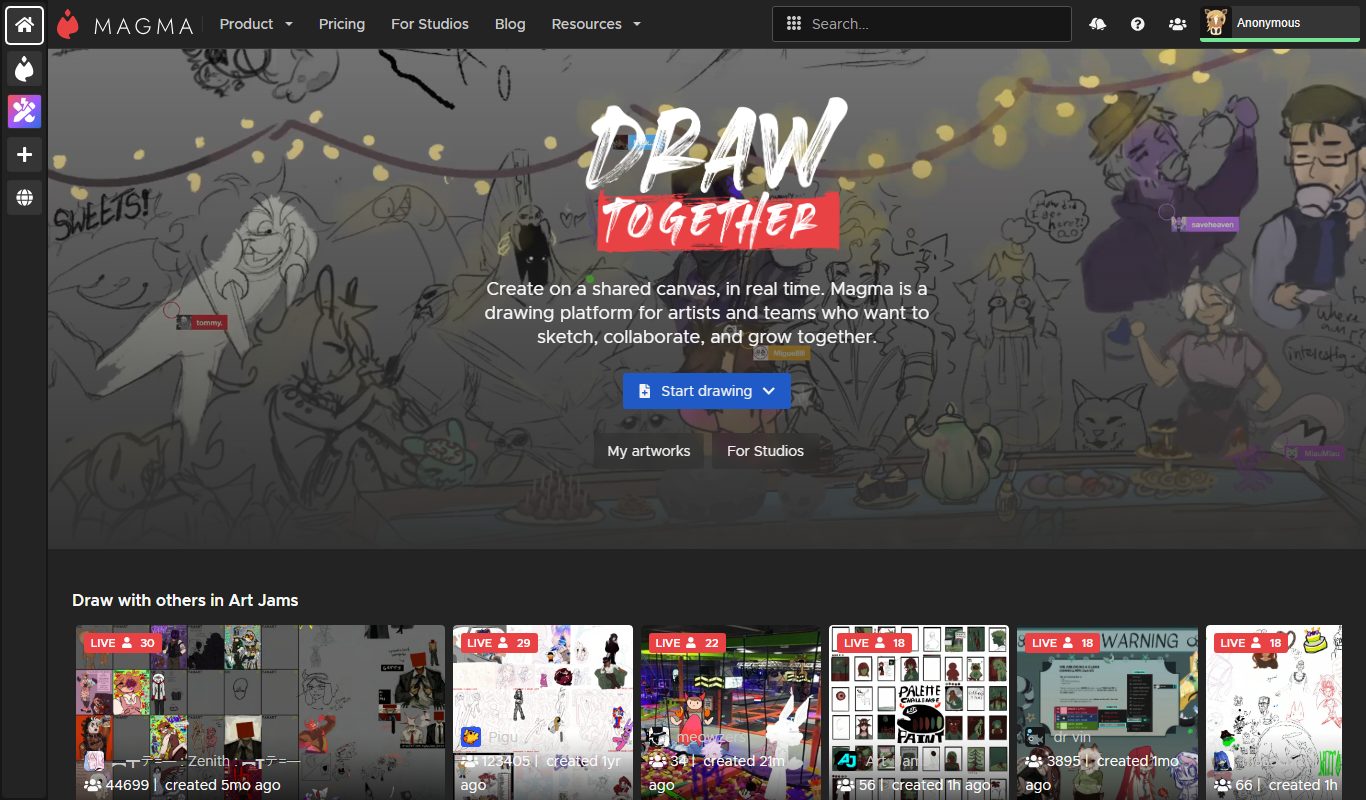
Aggie.io is a free online collaborative drawing tool that allows multiple users to paint together in real time on a shared canvas without requiring installation or accounts.

Enterprise
Redshift
Redshift is a GPU-accelerated 3D rendering software that enables fast, photorealistic image creation for artists and designers, integrating with major 3D applications.
Free
ThisPersonDoesNotExist
ThisPersonDoesNotExist is a free web tool that uses AI to generate photorealistic human faces that do not belong to real people, useful for creative and privacy-conscious applications.
Free
Sketchpad
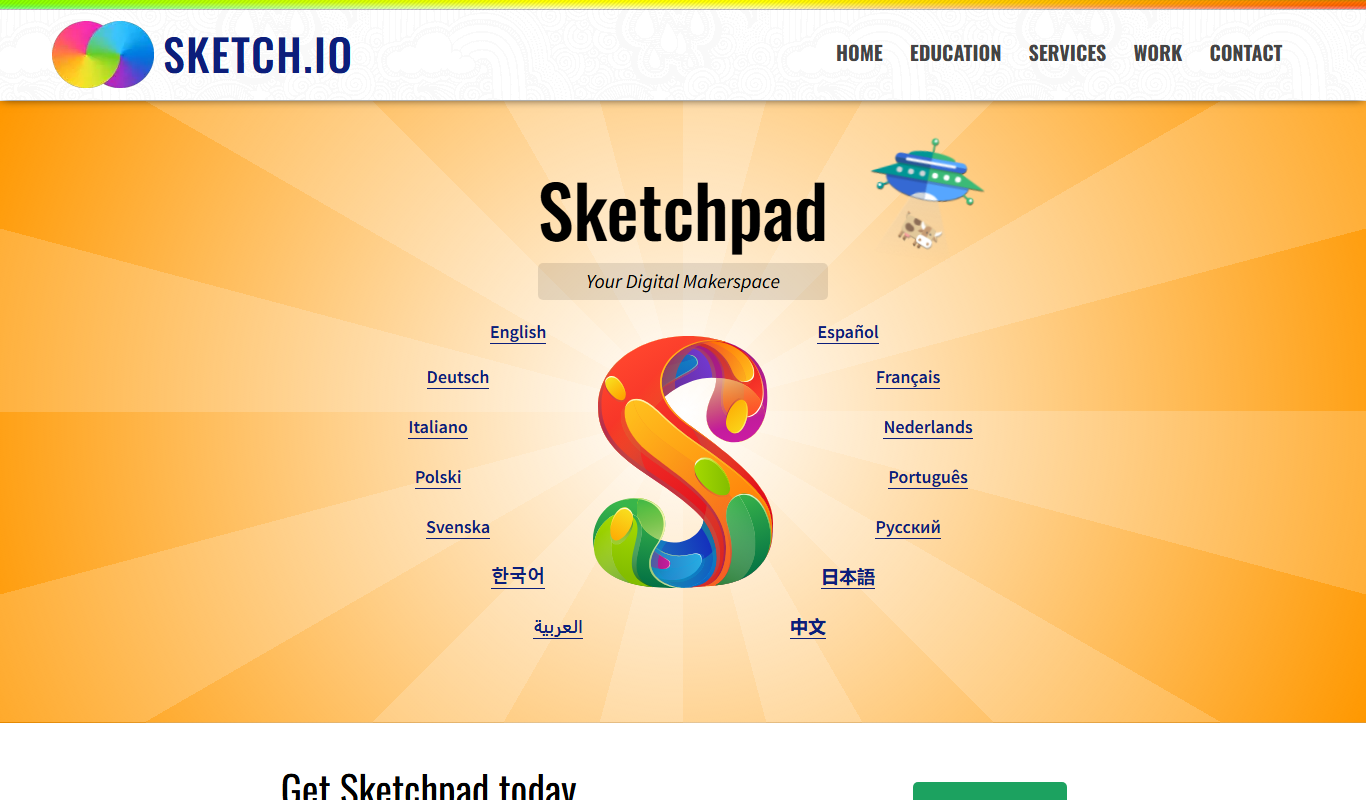
Sketchpad is a free web-based drawing application that supports vector and raster graphics, offering tools for digital illustration, graphic design, and creative projects accessible directly in your browser.

Freemium
Microstockr
Microstockr is an AI-powered platform that generates royalty-free stock photos and creative images from text prompts, ideal for marketing and design projects.