

Raspberry Pi OS Overview: Lightweight Linux OS for Raspberry Pi Devices
Raspberry Pi OS is a free, Debian-based Linux operating system optimized for Raspberry Pi devices, providing a lightweight desktop environment and pre-installed programming tools for education and development.
- Best for
- Educational Computing
- Key capability
- Optimized for ARM Architecture
Save Raspberry Pi OS, follow its updates and vote on it — everything stays in your account.
Sign in or create a free account
What is Raspberry Pi OS?
Raspberry Pi OS is the official operating system designed specifically for Raspberry Pi single-board computers. It is a Debian-based Linux distribution optimized for performance and usability on ARM architecture. The OS provides a familiar desktop environment, pre-installed programming tools, and utilities tailored for education, development, and hobbyist projects.
Key features of Raspberry Pi OS
Raspberry Pi OS offers a lightweight, stable Linux environment with a user-friendly desktop interface, extensive software repositories, and built-in support for Raspberry Pi hardware. It includes programming languages, educational tools, and multimedia capabilities, making it versatile for various use cases.
Optimized for ARM Architecture
Raspberry Pi OS is specifically built to run efficiently on Raspberry Pi’s ARM-based processors.
Pre-installed Programming Tools
Includes Python, Scratch, and other educational programming environments out of the box.
Lightweight Desktop Environment
Uses the PIXEL desktop environment, designed to be fast and responsive on limited hardware.
Extensive Software Repository
Access to Debian repositories and Raspberry Pi-specific packages for easy software installation.
Regular Updates and Community Support
Maintained by the Raspberry Pi Foundation with frequent updates and a large user community.
Pros and cons of Raspberry Pi OS
Pros
- Free and open source
- Optimized for Raspberry Pi hardware
- Lightweight and fast desktop environment
- Includes educational programming tools
- Strong community and official support
Cons
- Limited to ARM-based Raspberry Pi devices
- Not suitable for high-performance desktop computing
- Requires some Linux knowledge for advanced customization
Key use cases for Raspberry Pi OS
Educational Computing
Raspberry Pi OS is widely used in educational settings to teach programming, electronics, and computer science fundamentals.
Home Automation
Users deploy Raspberry Pi OS on Raspberry Pi devices to build and manage smart home projects and IoT applications.
Software Development
Developers use Raspberry Pi OS as a lightweight Linux environment for coding, testing, and running applications on ARM hardware.
Media Center
Raspberry Pi OS can be configured to run media center software, turning Raspberry Pi into an affordable multimedia hub.
Prototyping and Experimentation
Engineers and hobbyists use Raspberry Pi OS for prototyping hardware projects and experimenting with Linux-based software.
How Raspberry Pi OS works
- 1
Download the OS Image
Users download the Raspberry Pi OS image from the official Raspberry Pi website.
- 2
Write Image to SD Card
Using tools like Raspberry Pi Imager or balenaEtcher, users flash the OS image onto a microSD card.
- 3
Insert SD Card and Boot
Insert the microSD card into the Raspberry Pi device and power it on to boot into Raspberry Pi OS.
- 4
Initial Setup
Complete the guided setup including localization, network configuration, and software updates.
- 5
Start Using the OS
Access the desktop environment, install additional software, and begin development or projects.
Who is using Raspberry Pi OS
Raspberry Pi OS pricing
Free
$0
Raspberry Pi OS is completely free to download and use with no licensing fees.
Plans and prices are as published by the vendor and can change. Check the official site before you buy. Open the pricing page (opens in a new tab)
Frequently asked questions about Raspberry Pi OS
Yes, Raspberry Pi OS is open source and free to download and use.
Raspberry Pi OS is optimized for Raspberry Pi devices and ARM processors; it is not designed for standard x86 PCs.
Python and Scratch are included by default, along with other educational programming tools.
You can update the OS using standard Debian package management commands like ‘sudo apt update’ and ‘sudo apt upgrade’.
This tool is designed to help users accomplish its core tasks more efficiently. It is typically used by individuals or teams looking to improve productivity and workflow.
Some tools offer a free plan or trial with limited features. Availability can vary, so confirm on the official website.
Yes, it can help with that use case depending on how you configure it and what features are available. You’ll get the best results with clear inputs and a defined goal.
It depends on your specific needs and how you plan to use the tool. The official website and documentation are the best sources for the latest details.
Conclusion
Getting Raspberry Pi OS running means flashing its image onto a microSD card with a tool like Raspberry Pi Imager, inserting the card and powering on the device. A guided setup covers localization, network configuration and software updates. Being Debian-based, it installs software from Debian repositories and Raspberry Pi-specific packages and updates with standard apt commands.
Python and Scratch are included by default, and educational settings are a major use for teaching programming, electronics and computer science. Hobbyists and makers also use it for smart home projects and IoT applications. It is free to download and use, but it is optimized for Raspberry Pi devices and ARM processors and is not designed for standard x86 PCs.
Sources
Sign in to review this tool.
Sign In to ReviewNo reviews yet
Be the first to share how this tool worked for you.
Ask about pricing, limits, or how it compares — or answer someone else.
Sign In to AskNo questions yet
Have a question about using or paying for this tool? Be the first to ask.
Featured on TiorAI



More AI Developer Tools tools
Other tools in the same category, for when this one is not quite the fit.

BasicAI
BasicAI offers a data annotation platform and managed data labeling services for AI training data, from images and video to 3D point clouds and language model data.

HumanLayer
HumanLayer is a multiplayer coding agent IDE and cloud that brings agent sessions, plan artifacts and code diffs together for teams to collaborate and ship.

UltiHash
UltiHash is S3-compatible object storage built for AI workloads, available as a managed serverless service or self-hosted, with built-in deduplication.
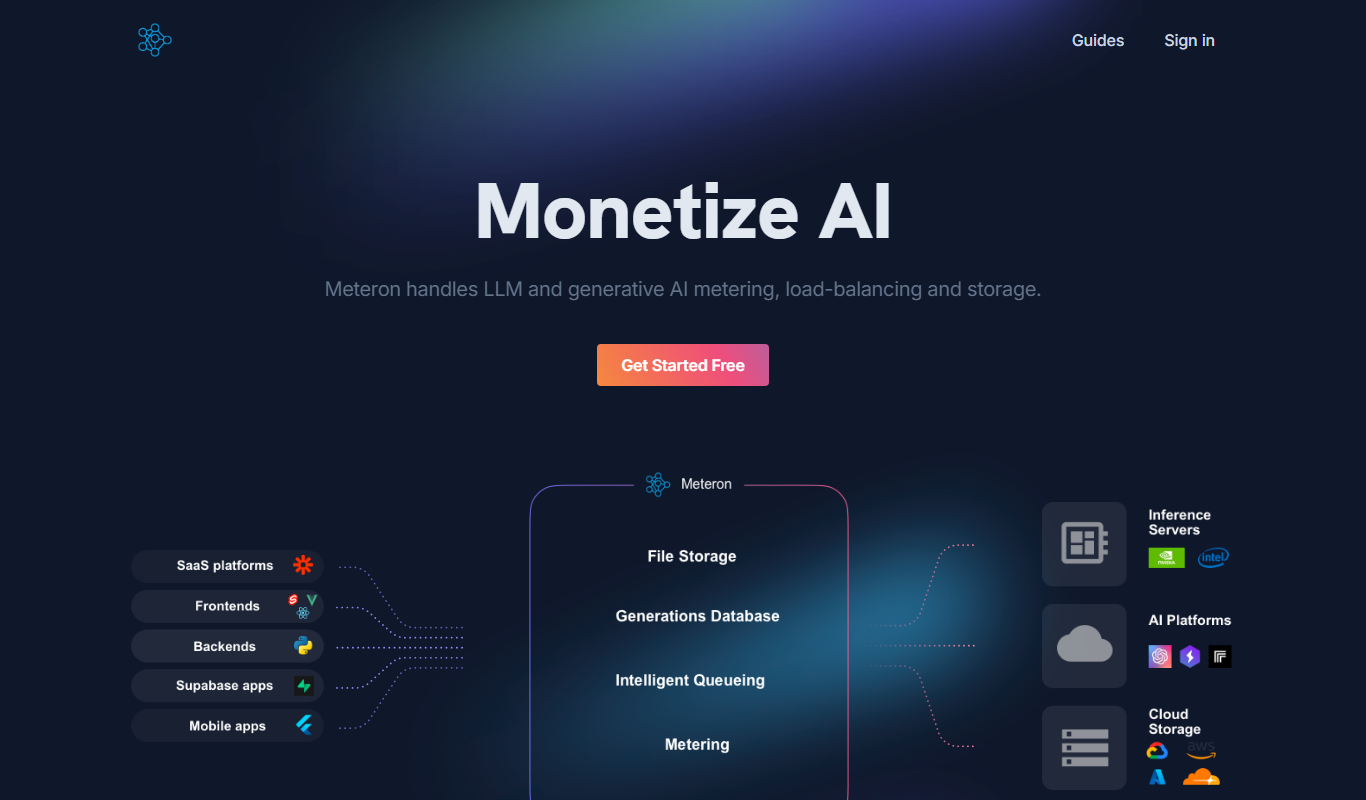
Meteron AI
Meteron handles LLM and generative AI metering, load-balancing and storage, so AI app builders can charge users per request or per token.

SingleAPI
SingleAPI converts any website into an API in seconds: a GPT-4 powered service that navigates the web and extracts data as JSON, with built-in data enrichment.
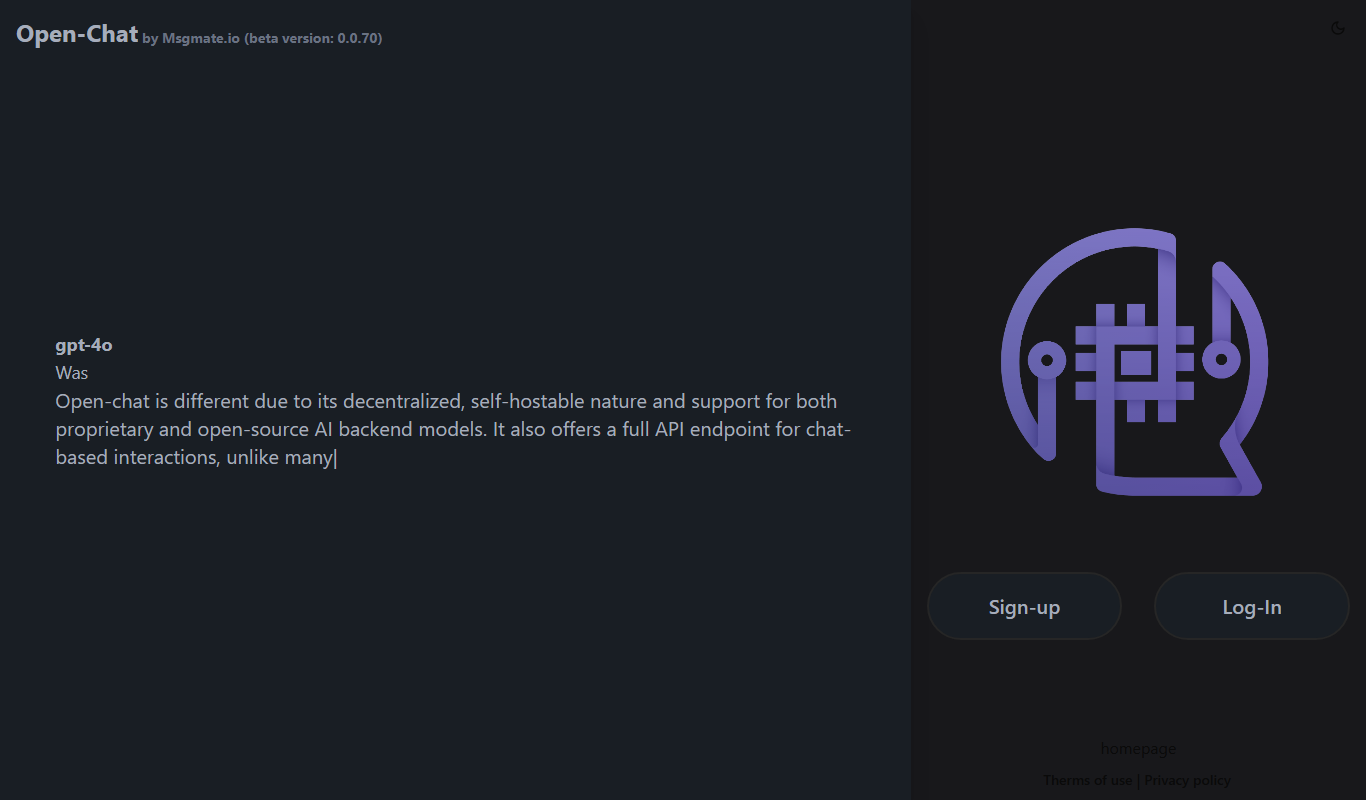
msgmate.io
msgmate.io runs Open-Chat, a federated, self-hostable LLM chat platform in beta with support for proprietary and open-source models and a full chat API.

BuildShip
BuildShip is a visual AI workflow builder to automate complex backend tasks, develop tools for AI agents and spin up APIs, with no-code ease and full code access.

ModelsLab
ModelsLab lets developers build with 10,000+ AI models using one simple API to generate images, video, audio and more.