

From my experience with Quizizz, I found it excels at making learning interactive and fun through gamified quizzes that keep students engaged. After spending time with the platform, I can say it’s particularly well-suited for educators looking to enhance classroom participation and for remote learning scenarios. However, there is a trade-off: some advanced features require a paid subscription, which might limit access for smaller educators or individual users. Overall, if you need a versatile quiz tool that supports both live and asynchronous learning with detailed analytics, Quizizz delivers solid results.
Quizizz Online Quiz Maker for Interactive Learning and Classroom Engagement
Quizizz is an online platform that enables educators and trainers to create gamified quizzes for live or asynchronous learning, enhancing engagement and assessment.
- Best for
- Classroom Engagement
- Key capability
- Gamified Quizzes

Do you recommend this tool?
What is Quizizz?
Quizizz is an online platform that allows educators and trainers to create, share, and play interactive quizzes and games designed to enhance learning engagement. It combines gamification with assessment to make learning fun and effective for students and participants of all ages.
Key features of Quizizz
Quizizz offers a user-friendly quiz creation interface, real-time multiplayer gameplay, detailed reports and analytics, integration with popular LMS platforms, and a vast library of pre-made quizzes across various subjects and grade levels.
Gamified Quizzes
Engage learners with game-like elements such as points, leaderboards, and timed questions.
Live and Homework Modes
Offer quizzes in real-time sessions or as self-paced assignments.
Extensive Quiz Library
Access millions of ready-to-use quizzes across multiple subjects and languages.
Detailed Analytics
Gain insights into individual and group performance with comprehensive reports.
Integrations
Connect with Google Classroom, Microsoft Teams, and other LMS platforms for seamless workflow.
Pros and cons of Quizizz
Pros
- Easy to create and customize quizzes
- Engaging gamification features increase participation
- Supports both live and homework modes
- Detailed analytics help track progress
- Large library of pre-made quizzes
Cons
- Some advanced features require paid subscription
- Limited offline functionality
- Occasional lag with large live sessions
Key use cases for Quizizz
Classroom Engagement
Teachers use Quizizz to create fun and interactive quizzes that engage students during lessons.
Remote Learning
Quizizz supports remote and hybrid learning environments by enabling students to participate in quizzes from anywhere.
Corporate Training
Organizations use Quizizz to deliver training assessments and knowledge checks in an engaging format.
Test Preparation
Students use Quizizz to practice and prepare for exams with customizable quizzes and instant feedback.
Formative Assessment
Educators leverage Quizizz to conduct formative assessments that provide real-time insights into student understanding.
How Quizizz works
- 1
Sign Up
Create a free account on Quizizz using email or social login.
- 2
Create or Select a Quiz
Build your own quiz from scratch or choose from millions of existing quizzes in the library.
- 3
Host or Assign Quiz
Launch the quiz live for synchronous play or assign it as homework for asynchronous completion.
- 4
Monitor and Analyze
Track participant progress and performance with detailed reports and insights.
Who is using Quizizz
K-12 teachers
Higher education instructors
Corporate trainers
Students preparing for exams
Homeschool educators
Quizizz pricing
Free
$0/month
Basic quiz creation and access to public quizzes with limited features.
Super
$10/month
Additional features including advanced reports, branding options, and more question types.
School
Custom pricing
Designed for schools with multiple teachers, includes collaboration and premium support.
District
Custom pricing
Enterprise-level features for districts with centralized management and analytics.
Plans and prices are as published by the vendor and can change. Check the official site before you buy. Open the pricing page (opens in a new tab)
Frequently asked questions about Quizizz
Yes, Quizizz offers a free plan with basic features suitable for individual educators and learners.
Absolutely, Quizizz supports both live and asynchronous quiz modes ideal for remote and hybrid classrooms.
Yes, Quizizz integrates with Google Classroom, Microsoft Teams, and other LMS platforms.
Quizizz is designed for all ages, from elementary students to adult learners and corporate training.
It depends on your specific needs and how you plan to use the tool. The official website and documentation are the best sources for the latest details.
Some tools offer a free plan or trial with limited features. Availability can vary, so confirm on the official website.
Yes, it can help with that use case depending on how you configure it and what features are available. You’ll get the best results with clear inputs and a defined goal.
It depends on your specific needs and how you plan to use the tool. The official website and documentation are the best sources for the latest details.
Sign in to review this tool.
Sign In to ReviewNo reviews yet
Be the first to share how this tool worked for you.
Ask about pricing, limits, or how it compares — or answer someone else.
Sign In to AskNo questions yet
Have a question about using or paying for this tool? Be the first to ask.
Featured on TiorAI



Alternative Tools
Explore similar AI tools that might fit your needs
Free
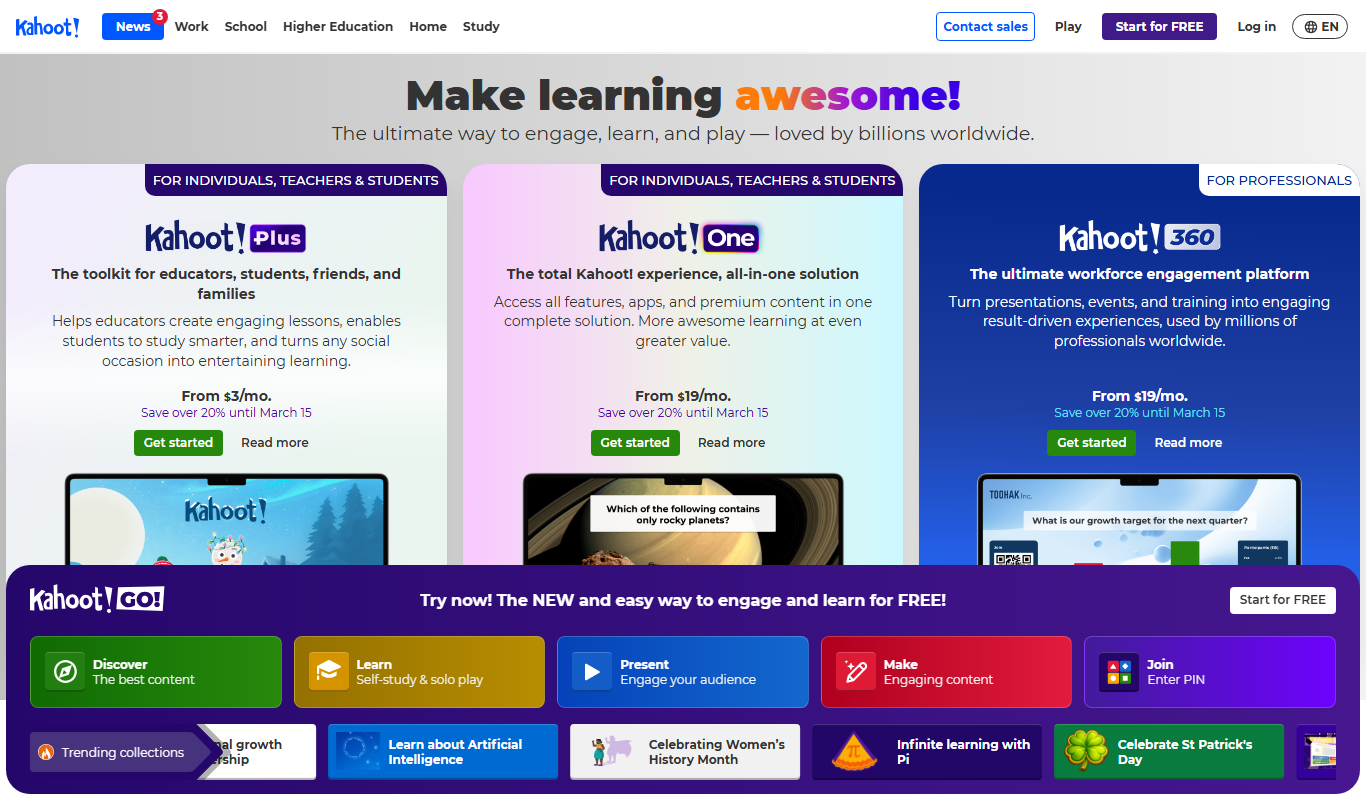
Kahoot
Kahoot is a game-based learning platform that enables users to create and play interactive quizzes and games to boost engagement in education, training, and events.

Free
Socrative
Socrative is an interactive student response system that enables educators to create real-time quizzes and assessments to engage students and provide instant feedback.

Free
Mentimeter
Mentimeter is an interactive presentation platform that allows users to create live polls, quizzes, and Q&A sessions to engage audiences in real-time during meetings, webinars, and events.
More Education tools
Other tools in the same category, for when this one is not quite the fit.

Free
Flashcard Machine
Flashcard Machine is a web-based tool for creating and studying custom flashcards with multiple study modes and sharing capabilities.

Free
Keybr
Keybr is a free web-based typing tutor that uses adaptive algorithms to help users learn touch typing by focusing on their weak keys and tracking progress.

Free
Typing.com
Typing.com is a free online platform offering typing lessons, games, and tests to help users learn and improve typing skills with additional classroom management features for educators.
Freemium
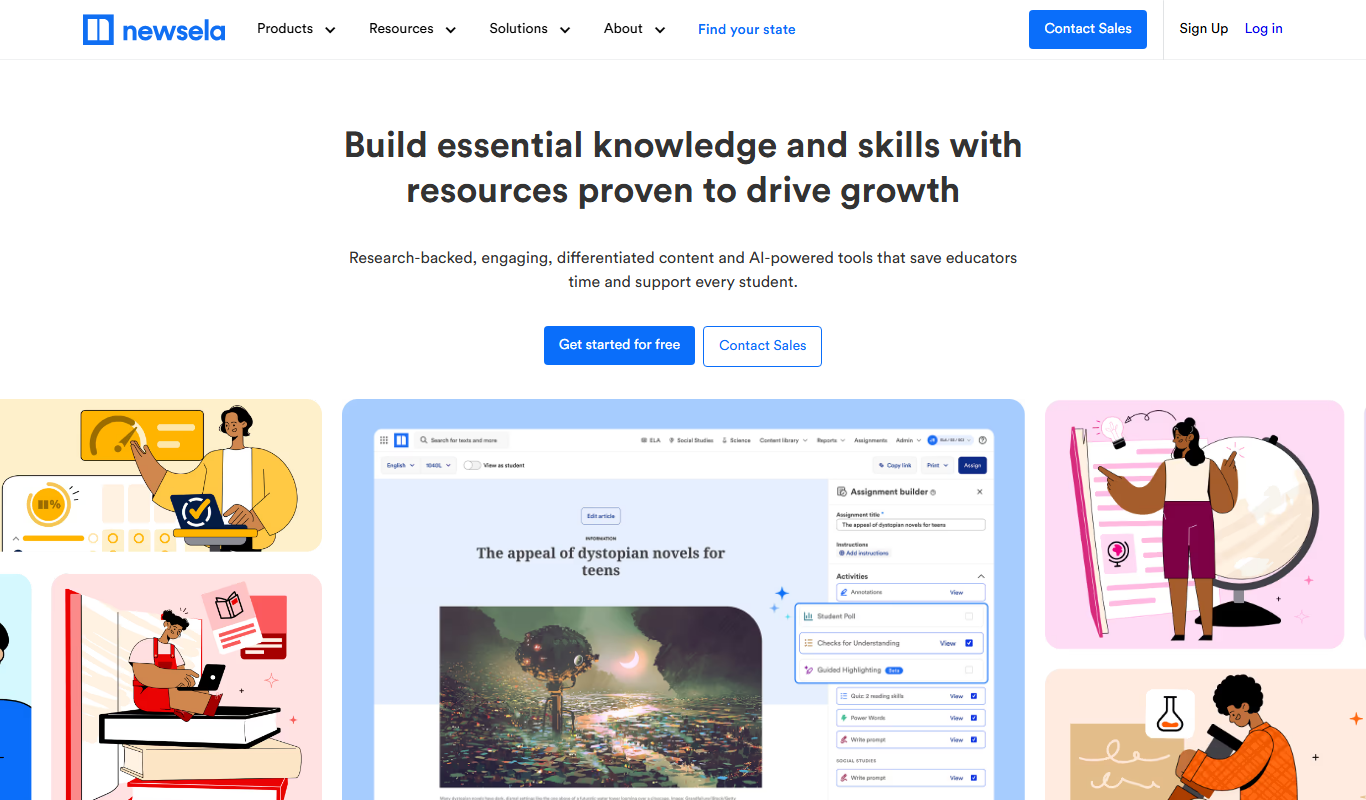
Newsela
Newsela is an educational platform providing leveled reading content and instructional tools to personalize learning and improve literacy for K-12 students.

Free
GoConqr
GoConqr is an online learning platform that enables users to create and share interactive study materials such as mind maps, quizzes, and flashcards to improve learning and collaboration.

Subscription
GCSEPod
GCSEPod is an online platform providing curriculum-aligned video lessons and quizzes to support GCSE students in their exam revision and study.

Freemium
LessonUp
LessonUp is a web-based platform that enables educators to create interactive, multimedia-rich lessons with quizzes and real-time feedback, ideal for remote and hybrid teaching.

Free
Common Curriculum
Common Curriculum is a web-based platform that helps educators create, organize, and share lesson plans aligned with educational standards, supporting collaboration and curriculum mapping.