

From my experience with Mentimeter, it stands out as an intuitive and versatile tool for transforming traditional presentations into interactive experiences. Its real-time polling and feedback features make it especially valuable for educators and corporate facilitators aiming to boost audience participation. While the free plan has some limitations on question count, the platform’s ease of use and multi-platform accessibility compensate well for these constraints. If you need to engage live or remote audiences effectively, Mentimeter offers a reliable and user-friendly solution.
Interactive Presentation Software for Engaging Live Polls and Audience Feedback
Mentimeter is an interactive presentation platform that allows users to create live polls, quizzes, and Q&A sessions to engage audiences in real-time during meetings, webinars, and events.
- Best for
- Live Audience Polling
- Key capability
- Multiple Interactive Question Types
Your actions
Save Mentimeter, follow its updates and vote on it — everything stays in your account.
Sign in or create a free account
What is Mentimeter?
Mentimeter is a cloud-based interactive presentation software designed to enhance audience engagement through live polls, quizzes, word clouds, Q&A sessions, and surveys. It allows presenters to create dynamic and participatory presentations that collect real-time feedback from participants via their smartphones or computers. Widely used in business meetings, educational settings, and events, Mentimeter helps transform passive audiences into active contributors.
Key features of Mentimeter
Mentimeter offers a variety of interactive tools including multiple question types (polls, quizzes, scales), real-time result visualization, customizable templates, and seamless integration with presentation software. It supports anonymous participation and provides detailed analytics to measure engagement and responses.
Multiple Interactive Question Types
Supports polls, quizzes, word clouds, scales, ranking, and open-ended questions.
Real-Time Visualization
Instantly displays audience responses in engaging charts and graphics.
Customizable Templates
Offers a variety of themes and slide designs to match branding and presentation style.
Anonymous Participation
Allows participants to respond without revealing their identity, encouraging honest feedback.
Detailed Analytics and Reporting
Provides insights on participant engagement and response data export options.
Pros and cons of Mentimeter
Pros
- User-friendly interface with minimal learning curve
- Engages audiences effectively with diverse interactive options
- Supports anonymous and real-time participation
- Detailed analytics for measuring engagement
- Accessible on multiple platforms including mobile apps
Cons
- Free plan limits number of questions per presentation
- Some advanced features require higher-tier subscriptions
- Customization options can be limited compared to dedicated design tools
Key use cases for Mentimeter
Live Audience Polling
Create real-time polls during presentations to gather instant feedback and opinions from participants.
Virtual Meetings and Webinars
Engage remote attendees with interactive questions, quizzes, and word clouds to make online sessions more dynamic.
Educational Engagement
Teachers and trainers use Mentimeter to increase student participation and assess understanding through interactive slides.
Event Feedback Collection
Collect audience insights and satisfaction ratings during or after events to improve future sessions.
Team Collaboration
Facilitate brainstorming sessions and collaborative decision-making with interactive Q&A and idea ranking features.
How Mentimeter works
- 1
Create an Account
Sign up on Mentimeter’s website or app to start building interactive presentations.
- 2
Design Your Presentation
Add interactive slides such as polls, quizzes, and Q&A sessions using the intuitive editor.
- 3
Share Access Code
Presenters share a unique code or link with the audience to join the session on their devices.
- 4
Collect Responses
Participants submit answers in real-time, which are instantly displayed on the presenter’s screen.
- 5
Analyze Results
After the session, review detailed analytics and export data for further insights.
Who is using Mentimeter
Educators and trainers
Corporate presenters and meeting facilitators
Event organizers
Marketing and communication teams
Remote and hybrid workforce managers
Mentimeter pricing
Basic
Free
Limited to 2 questions per presentation and up to 5 quiz slides with unlimited audience size.
Pro
$11.99/month
Includes unlimited questions, advanced question types, and exportable reports.
Business
$29.99/month
Adds branding customization, team collaboration, and priority support.
Enterprise
Custom pricing
Offers advanced security, integrations, and dedicated account management.
Plans and prices are as published by the vendor and can change. Check the official site before you buy. Open the pricing page (opens in a new tab)
Frequently asked questions about Mentimeter
Yes, participants can join sessions anonymously via a code or link without needing to sign up.
Yes, Mentimeter supports unlimited audience size depending on the plan.
Yes, Pro plans and above allow exporting data in formats like Excel and PDF.
Mentimeter can be used alongside tools like PowerPoint and Google Slides by embedding or switching between apps.
It depends on your specific needs and how you plan to use the tool. The official website and documentation are the best sources for the latest details.
Some tools offer a free plan or trial with limited features. Availability can vary, so confirm on the official website.
This tool is designed to help users accomplish its core tasks more efficiently. It is typically used by individuals or teams looking to improve productivity and workflow.
Yes, it can help with that use case depending on how you configure it and what features are available. You’ll get the best results with clear inputs and a defined goal.
Sign in to review this tool.
Sign In to ReviewNo reviews yet
Be the first to share how this tool worked for you.
Ask about pricing, limits, or how it compares — or answer someone else.
Sign In to AskNo questions yet
Have a question about using or paying for this tool? Be the first to ask.
Featured on TiorAI



Alternative Tools
Explore similar AI tools that might fit your needs
Free
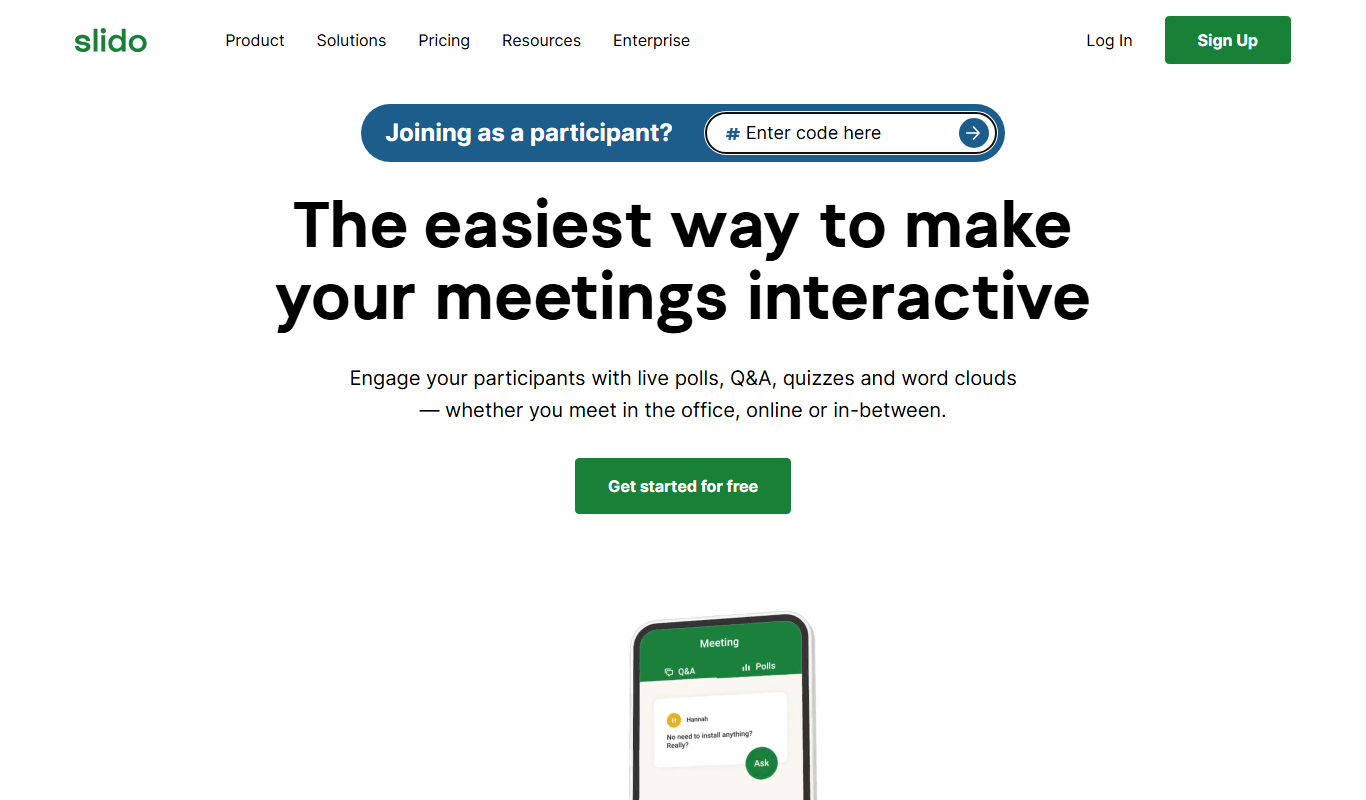
Slido
Slido is a platform that enables live audience interaction through polls, Q&A, and quizzes during events and meetings.

Free
Poll Everywhere
Poll Everywhere is a live polling platform that allows presenters to create interactive polls and collect real-time audience responses via web or mobile devices, enhancing engagement during events and presentations.
More Business Management tools
Other tools in the same category, for when this one is not quite the fit.

Enterprise
Joget
Joget is an open-source low-code platform that enables rapid development of custom business applications and workflow automation through visual drag-and-drop tools.
Enterprise
Camunda BPM
Camunda is a platform for automating business workflows and decisions with BPMN and DMN, now offered as Camunda 8 for agentic orchestration.

Enterprise
Fetch.ai
Fetch.ai is a decentralized platform that enables creation and deployment of autonomous economic agents using blockchain and AI to automate tasks and data exchange securely.

Free
Joplin
Joplin is a free, open source note-taking app that supports markdown, offline editing, and secure synchronization across devices.

Custom Pricing
Nintex
Nintex is a no-code workflow automation platform that helps businesses automate and optimize processes by designing workflows, integrating systems, and analyzing performance.

Free Trial
Naturobot RPA
Naturobot RPA is an AI-driven robotic process automation platform that helps businesses automate repetitive tasks, integrate with enterprise systems, and optimize workflows through a user-friendly visual interface.

Freemium
Diaflow
Diaflow is an AI agent platform where businesses design AI agents and workflow automation on a drag-and-drop canvas with a no-code interface.

Free Trial
Akeneo
Akeneo is a Product Information Management (PIM) platform that centralizes, enriches, and distributes product data to improve accuracy and consistency across sales channels.