

From my experience with Diaflow, I found it excels at simplifying complex business process automation through its intuitive no-code interface combined with AI-powered decision capabilities. After spending time with the platform, I can say it’s particularly well-suited for small to medium businesses and operations teams looking to integrate multiple applications without technical overhead. However, there is a trade-off: the platform currently supports only English and lacks a dedicated mobile app, which might limit accessibility for some users. Overall, if you need to automate workflows efficiently with AI enhancements, Diaflow delivers solid and scalable results.
Diaflow AI Workflow Automation Platform for Business Process Optimization
Diaflow is a no-code AI workflow automation platform that enables businesses to automate repetitive tasks, integrate multiple applications, and optimize processes with real-time monitoring.
- Best for
- Automate Repetitive Tasks
- Key capability
- No-Code Workflow Builder


Do you recommend this tool?
What is Diaflow?
Diaflow is an AI-powered workflow automation platform designed to help businesses streamline and optimize their processes. It enables users to build, manage, and monitor automated workflows that integrate multiple applications and leverage artificial intelligence to enhance decision-making and task execution. Diaflow targets organizations seeking to reduce manual work, improve accuracy, and increase operational efficiency through no-code automation.
Key features of Diaflow
Diaflow offers a no-code interface for designing AI-enhanced workflows, integration with popular business applications, real-time monitoring dashboards, and AI-driven decision logic to automate complex tasks. Its platform supports easy setup of triggers, actions, and conditional flows to tailor automation to specific business needs.
No-Code Workflow Builder
Intuitive drag-and-drop interface to create complex workflows without programming.
AI-Powered Decision Making
Incorporate AI models to automate decisions and enhance workflow intelligence.
Multi-Application Integration
Connect and automate across various business applications and services.
Real-Time Monitoring
Track workflow execution and performance metrics with live dashboards.
Customizable Triggers and Actions
Set specific triggers and actions to tailor automation to unique business scenarios.
Pros and cons of Diaflow
Pros
- User-friendly no-code workflow builder
- AI-powered automation enhances decision-making
- Supports multiple application integrations
- Real-time monitoring and analytics
- Flexible pricing plans including free tier
Cons
- Limited language support (English only)
- Primarily web-based, no mobile app currently
- Advanced AI features may require higher-tier plans
Key use cases for Diaflow
Automate Repetitive Tasks
Use Diaflow to automate routine business tasks such as data entry, notifications, and approvals to save time and reduce errors.
Integrate Multiple Applications
Connect various software tools and services to create seamless workflows that span across different platforms and systems.
Build No-Code AI Workflows
Create intelligent workflows using AI capabilities without writing code, enabling non-technical users to optimize processes.
Monitor and Optimize Business Processes
Track workflow performance and identify bottlenecks to improve efficiency and operational effectiveness.
How Diaflow works
- 1
Sign Up
Create a Diaflow account on their website to access the platform.
- 2
Connect Applications
Link your existing business tools and services to Diaflow for seamless data exchange.
- 3
Design Workflow
Use the drag-and-drop no-code editor to build workflows with AI-powered decision nodes.
- 4
Activate and Monitor
Launch your workflows and monitor their performance through real-time dashboards.
Who is using Diaflow
Small to medium businesses
Operations managers
Marketing teams
IT professionals
Business process analysts
Diaflow pricing
Free
$0/month
Basic workflow automation with limited integrations and monthly task limits.
Pro
$49/month
Advanced features including unlimited workflows, premium integrations, and priority support.
Enterprise
Custom pricing
Tailored solutions with dedicated support, custom integrations, and SLA guarantees.
Plans and prices are as published by the vendor and can change. Check the official site before you buy. Open the pricing page (opens in a new tab)
Frequently asked questions about Diaflow
No, Diaflow provides a no-code platform that allows users to build workflows using a visual editor.
Diaflow supports integration with many popular business tools such as CRM, email, cloud storage, and more.
Yes, Diaflow offers a free plan with limited features to try out the platform.
Yes, Diaflow includes real-time dashboards to track and analyze workflow execution.
This tool is designed to help users accomplish its core tasks more efficiently. It is typically used by individuals or teams looking to improve productivity and workflow.
Yes, it can help with that use case depending on how you configure it and what features are available. You’ll get the best results with clear inputs and a defined goal.
Integration support depends on the tool and its available connectors or API. Check the official documentation or integrations page to confirm what is supported.
It depends on your specific needs and how you plan to use the tool. The official website and documentation are the best sources for the latest details.
Sign in to review this tool.
Sign In to ReviewNo reviews yet
Be the first to share how this tool worked for you.
Ask about pricing, limits, or how it compares — or answer someone else.
Sign In to AskNo questions yet
Have a question about using or paying for this tool? Be the first to ask.
Featured on TiorAI



More Business Process Management tools
Other tools in the same category, for when this one is not quite the fit.

Free Trial
Doflow
Doflow is a no-code workflow automation tool that enables businesses to design, manage, and optimize their processes through an intuitive web platform with task management and integration features.
Free
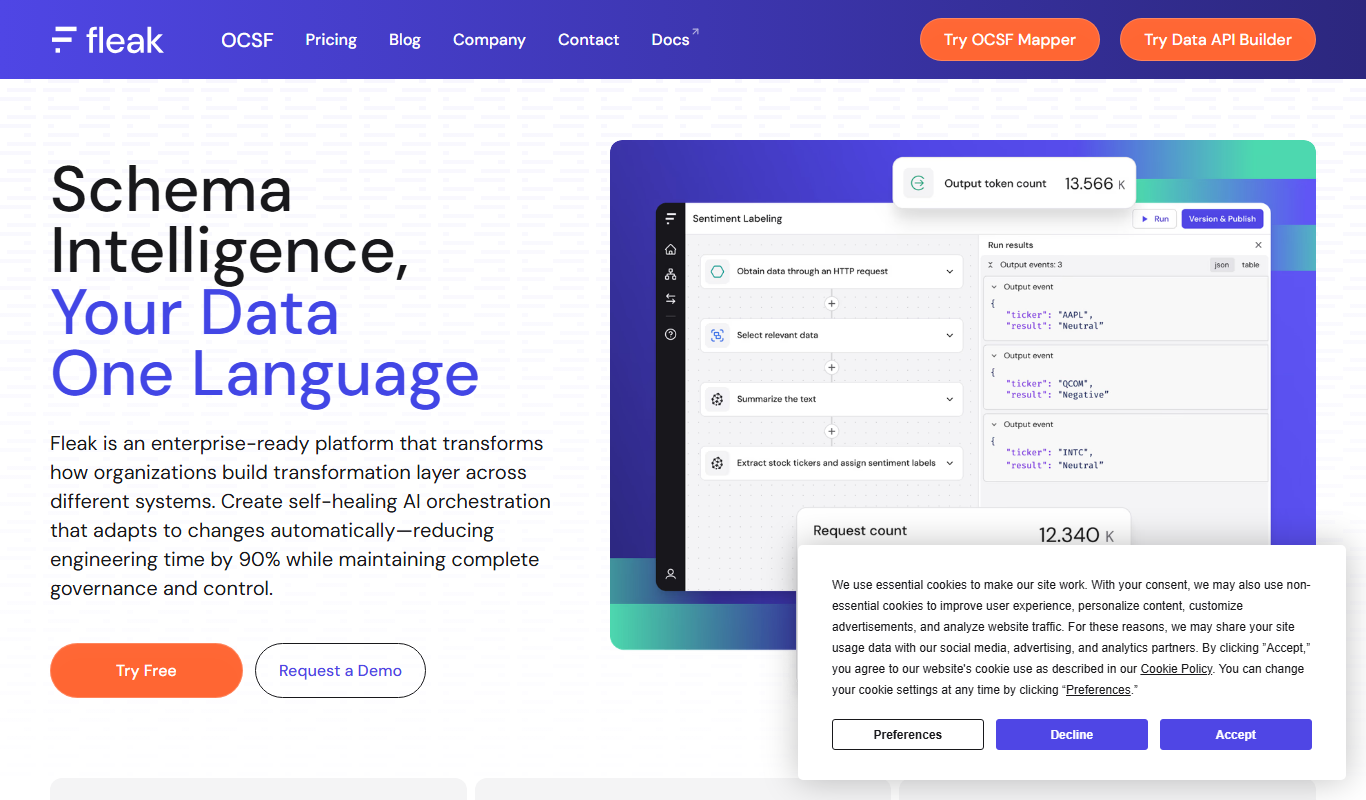
Fleak AI Workflows
Fleak AI Workflows is a no-code AI automation platform that helps businesses automate repetitive tasks by connecting multiple apps and using AI-driven decision-making to optimize workflows.

Free Trial
Vairflow
Vairflow is a no-code AI workflow automation platform that helps businesses automate and optimize processes by integrating multiple applications and leveraging AI-powered actions.
Free Trial
SmartflowAI
SmartflowAI is a web-based AI-powered workflow automation platform that helps businesses automate and optimize their processes through custom workflows, data integration, and real-time monitoring.

Contact for pricing
boltai.com
BoltAI is an AI-driven automation platform that helps businesses automate workflows, extract data, and optimize processes through intelligent automation.
Free Trial
Orchestration AI
Orchestration AI is a cloud platform that automates complex workflows by orchestrating AI models, APIs, and business processes through a visual interface and real-time monitoring.
Subscription
202 QUALITY APPS
202 QUALITY APPS is a web-based quality management software that helps organizations digitize quality assurance, audit management, and compliance processes to improve efficiency and maintain standards.

Free Trial
mindflow.io
Mindflow.io is an AI-driven no-code workflow automation platform that helps businesses design, automate, and optimize processes by integrating with various tools and providing real-time analytics.