

Orchestration AI Platform for Automated Workflow and Process Management
Orchestration AI is an AI orchestration engine that runs anything from a simple assistant to complex multi-agent business operations.
- Best for
- Automated Workflow Management
- Key capability
- Visual Workflow Builder
Save Orchestration AI, follow its updates and vote on it — everything stays in your account.
Sign in or create a free account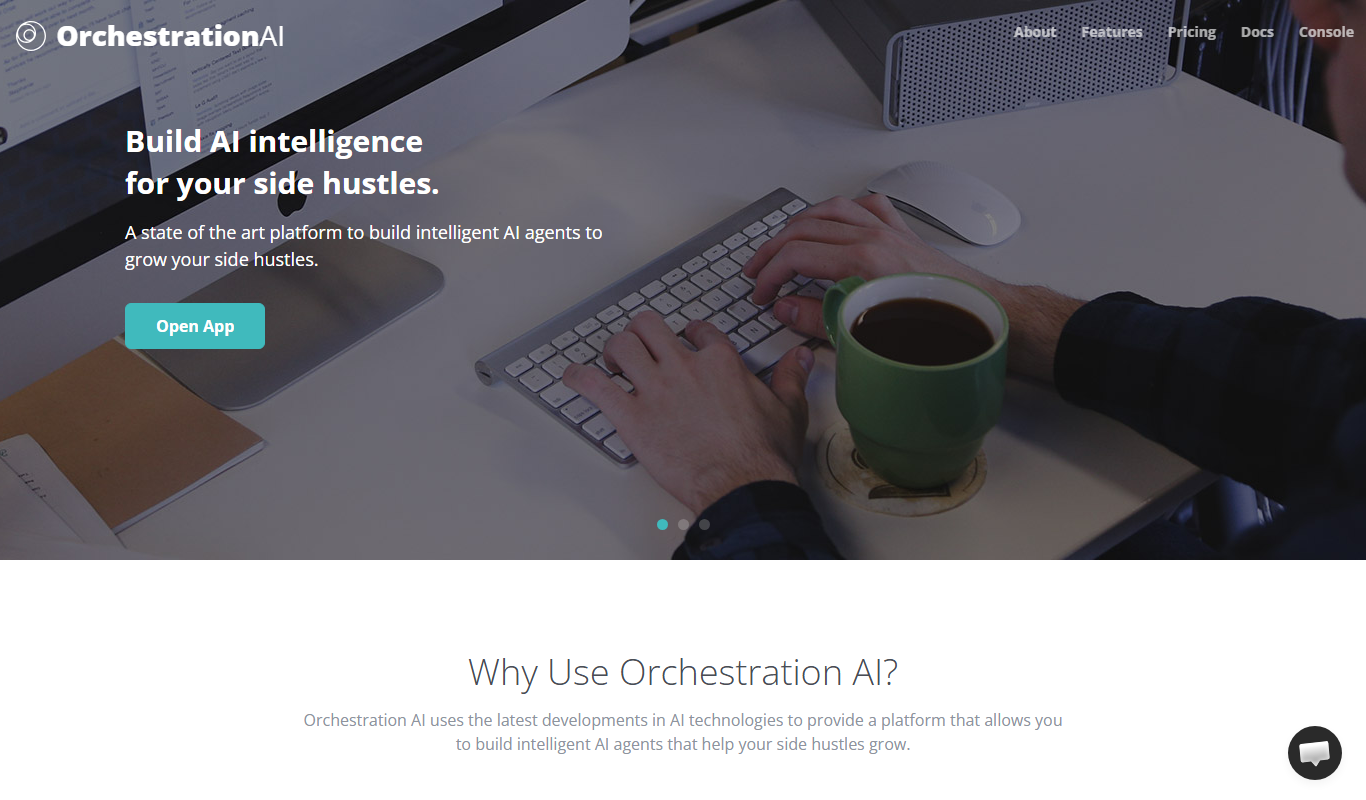
What is Orchestration AI?
Orchestration AI is an orchestration engine for AI agents that connects any LLM, gives agents tools and lets them run, from a weekend chatbot to an autonomous enterprise workforce.
Key features of Orchestration AI
The platform offers visual workflow design, multi-step orchestration, API integrations, real-time monitoring, and scalable execution environments. It supports combining AI models with traditional automation to create intelligent workflows tailored to business needs.
Visual Workflow Builder
Drag-and-drop interface to design complex workflows without coding.
Multi-Model AI Integration
Combine outputs from various AI models to create intelligent decision pipelines.
API and Service Connectors
Pre-built connectors to popular APIs and services for seamless integration.
Real-Time Monitoring and Alerts
Track workflow status and receive notifications on failures or performance issues.
Scalable Cloud Execution
Run workflows on scalable cloud infrastructure to handle varying workloads.
Pros and cons of Orchestration AI
Pros
- User-friendly visual workflow editor
- Supports integration of multiple AI models
- Real-time monitoring and alerting
- Scalable cloud-based execution
- Flexible API connectors
Cons
- Limited language support (English only)
- No mobile app currently available
Key use cases for Orchestration AI
Automated Workflow Management
Design and automate complex workflows across multiple systems without manual intervention.
Business Process Optimization
Streamline and optimize business processes by orchestrating tasks and data flow efficiently.
Integration of AI Services
Combine various AI models and services into cohesive pipelines to enhance decision-making and automation.
Data Processing Automation
Automate data collection, transformation, and analysis workflows to reduce manual effort and errors.
Cross-Platform Task Coordination
Coordinate tasks and actions across different platforms and APIs seamlessly.
How Orchestration AI works
- 1
Create an Account
Sign up on the Orchestration AI website to access the platform.
- 2
Define your agent
Set a model, write context and attach services to define an agent.
- 3
Connect triggers
Wire up emails, webhooks or schedules that activate the agent.
- 4
Deploy and Monitor
The agent reasons, calls tools and delivers, and everything can be monitored live.
Who is using Orchestration AI
Orchestration AI pricing
Free passes on sign up
Free, 3 day passes
3 free day passes on sign up.
Day Pass
$2 per active day, whole account
Unlimited agents and orchestrations, all LLM providers supported, bring your own API keys; no subscriptions and no per-seat pricing.
Plans and prices are as published by the vendor and can change. Check the official site before you buy. Open the pricing page (opens in a new tab)
Frequently asked questions about Orchestration AI
You can automate multi-step workflows that involve AI models, APIs, and business processes across various industries.
No, the platform provides a visual drag-and-drop interface that allows building workflows without programming skills.
Yes, Orchestration AI supports integration with custom AI models and external APIs.
Yes, you can monitor workflow execution and receive alerts for any issues in real time.
It depends on your specific needs and how you plan to use the tool. The official website and documentation are the best sources for the latest details.
Yes, it can help with that use case depending on how you configure it and what features are available. You’ll get the best results with clear inputs and a defined goal.
It depends on your specific needs and how you plan to use the tool. The official website and documentation are the best sources for the latest details.
It depends on your specific needs and how you plan to use the tool. The official website and documentation are the best sources for the latest details.
Conclusion
Agents are the unit of work: each one gets a model, written context and attached services, and is then activated by emails, webhooks or schedules. Within an agent, context, safety rules and tools stack as composable layers, and the LLM provider can be swapped per layer without changing any logic. Agents call real APIs, query databases and send emails, and they can delegate tasks to each other as multi-agent teams.
Developers work through an SDK and JavaScript agent scripts, while an official Terraform provider lets enterprise teams define agents and access control in code. Its use cases range from indie hackers adding a support bot to startups embedding agents in their product and businesses running receptionist, sales and support agents around the clock. There are no subscriptions or per-seat fees: one day pass is consumed per active day for the whole account, free passes come with sign-up, and users bring their own LLM keys.
Sources
Sign in to review this tool.
Sign In to ReviewNo reviews yet
Be the first to share how this tool worked for you.
Ask about pricing, limits, or how it compares — or answer someone else.
Sign In to AskNo questions yet
Have a question about using or paying for this tool? Be the first to ask.
Featured on TiorAI



Alternative Tools
Explore similar AI tools that might fit your needs

n8n
n8n is a workflow automation platform that combines AI capabilities with business process automation, giving technical teams the flexibility of code with the speed of no-code, with self-hosted and cloud deployment.
More AI Artificial Intelligence Tools tools
Other tools in the same category, for when this one is not quite the fit.

Census GPT
Census GPT lets users search census and crime data for the USA with natural language questions.

FilterPixel
FilterPixel is an AI-powered photo culling tool that automates the selection of the best photos by analyzing technical quality and facial expressions, saving photographers time and effort.

Planck Data
Planck Data is an AI platform focused on commercial insurance underwriting.

QuanticTarot AI
QuanticTarot AI is an app that uses artificial intelligence to generate personalized tarot card readings, helping users gain spiritual insight and guidance through various tarot spreads.

tredence.com
Tredence is a data science and AI company providing customized analytics solutions to help enterprises leverage data for better decision-making and operational efficiency.

symphonyai.com
SymphonyAI provides enterprise AI on its Eureka AI platform for Retail/CPG, Financial Services, Industrial and Media.

AI Lens For Power BI
Power BI AI Lens is an AI-powered tool that integrates with Microsoft Power BI to provide automated data insights, natural language querying, and enhanced reporting capabilities.

Futurepedia – Find The Best AI Tools & Software
Futurepedia is a free online directory that helps users discover, compare, and learn about a wide range of AI tools and software across various industries.