

From my experience with Poll Everywhere, it stands out as a straightforward and effective tool for boosting audience interaction during live events and presentations. Its real-time polling capabilities combined with seamless integration into popular presentation platforms make it especially useful for educators and event professionals who want to keep participants engaged without technical hassle. However, the free plan’s participant limits and feature restrictions mean larger or more complex events may require paid tiers. Overall, if your goal is to gather instant feedback and foster dynamic conversations in meetings or classrooms, Poll Everywhere delivers reliable and user-friendly solutions.
Interactive Polling and Audience Engagement Tool for Live Events
Poll Everywhere is a live polling platform that allows presenters to create interactive polls and collect real-time audience responses via web or mobile devices, enhancing engagement during events and presentations.
- Best for
- Live Audience Polling
- Key capability
- Multiple Question Types
Your actions
Save Poll Everywhere, follow its updates and vote on it — everything stays in your account.
Sign in or create a free account
What is Poll Everywhere?
Poll Everywhere is a web-based interactive polling platform designed to enhance audience engagement during live events, presentations, and meetings. It allows users to create various types of polls, quizzes, and surveys that participants can answer in real time using their smartphones, tablets, or computers. The tool integrates seamlessly with popular presentation software to display live results, making it ideal for educators, marketers, event organizers, and corporate teams seeking to foster interaction and gather instant feedback.
Key features of Poll Everywhere
Poll Everywhere offers live polling, multiple question types (multiple choice, open-ended, clickable images), real-time result visualization, seamless integration with PowerPoint, Google Slides, and Keynote, mobile-friendly response collection, and detailed reporting and analytics to measure engagement and outcomes.
Multiple Question Types
Supports multiple choice, open-ended, clickable images, ranking, and Q&A formats.
Real-Time Results
Instantly displays audience responses during live events for dynamic interaction.
Presentation Integration
Works with PowerPoint, Google Slides, and Keynote for seamless embedding of polls.
Mobile-Friendly
Participants can respond easily from any device without needing to download an app.
Detailed Analytics
Provides comprehensive reports on participation rates, response data, and engagement metrics.
Pros and cons of Poll Everywhere
Pros
- Easy to use with intuitive interface
- Supports diverse question types for varied engagement
- Seamless integration with popular presentation tools
- Real-time response collection enhances interaction
- Mobile-friendly with no app required for participants
Cons
- Free plan limits participant numbers and features
- Advanced analytics require higher-tier plans
- Customization options can be limited for complex needs
Key use cases for Poll Everywhere
Live Audience Polling
Engage audiences during presentations, lectures, or events by collecting real-time responses via polls, quizzes, and surveys.
Remote Team Collaboration
Facilitate interactive meetings and decision-making with remote teams by gathering instant feedback and opinions.
Educational Assessments
Enable educators to assess student understanding and participation through live quizzes and interactive questions.
Market Research
Collect consumer insights and preferences during product launches or marketing events to inform business strategies.
Event Engagement
Increase attendee interaction and satisfaction at conferences, workshops, and webinars with dynamic polling features.
How Poll Everywhere works
- 1
Create an Account
Sign up on the Poll Everywhere website to access the dashboard and start creating polls.
- 2
Design Polls
Choose from various question types and customize polls to suit your event or presentation needs.
- 3
Integrate with Presentation
Embed polls into your slides using supported integrations or share direct links with participants.
- 4
Collect Responses
Participants respond in real time via web browsers or mobile devices using a unique event code or link.
- 5
Display Results Live
Show live poll results during your event to engage the audience and encourage participation.
- 6
Analyze Data
Review detailed reports and analytics post-event to assess engagement and gather insights.
Who is using Poll Everywhere
Educators and trainers
Event organizers and conference speakers
Marketing and research professionals
Corporate teams and remote workers
Nonprofits and community groups
Poll Everywhere pricing
Free
$0/month
Basic features with limited responses per poll and up to 25 participants.
Individual
$120/year
Expanded participant limits and additional question types for individual users.
Team
Custom pricing
Collaboration features, increased limits, and priority support for teams.
Enterprise
Custom pricing
Advanced security, integrations, and dedicated support for large organizations.
Plans and prices are as published by the vendor and can change. Check the official site before you buy. Open the pricing page (opens in a new tab)
Frequently asked questions about Poll Everywhere
Yes, participants can respond anonymously via a web link or event code without needing to sign up.
Poll Everywhere supports multiple choice, open-ended, clickable images, ranking, and Q&A formats.
Yes, it integrates with PowerPoint, Google Slides, and Keynote for live polling within presentations.
Participants can respond via mobile browsers without downloading an app, though apps are available for presenters.
It depends on your specific needs and how you plan to use the tool. The official website and documentation are the best sources for the latest details.
Some tools offer a free plan or trial with limited features. Availability can vary, so confirm on the official website.
Integration support depends on the tool and its available connectors or API. Check the official documentation or integrations page to confirm what is supported.
Yes, it can help with that use case depending on how you configure it and what features are available. You’ll get the best results with clear inputs and a defined goal.
Sign in to review this tool.
Sign In to ReviewNo reviews yet
Be the first to share how this tool worked for you.
Ask about pricing, limits, or how it compares — or answer someone else.
Sign In to AskNo questions yet
Have a question about using or paying for this tool? Be the first to ask.
Featured on TiorAI



Alternative Tools
Explore similar AI tools that might fit your needs

Free
Mentimeter
Mentimeter is an interactive presentation platform that allows users to create live polls, quizzes, and Q&A sessions to engage audiences in real-time during meetings, webinars, and events.
Free
Slido
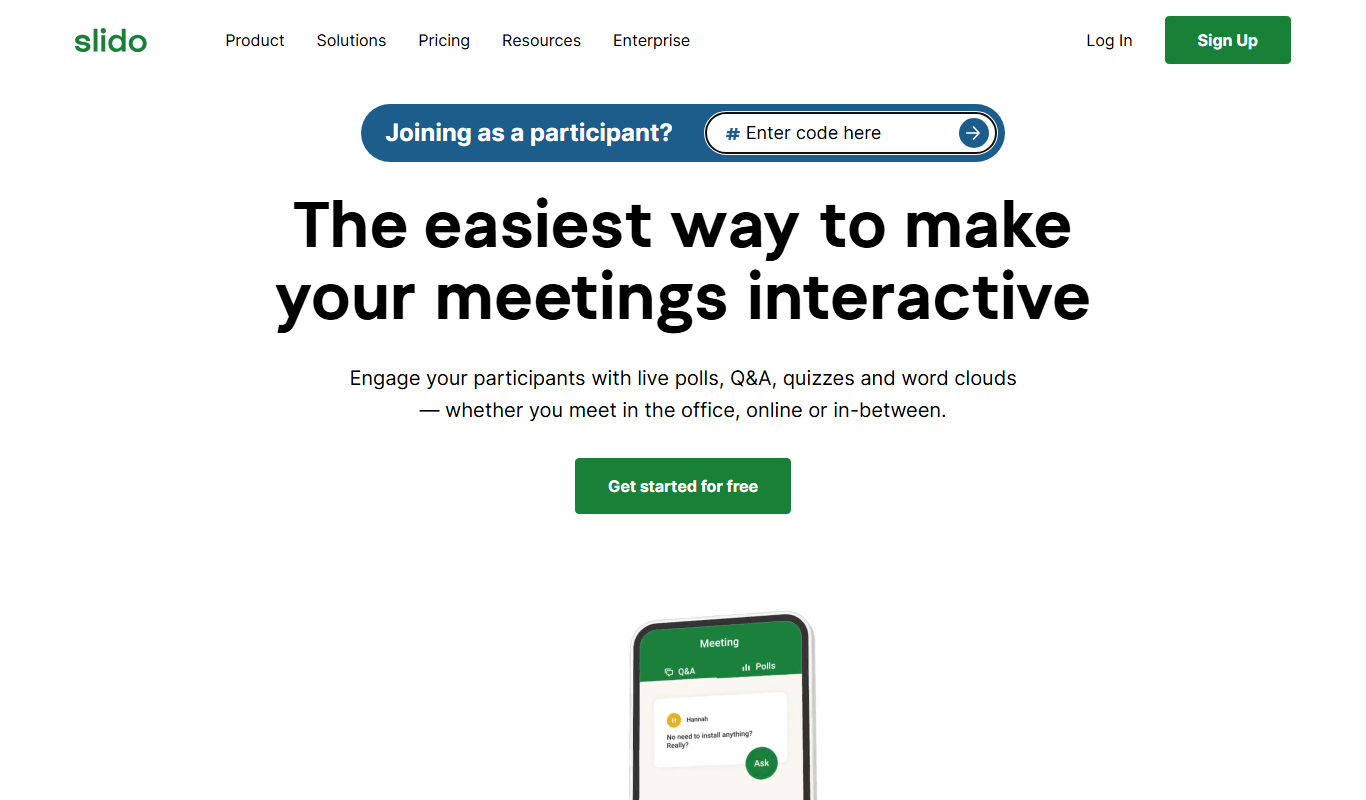
Slido is a platform that enables live audience interaction through polls, Q&A, and quizzes during events and meetings.
More Business Management tools
Other tools in the same category, for when this one is not quite the fit.

Free
Tidepool
Tidepool is a free, open-source platform that collects and visualizes diabetes device data to help users and healthcare providers manage diabetes effectively.

Subscription
Glooko
Glooko is a diabetes management platform that aggregates data from various devices to help patients and healthcare providers monitor and manage diabetes remotely.
Enterprise
Compliance.ai
Compliance.ai is an AI-driven platform that aggregates and analyzes regulatory content to help financial services and regulated industries manage compliance risks efficiently.

Free
Directus
Directus is an open-source headless CMS and data platform that connects to your SQL database to provide dynamic REST and GraphQL APIs along with a no-code admin interface for content management.

Free
Ansible
Ansible is an open-source IT automation tool that uses simple YAML playbooks to automate configuration management, application deployment, and orchestration without requiring agents on managed nodes.

Enterprise
Joget
Joget is an open-source low-code platform that enables rapid development of custom business applications and workflow automation through visual drag-and-drop tools.
Enterprise
Camunda BPM
Camunda is a platform for automating business workflows and decisions with BPMN and DMN, now offered as Camunda 8 for agentic orchestration.

Enterprise
Fetch.ai
Fetch.ai is a decentralized platform that enables creation and deployment of autonomous economic agents using blockchain and AI to automate tasks and data exchange securely.