

From my experience with Ansible, its simplicity and agentless design make automating IT tasks straightforward and efficient. The use of YAML playbooks lowers the barrier for teams new to automation, while its extensive module ecosystem supports complex environments. I found it particularly well-suited for DevOps engineers and system administrators aiming to streamline configuration and deployment workflows. However, for very complex orchestration scenarios, additional tools or enterprise features might be necessary. Overall, Ansible delivers robust automation capabilities that scale from small setups to large enterprise infrastructures.
Ansible Automation Platform for IT Configuration and DevOps Management
Ansible is an open-source IT automation tool that uses simple YAML playbooks to automate configuration management, application deployment, and orchestration without requiring agents on managed nodes.
- Best for
- IT Infrastructure Automation
- Key capability
- Agentless Architecture
Your actions
Save Ansible, follow its updates and vote on it — everything stays in your account.
Sign in or create a free account
What is Ansible?
Ansible is an open-source IT automation platform that simplifies the management and orchestration of complex IT environments. It uses human-readable YAML playbooks to automate tasks such as configuration management, application deployment, and workflow orchestration without requiring agents on target machines.
Key features of Ansible
Ansible provides agentless architecture, easy-to-write playbooks, extensive module library, integration with cloud providers, and powerful orchestration capabilities to automate IT operations efficiently.
Agentless Architecture
Operates over SSH or WinRM without requiring agents installed on managed nodes.
Simple YAML Playbooks
Uses human-readable YAML syntax to define automation tasks, making it accessible to IT professionals.
Extensive Module Library
Includes hundreds of modules to manage cloud resources, network devices, containers, and more.
Ansible Tower / Automation Controller
Provides a web-based UI, role-based access control, job scheduling, and real-time job status.
Integration with DevOps Tools
Seamlessly integrates with CI/CD pipelines, cloud platforms, and container orchestration systems.
Pros and cons of Ansible
Pros
- Easy to learn with simple YAML syntax
- Agentless design reduces overhead
- Strong community and extensive modules
- Scalable from small to large environments
- Integrates well with DevOps toolchains
Cons
- Limited Windows support compared to Linux
- Complex workflows may require additional tooling
- Enterprise features require paid subscription
Key use cases for Ansible
IT Infrastructure Automation
Automate the provisioning, configuration, and management of servers and network devices to reduce manual tasks and errors.
Application Deployment
Streamline and standardize application deployment processes across multiple environments using repeatable playbooks.
Configuration Management
Maintain consistent system configurations and enforce desired states across large-scale IT environments.
Continuous Delivery and Integration
Integrate with CI/CD pipelines to automate testing and deployment workflows, accelerating software delivery.
Security and Compliance Automation
Automate security policy enforcement and compliance checks to ensure systems meet organizational standards.
How Ansible works
- 1
Install Ansible
Set up Ansible on a control machine, typically a Linux server or workstation.
- 2
Define Inventory
Specify the target hosts and groups in an inventory file to manage.
- 3
Write Playbooks
Create YAML playbooks that describe the desired state and tasks to execute on target hosts.
- 4
Run Playbooks
Execute playbooks from the control machine to automate configuration and deployment on managed nodes.
- 5
Monitor and Manage
Use Ansible Tower or Automation Controller for centralized management, scheduling, and monitoring.
Who is using Ansible
DevOps engineers
System administrators
IT operations teams
Cloud architects
Software development teams
Ansible pricing
Community Edition
Free
Open-source version with full automation capabilities and community support.
Ansible Automation Platform
Subscription-based pricing
Enterprise-grade solution with support, certified content, and advanced management features.
Plans and prices are as published by the vendor and can change. Check the official site before you buy. Open the pricing page (opens in a new tab)
Frequently asked questions about Ansible
Yes, the core Ansible automation engine is open-source and free to use. Enterprise features are available via subscription.
No, Ansible uses an agentless architecture and communicates over SSH or WinRM.
Ansible is written in Python and uses YAML for playbook definitions.
Yes, Ansible has modules to manage AWS, Azure, Google Cloud, and other cloud platforms.
This tool is designed to help users accomplish its core tasks more efficiently. It is typically used by individuals or teams looking to improve productivity and workflow.
It depends on your specific needs and how you plan to use the tool. The official website and documentation are the best sources for the latest details.
Some tools offer a free plan or trial with limited features. Availability can vary, so confirm on the official website.
It depends on your specific needs and how you plan to use the tool. The official website and documentation are the best sources for the latest details.
Sign in to review this tool.
Sign In to ReviewNo reviews yet
Be the first to share how this tool worked for you.
Ask about pricing, limits, or how it compares — or answer someone else.
Sign In to AskNo questions yet
Have a question about using or paying for this tool? Be the first to ask.
Featured on TiorAI



Alternative Tools
Explore similar AI tools that might fit your needs

Free
Terraform
Terraform is an open-source infrastructure as code tool that automates provisioning and managing cloud infrastructure across multiple providers using declarative configuration files.
More AI DevOps Assistant tools
Other tools in the same category, for when this one is not quite the fit.

Free Trial
Applitools
Applitools is an AI-driven visual testing platform that automates UI validation by comparing screenshots to detect visual bugs and regressions across multiple browsers and devices.

Free Trial
Mabl
Mabl is an AI-driven automated testing platform that enables software teams to create, run, and maintain end-to-end tests with codeless tools and AI-powered visual validation, integrating seamlessly into CI/CD pipelines.

Free
Travis CI
Travis CI is a cloud-based continuous integration platform that automates software build, test, and deployment workflows by integrating with GitHub and Bitbucket repositories.

Free
CircleCI
CircleCI is a cloud-based continuous integration and deployment platform that automates software build, test, and deployment workflows to accelerate development and improve code quality.

Free
Jenkins
Jenkins is an open-source automation server that enables continuous integration and continuous delivery by automating software build, test, and deployment processes.

Free
Snyk
Snyk is a security platform designed for developers to find, fix, and monitor vulnerabilities in open source dependencies, container images, and infrastructure as code, integrating directly into developer workflows and CI/CD pipelines.
Enterprise
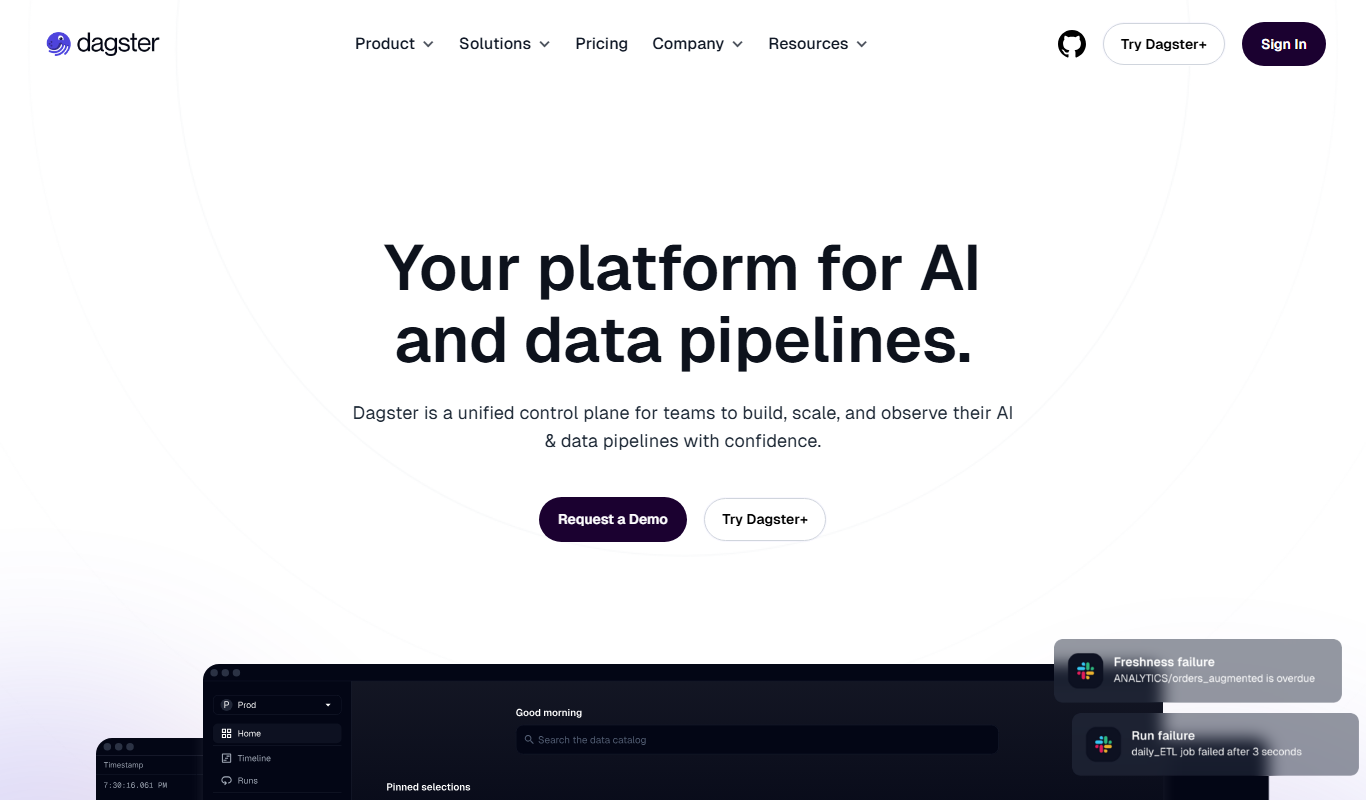
Dagster
Dagster is an open-source data orchestration platform that enables developers to build, schedule, and monitor reliable data pipelines with strong typing, observability, and extensibility.

Enterprise
Prefect
Prefect is a Python-native workflow orchestration tool that helps data teams automate, monitor, and manage complex data pipelines with hybrid execution and robust error handling.