

From my experience with Promptr, I found it excels at organizing and managing AI prompts in a way that streamlines the workflow for developers and teams. The collaboration and version control features are particularly useful for refining prompts iteratively, which is crucial in prompt engineering. However, the platform currently supports a limited range of AI integrations and lacks mobile apps, which might be a drawback for some users. Overall, if you work regularly with AI prompts and need a centralized, collaborative environment, Promptr offers a practical and focused solution.
Promptr AI Prompt Management Tool for Developers and Teams
Promptr is a web platform that helps developers and teams organize, share, and optimize AI prompts with collaboration and version control features.
- Best for
- Prompt Management
- Key capability
- Prompt Library Management


Do you recommend this tool?
What is Promptr?
Promptr is a web-based prompt management platform designed to help developers, AI practitioners, and teams organize, share, and optimize prompts used with AI language models. It provides a structured environment to store prompts, collaborate on prompt engineering, and improve the efficiency and quality of AI interactions.
Key features of Promptr
Promptr offers features such as prompt organization with tagging and folders, team collaboration with shared libraries, version control for prompt iterations, and integrations with AI APIs to test prompts directly within the platform.
Prompt Library Management
Centralized storage with tagging, folders, and search to organize prompts.
Team Collaboration
Shared libraries and permissions to collaborate on prompt development.
Version Control
Track changes and maintain versions of prompts for iterative improvement.
AI Integration
Test prompts directly with connected AI APIs to evaluate effectiveness.
Pros and cons of Promptr
Pros
- Centralized prompt organization improves workflow
- Collaboration features enhance team productivity
- Version control helps track prompt improvements
Cons
- Limited AI model integrations currently
- No mobile app available yet
- Free plan has storage and feature restrictions
Key use cases for Promptr
Prompt Management
Organize, store, and manage AI prompts efficiently for individual or team use.
Collaboration
Share and collaborate on prompt libraries with team members to improve AI output quality.
Prompt Engineering
Refine and optimize AI prompts to achieve better results from language models.
Knowledge Base Creation
Build a centralized repository of prompts and best practices for AI usage.
How Promptr works
- 1
Create an Account
Sign up on the Promptr website to access the prompt management dashboard.
- 2
Add and Organize Prompts
Input your AI prompts, categorize them with tags and folders for easy retrieval.
- 3
Collaborate with Team
Invite team members to share prompt libraries and work together on prompt refinement.
- 4
Test and Iterate
Use built-in tools to test prompts with AI models and iterate based on results.
Who is using Promptr
AI developers
Prompt engineers
Content creators using AI
Teams working with AI models
Product managers overseeing AI projects
Promptr pricing
Free
$0/month
Basic prompt management with limited storage and single user access.
Pro
$15/month
Advanced features including team collaboration, increased storage, and version control.
Plans and prices are as published by the vendor and can change. Check the official site before you buy. Open the pricing page (opens in a new tab)
Frequently asked questions about Promptr
Promptr supports integration with popular AI APIs, but compatibility depends on the specific API.
The Free plan has storage limits, while the Pro plan offers expanded capacity.
Yes, team collaboration features are available on the Pro plan.
This tool is designed to help users accomplish its core tasks more efficiently. It is typically used by individuals or teams looking to improve productivity and workflow.
Yes, it can help with that use case depending on how you configure it and what features are available. You’ll get the best results with clear inputs and a defined goal.
It depends on your specific needs and how you plan to use the tool. The official website and documentation are the best sources for the latest details.
Sign in to review this tool.
Sign In to ReviewNo reviews yet
Be the first to share how this tool worked for you.
Ask about pricing, limits, or how it compares — or answer someone else.
Sign In to AskNo questions yet
Have a question about using or paying for this tool? Be the first to ask.
Featured on TiorAI



Alternative Tools
Explore similar AI tools that might fit your needs

Free
PromptPerfect
PromptPerfect is an AI tool that refines and optimizes user prompts to improve the quality and relevance of responses from AI chatbots like ChatGPT.
More AI Podcast Clip Generator tools
Other tools in the same category, for when this one is not quite the fit.

Free Trial
DoryAI
DoryAI ClipTutor is an AI-driven tool that automatically summarizes videos by extracting key clips, helping users save time reviewing and sharing important content.
Free Trial
Jellypod
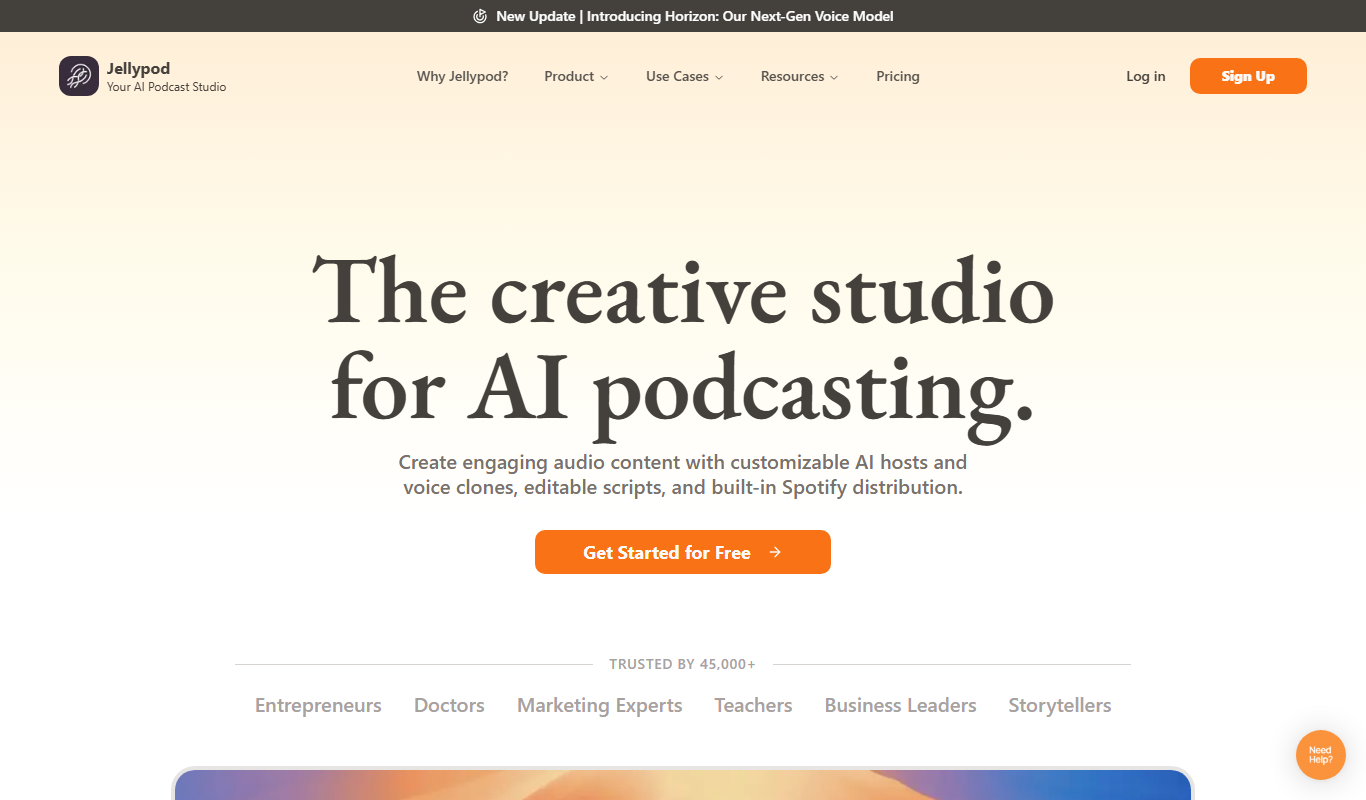
Jellypod is an AI-powered platform that converts text scripts into natural-sounding podcast episodes, automating audio content creation for marketers, podcasters, and content creators.

Free
Skip
Skip is an AI-powered writing assistant that helps users generate and edit content efficiently through a web platform and Chrome extension.

Free
RSS filter
RSS Filter is a free web tool that allows users to filter RSS feeds by keywords, generating customized feeds with only relevant content.
Free
Snipd
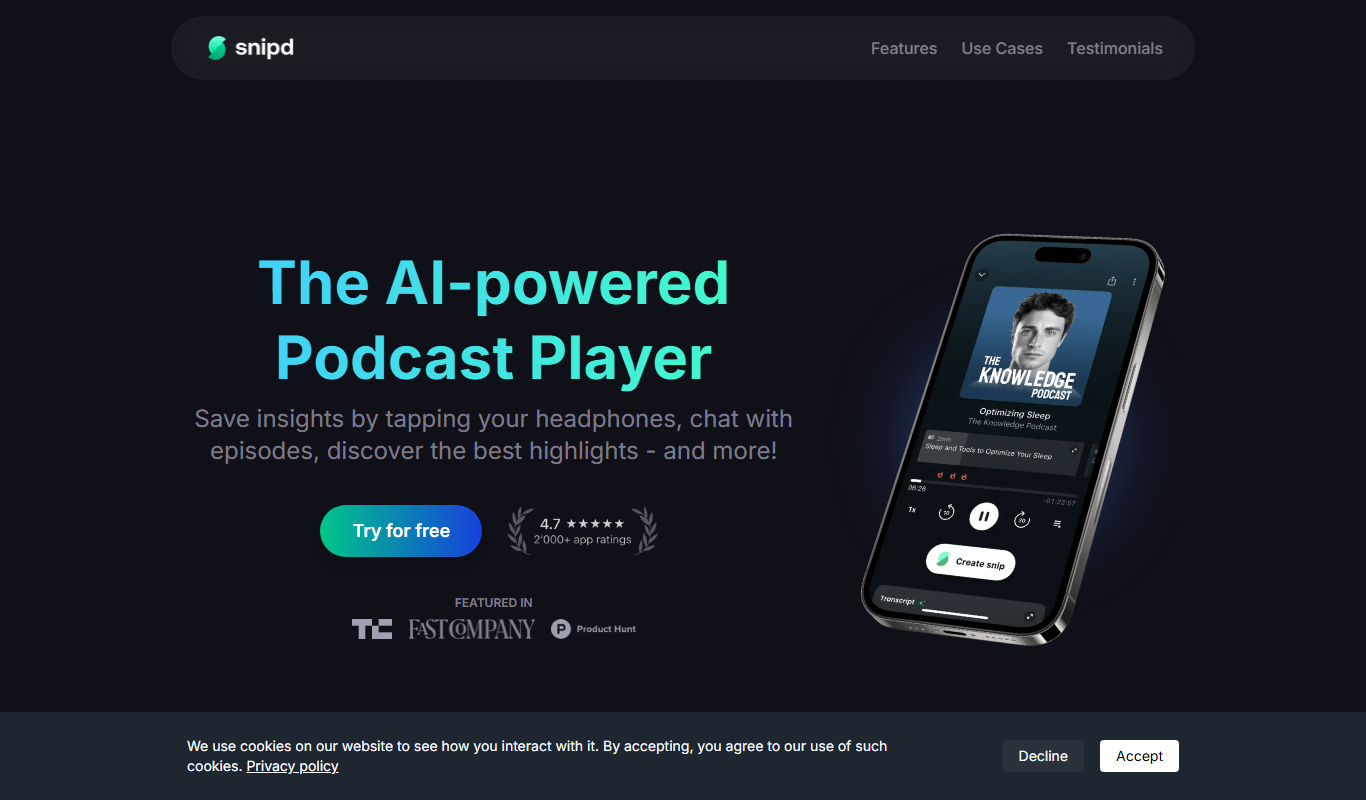
Snipd is an AI-driven podcast player that provides automatic transcripts, smart highlights, and note-taking features to improve podcast listening and content discovery.

Free
Munch
Munch is a screen recording tool that lets you capture your screen and webcam, edit videos simply, and share instantly via links, designed for quick video communication.

Freemium
EasyClips
EasyClips is a mobile app designed for quick video editing, offering templates, text overlays, and royalty-free music to create social media clips easily on iOS and Android devices.
Free
Contxt
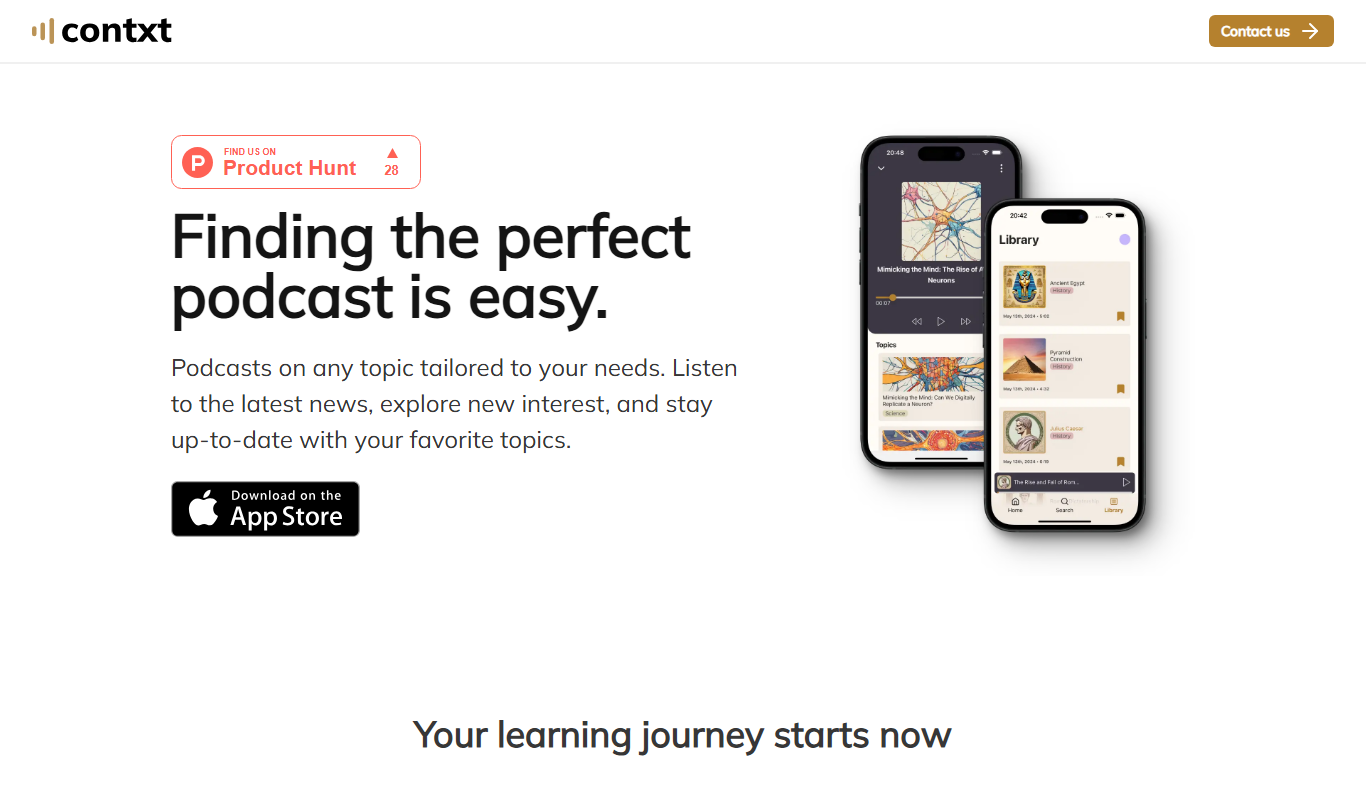
Contxt is an AI meeting assistant that transcribes meetings in real-time, generates summaries, and tracks action items to improve productivity.