

From my experience with Snipd, I found it excels at making podcast content more accessible and easier to navigate through AI-generated transcripts and smart highlights. The ability to save and share snippets is particularly useful for researchers and busy listeners who want to revisit key moments without replaying entire episodes. However, the AI transcripts, while generally accurate, can occasionally misinterpret audio, especially with accents or background noise. Overall, if you want a podcast player that enhances discovery and note-taking, Snipd delivers a practical and user-friendly solution.
Snipd Podcast Player with AI Transcripts and Smart Highlights
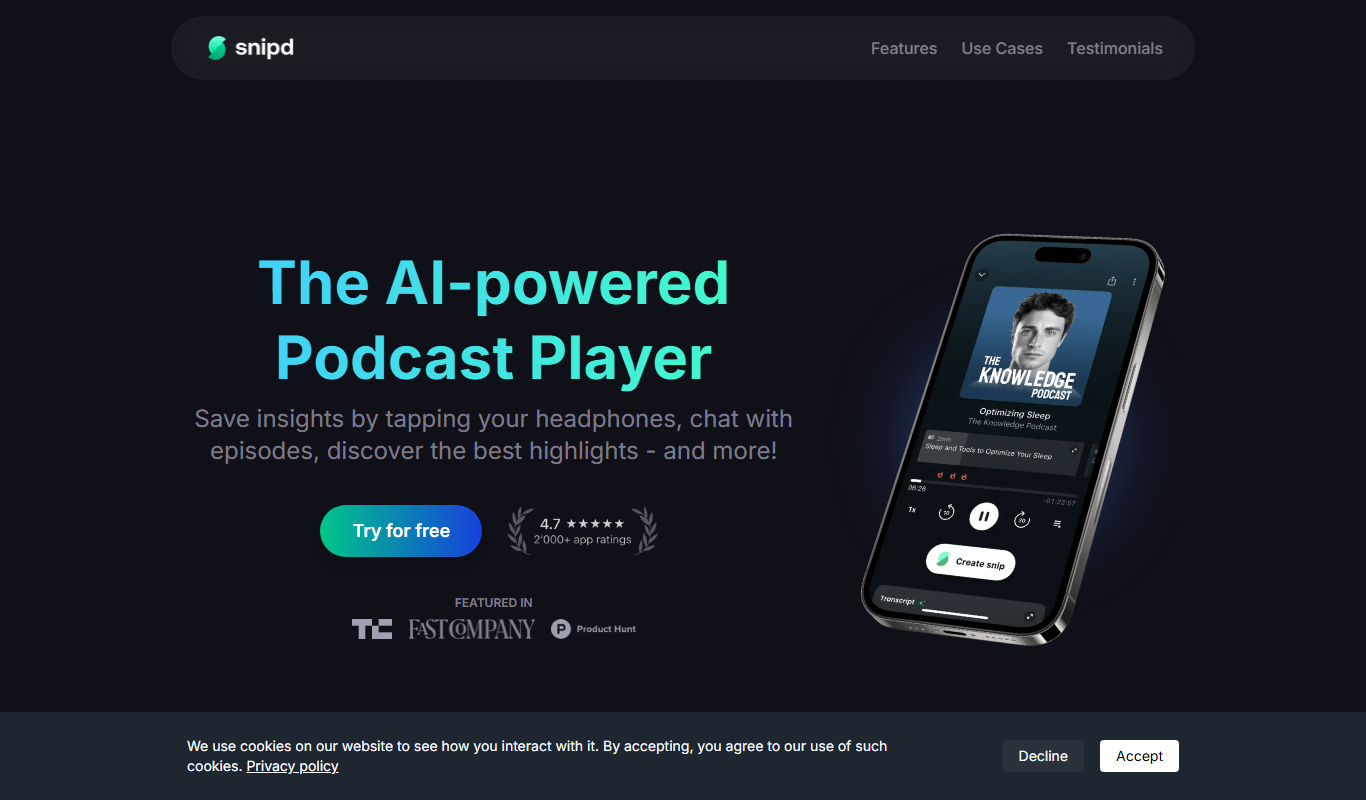
Snipd is an AI-driven podcast player that provides automatic transcripts, smart highlights, and note-taking features to improve podcast listening and content discovery.
- Best for
- Podcast Listening
- Key capability
- AI-Generated Transcripts

Do you recommend this tool?
What is Snipd?
Snipd is an AI-powered podcast player designed to enhance the podcast listening experience by providing automatic transcripts, smart highlights, and easy note-taking features. It helps users discover, consume, and organize podcast content more efficiently by transforming audio into searchable and skimmable text snippets.
Key features of Snipd
Snipd offers AI-generated transcripts, smart highlights that summarize key moments, personalized recommendations, and tools to save and share important podcast snippets. It supports cross-platform listening on mobile and web, making podcast content more accessible and easier to navigate.
AI-Generated Transcripts
Accurate, real-time transcripts that allow users to read along or search within episodes.
Smart Highlights
Automatically identified key moments and summaries to quickly grasp episode content.
Personalized Recommendations
Discover new podcasts and episodes based on listening habits and interests.
Note Taking and Snippet Saving
Save important quotes or segments for later review or sharing.
Cross-Platform Support
Available on iOS, Android, and web for seamless listening across devices.
Pros and cons of Snipd
Pros
- Makes podcast content searchable and skimmable
- Helps discover relevant podcast moments quickly
- Supports note-taking and sharing snippets
- Cross-platform availability
- Improves accessibility with transcripts
Cons
- AI transcripts may have occasional inaccuracies
- Some features require paid subscription
- Limited language support (English only)
Key use cases for Snipd
Podcast Listening
Listen to podcasts with enhanced features like AI-generated transcripts and smart highlights.
Content Discovery
Discover new podcast episodes and topics through AI-curated highlights and snippets.
Note Taking and Reference
Save and organize important podcast moments with smart notes and transcript snippets for easy reference.
Accessibility
Access podcasts through readable transcripts, improving accessibility for hearing-impaired users.
Research and Learning
Use searchable transcripts and highlights to quickly find relevant information within podcast episodes.
How Snipd works
- 1
Download and Sign Up
Install the Snipd app on your device or use the web player and create an account.
- 2
Browse or Import Podcasts
Search for podcasts or import your favorite shows to start listening.
- 3
Listen with AI Transcripts
Play episodes while viewing real-time AI-generated transcripts and smart highlights.
- 4
Save and Share Snippets
Highlight important moments and save them as notes or share with others.
Who is using Snipd
Podcast enthusiasts
Content researchers
Students and learners
Accessibility-focused users
Busy professionals seeking efficient listening
Snipd pricing
Free
$0/month
Access to basic podcast listening with limited transcripts and highlights.
Premium
$7.99/month
Full access to unlimited transcripts, smart highlights, advanced search, and offline listening.
Plans and prices are as published by the vendor and can change. Check the official site before you buy. Open the pricing page (opens in a new tab)
Frequently asked questions about Snipd
Snipd supports most podcasts available on major platforms, but some may not have full transcript features depending on audio quality.
Offline listening and access to saved transcripts are available with the Premium subscription.
Transcripts are generated using advanced AI models and are generally accurate, though some errors may occur with poor audio quality or heavy accents.
Snipd offers a web player accessible from desktop browsers, in addition to mobile apps.
This tool is designed to help users accomplish its core tasks more efficiently. It is typically used by individuals or teams looking to improve productivity and workflow.
It depends on your specific needs and how you plan to use the tool. The official website and documentation are the best sources for the latest details.
Some tools offer a free plan or trial with limited features. Availability can vary, so confirm on the official website.
Yes, it can help with that use case depending on how you configure it and what features are available. You’ll get the best results with clear inputs and a defined goal.
Sign in to review this tool.
Sign In to ReviewNo reviews yet
Be the first to share how this tool worked for you.
Ask about pricing, limits, or how it compares — or answer someone else.
Sign In to AskNo questions yet
Have a question about using or paying for this tool? Be the first to ask.
Featured on TiorAI



Alternative Tools
Explore similar AI tools that might fit your needs

Free Trial
Audible
Audible is a subscription-based platform offering a vast library of audiobooks, podcasts, and spoken-word content with features like offline listening and Whispersync for Voice.
More AI Audio Content Tools tools
Other tools in the same category, for when this one is not quite the fit.

Free
notevibes.com
Notevibes is an online text to speech platform offering over 200 natural AI voices across 25+ languages, customizable speech parameters, and high-quality audio downloads for content creation, education, and accessibility.
Free
Snipd
Snipd is an AI-powered podcast player that generates transcripts and smart audio highlights to help users navigate, discover, and share podcast content efficiently.
Free
Snipd
Snipd is an AI-powered podcast player that provides automatic transcripts, smart highlights, and clip creation to help users quickly find and share important podcast moments.

Freemium
sounder.ai
Sounder.ai is a podcast hosting platform that offers AI-powered automatic transcription, SEO tools, and analytics to help podcasters distribute and optimize their audio content.

Free
Listnr
Listnr is an AI-powered text-to-speech platform that converts text into natural-sounding audio using multiple voices and languages, ideal for podcasts, audiobooks, and marketing content.

Free Trial
Blakify
Blakify is an AI-powered text to speech platform that converts written text into natural-sounding audio with multiple voice and language options, ideal for content narration, audiobooks, and accessibility.

Freemium
GoodListen
GoodListen is an AI tool that transcribes and summarizes podcast episodes to help users quickly understand key points without listening to the full audio.
Free
X to Voice
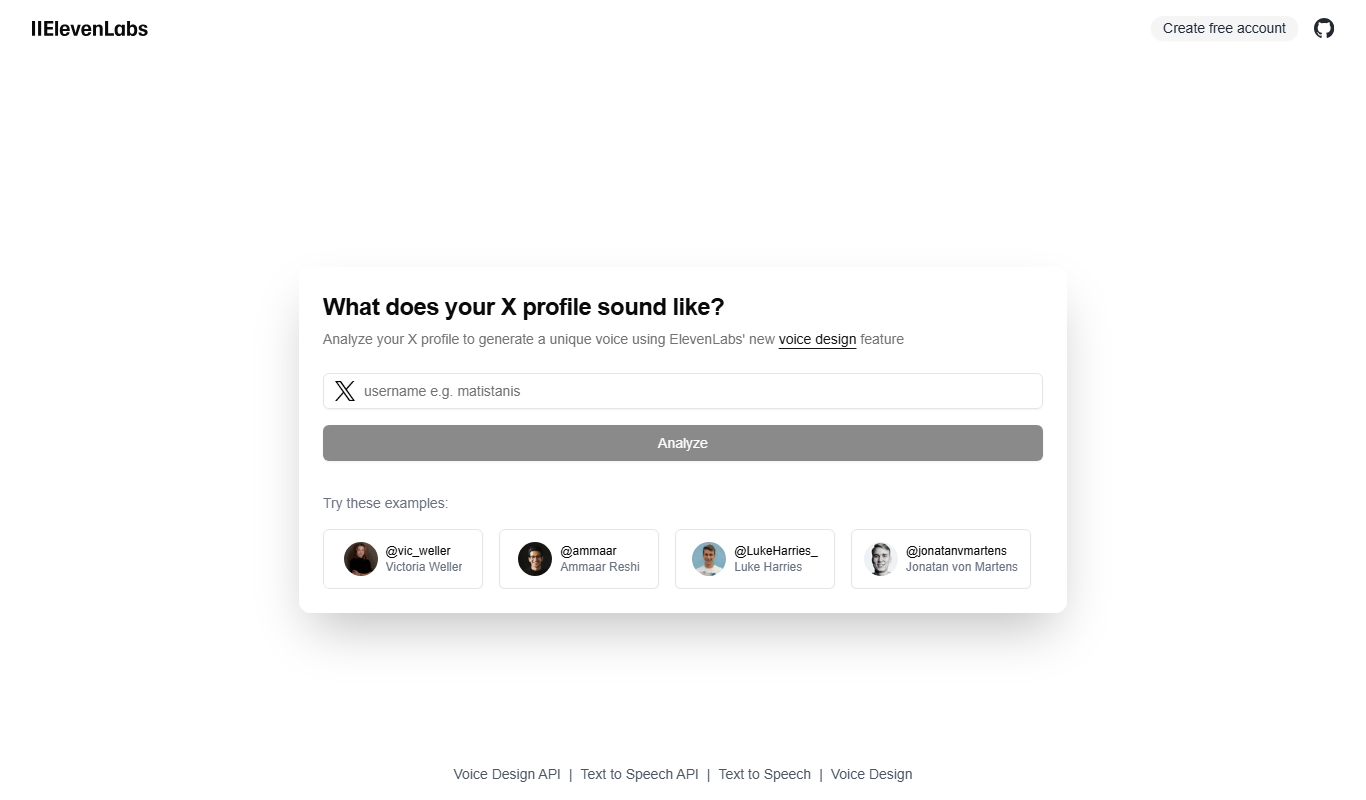
X to Voice is an AI-powered text-to-speech tool that converts written text into natural-sounding voice audio quickly and easily via a web platform.