

From my experience with Blakify, it stands out for its natural-sounding AI voices and ease of use, making it a practical choice for content creators needing quick, high-quality audio narration. The platform’s multilingual support and customization options allow for versatile applications, from audiobooks to accessibility enhancements. However, being web-only means it lacks dedicated desktop or mobile apps, which might limit offline use. Overall, if you want an affordable, straightforward text to speech solution with professional voice quality, Blakify delivers solid results.
Blakify Text to Speech Converter with Natural Voices for Content Creators
Blakify is an AI-powered text to speech platform that converts written text into natural-sounding audio with multiple voice and language options, ideal for content narration, audiobooks, and accessibility.
- Best for
- Content Narration
- Key capability
- Multiple Natural Voices
Your actions
Save Blakify, follow its updates and vote on it — everything stays in your account.
Sign in or create a free account
What is Blakify?
Blakify is an AI-powered text to speech platform that transforms written text into natural, human-like voice audio. It offers a wide selection of voices and supports multiple languages, enabling users to create voiceovers, audiobooks, and other audio content efficiently without recording human voice actors.
Key features of Blakify
Blakify provides a user-friendly web interface with customizable voice options, including pitch, speed, and tone. It supports batch processing, multiple languages, and exports audio files in popular formats like MP3 and WAV. The platform is designed to serve content creators, marketers, educators, and accessibility advocates.
Multiple Natural Voices
Access a diverse library of realistic AI voices across different genders and accents.
Multilingual Support
Supports over 20 languages, enabling global content reach.
Customizable Voice Settings
Modify speech speed, pitch, and volume to tailor audio output.
Batch Processing
Convert multiple text files into speech simultaneously to save time.
High-Quality Audio Export
Download audio files in MP3 or WAV formats suitable for professional use.
Pros and cons of Blakify
Pros
- Wide selection of natural-sounding voices
- Supports multiple languages for global reach
- Easy-to-use web interface with customization options
- Batch processing saves time for large projects
- Affordable pricing tiers with free trial
Cons
- No dedicated desktop or mobile apps, web-only
- Limited tech stack information publicly available
- Some advanced features require higher-tier plans
Key use cases for Blakify
Content Narration
Convert written content such as articles, blogs, and ebooks into natural-sounding audio narration.
Audiobook Creation
Generate professional-quality audiobooks from text with a variety of voice options.
Video Voiceovers
Create voiceovers for videos, presentations, and marketing materials quickly and easily.
Accessibility Enhancement
Improve accessibility by providing audio versions of text for users with reading difficulties or visual impairments.
Language Learning
Use realistic voice outputs to aid language learners in pronunciation and listening practice.
How Blakify works
- 1
Input Text
Users paste or upload the text they want to convert into speech.
- 2
Select Voice and Language
Choose from a variety of AI-generated voices and supported languages.
- 3
Customize Audio
Adjust voice parameters such as speed, pitch, and volume to fit the desired tone.
- 4
Generate and Preview
Create the audio file and listen to a preview to ensure quality.
- 5
Download Audio
Download the final audio in formats like MP3 or WAV for use in projects.
Who is using Blakify
Content creators and bloggers
Video producers and marketers
Educators and trainers
Accessibility advocates
Language learners
Blakify pricing
Free Trial
$0
Limited access with a set number of characters for text-to-speech conversion.
Basic
$19/month
Access to standard voices and moderate character limits.
Pro
$49/month
Higher character limits, premium voices, and batch processing features.
Enterprise
Custom pricing
Tailored solutions with dedicated support and advanced features.
Plans and prices are as published by the vendor and can change. Check the official site before you buy. Open the pricing page (opens in a new tab)
Frequently asked questions about Blakify
Yes, Blakify’s paid plans include commercial usage rights for the generated audio.
Blakify supports over 20 languages including English, Spanish, French, German, and more.
Blakify offers a free trial with limited characters to test the service.
Yes, you can customize speed, pitch, and volume to suit your needs.
It depends on your specific needs and how you plan to use the tool. The official website and documentation are the best sources for the latest details.
Some tools offer a free plan or trial with limited features. Availability can vary, so confirm on the official website.
Yes, it can help with that use case depending on how you configure it and what features are available. You’ll get the best results with clear inputs and a defined goal.
Sign in to review this tool.
Sign In to ReviewNo reviews yet
Be the first to share how this tool worked for you.
Ask about pricing, limits, or how it compares — or answer someone else.
Sign In to AskNo questions yet
Have a question about using or paying for this tool? Be the first to ask.
Featured on TiorAI



More AI Audio Content Tools tools
Other tools in the same category, for when this one is not quite the fit.
Free
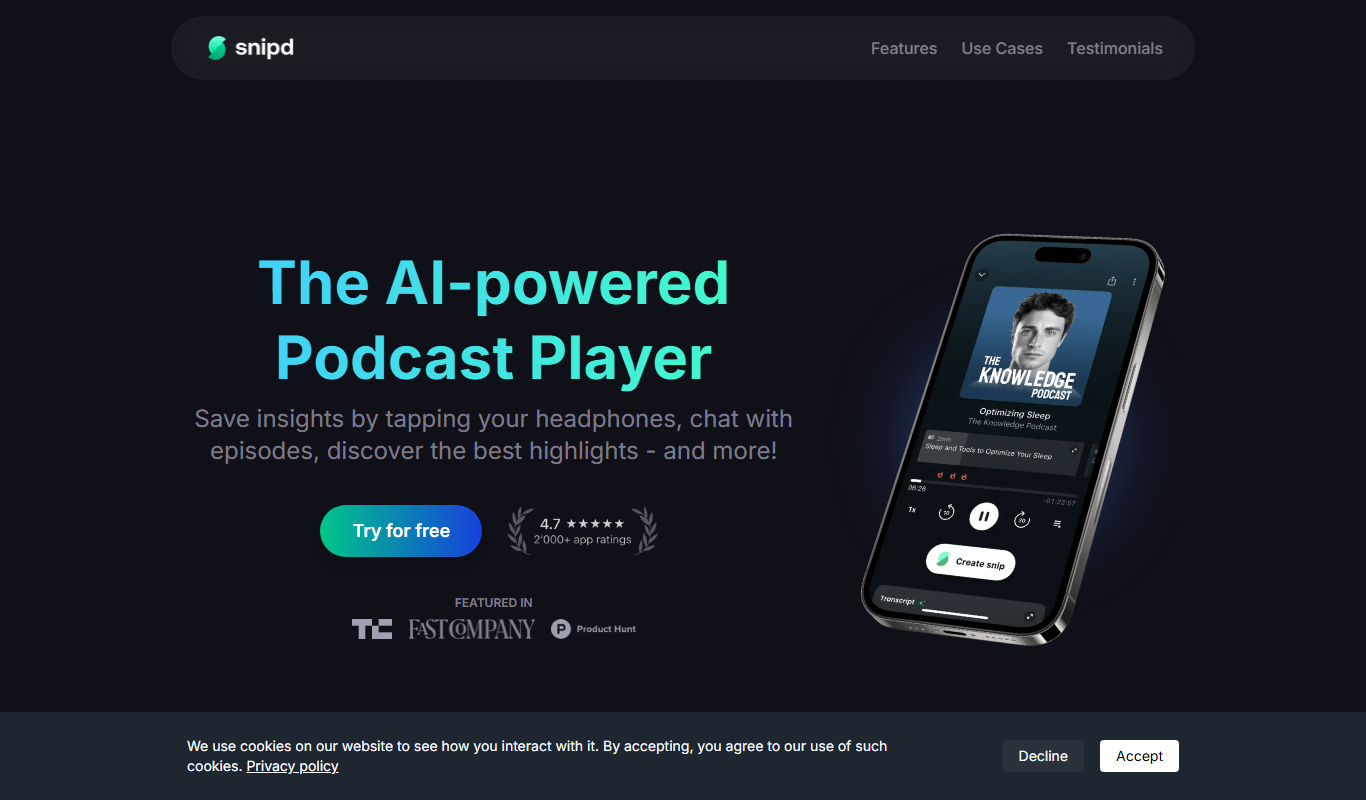
Snipd
Snipd is an AI-powered podcast player that provides automatic transcripts, smart highlights, and clip creation to help users quickly find and share important podcast moments.

Free
notevibes.com
Notevibes is an online text to speech platform offering over 200 natural AI voices across 25+ languages, customizable speech parameters, and high-quality audio downloads for content creation, education, and accessibility.

Free
Listnr
Listnr is an AI-powered text-to-speech platform that converts text into natural-sounding audio using multiple voices and languages, ideal for podcasts, audiobooks, and marketing content.
Free
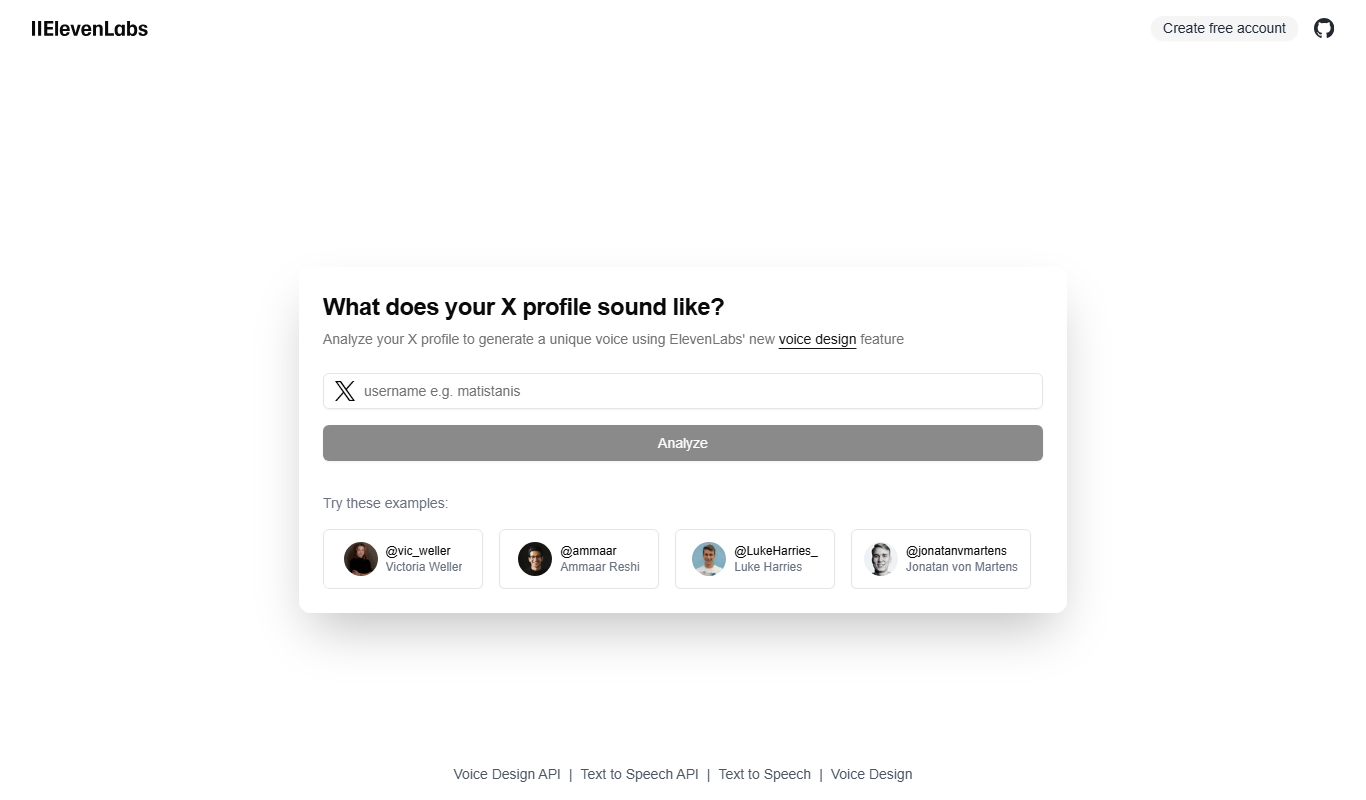
X to Voice
X to Voice is an AI-powered text-to-speech tool that converts written text into natural-sounding voice audio quickly and easily via a web platform.