

From my experience with RSS Filter, I found it excels at simplifying the process of customizing RSS feeds by keyword filtering. The straightforward web interface makes it accessible even for users without technical skills, allowing quick creation of personalized feeds. It’s particularly well-suited for individuals and content curators who want to focus on specific topics without noise. However, the tool is limited to filtering one feed at a time and lacks advanced integration features, which might be a drawback for power users. Overall, if you need a free, easy way to manage and tailor your RSS content, RSS Filter delivers solid, practical results.
RSS Filter Tool for Customizing and Managing RSS Feeds Efficiently
RSS Filter is a free web tool that allows users to filter RSS feeds by keywords, generating customized feeds with only relevant content.
- Best for
- Personalized News Aggregation
- Key capability
- Keyword-Based Filtering
Your actions
Save RSS filter, follow its updates and vote on it — everything stays in your account.
Sign in or create a free account
What is RSS filter?
RSS Filter is a web-based tool designed to help users customize and filter RSS feeds according to specific keywords or criteria. It enables users to extract only the relevant content from large RSS feeds, making content consumption more efficient and tailored to individual needs.
Key features of RSS filter
The tool offers keyword-based filtering, inclusion and exclusion rules, and the ability to generate new filtered RSS feeds. It provides a simple interface to manage multiple feeds and customize filters without requiring technical expertise.
Keyword-Based Filtering
Filter RSS feed items by including or excluding specific keywords.
Multiple Filter Rules
Apply complex filtering rules combining multiple keywords and conditions.
Real-Time Feed Processing
Filters are applied dynamically to provide up-to-date filtered feeds.
User-Friendly Interface
Simple and intuitive web interface for easy feed filtering setup.
Free to Use
The service is available at no cost without mandatory registration.
Pros and cons of RSS filter
Pros
- Simple and easy to use without registration
- Effective keyword-based filtering for RSS feeds
- Generates shareable filtered RSS feed URLs
- Free service with no hidden costs
Cons
- Limited to filtering one feed at a time
- No advanced analytics or integration features
- No mobile app or desktop client available
Key use cases for RSS filter
Personalized News Aggregation
Users can filter RSS feeds to receive only the news and updates relevant to their interests.
Content Curation
Content creators and marketers can curate specific content from multiple RSS feeds by applying custom filters.
Automation of Information Flow
Automate the process of filtering and managing RSS feeds to streamline information consumption.
Monitoring Specific Topics
Track and monitor updates on particular keywords or topics by filtering RSS feeds accordingly.
How RSS filter works
- 1
Input RSS Feed URL
Enter the URL of the RSS feed you want to filter.
- 2
Set Filter Keywords
Specify keywords or phrases to include or exclude from the feed.
- 3
Generate Filtered Feed
Create a new RSS feed URL that contains only the filtered content.
- 4
Use or Share Filtered Feed
Subscribe to the filtered feed in your RSS reader or share it with others.
Who is using RSS filter
Individual users wanting personalized news feeds
Content curators and marketers
Researchers monitoring specific topics
Anyone overwhelmed by unfiltered RSS content
RSS filter pricing
Free
$0
Full access to RSS filtering features without any charges.
Plans and prices are as published by the vendor and can change. Check the official site before you buy. Open the pricing page (opens in a new tab)
Frequently asked questions about RSS filter
No, RSS Filter can be used without creating an account.
You can filter one feed at a time, but you can create multiple filtered feeds separately.
There is no officially stated limit, but performance may vary with very complex filters.
Yes, the filtered feed URL can be shared and subscribed to by anyone.
It depends on your specific needs and how you plan to use the tool. The official website and documentation are the best sources for the latest details.
Yes, it can help with that use case depending on how you configure it and what features are available. You’ll get the best results with clear inputs and a defined goal.
Some tools offer a free plan or trial with limited features. Availability can vary, so confirm on the official website.
Sign in to review this tool.
Sign In to ReviewNo reviews yet
Be the first to share how this tool worked for you.
Ask about pricing, limits, or how it compares — or answer someone else.
Sign In to AskNo questions yet
Have a question about using or paying for this tool? Be the first to ask.
Featured on TiorAI



Alternative Tools
Explore similar AI tools that might fit your needs
Free
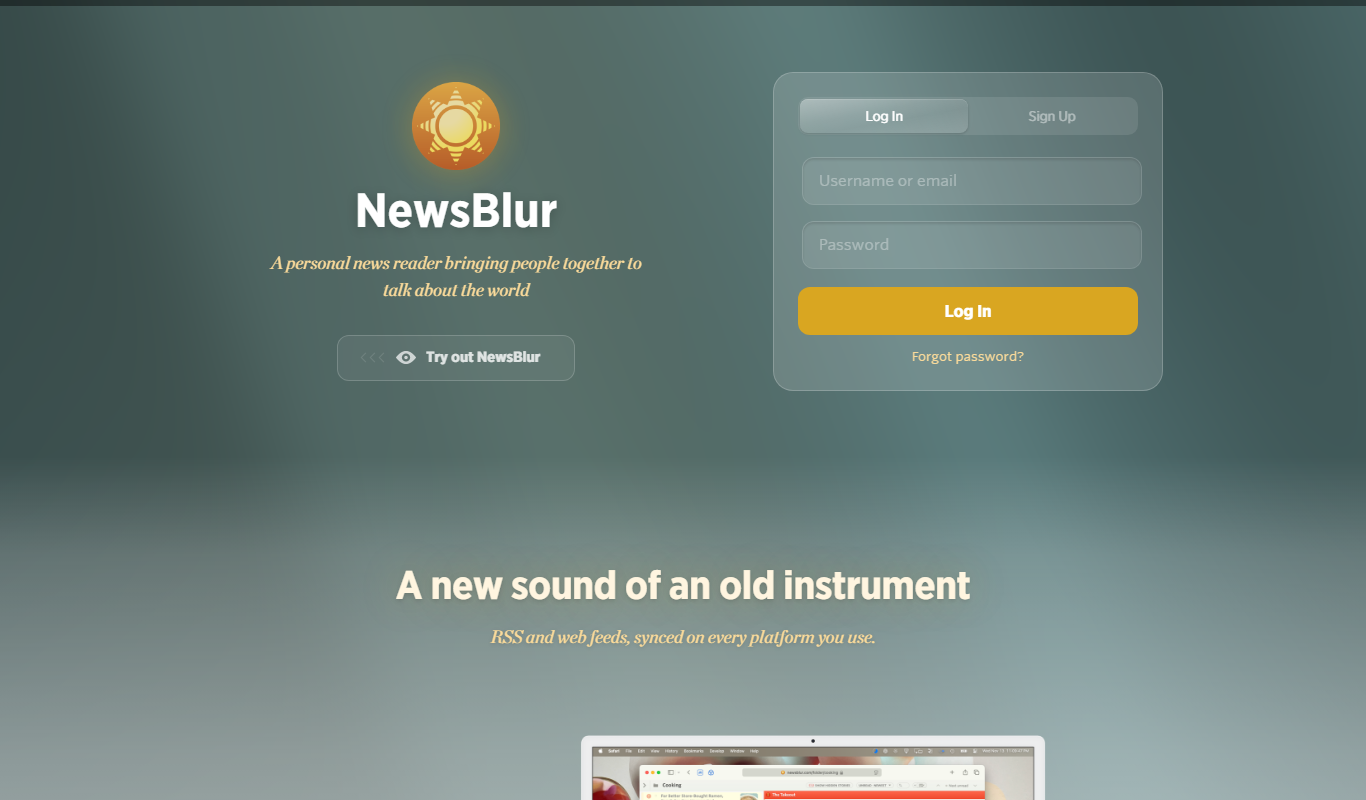
NewsBlur
NewsBlur is a personal RSS reader and news aggregator that collects and filters news from multiple sources, allowing users to customize their news feed and read across web and mobile platforms.
More AI Podcast Clip Generator tools
Other tools in the same category, for when this one is not quite the fit.

Free Trial
DoryAI
DoryAI ClipTutor is an AI-driven tool that automatically summarizes videos by extracting key clips, helping users save time reviewing and sharing important content.

Free
Skip
Skip is an AI-powered writing assistant that helps users generate and edit content efficiently through a web platform and Chrome extension.

Freemium
EasyClips
EasyClips is a mobile app designed for quick video editing, offering templates, text overlays, and royalty-free music to create social media clips easily on iOS and Android devices.

Free
Contxt
Contxt is an AI meeting assistant that transcribes meetings in real-time, generates summaries, and tracks action items to improve productivity.

Free
Promptr
Promptr is a web platform that helps developers and teams organize, share, and optimize AI prompts with collaboration and version control features.

Free Trial
Portals.co
Portals.co is a web-based platform that enables businesses to create custom, branded client portals for secure file sharing, messaging, and project collaboration without coding.

Free Trial
BestDealer
BestDealer is a cloud-based CRM designed for automotive dealerships to manage sales, marketing, and customer relationships with features like inventory management, lead capture, and marketing automation.
Free
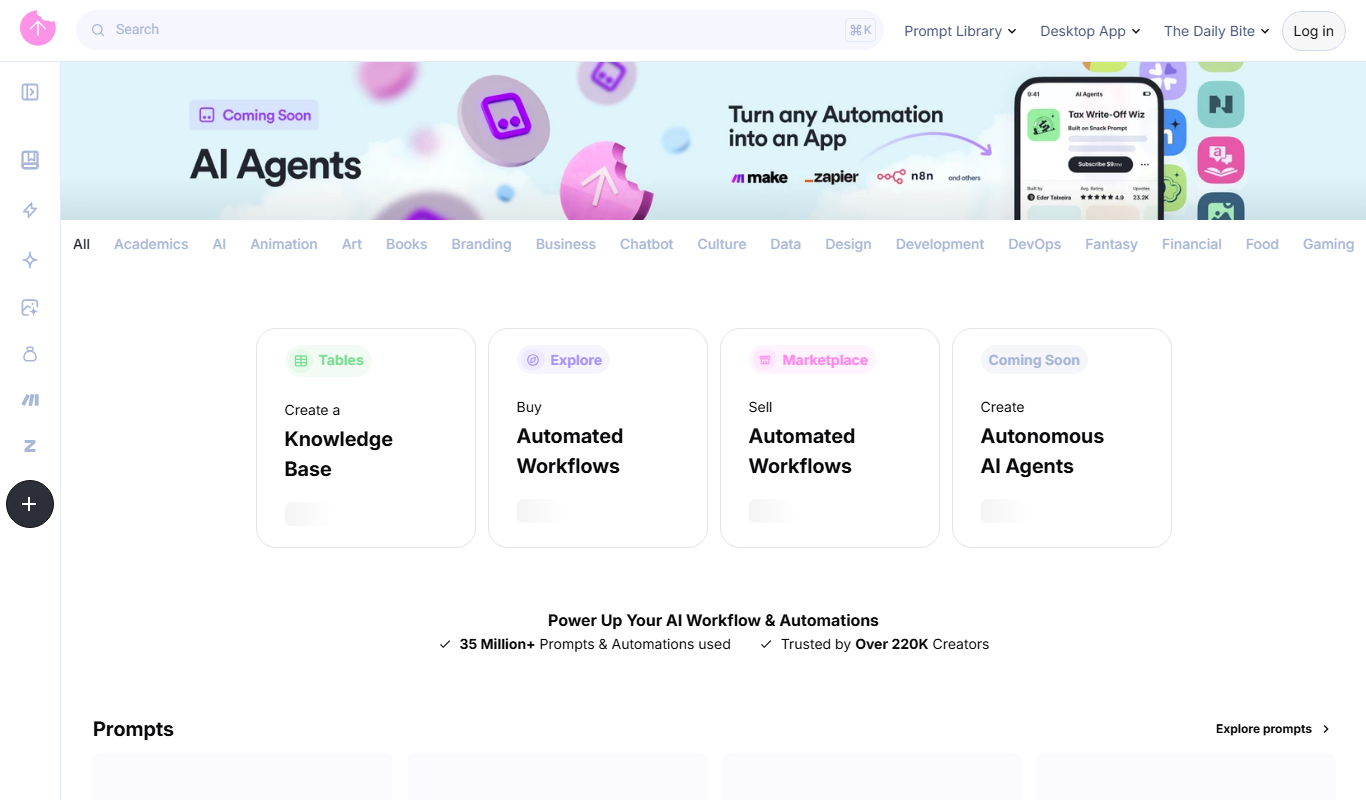
Snack Prompt
Snack Prompt is a web-based AI writing assistant that generates creative content and copywriting prompts to help users produce high-quality text efficiently.