

From my experience with DoryAI ClipTutor, I found it excels at quickly distilling lengthy videos into concise, relevant clips that save significant review time. The AI-driven approach removes much of the manual effort typically required for video summarization, making it especially useful for educators, content creators, and teams needing fast knowledge sharing. However, the tool currently supports only English and lacks fully transparent pricing details, which may limit accessibility for some users. Overall, if you need an efficient way to extract key video moments for learning or marketing, DoryAI delivers a practical and user-friendly solution.
DoryAI ClipTutor - AI-Powered Video Summarization and Learning Tool
DoryAI ClipTutor is an AI-driven tool that automatically summarizes videos by extracting key clips, helping users save time reviewing and sharing important content.
- Best for
- Video Content Summarization
- Key capability
- Automatic Video Summarization

Do you recommend this tool?
What is DoryAI?
DoryAI ClipTutor is an AI-powered web tool designed to automatically summarize long videos by extracting key clips and highlights. It helps users save time by generating concise video summaries, making it easier to review, learn, or share important content without watching the entire video.
Key features of DoryAI
The tool leverages artificial intelligence to analyze video content, identify important segments, and create short clips that capture the essence of the original video. It supports easy sharing and integration into workflows for education, marketing, and team collaboration.
Automatic Video Summarization
AI extracts the most relevant parts of videos without manual editing.
Clip Highlighting
Generates short, shareable clips that highlight key information.
User-Friendly Interface
Simple web interface for uploading, reviewing, and sharing clips.
Collaboration Tools
Facilitates sharing clips with teams to enhance communication.
Pros and cons of DoryAI
Pros
- Saves time by automating video summarization
- Easy to use with minimal setup
- Supports collaboration and sharing
- Generates concise, relevant clips
Cons
- Limited language support (English only)
- Pricing details are not fully transparent on the website
Key use cases for DoryAI
Video Content Summarization
Automatically extract key clips and summaries from long videos to save time.
Learning and Review
Use AI-generated clips to quickly review important points from lectures or tutorials.
Content Creation
Create highlight reels or promotional snippets from longer video content efficiently.
Team Collaboration
Share summarized video clips with team members for faster knowledge transfer.
How DoryAI works
- 1
Upload or Link Video
Provide a video file or URL to the platform for processing.
- 2
AI Analysis
The AI scans the video to detect key moments and important content.
- 3
Clip Generation
DoryAI automatically creates short clips summarizing the main points.
- 4
Review and Share
Users can review the clips, make adjustments if needed, and share them.
Who is using DoryAI
Educators and students
Content creators and marketers
Corporate teams and trainers
Anyone needing quick video reviews
DoryAI pricing
Free Trial
$0 for limited usage
Try the tool with limited video processing and clip generation.
Subscription
Varies based on usage
Access full features with higher limits and priority support.
Plans and prices are as published by the vendor and can change. Check the official site before you buy. Open the pricing page (opens in a new tab)
Frequently asked questions about DoryAI
You can summarize most video formats and online video links supported by the platform.
Limits depend on your subscription plan; free trials have shorter maximum video lengths.
Yes, users can review and make adjustments to the clips before sharing.
It depends on your specific needs and how you plan to use the tool. The official website and documentation are the best sources for the latest details.
Pricing depends on the plan and included features. For the most accurate and up-to-date details, check the official pricing page.
Sign in to review this tool.
Sign In to ReviewNo reviews yet
Be the first to share how this tool worked for you.
Ask about pricing, limits, or how it compares — or answer someone else.
Sign In to AskNo questions yet
Have a question about using or paying for this tool? Be the first to ask.
Featured on TiorAI



More AI Education & Learning Tools tools
Other tools in the same category, for when this one is not quite the fit.

Free
bentolingo
BentoLingo is an AI-driven language learning platform that provides personalized speaking practice and real-time feedback to help users improve fluency in multiple languages.

Free Trial
Testnut
Testnut is an online exam platform that enables secure, scalable assessments with remote proctoring, automated grading, and detailed analytics, suitable for education and corporate use.

Freemium
Testbook.ai
Testbook.ai is an AI-driven platform offering personalized study plans, mock tests, and live classes to help students prepare effectively for competitive exams.

Free
AICamp
AICamp is an AI education platform offering project-based learning to teach AI, machine learning, and data science through hands-on projects and community mentorship.
Free
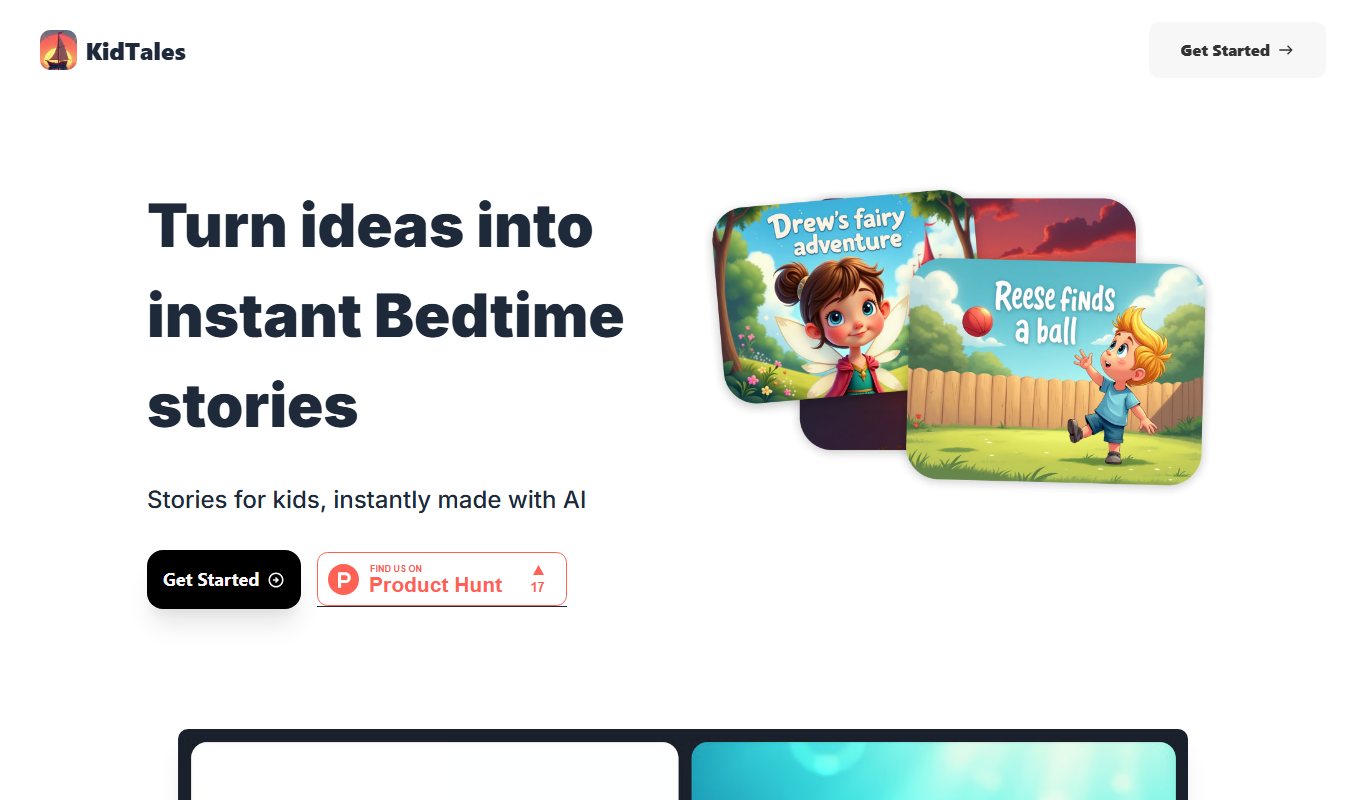
KidTales
KidTales AI is an online tool that generates personalized, age-appropriate stories for children to support creativity and learning.

Freemium
Mi Cuento Digital
Mi Cuento Digital is an online platform that lets you create personalized digital storybooks for children by adding names, photos, and custom details to engage young readers.

Free
Kidgeni
Kidgeni is an AI-powered tutoring platform designed to provide personalized learning and homework help for children, focusing on core subjects like math and reading through interactive sessions.

Freemium
flAI
flAI is an AI-driven language learning app that provides personalized speaking and writing practice with real-time feedback to help users improve fluency and confidence in multiple languages.