

From my experience with PopPop AI Text to Speech, I found it excels at producing natural and clear AI-generated voices through a straightforward web interface. After testing the platform, it’s particularly well-suited for content creators and educators who need quick, realistic voiceovers without complex setup. However, the tool currently supports only English and offers limited advanced customization, which might restrict users with multilingual needs or specific voice tuning requirements. Overall, if you want an easy-to-use online text-to-speech solution with good voice quality, PopPop AI delivers solid results.
PopPop AI Text to Speech Converter for Natural Voice Generation Online
PopPop AI Text to Speech is an online tool that converts English text into natural, human-like speech using AI technology, suitable for content creation, accessibility, and marketing.
- Best for
- Content Creation
- Key capability
- Natural Voice Quality
Your actions
Save PopPop AI Text to Speech, follow its updates and vote on it — everything stays in your account.
Sign in or create a free account

What is PopPop AI Text to Speech?
PopPop AI Text to Speech is an online AI-powered tool that converts text into natural, human-like speech. It leverages advanced speech synthesis technology to generate clear and expressive audio outputs from written text, enabling users to create voiceovers, narrations, and audio content effortlessly.
Key features of PopPop AI Text to Speech
The tool offers a user-friendly web interface where users can input text and select from various voice options. It supports natural intonation and pacing, making the generated speech sound realistic. PopPop AI also provides options to customize voice style and download audio files for use in multiple applications.
Natural Voice Quality
Produces clear and expressive speech that mimics human intonation and rhythm.
Multiple Voice Options
Offers a variety of AI voices to match different tones and styles.
Easy-to-Use Interface
Simple web-based platform requiring no technical skills.
Audio Download
Allows users to download generated speech files for offline use.
Freemium Model
Free tier available with basic features and paid options for advanced usage.
Pros and cons of PopPop AI Text to Speech
Pros
- Produces natural and clear AI voices
- Simple and intuitive web interface
- Free tier available for basic use
- Multiple voice options for customization
Cons
- Supports only English language currently
- Limited advanced customization features
Key use cases for PopPop AI Text to Speech
Content Creation
Convert written content into natural-sounding audio for podcasts, videos, and presentations.
Accessibility
Provide audio versions of text to improve accessibility for visually impaired users.
E-learning
Generate voiceovers for educational materials and online courses.
Marketing
Create engaging voice content for advertisements and promotional materials.
Prototyping
Test voice user interfaces and audio content quickly without recording human voice.
How PopPop AI Text to Speech works
- 1
Enter Text
Input the text you want to convert into speech using the web interface.
- 2
Select Voice
Choose from available AI-generated voices that suit your content style.
- 3
Generate Audio
Click the generate button to synthesize the speech from your text.
- 4
Preview and Download
Listen to the generated audio and download it in your preferred format.
Who is using PopPop AI Text to Speech
Content creators
Educators and e-learning developers
Marketing professionals
Accessibility advocates
Podcasters and video producers
PopPop AI Text to Speech pricing
Free
$0/month
Basic access with limited characters per month and standard voices.
Pro
$19/month
Higher character limits, premium voices, and faster processing.
Plans and prices are as published by the vendor and can change. Check the official site before you buy. Open the pricing page (opens in a new tab)
Frequently asked questions about PopPop AI Text to Speech
Yes, commercial use is allowed under the terms of the paid plans.
Currently, PopPop AI supports English language text-to-speech conversion.
The free plan has character limits per month; paid plans offer higher limits.
Yes, users can download audio files in common formats for offline use.
It depends on your specific needs and how you plan to use the tool. The official website and documentation are the best sources for the latest details.
It depends on your specific needs and how you plan to use the tool. The official website and documentation are the best sources for the latest details.
Some tools offer a free plan or trial with limited features. Availability can vary, so confirm on the official website.
Yes, it can help with that use case depending on how you configure it and what features are available. You’ll get the best results with clear inputs and a defined goal.
Sign in to review this tool.
Sign In to ReviewNo reviews yet
Be the first to share how this tool worked for you.
Ask about pricing, limits, or how it compares — or answer someone else.
Sign In to AskNo questions yet
Have a question about using or paying for this tool? Be the first to ask.
Featured on TiorAI



More AI Book Writing tools
Other tools in the same category, for when this one is not quite the fit.

Free
KidsAIStory
KidsAIStory is a tool for parents to create personalized illustrated children's books, not a platform where children write their own stories.
Free
PromptToComicAI
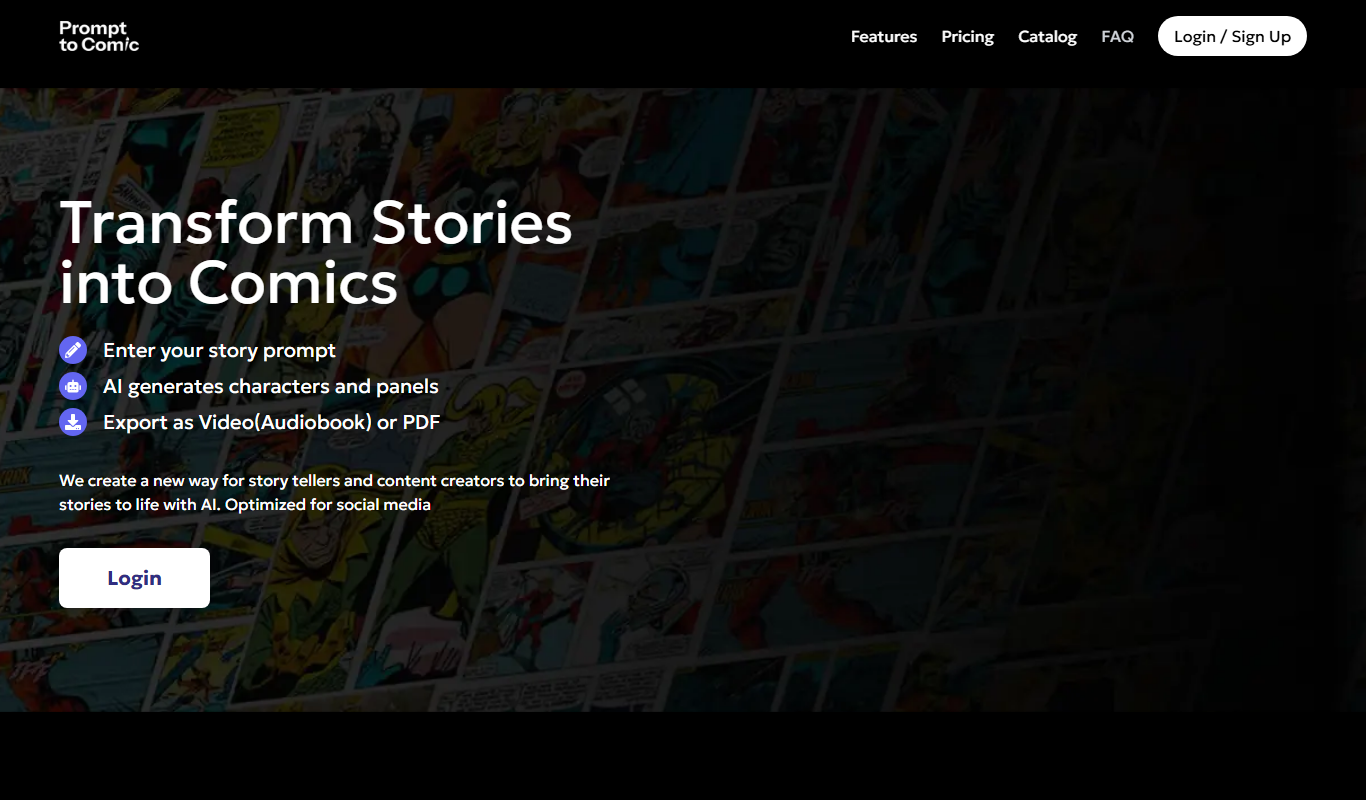
PromptToComicAI is an AI-powered web tool that converts text prompts into comic-style images, enabling users to create visual stories without drawing skills.

Free
InstaNovel AI
InstaNovel AI is a mini-novel generator that produces 4-6 chapters with illustrations, with a waiting queue for free users.

Free
Book AI
Book AI generates a complete book (10 thousand to 150 thousand words) in one request, intended for sale, rather than acting as a writing assistant that gives suggestions.

Free
Notebook.ai
Notebook.ai is an online worldbuilding and writing tool that helps authors and creatives organize fictional worlds, characters, and stories using modular templates, cross-referencing, and collaboration features.

Free
Whichbook
Whichbook is a free online platform that recommends books based on user-selected mood and thematic sliders, helping readers find personalized book suggestions beyond traditional genres.

Free Trial
Plottr
Plottr is a visual story planning tool designed to help writers outline novels, develop characters, and organize multi-book series with drag-and-drop timelines and customizable templates.

Free Trial
Dabble Writer
Dabble Writer is a novel writing software designed to help authors plan, write, and organize their stories with tools like a plot grid, character profiles, and cloud syncing.