

From my experience with Picture Translate, I found it excels at quickly converting text from images into translated content, which is incredibly useful when traveling or learning new languages. The app’s offline mode and text-to-speech features add practical value beyond basic translation. However, the OCR accuracy depends heavily on image quality, and the free version limits daily usage, which might be restrictive for heavy users. Overall, if you need a mobile solution for instant image text translation with broad language support, Picture Translate offers a reliable and user-friendly option.
Picture Translate App for Instant Image Text Translation and OCR
Picture Translate is a mobile app that uses OCR technology to extract text from images and translate it instantly into over 100 languages, supporting offline use and text-to-speech.
- Best for
- Travel Translation
- Key capability
- Optical Character Recognition (OCR)
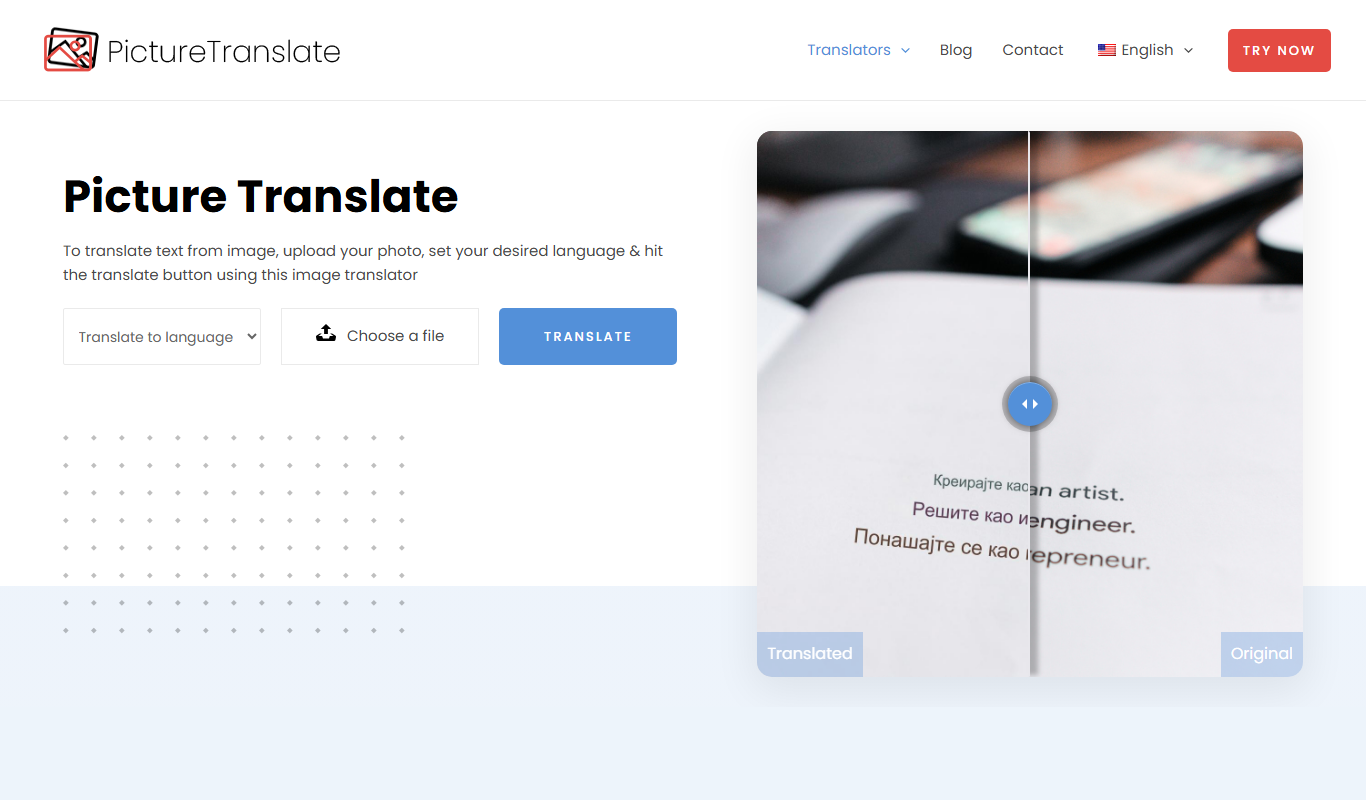

What is Picture Translate?
Picture Translate is a mobile application that enables users to translate text directly from images using OCR (Optical Character Recognition) technology combined with machine translation. It supports instant translation of text captured via camera or imported images, making it useful for travelers, students, and professionals who need quick and accurate translations on the go.
Key features of Picture Translate
The app offers real-time text recognition from images, supports over 100 languages for translation, allows offline translation for select languages, and provides a user-friendly interface optimized for mobile devices. It also includes features like text-to-speech and history saving for translated content.
Optical Character Recognition (OCR)
Accurately extracts text from images in various fonts and styles.
Multi-language Support
Supports translation between over 100 languages, including major global languages.
Offline Translation
Allows translation without internet connection for select languages.
Text-to-Speech
Reads out translated text aloud to aid pronunciation and comprehension.
History and Favorites
Saves past translations for quick access and reference.
Pros and cons of Picture Translate
Pros
- Supports a wide range of languages
- Easy-to-use mobile interface
- Offline translation available
- Includes text-to-speech functionality
Cons
- Free version has daily limits and ads
- OCR accuracy can vary with image quality
- No desktop or web platform available
Key use cases for Picture Translate
Travel Translation
Translate signs, menus, and other text instantly while traveling abroad using your smartphone camera.
Learning Foreign Languages
Use the app to understand foreign language texts and improve vocabulary by translating images.
Business Communication
Quickly translate documents, labels, or product information in different languages for international business.
Accessibility
Assist users who have difficulty reading foreign languages by providing instant translations from images.
How Picture Translate works
-
1
Capture or Upload Image
Use your smartphone camera to take a photo of the text or upload an existing image from your gallery.
-
2
Text Recognition
The app uses OCR technology to detect and extract text from the image.
-
3
Select Target Language
Choose the language you want the text translated into from the supported language list.
-
4
View and Use Translation
The translated text is displayed instantly, and you can listen to it via text-to-speech or save it for later.
Who is using Picture Translate
Travelers
Language learners
Business professionals
Students
Expats and immigrants
Picture Translate pricing
Free
$0/month
Basic translation features with daily usage limits and ads.
Premium
$4.99/month
Unlimited translations, offline mode, ad-free experience, and priority support.
Plans and prices are as published by the vendor and can change. Check the official site before you buy. Open the pricing page (opens in a new tab)
Frequently asked questions about Picture Translate
It supports over 100 languages including English, Spanish, Chinese, French, German, Japanese, Korean, and more.
Yes, offline translation is available for select languages with the Premium subscription.
There is a free version with limited daily usage and ads. Premium subscription unlocks full features.
The OCR technology is highly accurate for clear printed text but may have difficulty with handwriting or blurry images.
It depends on your specific needs and how you plan to use the tool. The official website and documentation are the best sources for the latest details.
Some tools offer a free plan or trial with limited features. Availability can vary, so confirm on the official website.
Yes, it can help with that use case depending on how you configure it and what features are available. You’ll get the best results with clear inputs and a defined goal.
Yes, it can help with that use case depending on how you configure it and what features are available. You’ll get the best results with clear inputs and a defined goal.
Sign in to review this tool.
Sign In to ReviewNo reviews yet
Be the first to share how this tool worked for you.
Ask about pricing, limits, or how it compares — or answer someone else.
Sign In to AskNo questions yet
Have a question about using or paying for this tool? Be the first to ask.
Featured on TiorAI



Alternative Tools
Explore similar AI tools that might fit your needs

Free
iTranslate
iTranslate is a multilingual translation app providing instant text and voice translations in over 100 languages, including offline capabilities and real-time voice conversations.
More AI Translation Tools tools
Other tools in the same category, for when this one is not quite the fit.

Freemium
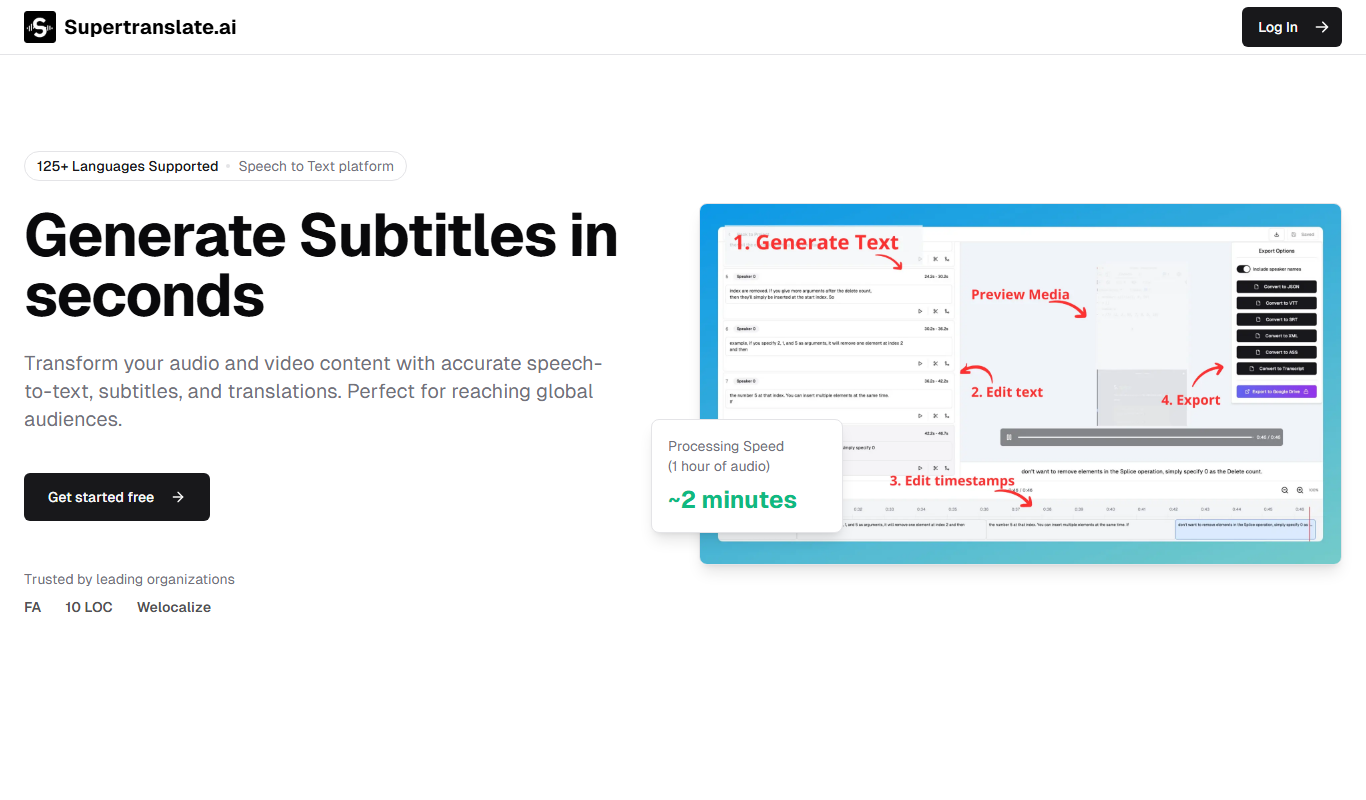
Langtail
Langtail is an AI-driven translation platform that automates multilingual content management through machine learning, API integration, and collaborative editing features.
Freemium
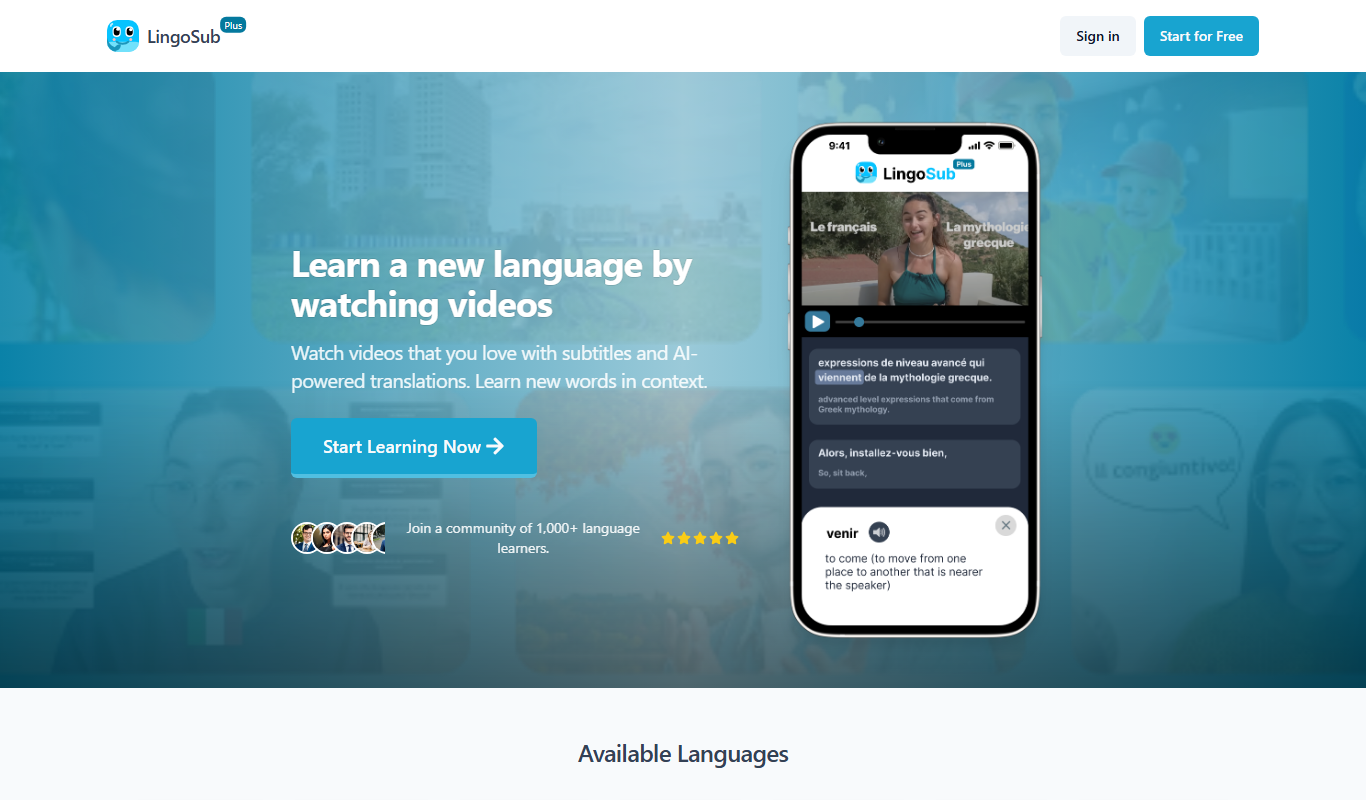
Supertranslate
Supertranslate is an AI-powered translation platform that provides accurate, context-aware translations for businesses, supporting over 50 languages with API integration and customizable glossaries.
Free
LingoSub
LingoSub is an AI-driven platform that automatically generates and translates video subtitles into multiple languages, enhancing accessibility and audience reach.

Free
Translator Maker
Translator Maker is an AI-based translation platform that enables users to quickly translate text into multiple languages with high accuracy, ideal for content creators and businesses needing fast localization.

Freemium
DeepTranslate
DeepTranslate is an AI-driven neural machine translation platform that provides fast, accurate translations across over 50 languages, with API integration and customizable models for businesses.

Freemium
HTML editing translator
HTML Editing Translator by PageSection is an AI-based tool that translates and edits HTML web content while preserving its structure, enabling efficient multilingual website localization.

Free
translateimg
TranslateImg is an AI-based web tool that extracts text from images using OCR and translates it into various languages, enabling quick multilingual image content translation.
Freemium
DeepTranslate-全页&双语页面翻译器
DeepTranslate AI is a tool that provides real-time full-page and bilingual website translations using artificial intelligence, supporting multiple languages and SEO optimization.