

Free
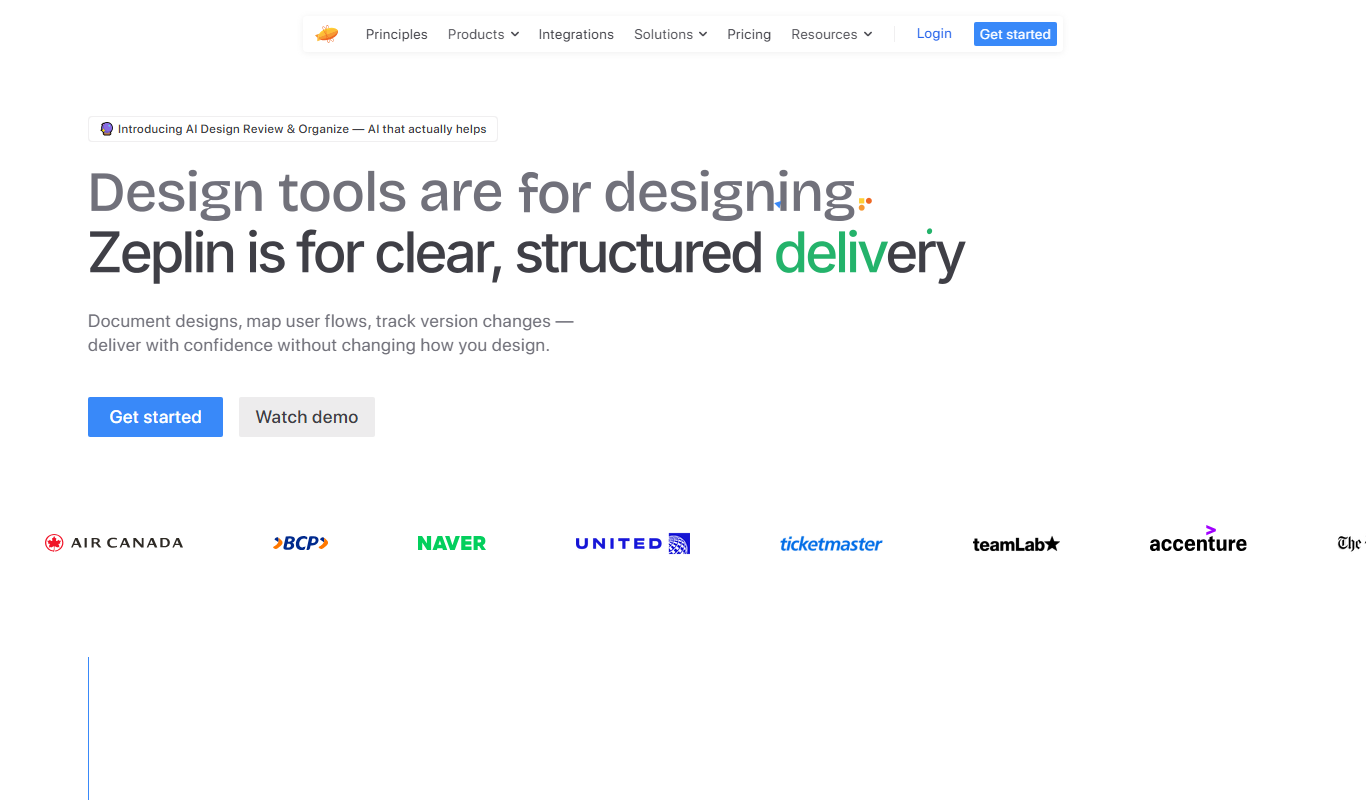
Zeplin
Zeplin is a collaborative platform that simplifies design handoff by generating specs, assets, and code snippets from design files, enabling seamless communication between designers and developers.
Every AI tool we track, with pricing, platform and category on each entry. Filter down to a shortlist, then open the ones worth a closer look.
Filter 8,929 AI tools by pricing, category, platform and language.
Zeplin is a collaborative platform that simplifies design handoff by generating specs, assets, and code snippets from design files, enabling seamless communication between designers and developers.
Jetpack Workflow is a web-based workflow platform for accountants, CPA firms and bookkeepers to manage clients, assign tasks and track deadlines.
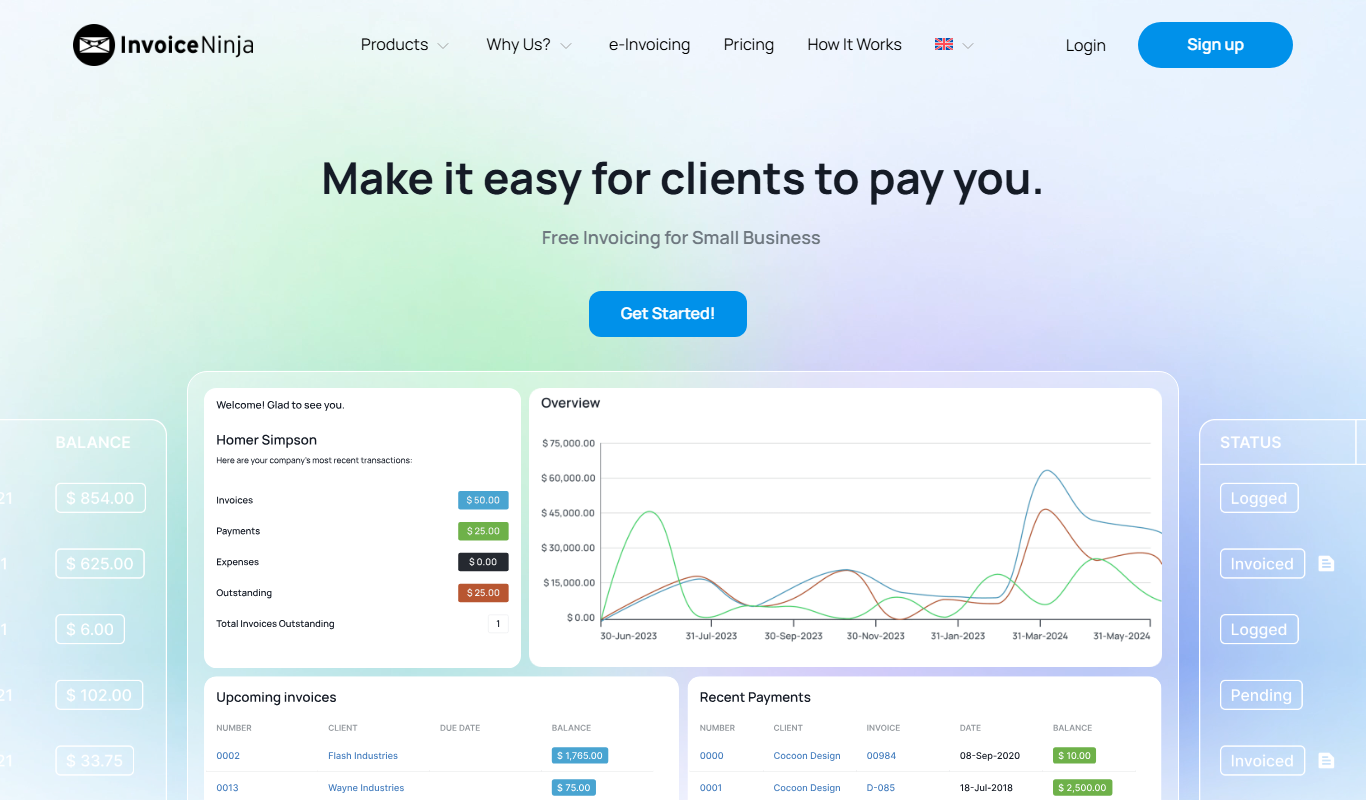
Invoice Ninja is an open-source invoicing and billing software that helps freelancers and small businesses create invoices, track expenses, and accept payments online with automation features.

TaxAct is an affordable online tax preparation software that helps individuals and small businesses file federal and state taxes with step-by-step guidance, document import, and audit support.
H&R Block is a tax preparation service offering online software and in-person help for filing federal and state taxes, with audit support and expert guidance.

TurboTax is an online tax preparation software by Intuit that helps individuals and small business owners file federal and state tax returns easily with guided assistance, automatic document import, and audit support.
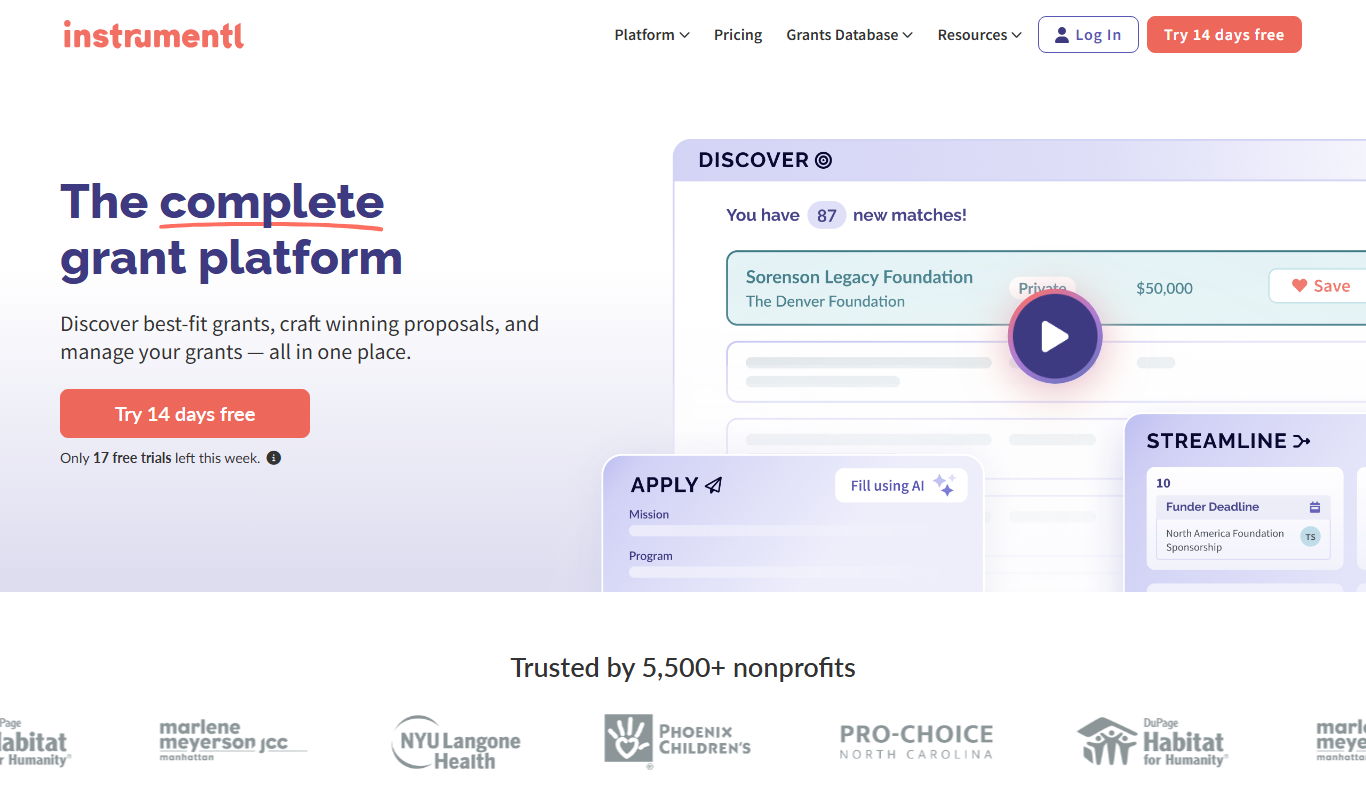
Instrumentl is a grant prospecting and management platform that helps nonprofits and researchers find relevant funding opportunities, track applications, and collaborate on grant proposals.

Vivaldi Browser is a free, highly customizable Chromium-based web browser that emphasizes privacy, advanced tab management, and integrated tools for productivity.

Recart is a Shopify marketing automation tool that uses SMS and Facebook Messenger to recover abandoned carts and engage customers with automated campaigns.
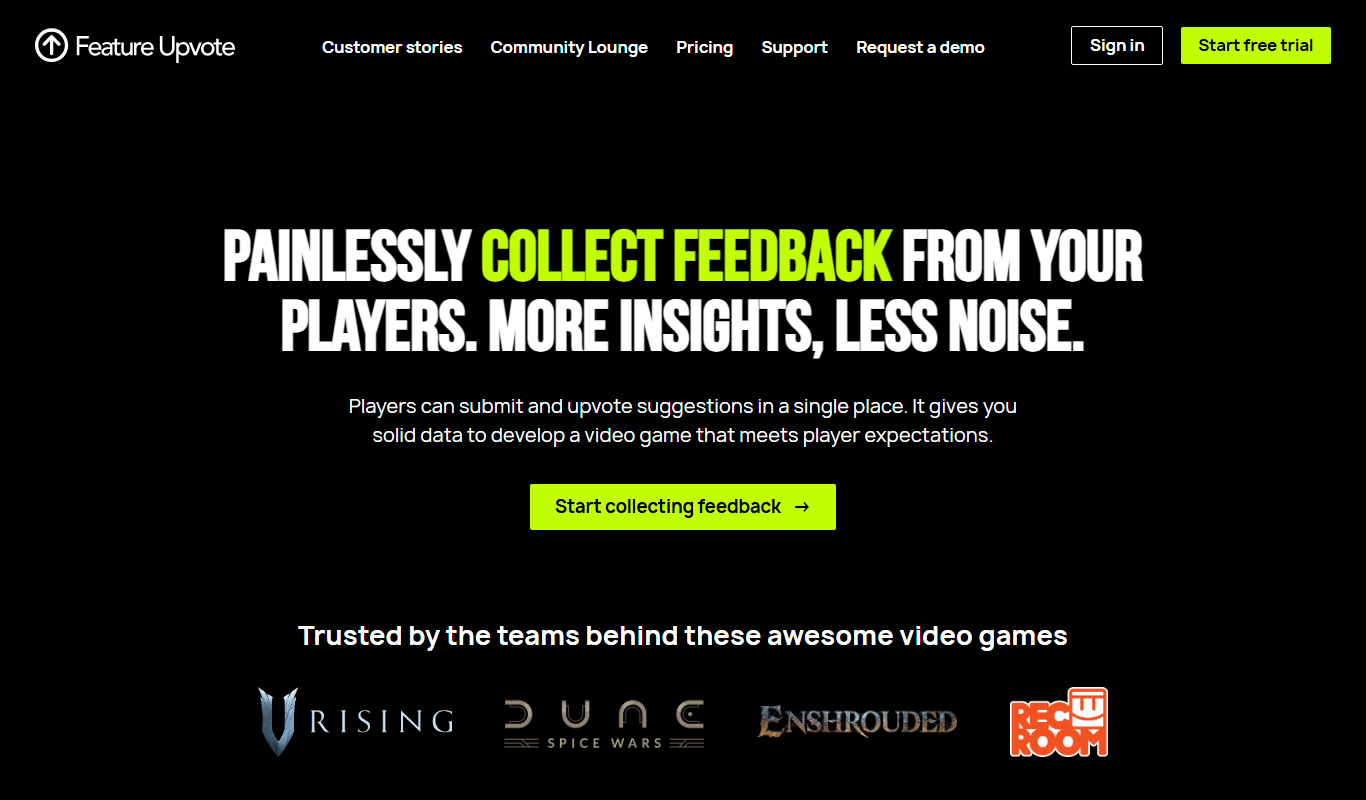
Feature Upvote is a web-based platform that allows product teams to collect user feedback, enable voting on feature requests, and share product roadmaps to prioritize development based on customer input.

Basic Attention Token (BAT) is a cryptocurrency integrated with the Brave browser that rewards users for viewing privacy-respecting ads, protects user privacy by blocking trackers, and enables advertisers and content creators to transact transparently on the Ethereum blockchain.

Checkra1n is a free semi-tethered jailbreak tool for iOS devices with A5 to A11 chips, leveraging the checkm8 bootrom exploit to provide root access and customization.
Page 85 of 383
Ten tools per shortlist, ranked, for when a category is still too many results.
Still deciding
Pricing, supported platforms and what each one is actually good at, laid out in one table. 764 comparisons are written and ready.
Browse comparisonsComparable tools for the products people already use.
Every one of the 8,929 entries here carries the same fields: what the tool does, what it costs, which platforms it runs on, and which categories it belongs to. That is what makes filtering across the whole catalogue possible rather than decorative.
The catalogue is not the point on its own; competitors list the same tools. What is worth your time is what sits on top of it: comparisons that commit to a recommendation, alternative sets that are genuinely comparable, and entries that get corrected when a vendor changes its pricing.
Start from a category rather than the full list: the category index above jumps straight into the twelve largest ones. From there, use the pricing shortcuts to drop anything outside your budget, then open the three or four entries that look closest and compare them side by side.
Free means there is a usable tier at no cost with no time limit. Freemium means a free tier exists but the useful features sit behind a paid plan. Free trial means paid-only after a fixed evaluation window. Subscription means recurring billing with no free tier. Labels come from the vendor and are re-checked when a listing is updated.
Yes. Category, pricing, tech stack, language and platform stack together, and every combination has its own URL, so a filtered view can be bookmarked or shared. Active filters appear above the results and can be removed one at a time.
Around 8% of entries have no captured screenshot, usually because the tool sits behind a login or the site blocks automated capture. Those entries show the tool's initial instead. It is not a signal about the tool's quality.
Newest first, so the front of the directory reflects what has recently shipped. Switch the sort to Top Rated for the highest-scoring entries, or Most Popular to order by real visitor interest across views and outbound clicks.
An alternatives page answers "what else does this job?" and lists comparable tools for one product. A comparison page takes two named tools and works through pricing, capability and fit to reach a recommendation. Both are linked from every tool entry.