

From my experience with Recart, it stands out as a practical and user-friendly solution for Shopify store owners aiming to recover abandoned carts and boost sales through SMS and Messenger marketing. The platform’s seamless Shopify integration and multi-channel messaging capabilities make it particularly effective for ecommerce businesses looking to automate customer engagement without technical complexity. However, the pricing model tied to subscriber counts can become expensive for larger stores, and language support is currently limited to English. Overall, if you want to enhance your Shopify marketing with automated conversational campaigns, Recart offers a solid, focused toolset.
Recart Shopify SMS & Messenger Marketing Automation for Ecommerce Growth
Recart is a Shopify marketing automation tool that uses SMS and Facebook Messenger to recover abandoned carts and engage customers with automated campaigns.
- Best for
- Cart Abandonment Recovery
- Key capability
- Cart Abandonment Automation
Your actions
Save Recart, follow its updates and vote on it — everything stays in your account.
Sign in or create a free account
What is Recart?
Recart is a Shopify-focused marketing automation platform that specializes in SMS and Facebook Messenger marketing to help ecommerce stores increase sales and customer engagement. It automates cart abandonment recovery, promotional campaigns, and customer communication through conversational messaging channels.
Key features of Recart
Recart offers automated SMS and Messenger marketing workflows, cart abandonment recovery, customer segmentation, and analytics to optimize ecommerce marketing efforts and boost revenue.
Cart Abandonment Automation
Automatically recover lost sales by sending timely SMS and Messenger reminders to shoppers who leave items in their carts.
Multi-Channel Messaging
Engage customers via both SMS and Facebook Messenger for higher reach and conversion rates.
Customer Segmentation
Target customers with personalized messages based on their shopping behavior and preferences.
Analytics Dashboard
Monitor campaign performance, conversion rates, and revenue generated from messaging.
Easy Shopify Integration
Seamlessly connects with Shopify stores without complex setup or coding.
Pros and cons of Recart
Pros
- Easy Shopify integration with no coding required
- Supports both SMS and Messenger marketing channels
- Automates cart abandonment recovery effectively
- Provides detailed analytics for campaign optimization
Cons
- Limited language support (English only)
- Pricing scales with subscriber count which may be costly for large stores
Key use cases for Recart
Cart Abandonment Recovery
Automatically send SMS and Messenger reminders to customers who abandon their shopping carts to recover lost sales.
Automated Messenger Marketing
Engage customers with personalized Facebook Messenger campaigns to boost conversions and customer retention.
SMS Marketing Campaigns
Create and automate SMS marketing messages to promote products, sales, and special offers directly to customers’ phones.
Customer Segmentation and Targeting
Segment customers based on behavior and purchase history to send targeted marketing messages.
Order Follow-Up and Feedback
Send automated post-purchase messages to increase customer satisfaction and collect reviews.
How Recart works
- 1
Install on Shopify
Add Recart as an app to your Shopify store to integrate marketing automation features.
- 2
Set Up Messaging Channels
Connect your Facebook Messenger and SMS channels to start engaging customers.
- 3
Create Automated Campaigns
Build cart abandonment, promotional, and follow-up message sequences using Recart’s templates and editor.
- 4
Launch and Monitor
Activate campaigns and track performance metrics to optimize messaging and sales.
Who is using Recart
Shopify ecommerce store owners
Digital marketing agencies specializing in ecommerce
Small to medium online retailers
Businesses looking to automate SMS and Messenger marketing
Recart pricing
Free Trial
$0 for 14 days
Full access to all features to test the platform before committing.
Growth
Starting at $29/month
Includes core marketing automation features with limits based on subscriber count.
Pro
Custom pricing
Advanced features and higher limits tailored for larger ecommerce stores.
Plans and prices are as published by the vendor and can change. Check the official site before you buy. Open the pricing page (opens in a new tab)
Frequently asked questions about Recart
Yes, Recart is designed specifically as a Shopify app for seamless integration.
Yes, Recart supports multi-channel messaging including SMS and Facebook Messenger.
Yes, Recart offers a 14-day free trial with full access to features.
It automatically sends reminder messages to customers who leave items in their carts to encourage purchase completion.
This tool is designed to help users accomplish its core tasks more efficiently. It is typically used by individuals or teams looking to improve productivity and workflow.
Yes, it can help with that use case depending on how you configure it and what features are available. You’ll get the best results with clear inputs and a defined goal.
Integration support depends on the tool and its available connectors or API. Check the official documentation or integrations page to confirm what is supported.
Sign in to review this tool.
Sign In to ReviewNo reviews yet
Be the first to share how this tool worked for you.
Ask about pricing, limits, or how it compares — or answer someone else.
Sign In to AskNo questions yet
Have a question about using or paying for this tool? Be the first to ask.
Featured on TiorAI



More AI CRM tools
Other tools in the same category, for when this one is not quite the fit.
Custom Pricing
VinSolutions CRM
VinSolutions CRM is a specialized customer relationship management platform designed for automotive dealerships to manage leads, automate sales processes, and run targeted marketing campaigns.

Subscription
DealerSocket
DealerSocket is an automotive dealership software platform that combines CRM, inventory management, marketing automation, and sales analytics to help dealerships manage operations and improve customer engagement.

Free Trial
Privy
Privy is an e-commerce marketing platform that helps online stores grow email lists, recover abandoned carts, and increase sales through targeted popups, automated emails, and SMS campaigns.
Custom Pricing
Impartner PRM
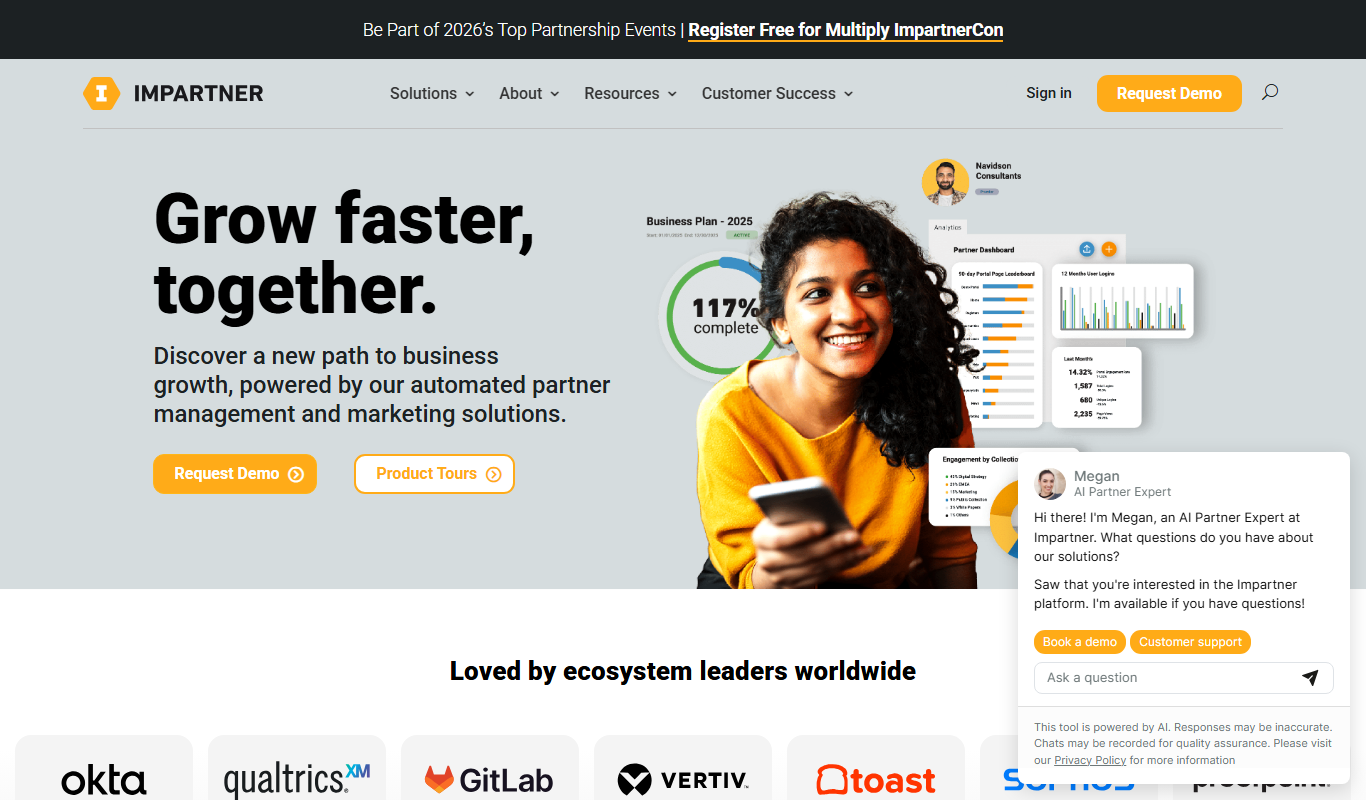
Impartner PRM is a partner relationship management platform that helps businesses manage channel partners, streamline onboarding, enable sales and marketing collaboration, and track partner performance.

Free Trial
Route4Me
Route4Me is a route planning and optimization software that helps businesses efficiently plan multi-stop routes, track drivers in real-time, and manage fleet operations to reduce costs and improve delivery speed.

Free Trial
Meet Alfred
Meet Alfred is a LinkedIn automation platform that enables sales and marketing professionals to automate outreach campaigns across LinkedIn, email, and Twitter, helping generate leads and manage multi-channel prospecting efficiently.
Custom Pricing
Glofox
Glofox is a gym management software designed to help fitness studios manage memberships, class schedules, payments, and member engagement through web and mobile apps.

Free Trial
Albacross
Albacross is a B2B lead generation platform that identifies anonymous website visitors, provides detailed company insights, and integrates with CRM systems to help businesses convert visitors into qualified leads.