
From my experience with Zeplin, it excels at bridging the gap between designers and developers by automating the tedious parts of design handoff. The automatic generation of specs and assets saves significant time and reduces errors during implementation. Zeplin’s integration with popular design tools and its collaboration features make it particularly well-suited for design teams and development agencies aiming to streamline their workflows. However, the free plan’s limitations on projects and collaborators mean larger teams will likely need to invest in paid plans. Overall, if you want to improve communication and efficiency in UI/UX projects, Zeplin delivers reliable and practical solutions.
Zeplin Design Collaboration Tool for UI/UX Developers and Teams
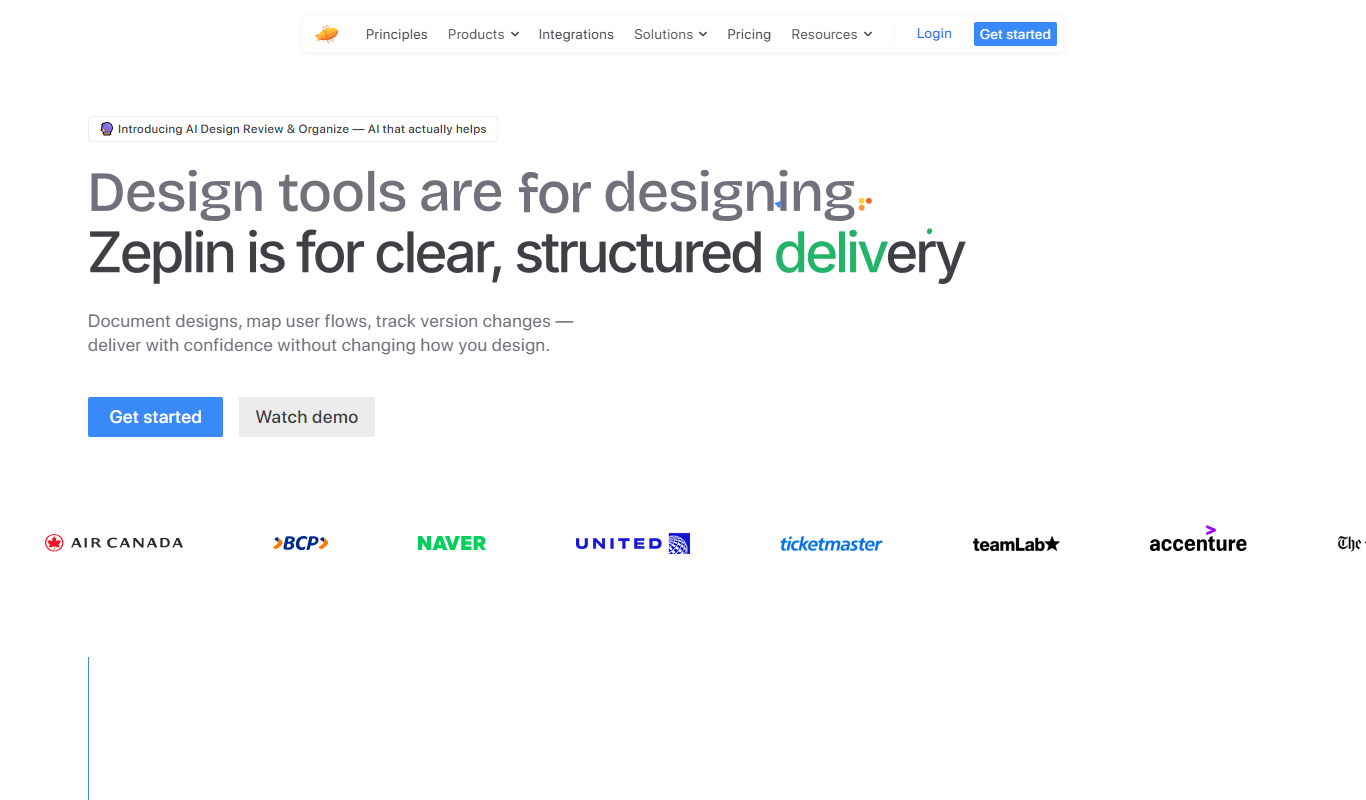
Zeplin is a collaborative platform that simplifies design handoff by generating specs, assets, and code snippets from design files, enabling seamless communication between designers and developers.
Tech Stack:
Electron
Node.js
React
What is Zeplin?
Zeplin is a collaborative design handoff and workflow platform that bridges the gap between designers and developers. It streamlines the process of sharing design files, specifications, assets, and code snippets, enabling teams to work more efficiently and reduce miscommunication during product development.
Key Features of Zeplin
Automatic Design Specs
Generates detailed specs including colors, fonts, spacing, and CSS code snippets.
Asset Export
Exports design assets in multiple formats optimized for different platforms.
Version Control
Tracks design changes and allows access to previous versions.
Multi-Tool Integration
Supports Sketch, Figma, Adobe XD, and Photoshop for seamless design imports.
Team Collaboration
Enables commenting, notifications, and role-based access for efficient teamwork.
Pros and Cons of Zeplin
Pros
- Streamlines design-to-development handoff
- Supports multiple popular design tools
- Generates accurate specs and assets automatically
- Facilitates real-time team collaboration
- Version control for design iterations
Cons
- Free plan has limited project and collaborator capacity
- Some advanced features require paid plans
- No built-in prototyping beyond static designs
Key Use Cases for Zeplin
UI/UX Design Handoff
Facilitates smooth handoff of design specs, assets, and guidelines from designers to developers.
Team Collaboration
Enables designers, developers, and product managers to collaborate and communicate effectively within projects.
Design System Management
Helps teams maintain consistent design systems and reusable components across projects.
Prototyping and Feedback
Allows sharing interactive prototypes and collecting feedback directly on designs.
Asset Export and Management
Automates exporting of design assets in multiple formats optimized for development.
How Zeplin Works
-
1
Import Designs
Designers upload or sync their design files from supported tools into Zeplin.
-
2
Generate Specs and Assets
Zeplin automatically creates style guides, measurements, and exports assets for developers.
-
3
Collaborate and Comment
Team members can leave comments and feedback directly on design elements.
-
4
Integrate with Workflow
Connect Zeplin with project management and development tools to streamline processes.
Who's Using Zeplin
UI/UX designers
Front-end developers
Product managers
Design teams
Software development agencies
Zeplin Pricing
Free
$0/month
Basic features with limited projects and collaborators.
Team
$8/month per user
Advanced collaboration features, unlimited projects, and version history.
Organization
Custom pricing
Enterprise-grade security, SSO, and dedicated support.
Frequently Asked Questions About Zeplin
Zeplin supports Sketch, Figma, Adobe XD, and Photoshop for importing design files.
Yes, Zeplin automatically generates code snippets for CSS, Swift, Android, and React Native.
Yes, Zeplin offers a free plan with limited projects and collaborators.
Yes, it includes commenting, notifications, and role management for teams.
This tool is designed to help users accomplish its core tasks more efficiently. It is typically used by individuals or teams looking to improve productivity and workflow.
It depends on your specific needs and how you plan to use the tool. The official website and documentation are the best sources for the latest details.
Yes, it can help with that use case depending on how you configure it and what features are available. You’ll get the best results with clear inputs and a defined goal.
Some tools offer a free plan or trial with limited features. Availability can vary, so confirm on the official website.
Share your review
Reviews are limited to one per logged-in user and are published after moderation.
You need an account to review this tool.
0.0
★
★
★
★
★
0 reviews
5 star
0
4 star
0
3 star
0
2 star
0
1 star
0
No reviews yet
Be the first to share how this tool worked for you.
Questions from the community
Read questions and answers about this tool, or ask your own.
No questions yet
Start the conversation by asking the first question about this tool.
Is this tool helpful?
Alternative Tools
Explore similar AI tools that might fit your needs
Free
Figma
Figma is a cloud-based design tool for creating user interfaces and prototypes collaboratively in real time, accessible via web and desktop apps.

Free
InVision
InVision is a digital product design platform that enables teams to create interactive prototypes, collaborate on designs, manage workflows, and hand off projects to developers efficiently.
Free
Abstract
Abstract is a design collaboration platform that provides version control and workflow management tailored for design teams, integrating with tools like Sketch and Adobe XD.

Freemium
MindyGem
MindyGem is an AI writing assistant that helps create SEO-optimized marketing content, blog posts, and emails through an easy-to-use web platform.

Custom Pricing
Cognex VisionPro
Cognex VisionPro is an industrial machine vision software platform that enables automated inspection, measurement, and robotic guidance using advanced image processing tools.
Free
tsibble
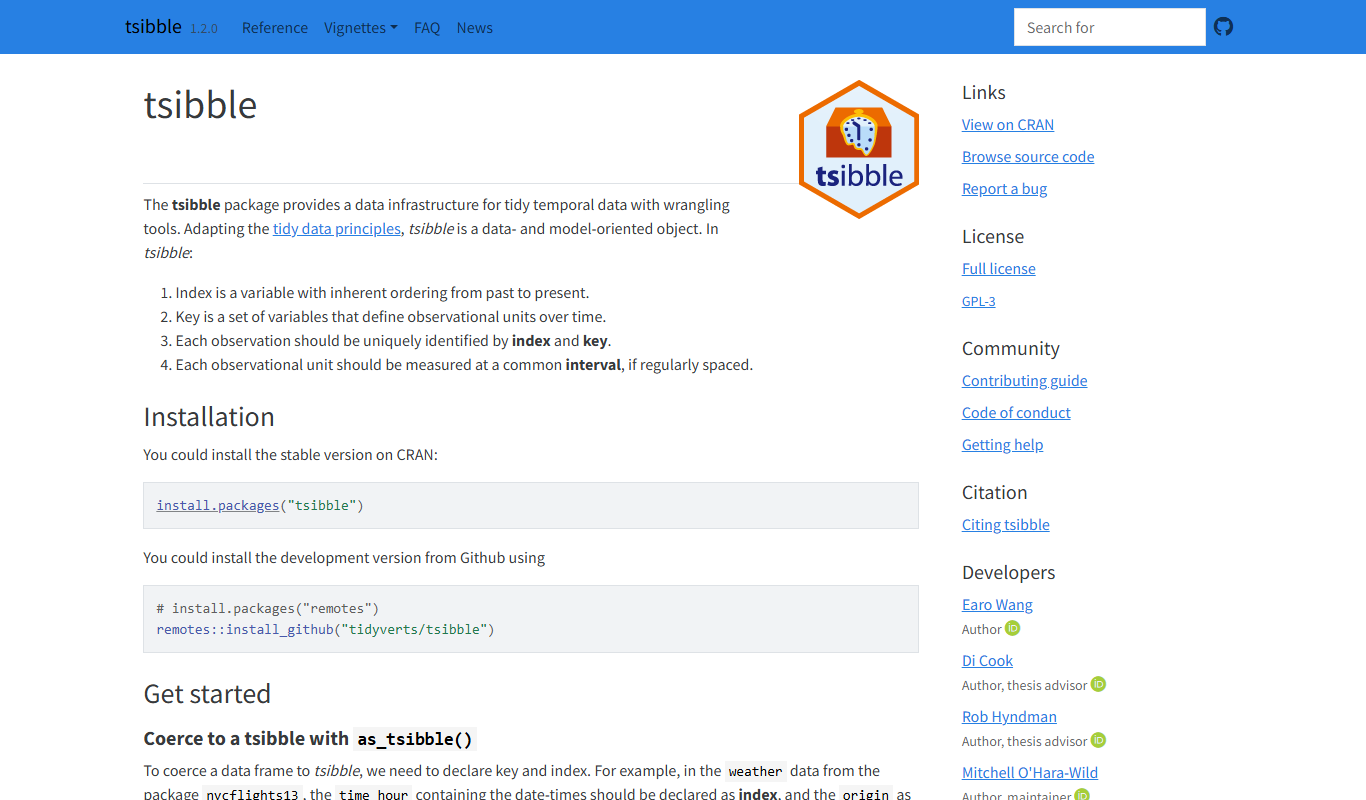
Tsibble is an R package that structures temporal data into tidy data frames with explicit time indexes and keys, enabling efficient time series analysis and integration with tidyverse tools.

Free
Fish Shell
Fish Shell is a modern, user-friendly command line shell that offers features like autosuggestions, syntax highlighting, and easy scripting to enhance terminal productivity.

Free
Ubuntu Core
Ubuntu Core is a minimal, secure Linux operating system designed by Canonical for IoT and embedded devices, featuring snap-based transactional updates and remote device management.

Enterprise
Movesense
Movesense is a wearable sensor platform by Suunto that captures motion, heart rate, and audio data for sports, health, and research applications using an open API and Bluetooth connectivity.

Free
Rectangle
Rectangle is an AI code assistant that generates, explains, and helps debug code using natural language inputs, designed to accelerate software development.

Free
MXNet
Apache MXNet is an open-source deep learning framework designed for efficient, scalable AI model development supporting multiple languages and platforms.