


Custom Pricing
Panda Video
Panda Video is a Brazilian video hosting platform that protects course and sales videos with DRM and anti-download technology and adds AI features such as an in-video tutor and dubbing.
Every AI tool we track, with pricing, platform and category on each entry. Filter down to a shortlist, then open the ones worth a closer look.
Filter 8,929 AI tools by pricing, category, platform and language.
Panda Video is a Brazilian video hosting platform that protects course and sales videos with DRM and anti-download technology and adds AI features such as an in-video tutor and dubbing.

Recallify is a cognitive support platform for memory, learning and task management that records or imports what you need to remember and turns it into reminders, tasks and quizzes.

Looppanel is an AI UX research tool for qualitative research analysis, with transcripts, automatic notes, shareable video clips and a searchable repository of insights.
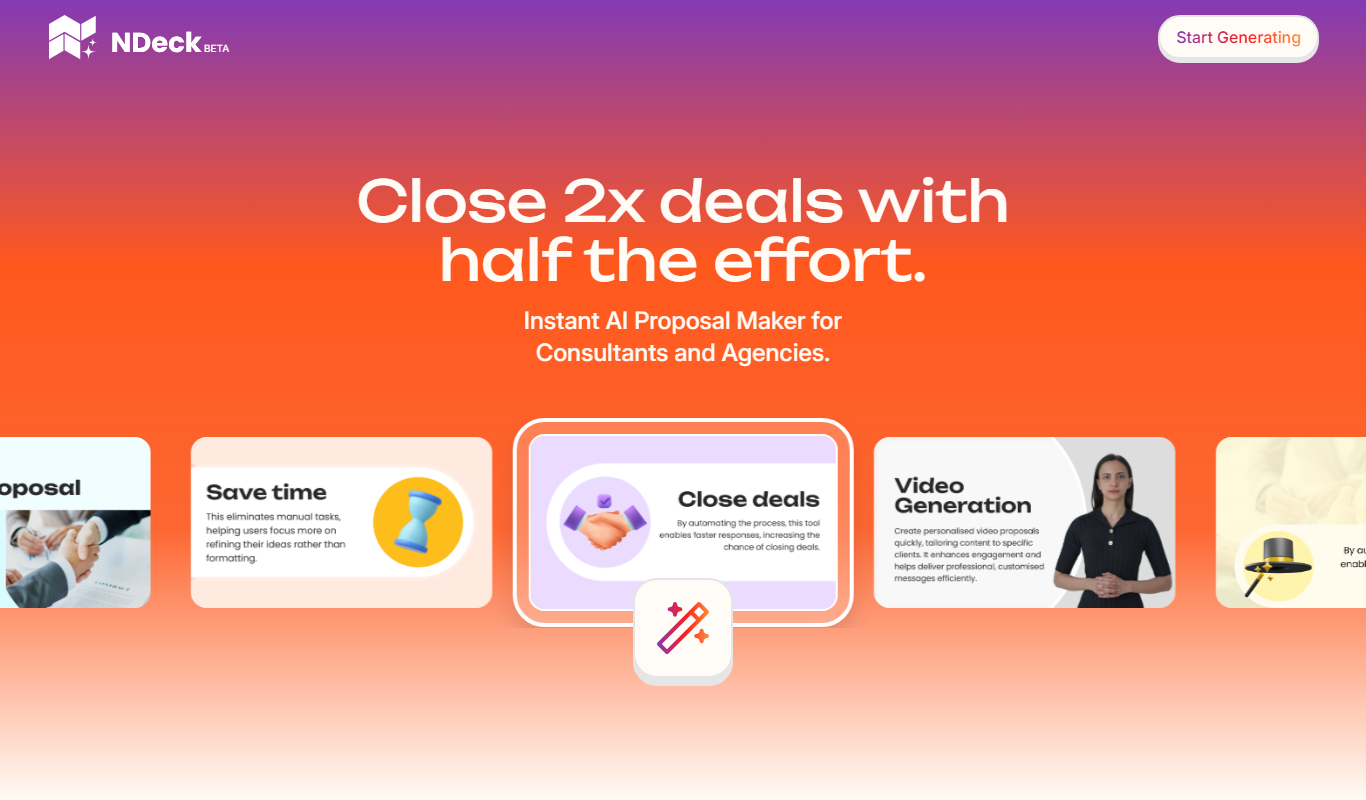
NDeck.io is an instant AI proposal maker that helps software agencies and consultants create personalized video proposals, automatic diagrams and presentations.

YiIotCloud offers cloud recording plans for YI IoT cameras, with motion activated recording, 15 or 30 days of history and AI detection alerts.
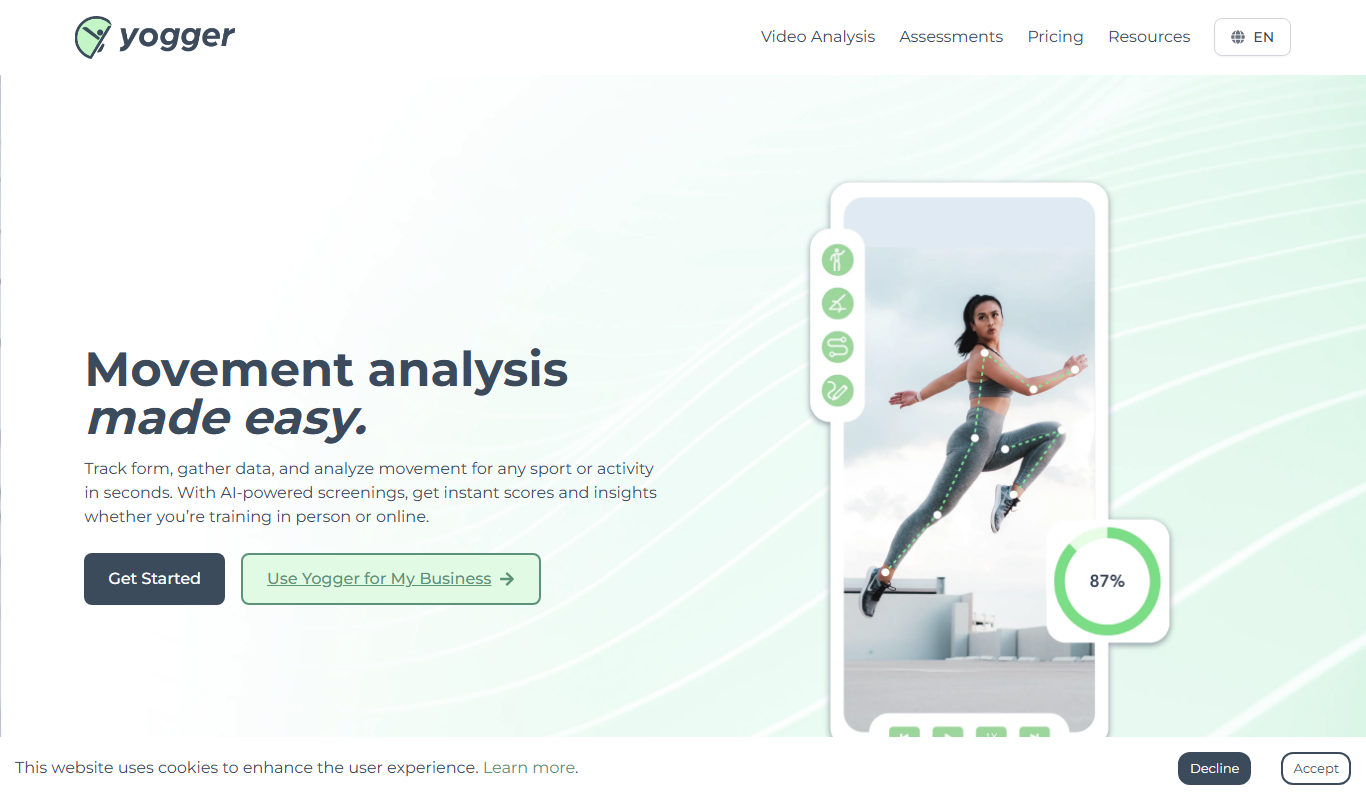
Yogger helps physical therapists, chiropractors, coaches and trainers measure movement using just a phone, with video analysis, AI movement assessments and clear reports.

Deevid AI is an all-in-one AI director for video, image, avatar, voice and music, where text, photos, video and audio can all serve as the prompt.
Dubly.AI translates videos into 40+ languages with AI voice cloning, lip sync and translated subtitles, priced in credits per minute.

Viddyoze AI Video Generator is a cloud-based platform that automates video creation using AI-powered templates, enabling users to produce professional intros, outros, and animations quickly without prior editing experience.
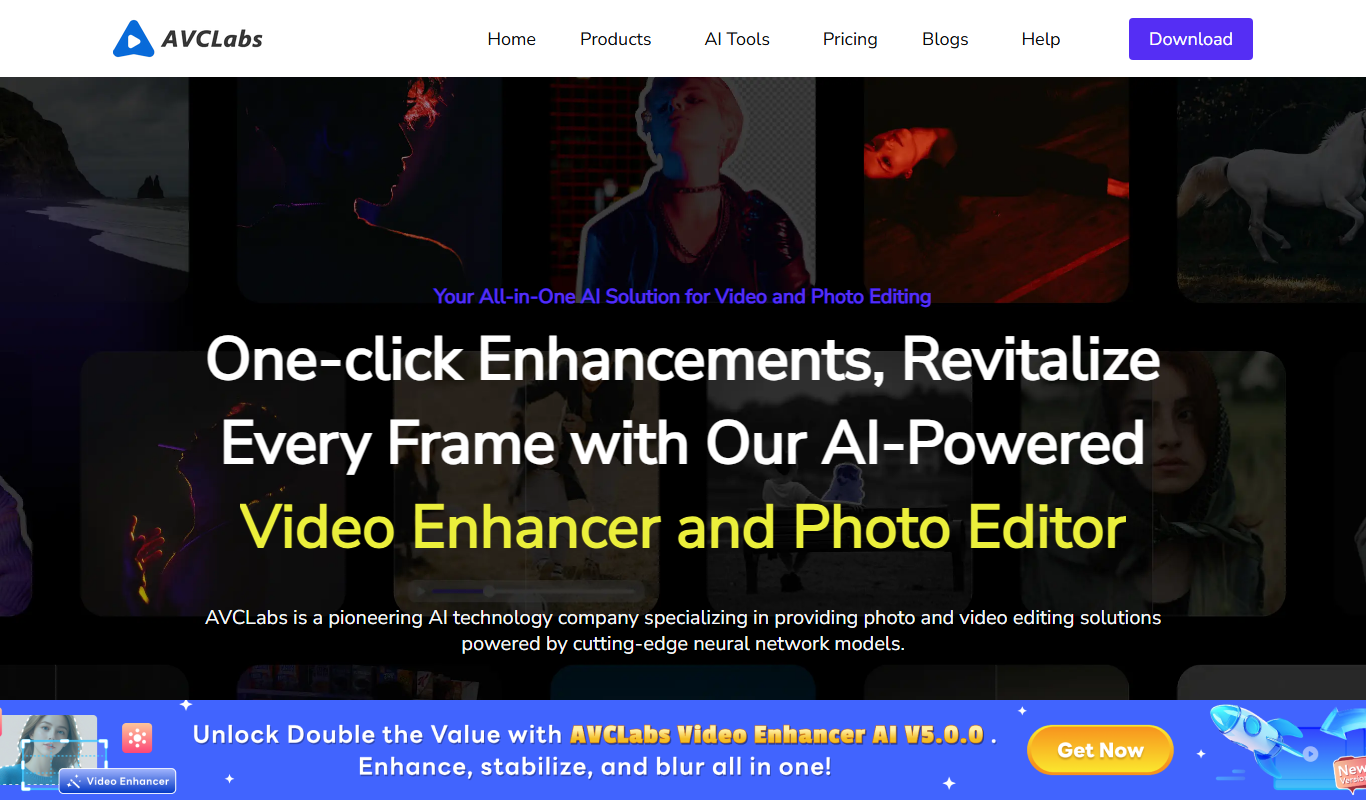
AVCLabs Video Enhancer AI is a desktop software that uses AI to upscale videos up to 4K, reduce noise, and enhance details, ideal for restoring and improving video quality.

Encharge is an email and marketing automation platform built for growing businesses and SaaS companies to nurture, convert and onboard customers.

Aiarty Image Enhancer is desktop software powered by AI to reduce noise, fix blur, restore faces, erase objects and upscale images to 4K/8K/32K.
Page 85 of 122
Ten tools per shortlist, ranked, for when a category is still too many results.
Still deciding
Pricing, supported platforms and what each one is actually good at, laid out in one table. 764 comparisons are written and ready.
Browse comparisonsComparable tools for the products people already use.
Every one of the 8,929 entries here carries the same fields: what the tool does, what it costs, which platforms it runs on, and which categories it belongs to. That is what makes filtering across the whole catalogue possible rather than decorative.
The catalogue is not the point on its own; competitors list the same tools. What is worth your time is what sits on top of it: comparisons that commit to a recommendation, alternative sets that are genuinely comparable, and entries that get corrected when a vendor changes its pricing.
Start from a category rather than the full list: the category index above jumps straight into the twelve largest ones. From there, use the pricing shortcuts to drop anything outside your budget, then open the three or four entries that look closest and compare them side by side.
Free means there is a usable tier at no cost with no time limit. Freemium means a free tier exists but the useful features sit behind a paid plan. Free trial means paid-only after a fixed evaluation window. Subscription means recurring billing with no free tier. Labels come from the vendor and are re-checked when a listing is updated.
Yes. Category, pricing, tech stack, language and platform stack together, and every combination has its own URL, so a filtered view can be bookmarked or shared. Active filters appear above the results and can be removed one at a time.
Around 8% of entries have no captured screenshot, usually because the tool sits behind a login or the site blocks automated capture. Those entries show the tool's initial instead. It is not a signal about the tool's quality.
Newest first, so the front of the directory reflects what has recently shipped. Switch the sort to Top Rated for the highest-scoring entries, or Most Popular to order by real visitor interest across views and outbound clicks.
An alternatives page answers "what else does this job?" and lists comparable tools for one product. A comparison page takes two named tools and works through pricing, capability and fit to reach a recommendation. Both are linked from every tool entry.