

From my experience with Panda Video, I found it excels at simplifying video creation for users without prior editing skills. The platform’s AI-assisted tools and customizable templates make producing marketing and social media videos straightforward and efficient. It’s particularly well-suited for small businesses and content creators looking to quickly generate engaging videos without investing in complex software. However, the free plan’s watermark and limited advanced editing features mean professionals might seek more robust solutions. Overall, Panda Video offers a practical balance of ease and functionality for everyday video marketing needs.
Panda Video - AI Video Creation Platform for Marketing and Social Media
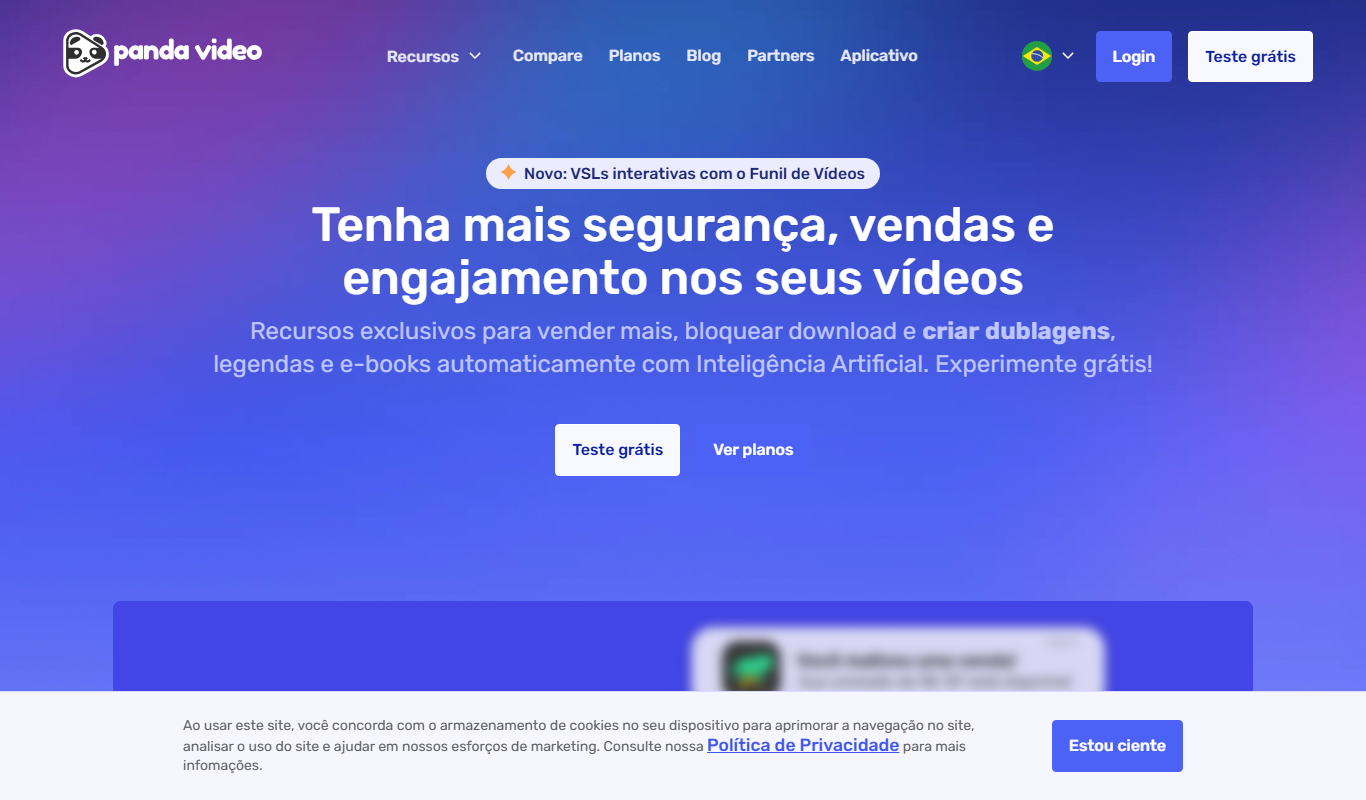
Panda Video is a Brazilian AI-powered web platform that simplifies video creation for marketing and social media by offering customizable templates, AI-assisted editing, and easy export options.
- Best for
- Marketing Video Production
- Key capability
- AI-Powered Video Editing
Do you recommend this tool?
What is Panda Video?
Panda Video is a web-based AI-powered video creation platform designed to help users produce professional-quality videos for marketing, social media, and educational purposes without requiring advanced video editing skills. It offers customizable templates, automated editing features, and easy export options to streamline video production.
Key features of Panda Video
The platform provides a variety of customizable video templates, AI-assisted editing tools, text-to-video capabilities, and integration options for social media sharing. Users can quickly create videos by uploading content or using built-in assets, then customize styles, music, and text overlays.
AI-Powered Video Editing
Automates video assembly and editing to simplify the creation process.
Customizable Templates
Offers a wide range of templates optimized for different video types and platforms.
Text-to-Video Conversion
Transforms written content into engaging video formats.
Social Media Integration
Enables direct sharing to popular social media channels.
User-Friendly Interface
Designed for users with little to no video editing experience.
Pros and cons of Panda Video
Pros
- Easy to use with no technical skills required
- Wide variety of customizable templates
- AI tools speed up video creation
- Direct social media sharing options
- Affordable pricing for small businesses
Cons
- Limited advanced editing features compared to professional software
- Free plan videos include watermarks
- Primarily supports Portuguese language with limited English interface
Key use cases for Panda Video
Marketing Video Production
Create engaging promotional videos for digital marketing campaigns quickly and efficiently.
Social Media Content Creation
Generate short videos optimized for social media platforms to increase audience engagement.
Product Demonstrations
Produce clear and concise product demo videos to showcase features and benefits.
Educational Videos
Develop instructional or explainer videos for training or educational purposes.
How Panda Video works
- 1
Sign Up
Create a free account on the Panda Video website to access the platform.
- 2
Select a Template
Choose from a library of video templates tailored for marketing, social media, or educational content.
- 3
Customize Video
Upload your media or use stock assets, add text, music, and adjust styles using AI-assisted tools.
- 4
Preview and Edit
Review the video, make any necessary adjustments, and finalize the content.
- 5
Export and Share
Download the video or share it directly to social media platforms.
Who is using Panda Video
Small business owners
Social media marketers
Content creators
Digital marketing agencies
Educators and trainers
Panda Video pricing
Free
$0/month
Access to basic templates and limited exports with watermark.
Pro
$29/month
Full access to all templates, unlimited exports without watermark, and priority support.
Plans and prices are as published by the vendor and can change. Check the official site before you buy. Open the pricing page (opens in a new tab)
Frequently asked questions about Panda Video
Yes, Panda Video is designed to be user-friendly and suitable for beginners.
Yes, videos exported on the free plan include a Panda Video watermark.
Videos can be exported in common formats such as MP4, suitable for most platforms.
The free plan has limits on exports, while the Pro plan offers unlimited video creation.
It depends on your specific needs and how you plan to use the tool. The official website and documentation are the best sources for the latest details.
Pricing depends on the plan and included features. For the most accurate and up-to-date details, check the official pricing page.
Yes, it can help with that use case depending on how you configure it and what features are available. You’ll get the best results with clear inputs and a defined goal.
Sign in to review this tool.
Sign In to ReviewNo reviews yet
Be the first to share how this tool worked for you.
Ask about pricing, limits, or how it compares — or answer someone else.
Sign In to AskNo questions yet
Have a question about using or paying for this tool? Be the first to ask.
Featured on TiorAI



More AI Video Creation Tools tools
Other tools in the same category, for when this one is not quite the fit.

Freemium
AIreelity
AIreelity is an AI-driven video creation platform that transforms text scripts into engaging marketing videos with customizable templates and AI voiceovers.

Free Trial
AI VYX
AI VYX is an AI-driven video creation platform that automates script generation and video assembly to help marketers and content creators produce professional videos quickly and easily.

Freemium
Fliki
Fliki is an AI-based platform that converts text into videos with natural-sounding voiceovers in multiple languages, ideal for marketers, educators, and content creators.

Freemium
aicut 2.0
AI Cut 2.0 is an AI-powered web tool that automatically removes video backgrounds and isolates subjects without green screens, enabling fast and precise video editing.

Freemium
WOXO: AI Video Generator for Social Content
WOXO is an AI-powered video creation platform that transforms text, URLs, or images into social media-ready videos using customizable templates and automated voiceovers.

Freemium
Oclipia AI
Oclipia AI is a web-based platform that uses artificial intelligence to automate video editing, enabling users to create social media-optimized videos quickly by clipping highlights, adding captions, and applying templates.
Free
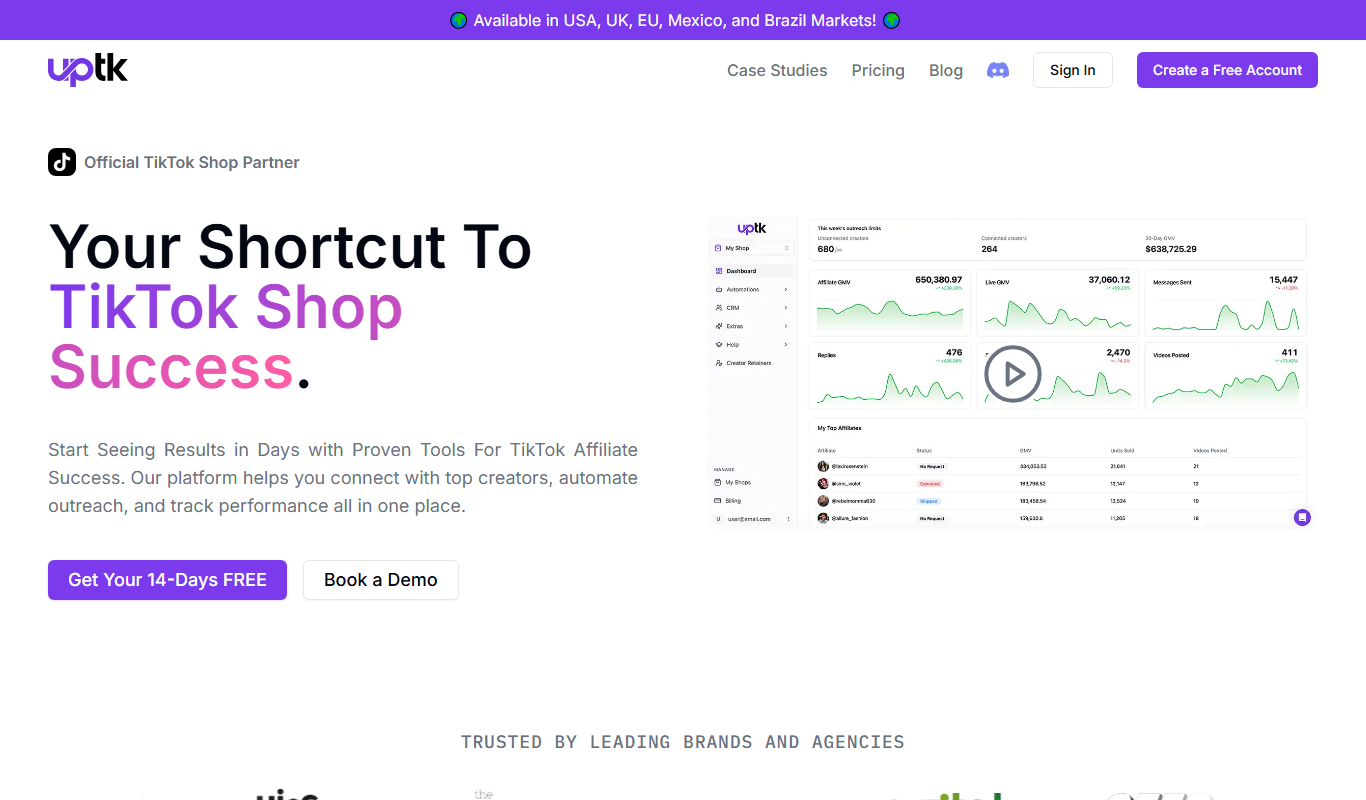
Uptik
Uptik is an AI-driven web-based video editor that automates the editing process, enabling users to create professional videos quickly with customizable templates and social media optimized exports.

Freemium
AICO
AICO is an AI-driven video editing platform that automates the editing process by analyzing raw footage and producing polished videos optimized for social media and marketing use.