

From my experience with AVCLabs Video Enhancer AI, I found it excels at delivering clear and detailed video upscaling using AI technology. The software’s straightforward interface makes it accessible even for users without advanced video editing skills, which is a significant advantage. It’s particularly well-suited for content creators and professionals looking to restore or improve older or low-resolution footage. However, the processing time can be lengthy for large files, and the free trial limits output with watermarks. Overall, if you need reliable AI-powered video enhancement on desktop, AVCLabs Video Enhancer AI offers solid value and quality results.
AVCLabs Video Enhancer AI - AI Video Upscaling and Quality Improvement Tool
AVCLabs Video Enhancer AI is a desktop software that uses AI to upscale videos up to 4K, reduce noise, and enhance details, ideal for restoring and improving video quality.
- Best for
- Video Upscaling
- Key capability
- AI Video Upscaling
Your actions
Save AVCLabs Video Enhancer AI, follow its updates and vote on it — everything stays in your account.
Sign in or create a free account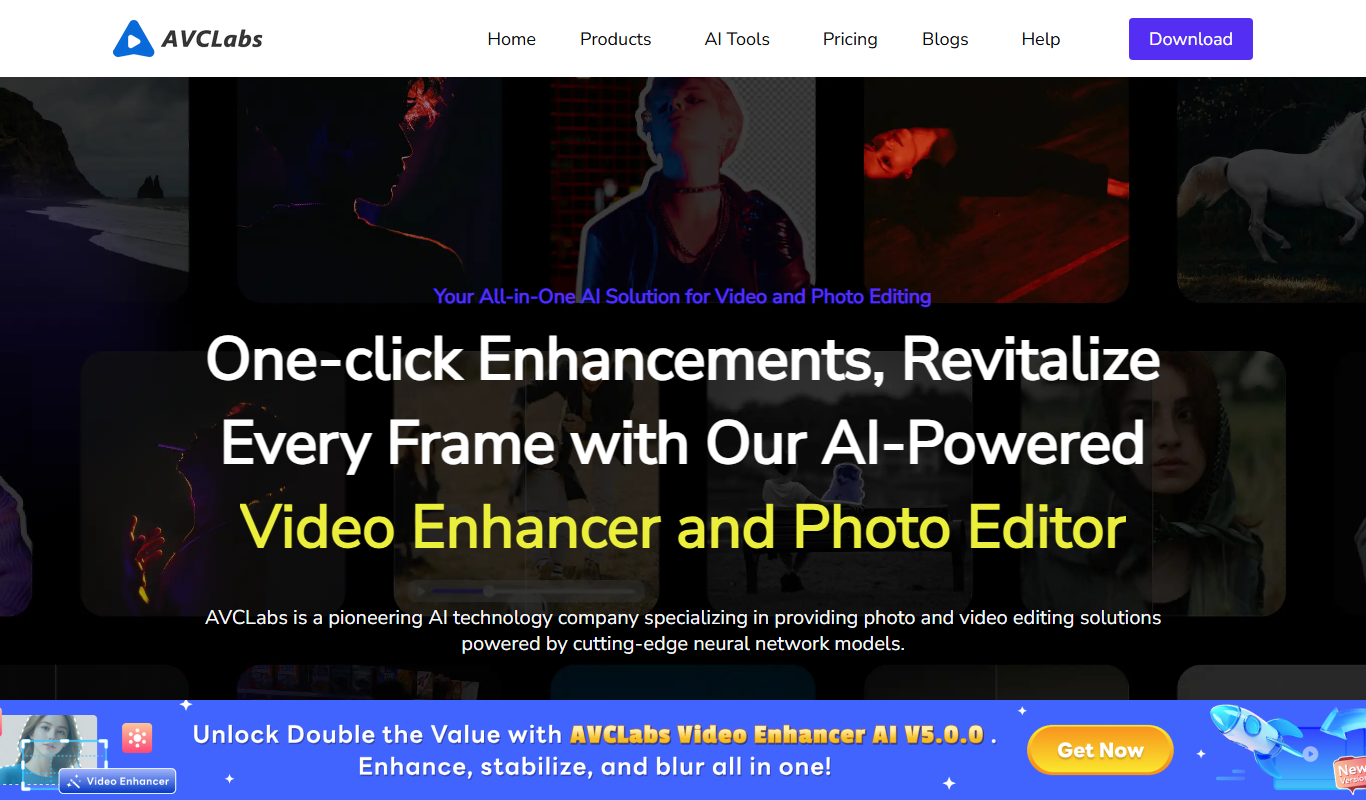
What is AVCLabs Video Enhancer AI?
AVCLabs Video Enhancer AI is a desktop software application that uses advanced artificial intelligence algorithms to upscale and enhance video quality. It specializes in improving low-resolution videos by increasing resolution, reducing noise, and sharpening details to produce clearer and more visually appealing footage. The tool supports various video formats and is designed for users ranging from casual video enthusiasts to professional content creators.
Key features of AVCLabs Video Enhancer AI
The main features of AVCLabs Video Enhancer AI include AI-powered video upscaling to HD and 4K resolutions, noise reduction, detail enhancement, batch processing, and support for multiple video formats. It offers an intuitive interface that simplifies the enhancement process, allowing users to improve video quality without requiring advanced technical skills.
AI Video Upscaling
Uses deep learning models to upscale videos up to 4K resolution while preserving details.
Noise Reduction
Removes video noise and grain to produce cleaner and smoother footage.
Detail Enhancement
Sharpens edges and restores fine details lost in low-quality videos.
Batch Processing
Allows users to enhance multiple videos simultaneously to save time.
Wide Format Support
Supports popular video formats including MP4, MOV, AVI, and more.
Pros and cons of AVCLabs Video Enhancer AI
Pros
- High-quality AI upscaling with clear results
- User-friendly interface suitable for beginners
- Supports batch processing for efficiency
- Wide range of supported video formats
- One-time purchase option available
Cons
- Processing can be time-consuming for large videos
- Limited free trial with watermark on output
- No mobile or web version, desktop only
Key use cases for AVCLabs Video Enhancer AI
Video Upscaling
Enhance low-resolution videos to higher resolutions such as 1080p or 4K using AI-powered upscaling.
Video Quality Restoration
Improve video clarity by reducing noise, sharpening details, and restoring old or blurry footage.
Video Editing Enhancement
Enhance videos before or after editing to achieve professional-grade visual quality.
Content Creation
Help content creators produce high-quality videos from older or lower-quality sources.
Film and Media Restoration
Restore and enhance archival footage or home videos for preservation and modern viewing.
How AVCLabs Video Enhancer AI works
- 1
Import Video
Load your low-resolution or blurry video files into the software.
- 2
Select Enhancement Settings
Choose the desired output resolution and enhancement options such as noise reduction and sharpening.
- 3
Preview and Adjust
Preview the enhanced video and fine-tune settings if necessary.
- 4
Start Processing
Begin the AI-powered enhancement process; the software will upscale and improve video quality.
- 5
Export Enhanced Video
Save the enhanced video in your preferred format and resolution.
Who is using AVCLabs Video Enhancer AI
Video editors and post-production professionals
Content creators and YouTubers
Film restoration specialists
Marketing agencies producing video content
Home users restoring old videos
AVCLabs Video Enhancer AI pricing
Free Trial
$0
Limited features and watermark on output videos.
Lifetime License
$69.95
One-time purchase for full features without watermark.
Annual Subscription
$39.95/year
Full features with updates and support for one year.
Plans and prices are as published by the vendor and can change. Check the official site before you buy. Open the pricing page (opens in a new tab)
Frequently asked questions about AVCLabs Video Enhancer AI
It supports common formats such as MP4, MOV, AVI, MKV, and more.
Yes, the software can upscale videos up to 4K resolution using AI algorithms.
Yes, a free trial version is available with limited features and watermark on output.
Yes, you can process multiple videos at once to save time.
It depends on your specific needs and how you plan to use the tool. The official website and documentation are the best sources for the latest details.
Yes, it can help with that use case depending on how you configure it and what features are available. You’ll get the best results with clear inputs and a defined goal.
It depends on your specific needs and how you plan to use the tool. The official website and documentation are the best sources for the latest details.
Pricing depends on the plan and included features. For the most accurate and up-to-date details, check the official pricing page.
Sign in to review this tool.
Sign In to ReviewNo reviews yet
Be the first to share how this tool worked for you.
Ask about pricing, limits, or how it compares — or answer someone else.
Sign In to AskNo questions yet
Have a question about using or paying for this tool? Be the first to ask.
Featured on TiorAI



More AI Ai Tools tools
Other tools in the same category, for when this one is not quite the fit.

Free
PromptPoint
PromptPoint is a web platform that helps users create, manage, and optimize AI prompts to improve the quality and relevance of AI-generated content, with features for collaboration and analytics.

Subscription
ChefGPT
ChefGPT is an AI recipe and calorie tracking app that generates recipes from pantry ingredients, builds meal plans and logs calories from meal photos.

Free
Quizbot.ai
Quizbot.ai is an AI-driven platform that helps users create interactive quizzes by generating questions from input content, enabling quick and engaging assessments.

Freemium
Questgen.ai
Questgen.ai is an AI-based platform that automatically generates multiple-choice, true/false, and short answer questions from text to assist educators and content creators in building assessments quickly.

Freemium
promptengineering.org
promptengineering.org is an educational platform for prompt engineering, with free resources plus Members-only articles and paid professional AI training.

Free
ImagineQR – gameofprompts.ai
ImagineQR is a free web-based tool by GameOfPrompts that generates QR codes enhanced with AI-generated images, perfect for creative marketing and social media use.

Free
Powerpresent AI
Powerpresent AI is a web-based tool that uses artificial intelligence to automatically generate professional presentation slides from user input, offering customizable templates and easy editing.

Freemium
WorkPPT
WorkPPT is a web-based presentation tool by SoftTooler that uses AI to help users create and customize professional slides quickly, supporting collaboration and export in PPTX and PDF formats.