


Subscription
ezyVet
ezyVet is a cloud-based veterinary practice management software designed to help veterinary clinics and hospitals manage patient records, appointments, billing, inventory, and reporting efficiently.
Every AI tool we track, with pricing, platform and category on each entry. Filter down to a shortlist, then open the ones worth a closer look.
Filter 8,929 AI tools by pricing, category, platform and language.
ezyVet is a cloud-based veterinary practice management software designed to help veterinary clinics and hospitals manage patient records, appointments, billing, inventory, and reporting efficiently.
Vetstoria is an online appointment scheduling platform designed for veterinary clinics to enable 24/7 client booking, automate reminders, and integrate with practice management systems.

HuggingChat is an open-source AI chat platform by Hugging Face that enables users to interact with transformer-based language models for conversational AI applications via a free web interface.
PhET Interactive Simulations is a free educational platform from the University of Colorado Boulder that offers interactive, research-based simulations in physics, chemistry, biology, earth science, and math to support STEM learning.

Labster is a virtual science lab platform providing interactive STEM simulations for students and educators to conduct experiments online safely and engagingly.

MDLive is a telehealth platform providing virtual medical and behavioral health consultations 24/7 via video or phone, allowing patients to access licensed providers remotely.

Teladoc Health is a telemedicine platform providing virtual healthcare services including medical consultations, mental health counseling, and chronic condition management via video, phone, or app.

Peanut is a free social networking app designed for mothers and women in motherhood stages, offering AI matchmaking, community groups, and messaging to connect users.

PioSolver is a poker analysis tool that calculates game theory optimal strategies and equity for Texas Hold'em, helping players optimize their decisions.

PokerSnowie is an AI-driven poker training software that uses game theory optimal strategies to help players improve by analyzing hands, providing real-time advice, and simulating opponents.
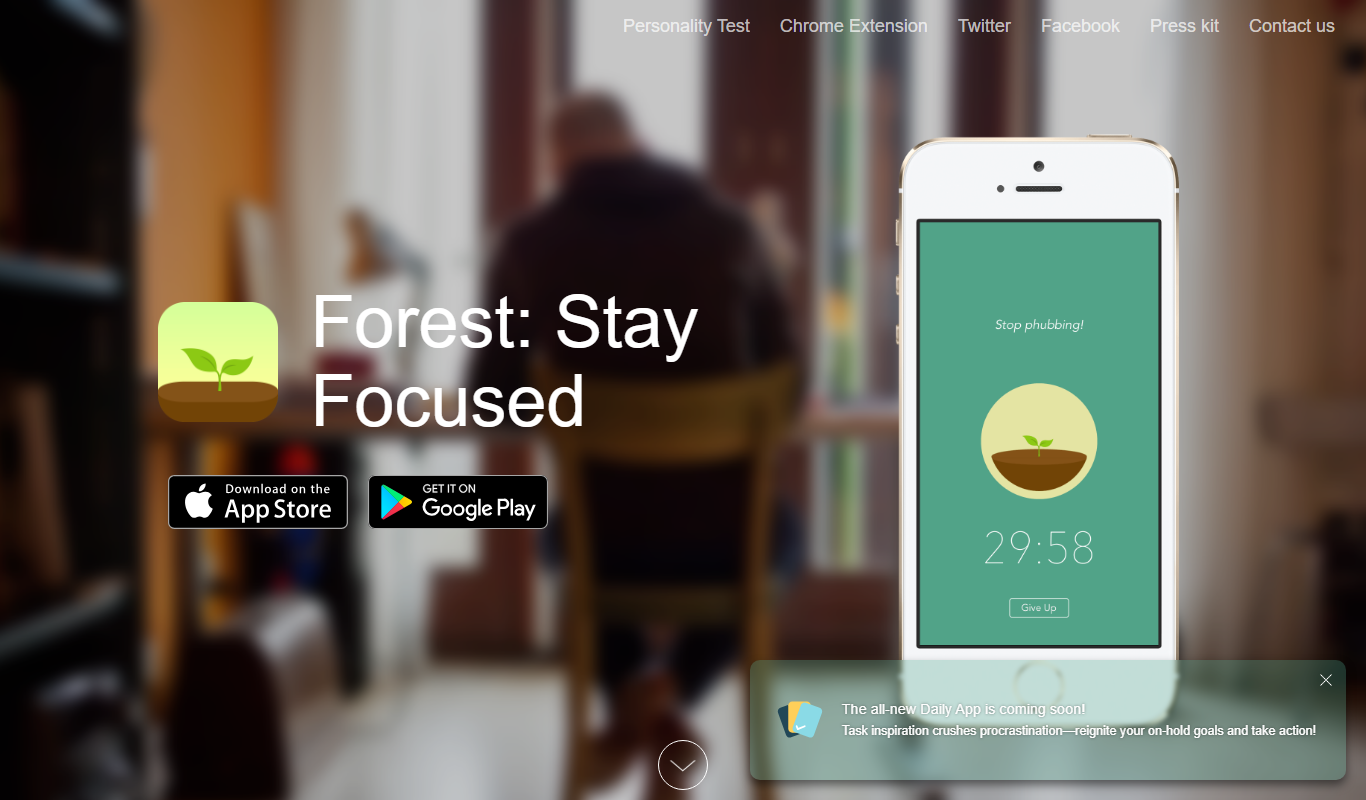
Forest is a productivity app that uses a gamified focus timer to help users stay concentrated by growing virtual trees during timed sessions, discouraging phone distractions.

OnStrategy is a cloud-based platform designed to help organizations develop, execute, and monitor their strategic plans by setting goals, tracking KPIs, and aligning teams.
Page 109 of 621
Ten tools per shortlist, ranked, for when a category is still too many results.
Still deciding
Pricing, supported platforms and what each one is actually good at, laid out in one table. 764 comparisons are written and ready.
Browse comparisonsComparable tools for the products people already use.
Every one of the 8,929 entries here carries the same fields: what the tool does, what it costs, which platforms it runs on, and which categories it belongs to. That is what makes filtering across the whole catalogue possible rather than decorative.
The catalogue is not the point on its own; competitors list the same tools. What is worth your time is what sits on top of it: comparisons that commit to a recommendation, alternative sets that are genuinely comparable, and entries that get corrected when a vendor changes its pricing.
Start from a category rather than the full list: the category index above jumps straight into the twelve largest ones. From there, use the pricing shortcuts to drop anything outside your budget, then open the three or four entries that look closest and compare them side by side.
Free means there is a usable tier at no cost with no time limit. Freemium means a free tier exists but the useful features sit behind a paid plan. Free trial means paid-only after a fixed evaluation window. Subscription means recurring billing with no free tier. Labels come from the vendor and are re-checked when a listing is updated.
Yes. Category, pricing, tech stack, language and platform stack together, and every combination has its own URL, so a filtered view can be bookmarked or shared. Active filters appear above the results and can be removed one at a time.
Around 8% of entries have no captured screenshot, usually because the tool sits behind a login or the site blocks automated capture. Those entries show the tool's initial instead. It is not a signal about the tool's quality.
Newest first, so the front of the directory reflects what has recently shipped. Switch the sort to Top Rated for the highest-scoring entries, or Most Popular to order by real visitor interest across views and outbound clicks.
An alternatives page answers "what else does this job?" and lists comparable tools for one product. A comparison page takes two named tools and works through pricing, capability and fit to reach a recommendation. Both are linked from every tool entry.