

From my experience with PhET Interactive Simulations, I found it excels at making complex scientific concepts accessible through interactive and visually engaging experiments. The platform’s free availability and multilingual support make it an invaluable resource for educators and students worldwide. It’s particularly well-suited for K-12 and college-level STEM education, enabling hands-on learning without the need for physical lab equipment. However, the tool focuses mainly on science and math, so it may not cover other subject areas. Overall, if you want to enhance STEM teaching or self-directed learning with interactive simulations, PhET delivers reliable and research-backed resources.
PhET Interactive Simulations for Science Education and STEM Learning Online
PhET Interactive Simulations is a free educational platform from the University of Colorado Boulder that offers interactive, research-based simulations in physics, chemistry, biology, earth science, and math to support STEM learning.
- Best for
- Science Education
- Key capability
- Wide Range of Subjects
Do you recommend this tool?
What is PhET Interactive Simulations?
PhET Interactive Simulations is a free educational platform developed by the University of Colorado Boulder that offers interactive, research-based simulations for teaching and learning science and math. The simulations cover topics in physics, chemistry, biology, earth science, and mathematics, designed to make abstract concepts tangible and engaging through virtual experiments.
Key features of PhET Interactive Simulations
PhET provides a wide range of interactive simulations that allow users to manipulate variables, visualize phenomena, and experiment in a virtual environment. The platform supports multiple languages, is accessible via web browsers and desktop applications, and is widely used by educators and students worldwide.
Wide Range of Subjects
Simulations cover physics, chemistry, biology, earth science, and math topics.
Interactive and Visual Learning
Users can manipulate variables and see immediate visual feedback to deepen understanding.
Multilingual Support
Simulations are available in multiple languages to support global learners.
Free and Open Access
All simulations and resources are freely accessible without cost.
Teacher Resources
Includes lesson plans, activities, and guides to facilitate classroom use.
Pros and cons of PhET Interactive Simulations
Pros
- Extensive library of high-quality, research-based simulations
- Free and accessible worldwide
- Supports multiple languages
- Engages learners with interactive, visual experiments
- Provides comprehensive teacher resources
Cons
- Limited to science and math subjects
- Some simulations require modern browsers or desktop installation for best performance
Key use cases for PhET Interactive Simulations
Science Education
Use interactive simulations to teach and learn concepts in physics, chemistry, biology, and earth science.
STEM Learning
Engage students with hands-on virtual experiments to enhance understanding of STEM subjects.
Classroom Demonstrations
Teachers can use simulations to demonstrate complex scientific phenomena in an accessible way.
Self-Directed Learning
Students can explore scientific concepts independently through interactive and visual simulations.
Curriculum Supplement
PhET simulations serve as a supplement to traditional textbooks and lectures to reinforce learning.
How PhET Interactive Simulations works
- 1
Access Simulations
Visit the PhET website and browse or search for simulations by subject or grade level.
- 2
Select a Simulation
Choose a simulation relevant to your learning or teaching goals.
- 3
Interact with the Simulation
Manipulate variables, run experiments, and observe outcomes in real-time.
- 4
Use Supporting Materials
Download lesson plans, activities, and guides to integrate simulations into teaching.
Who is using PhET Interactive Simulations
K-12 educators
College instructors
Students in STEM fields
Homeschooling parents
Educational institutions
PhET Interactive Simulations pricing
Free
$0
Full access to all simulations and educational resources at no cost.
Plans and prices are as published by the vendor and can change. Check the official site before you buy. Open the pricing page (opens in a new tab)
Frequently asked questions about PhET Interactive Simulations
Yes, PhET Interactive Simulations is completely free for educators, students, and anyone interested.
PhET covers physics, chemistry, biology, earth science, and mathematics.
Yes, PhET offers downloadable desktop versions of simulations for offline use.
Yes, PhET provides lesson plans, activities, and guides to help integrate simulations into teaching.
This tool is designed to help users accomplish its core tasks more efficiently. It is typically used by individuals or teams looking to improve productivity and workflow.
Some tools offer a free plan or trial with limited features. Availability can vary, so confirm on the official website.
Yes, it can help with that use case depending on how you configure it and what features are available. You’ll get the best results with clear inputs and a defined goal.
It depends on your specific needs and how you plan to use the tool. The official website and documentation are the best sources for the latest details.
Sign in to review this tool.
Sign In to ReviewNo reviews yet
Be the first to share how this tool worked for you.
Ask about pricing, limits, or how it compares — or answer someone else.
Sign In to AskNo questions yet
Have a question about using or paying for this tool? Be the first to ask.
Featured on TiorAI



More Education tools
Other tools in the same category, for when this one is not quite the fit.

Free
Flashcard Machine
Flashcard Machine is a web-based tool for creating and studying custom flashcards with multiple study modes and sharing capabilities.

Free
Keybr
Keybr is a free web-based typing tutor that uses adaptive algorithms to help users learn touch typing by focusing on their weak keys and tracking progress.

Free
Typing.com
Typing.com is a free online platform offering typing lessons, games, and tests to help users learn and improve typing skills with additional classroom management features for educators.
Freemium
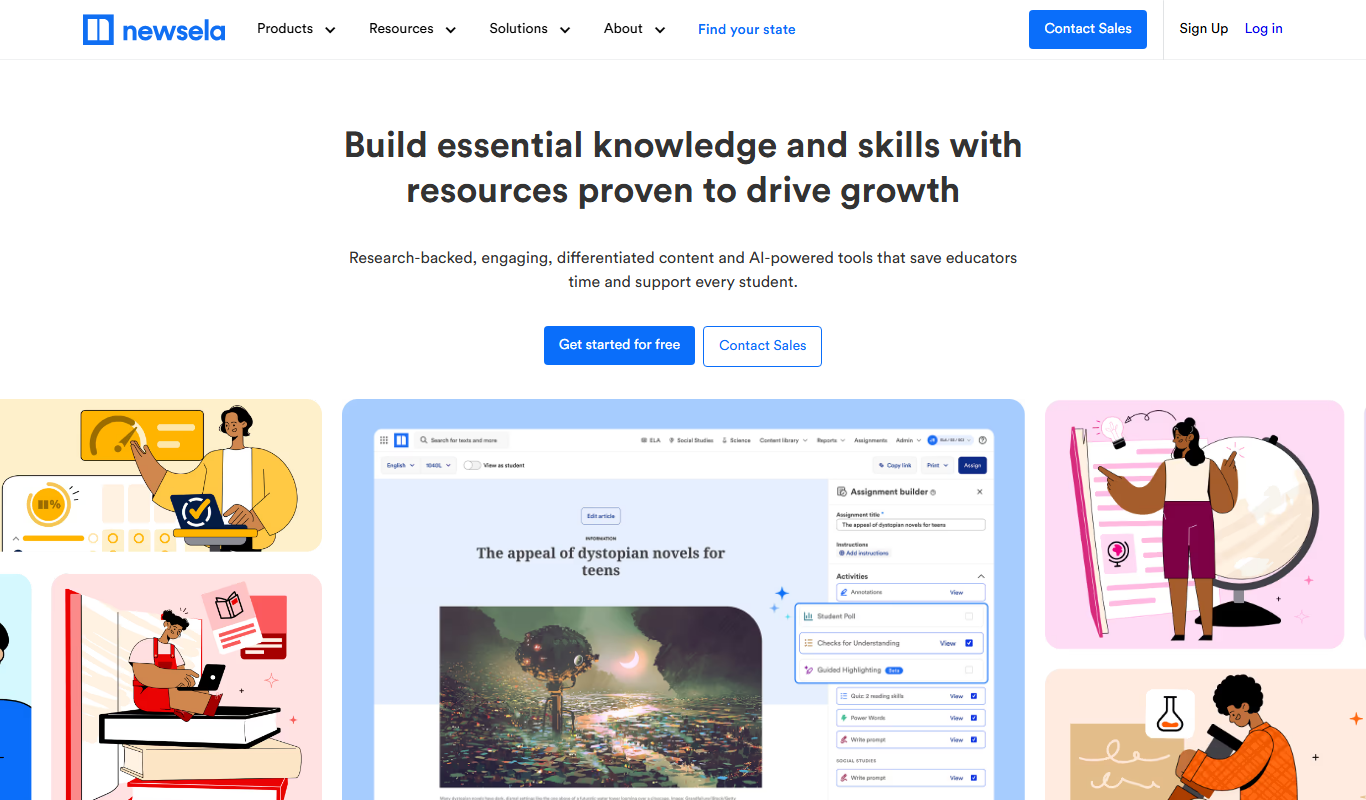
Newsela
Newsela is an educational platform providing leveled reading content and instructional tools to personalize learning and improve literacy for K-12 students.

Free
GoConqr
GoConqr is an online learning platform that enables users to create and share interactive study materials such as mind maps, quizzes, and flashcards to improve learning and collaboration.

Subscription
GCSEPod
GCSEPod is an online platform providing curriculum-aligned video lessons and quizzes to support GCSE students in their exam revision and study.

Freemium
LessonUp
LessonUp is a web-based platform that enables educators to create interactive, multimedia-rich lessons with quizzes and real-time feedback, ideal for remote and hybrid teaching.

Free
Common Curriculum
Common Curriculum is a web-based platform that helps educators create, organize, and share lesson plans aligned with educational standards, supporting collaboration and curriculum mapping.