

Free
Planboard
Planboard is a digital lesson planning software that helps teachers create and organize lesson plans, manage schedules, align with curriculum standards, and collaborate with colleagues.
Every AI tool we track, with pricing, platform and category on each entry. Filter down to a shortlist, then open the ones worth a closer look.
Filter 8,929 AI tools by pricing, category, platform and language.
Planboard is a digital lesson planning software that helps teachers create and organize lesson plans, manage schedules, align with curriculum standards, and collaborate with colleagues.

Cleanfeed is a browser-based platform that enables high-quality remote audio recording and live broadcasting, widely used by podcasters and broadcasters to connect with guests and collaborators anywhere without software installation.

SquadCast is a browser-based platform that enables podcasters to record high-quality remote audio and video interviews with multitrack recording and cloud backup.

Zencastr is a browser-based podcast recording platform that enables remote recording of high-quality audio and video with separate tracks for each participant, automatic post-production, and live monitoring.

Tinkercad is a free, browser-based 3D design and electronics simulation tool by Autodesk, perfect for beginners and educators to create models and circuits without prior CAD experience.

Testmoz is a web-based quiz maker that enables users to create, distribute, and automatically grade online tests with multiple question types and secure access.

Renewables.ninja is an online tool that simulates solar and wind power generation worldwide using historical weather data, providing hourly time series data for energy planning and research.
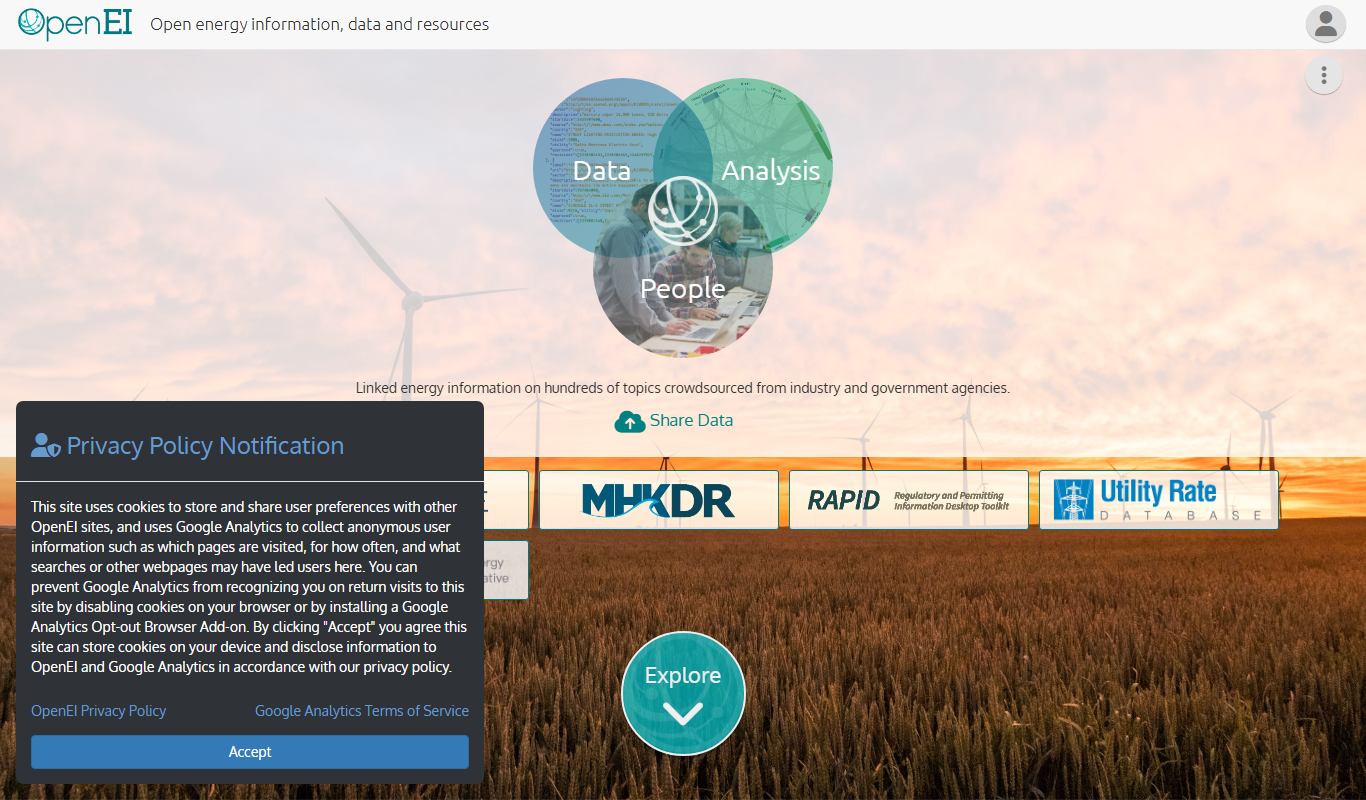
OpenEI is a free, open-source platform from the National Laboratory of the Rockies (formerly NREL) providing energy data, tools and resources to support renewable energy research and policy.
Duolingo is a free and subscription-based language learning app that uses gamified lessons and speech recognition to help users learn and practice multiple languages on web and mobile platforms.

Photomath is an AI-driven app that uses your smartphone camera to scan and solve math problems instantly, providing detailed step-by-step solutions and explanations.

Between is a private messaging and relationship management app designed exclusively for couples to communicate securely, share memories, and coordinate schedules with features like shared calendars and photo albums.
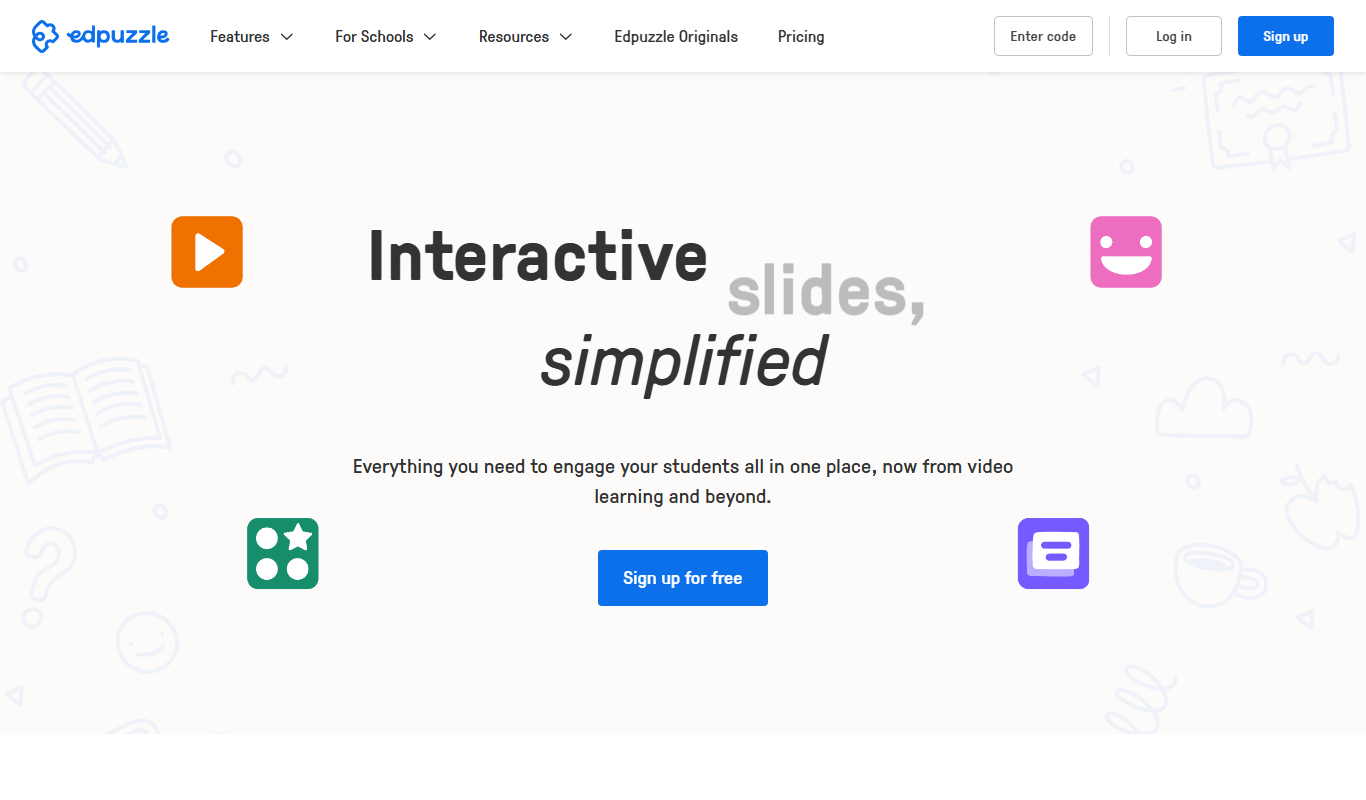
Edpuzzle is an interactive video platform that allows educators to create engaging video lessons by embedding questions and quizzes, track student progress, and integrate with learning management systems.
Page 109 of 429
Ten tools per shortlist, ranked, for when a category is still too many results.
Still deciding
Pricing, supported platforms and what each one is actually good at, laid out in one table. 764 comparisons are written and ready.
Browse comparisonsComparable tools for the products people already use.
Every one of the 8,929 entries here carries the same fields: what the tool does, what it costs, which platforms it runs on, and which categories it belongs to. That is what makes filtering across the whole catalogue possible rather than decorative.
The catalogue is not the point on its own; competitors list the same tools. What is worth your time is what sits on top of it: comparisons that commit to a recommendation, alternative sets that are genuinely comparable, and entries that get corrected when a vendor changes its pricing.
Start from a category rather than the full list: the category index above jumps straight into the twelve largest ones. From there, use the pricing shortcuts to drop anything outside your budget, then open the three or four entries that look closest and compare them side by side.
Free means there is a usable tier at no cost with no time limit. Freemium means a free tier exists but the useful features sit behind a paid plan. Free trial means paid-only after a fixed evaluation window. Subscription means recurring billing with no free tier. Labels come from the vendor and are re-checked when a listing is updated.
Yes. Category, pricing, tech stack, language and platform stack together, and every combination has its own URL, so a filtered view can be bookmarked or shared. Active filters appear above the results and can be removed one at a time.
Around 8% of entries have no captured screenshot, usually because the tool sits behind a login or the site blocks automated capture. Those entries show the tool's initial instead. It is not a signal about the tool's quality.
Newest first, so the front of the directory reflects what has recently shipped. Switch the sort to Top Rated for the highest-scoring entries, or Most Popular to order by real visitor interest across views and outbound clicks.
An alternatives page answers "what else does this job?" and lists comparable tools for one product. A comparison page takes two named tools and works through pricing, capability and fit to reach a recommendation. Both are linked from every tool entry.