AI Tools Directory: 8,929 tools, compared and categorised

Every AI tool we track, with pricing, platform and category on each entry. Filter down to a shortlist, then open the ones worth a closer look.

Browse by category

All 1,494 categories

Explore all AI tools

Filter 8,929 AI tools by pricing, category, platform and language.

8,929 tools

Screenshot of the Stampli interface
Custom Pricing

Stampli

Stampli is an AI-driven accounts payable automation platform that streamlines invoice processing by automating data extraction, enabling collaborative invoice review, and integrating with ERP systems to accelerate approvals and payments.

Screenshot of the Tipalti interface
Subscription

Tipalti

Tipalti is a cloud-based platform that automates global accounts payable processes including supplier onboarding, tax compliance, invoice management, multi-currency payments, and reconciliation to help finance teams reduce manual work and errors.

Free

PresentPal

Present Pal is a presentation support app that helps students overcome anxiety, stay organised and speak with confidence, available through the DSA.

Free Trial

IdeaScale

IdeaScale is a cloud-based innovation management platform that helps organizations crowdsource ideas, engage communities, and manage the innovation lifecycle through customizable workflows and analytics.

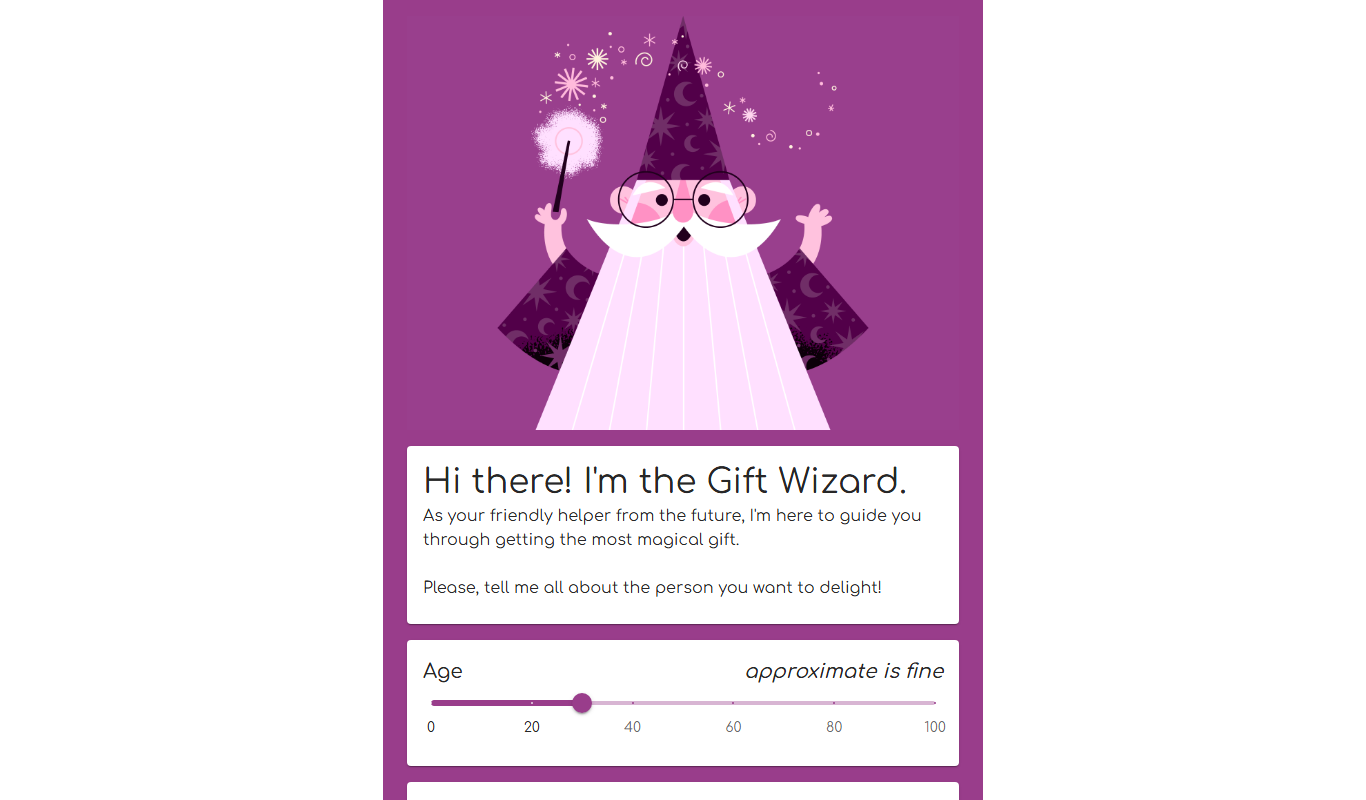
Screenshot of the GiftWizard interface
Free

GiftWizard

GiftWizard is an AI-powered platform that generates personalized gift ideas based on recipient details and occasion, simplifying the gift selection process.

Screenshot of the Contacts+ AI interface
Free

Contacts+ AI

Contacts+ AI is an AI-powered contact management tool that helps users organize, enrich, and maintain contacts across devices with features like deduplication, communication tracking, and team collaboration.

Screenshot of the Nimble CRM interface
Free Trial

Nimble CRM

Nimble CRM is an AI-powered customer relationship management platform that helps small businesses manage contacts, sales pipelines, and social media engagement in one unified system.

Enterprise

Trend Hunter

Trend Hunter is a market research platform that provides businesses with insights into emerging consumer trends, innovation opportunities, and industry shifts to support strategic decision-making.

Screenshot of the Exploding Topics interface
Free Trial

Exploding Topics

Exploding Topics is a trend research platform that identifies rapidly growing topics and niches early, helping marketers and businesses capitalize on emerging opportunities.

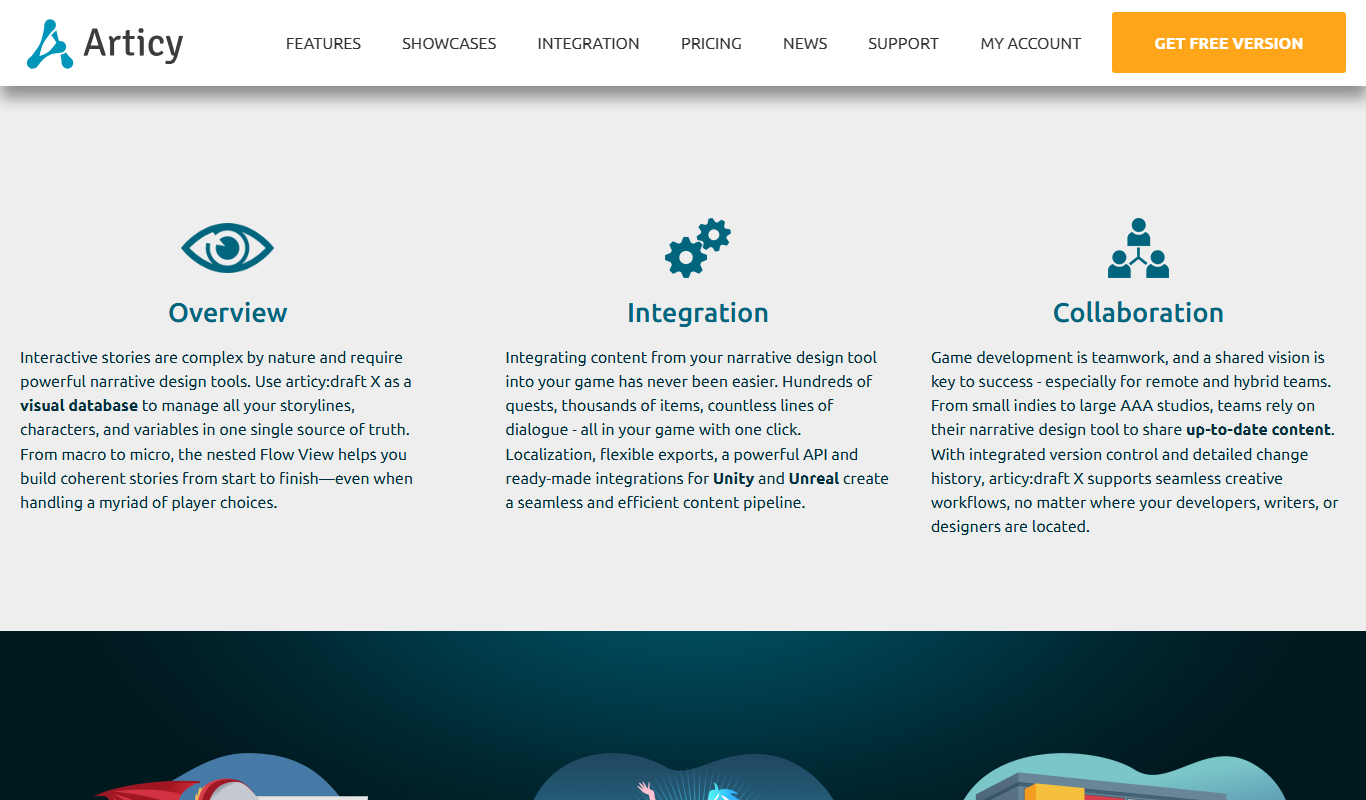
Screenshot of the Articy Draft interface
Freemium

Articy Draft

Articy Draft is software for Windows and macOS for designing branching narratives, dialogues, and quests for video games, with visual flowcharts and export to game engines like Unity and Unreal.

Screenshot of the Fit3D interface
Subscription

Fit3D

Fit3D is a 3D body scanning platform that provides detailed body measurements, composition, and posture analysis to support fitness and health assessments.

Screenshot of the InBody interface
Contact for pricing

InBody

InBody is a body composition analysis system that uses bioelectrical impedance technology to measure muscle mass, body fat, and water distribution quickly and accurately for fitness and health monitoring.

Popular AI tool collections

Ten tools per shortlist, ranked, for when a category is still too many results.

All 486 collections

Still deciding

Compare two AI tools side by side

Pricing, supported platforms and what each one is actually good at, laid out in one table. 764 comparisons are written and ready.

Browse comparisons

About the TiorAI AI tools directory

Every one of the 8,929 entries here carries the same fields: what the tool does, what it costs, which platforms it runs on, and which categories it belongs to. That is what makes filtering across the whole catalogue possible rather than decorative.

The catalogue is not the point on its own; competitors list the same tools. What is worth your time is what sits on top of it: comparisons that commit to a recommendation, alternative sets that are genuinely comparable, and entries that get corrected when a vendor changes its pricing.

Common questions

How do I narrow 14,000 tools down to a shortlist?

Start from a category rather than the full list: the category index above jumps straight into the twelve largest ones. From there, use the pricing shortcuts to drop anything outside your budget, then open the three or four entries that look closest and compare them side by side.

What does each pricing label mean?

Free means there is a usable tier at no cost with no time limit. Freemium means a free tier exists but the useful features sit behind a paid plan. Free trial means paid-only after a fixed evaluation window. Subscription means recurring billing with no free tier. Labels come from the vendor and are re-checked when a listing is updated.

Can I combine filters?

Yes. Category, pricing, tech stack, language and platform stack together, and every combination has its own URL, so a filtered view can be bookmarked or shared. Active filters appear above the results and can be removed one at a time.

Why do some tools have no screenshot?

Around 8% of entries have no captured screenshot, usually because the tool sits behind a login or the site blocks automated capture. Those entries show the tool's initial instead. It is not a signal about the tool's quality.

How are tools ordered by default?

Newest first, so the front of the directory reflects what has recently shipped. Switch the sort to Top Rated for the highest-scoring entries, or Most Popular to order by real visitor interest across views and outbound clicks.

What is the difference between an alternative and a comparison?

An alternatives page answers "what else does this job?" and lists comparable tools for one product. A comparison page takes two named tools and works through pricing, capability and fit to reach a recommendation. Both are linked from every tool entry.