

From my experience with Openkoda, it stands out as a robust open-source low-code platform that balances rapid development with clean, modular code. It’s particularly well-suited for developers and small teams who want to accelerate web and mobile app projects without sacrificing customization or code quality. While it requires some coding knowledge and lacks the polished support of commercial platforms, its transparency and flexibility make it a great choice for learning and building scalable applications. If you want an open-source solution to jumpstart your app development with modern JavaScript technologies, Openkoda delivers solid value.
Openkoda Low-Code Platform for Rapid Web and Mobile App Development
Openkoda is an open-source low-code platform designed for rapid development of web and mobile applications using modular components and modern JavaScript technologies.
- Best for
- Rapid Web Application Development
- Key capability
- Modular Architecture

Do you recommend this tool?
What is Openkoda?
Openkoda is an open-source low-code platform designed to accelerate the development of web and mobile applications. It provides a modular architecture with reusable components, enabling developers to build scalable, maintainable, and customizable applications rapidly. Openkoda emphasizes clean code practices and modern technologies such as React and Node.js, making it suitable for both professional developers and learners interested in low-code development.
Key features of Openkoda
Openkoda offers a modular low-code environment with pre-built UI components, API integrations, and a flexible backend architecture. It supports rapid prototyping and production-ready application development with an emphasis on open-source transparency and extensibility.
Modular Architecture
Enables easy customization and scalability by organizing code into reusable modules.
Open Source Codebase
Full access to source code allows developers to understand, modify, and extend the platform freely.
Pre-built UI Components
Includes a library of reusable React components to speed up frontend development.
API Integration
Supports integration with external APIs and services to enhance application functionality.
Clean Code Practices
Focuses on maintainable and readable code to facilitate collaboration and long-term project health.
Pros and cons of Openkoda
Pros
- Completely open-source with no licensing fees
- Modular design allows easy customization
- Supports rapid development with reusable components
- Clean and maintainable codebase
- Good for learning modern web development
Cons
- Requires some coding knowledge to fully utilize
- Limited official support compared to commercial low-code platforms
- Primarily focused on web and mobile apps, less suited for other software types
Key use cases for Openkoda
Rapid Web Application Development
Build scalable and customizable web applications quickly using pre-built modules and templates.
Mobile Application Prototyping
Create mobile app prototypes with reusable components to accelerate the design and testing process.
Open Source Project Customization
Leverage Openkoda’s open-source codebase to customize and extend applications to fit specific business needs.
Learning and Experimentation
Developers and students can explore low-code development concepts and modern web technologies through hands-on experience.
How Openkoda works
- 1
Clone the Repository
Start by cloning the Openkoda open-source repository from GitHub to your local environment.
- 2
Install Dependencies
Install required packages and dependencies using npm or yarn to set up the development environment.
- 3
Customize Modules
Modify or extend pre-built modules and components to tailor the application to your specific requirements.
- 4
Run and Test
Launch the application locally to test functionality and iterate on your customizations.
- 5
Deploy
Deploy your finished application to your preferred hosting environment or cloud platform.
Who is using Openkoda
Web developers seeking low-code solutions
Startups and small businesses wanting rapid app development
Students and learners exploring modern web technologies
Open-source enthusiasts looking for customizable platforms
Software teams aiming for modular and maintainable codebases
Openkoda pricing
Free
$0
Open-source platform available for free with full access to source code and community support.
Plans and prices are as published by the vendor and can change. Check the official site before you buy. Open the pricing page (opens in a new tab)
Frequently asked questions about Openkoda
Yes, Openkoda is an open-source platform available for free under its license.
Basic coding knowledge is helpful since Openkoda is a low-code platform aimed at developers who want to customize and extend applications.
Openkoda primarily uses JavaScript technologies including React for frontend and Node.js for backend.
Yes, since Openkoda is open-source, you can deploy your applications on any hosting or cloud platform you prefer.
This tool is designed to help users accomplish its core tasks more efficiently. It is typically used by individuals or teams looking to improve productivity and workflow.
Some tools offer a free plan or trial with limited features. Availability can vary, so confirm on the official website.
Yes, it can help with that use case depending on how you configure it and what features are available. You’ll get the best results with clear inputs and a defined goal.
Yes, it can help with that use case depending on how you configure it and what features are available. You’ll get the best results with clear inputs and a defined goal.
Sign in to review this tool.
Sign In to ReviewNo reviews yet
Be the first to share how this tool worked for you.
Ask about pricing, limits, or how it compares — or answer someone else.
Sign In to AskNo questions yet
Have a question about using or paying for this tool? Be the first to ask.
Featured on TiorAI



Alternative Tools
Explore similar AI tools that might fit your needs

Free
Budibase
Budibase is an open-source low-code platform that enables rapid development of internal tools and web applications through a visual builder, database integrations, and automation workflows.

Enterprise
Appsmith
Appsmith is an open-source low-code platform that enables developers and businesses to build custom internal applications quickly using drag-and-drop UI components and integrations with databases and APIs.
Enterprise
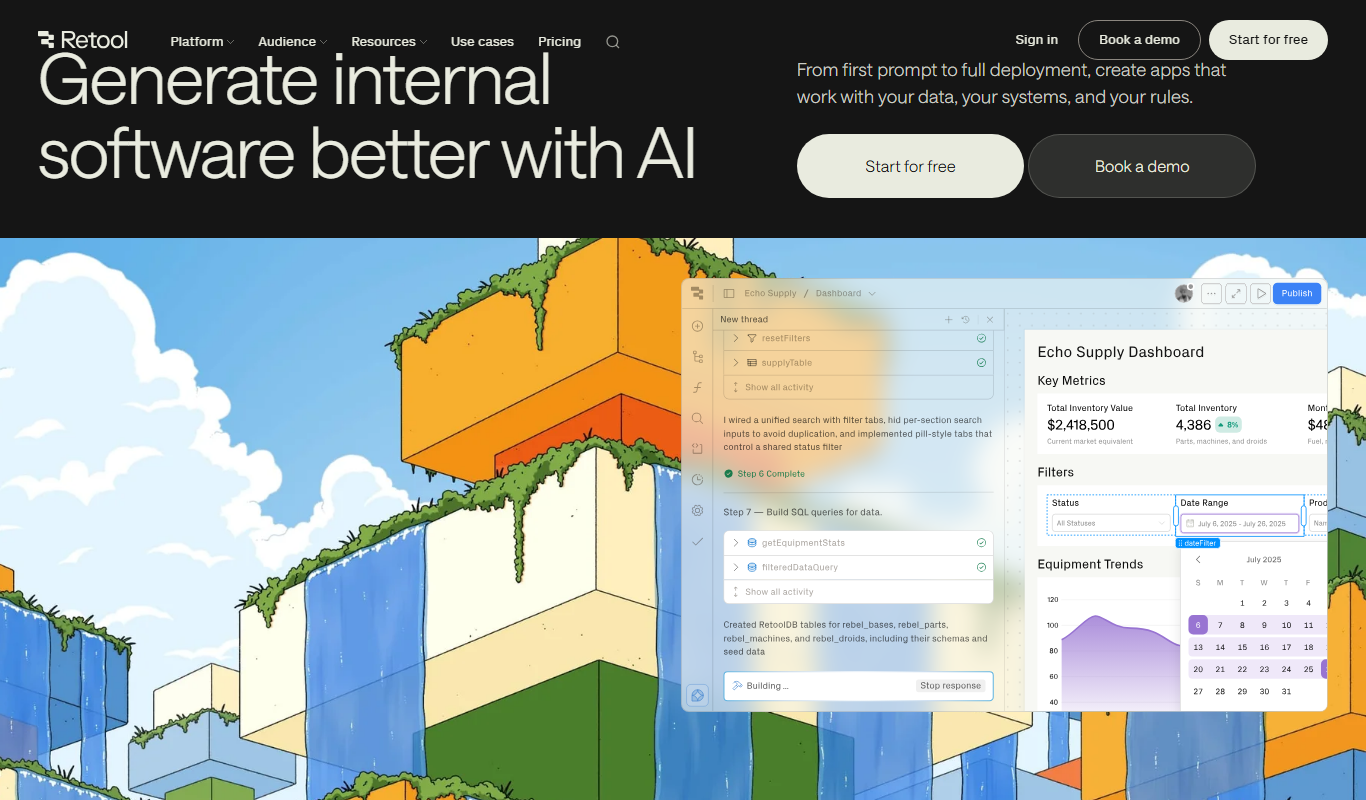
Retool
Retool is a low-code platform that helps developers and businesses quickly build internal tools by connecting to databases and APIs using a drag-and-drop interface combined with custom JavaScript.
More AI Developer & Coding Tools tools
Other tools in the same category, for when this one is not quite the fit.

Free
CraftUI
CraftUI Studio is a no-code UI design tool that lets you visually create responsive web and mobile app interfaces with drag-and-drop components and export clean code for development.
Free Trial
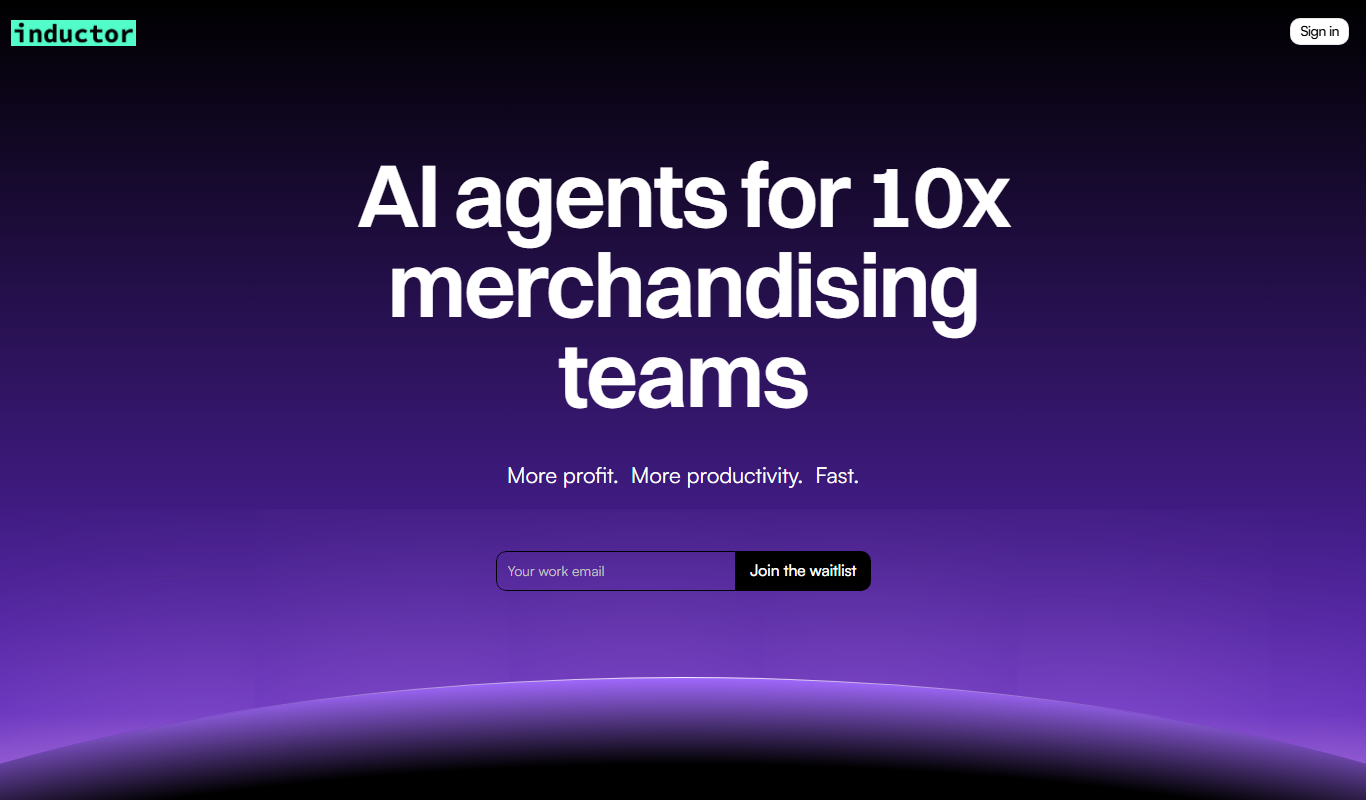
Inductor
Inductor AI is an AI-powered software development assistant that automates code generation, refactoring, and bug fixing to enhance developer productivity.

Free
Webo.AI
Webo.AI is an AI-powered no-code website builder that automates website design and content creation, enabling users to launch responsive websites quickly without coding skills.

Free
Bloks
Bloks is a no-code platform that allows users to build custom web applications with drag-and-drop tools, data integration, and workflow automation, enabling businesses to create tailored digital solutions without programming.

Free
Autodevs by Create
Autodevs by Create is an AI-driven platform that automates code generation and software development tasks, helping developers build applications faster with less manual coding.

Free
BuilderKit
BuilderKit is an AI-driven no-code website builder that enables users to quickly create professional and responsive websites without any coding skills.

Freemium
pineapplebuilder.com
Pineapple Builder is a WordPress plugin that enables users to build websites visually using drag-and-drop tools, with responsive design and WooCommerce integration.
Free Trial
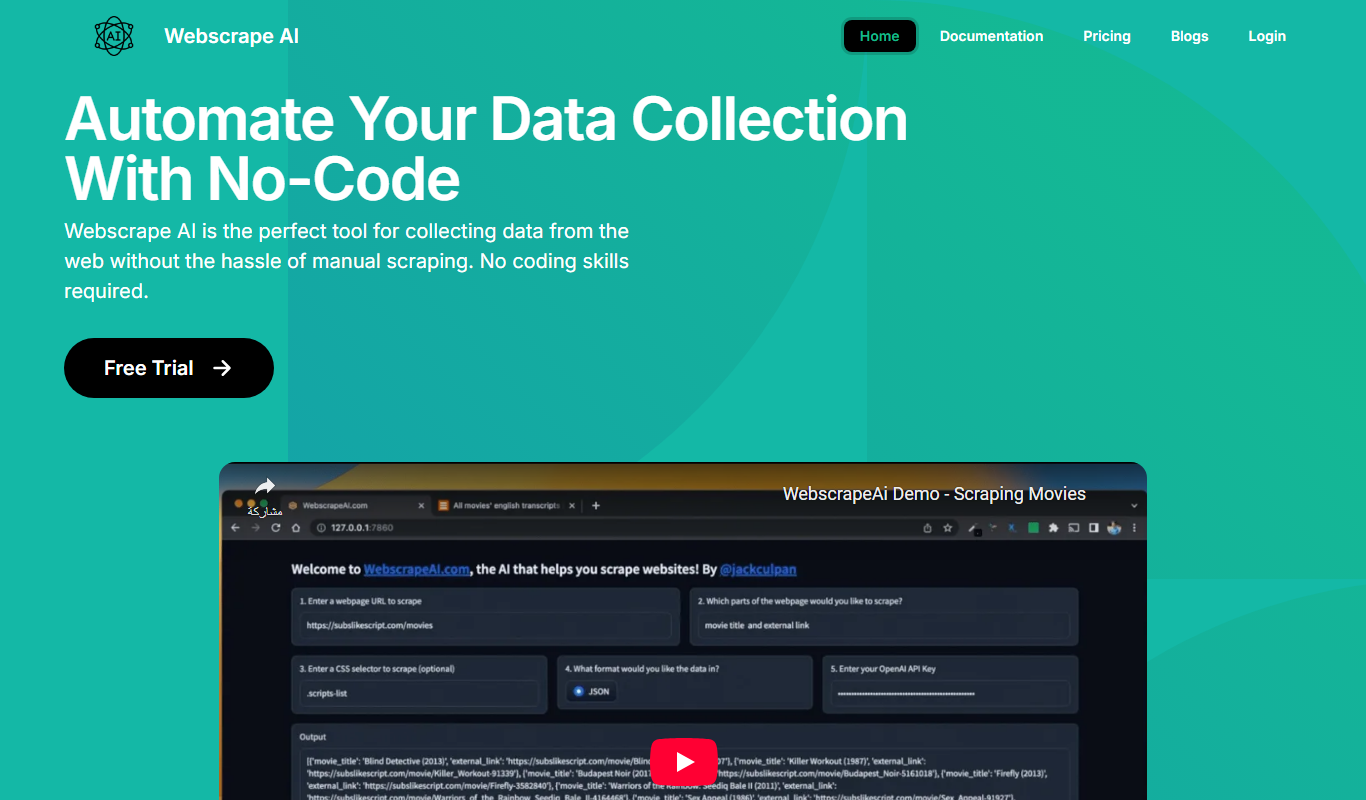
Webscape
Webscape is an AI-powered no-code website builder that enables users to create fast, responsive websites easily without programming skills.