
From my experience with CraftUI Studio, I found it excels at enabling designers and developers to quickly create responsive UI designs without writing code. The drag-and-drop interface is intuitive, making it accessible even for beginners, while the code export feature bridges the gap to development effectively. However, the tool is currently web-only and lacks deeper integrations with other platforms, which may limit workflow automation for some teams. Overall, if you need a straightforward no-code UI design and prototyping tool that supports design systems and clean code export, CraftUI Studio delivers solid results.

CraftUI Studio - No-Code UI Design Tool for Web and Mobile Apps
CraftUI Studio is a no-code UI design tool that lets you visually create responsive web and mobile app interfaces with drag-and-drop components and export clean code for development.
What is CraftUI?
CraftUI Studio is a no-code UI design platform that enables users to create interactive and responsive user interfaces for web and mobile applications. It provides a drag-and-drop editor with pre-built components, allowing designers and developers to prototype and build UI layouts without writing code. The tool focuses on bridging the gap between design and development by generating clean, production-ready code and supporting design system management.

Key Features of CraftUI
Drag-and-Drop Editor
Intuitive visual editor to build UI layouts without coding.
Component Library
Extensive set of reusable UI components for web and mobile interfaces.
Code Export
Generate clean HTML, CSS, and JavaScript code for seamless handoff.
Design System Support
Create and manage design tokens and reusable styles for consistency.
Real-Time Preview
Instantly see how your UI looks and behaves on different devices.
Pros and Cons of CraftUI
Pros
- User-friendly drag-and-drop interface
- Generates clean, production-ready code
- Supports design system creation
- Real-time preview on multiple devices
Cons
- Limited integrations with other tools
- No desktop or mobile app versions, web-only
Key Use Cases for CraftUI
UI Design for Web Applications
Design interactive user interfaces for web applications without coding.
Mobile App Prototyping
Create mobile app prototypes with drag-and-drop components to visualize app flow.
Design System Management
Build and maintain reusable design components and style guides for consistent UI.
Collaboration Between Designers and Developers
Facilitate communication by generating clean code and sharing design specs.
How CraftUI Works
-
1
Create an Account
Sign up on the CraftUI Studio website to access the design platform.
-
2
Start a New Project
Choose a project type and open the drag-and-drop editor to begin designing.
-
3
Design UI with Components
Use pre-built UI components to assemble your interface visually.
-
4
Preview and Test
Use the real-time preview to interact with your design and test responsiveness.
-
5
Export Code or Share
Export clean code for development or share design specs with your team.
Who's Using CraftUI
UI/UX designers
Frontend developers
Product managers
Startups and small businesses
No-code enthusiasts
CraftUI Pricing
Free
$0/month
Access to basic features with limited projects and components.
Pro
$19/month
Full feature access, unlimited projects, priority support, and code export.
Frequently Asked Questions About CraftUI
Yes, CraftUI allows you to export clean HTML, CSS, and JavaScript code for your designs.
Yes, its no-code drag-and-drop interface is designed to be user-friendly for beginners.
While primarily focused on design, you can share projects and design specs with team members.
This tool is designed to help users accomplish its core tasks more efficiently. It is typically used by individuals or teams looking to improve productivity and workflow.
Share your review
Reviews are limited to one per logged-in user and are published after moderation.
You need an account to review this tool.
0.0
★
★
★
★
★
0 reviews
5 star
0
4 star
0
3 star
0
2 star
0
1 star
0
No reviews yet
Be the first to share how this tool worked for you.
Questions from the community
Read questions and answers about this tool, or ask your own.
No questions yet
Start the conversation by asking the first question about this tool.
Is this tool helpful?
Alternative Tools
Explore similar AI tools that might fit your needs
Free
Figma
Figma is a cloud-based design tool for creating user interfaces and prototypes collaboratively in real time, accessible via web and desktop apps.

Free
Framer
Framer is a design and prototyping tool that allows users to create interactive UI prototypes and export production-ready React code, supporting collaboration and design systems.

One-time purchase
3D AI Studio
3D AI Studio is a web-based AI tool that simplifies 3D model creation by generating detailed 3D assets based on user input, ideal for designers and marketers.
Free
Spline
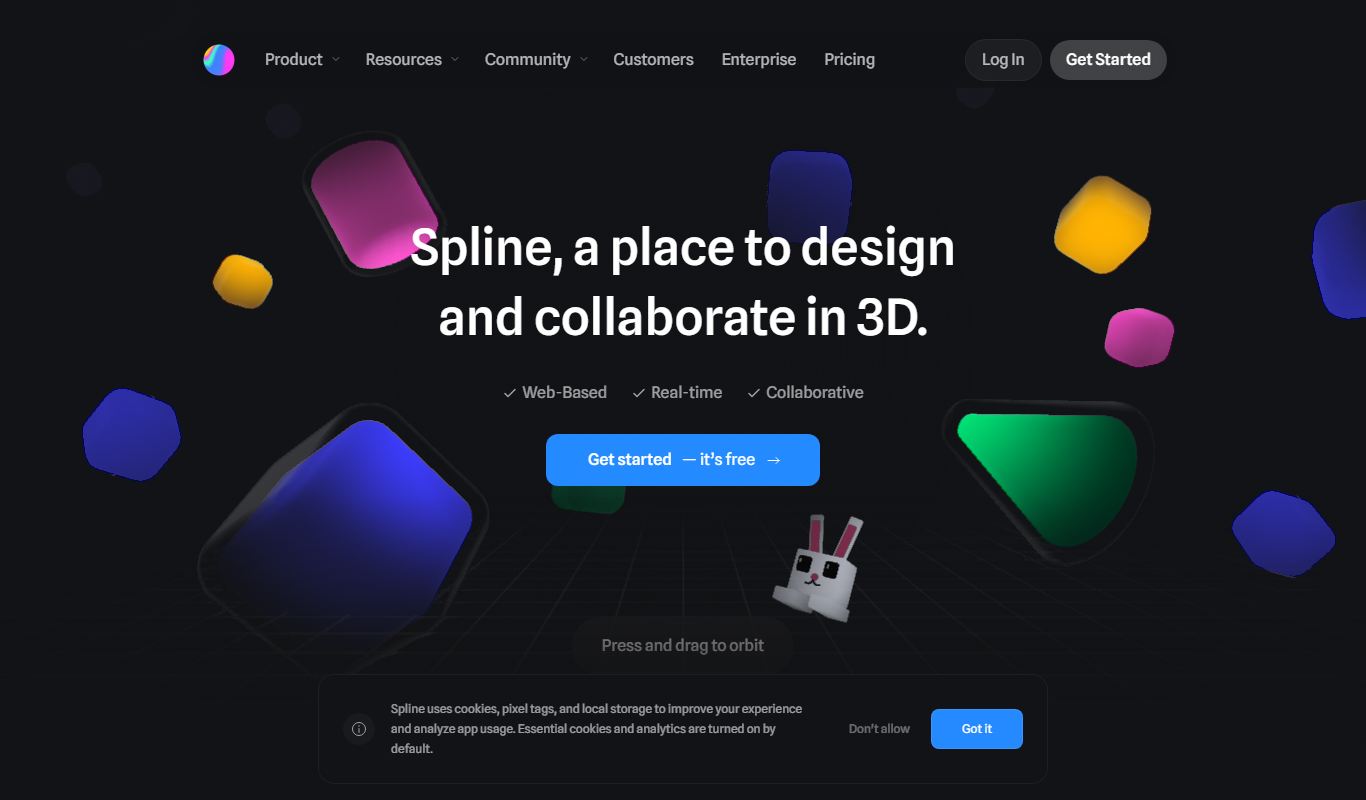
Spline is a web-based 3D design tool that allows users to create, animate, and embed interactive 3D graphics into websites and applications without advanced coding.

Free
Sketch
Sketch by Approximate Labs is a free, open source vector graphics editor focused on UI and UX design, offering cross-platform desktop support and prototyping features.

Freemium
Meshy
Meshy is a web-based AI-powered platform that enables real-time collaborative 3D design and visualization, allowing teams to work together seamlessly on 3D models through a browser without software installation.

Freemium
3DAiLY
3DAiLY is a web-based AI platform that helps users generate and customize 3D models quickly without advanced skills, suitable for designers, game developers, and content creators.
Freemium
TieUi
TieUi is a web-based AI UI design tool that helps users quickly generate and customize user interface prototypes and mockups using artificial intelligence.
Free
GeniusUI
GeniusUI is a free web-based AI tool that helps designers quickly generate and customize UI prototypes and mockups without installation.

Freemium
CREA de XMetaverso
CREA de XMetaverso is a web platform that enables users to create and customize 3D virtual environments and digital assets for metaverse applications without coding skills.