

From my experience exploring Sketch by Approximate Labs, I appreciate its commitment to open source principles while delivering essential UI and UX design features. It stands out as a cross-platform alternative to proprietary tools, especially for designers who value customization and community collaboration. However, it requires some technical know-how to set up and lacks the polish and ecosystem of commercial Sketch. Overall, if you want a free, open source vector design and prototyping tool that works on multiple desktop platforms, this Sketch project is a solid choice.
Sketch Open Source Design Tool for UI and UX Prototyping on GitHub
Sketch by Approximate Labs is a free, open source vector graphics editor focused on UI and UX design, offering cross-platform desktop support and prototyping features.
- Best for
- User Interface Design
- Key capability
- Vector Editing Tools

What is Sketch?
Sketch by Approximate Labs is an open source vector graphics editor focused on UI and UX design. Unlike proprietary Sketch apps, this project offers a free, community-driven alternative built with modern web technologies. It enables designers to create, prototype, and collaborate on interface designs across platforms.
Key features of Sketch
Sketch provides vector editing, artboards, prototyping, and collaboration tools in a desktop application. Its open source nature allows customization and integration with developer workflows.
Vector Editing Tools
Comprehensive set of vector drawing and editing tools tailored for UI design.
Artboards and Layouts
Organize designs into multiple artboards for different screens or states.
Interactive Prototyping
Create clickable prototypes to demonstrate user flows.
Open Source Codebase
Full access to source code for customization and community contributions.
Cross-Platform Desktop App
Runs on Windows, macOS, and Linux via Electron framework.
Pros and cons of Sketch
Pros
- Completely free and open source
- Cross-platform desktop support
- Customizable via source code
- Good vector editing and prototyping tools
Cons
- Smaller community compared to commercial tools
- Less polished UI than proprietary Sketch
- Requires technical skills to build and customize
Key use cases for Sketch
User Interface Design
Create and iterate on vector-based UI designs for web and mobile applications.
User Experience Prototyping
Build interactive prototypes to visualize user flows and test UX concepts.
Collaborative Design
Work with teams using version control and open source collaboration features.
Open Source Customization
Modify and extend the tool’s functionality to fit specific design workflows.
How Sketch works
-
1
Download and Install
Get the Sketch source code from GitHub and install dependencies to run the desktop app.
-
2
Create Designs
Use vector tools and artboards to design UI elements and screens.
-
3
Prototype Interactions
Link artboards to simulate user flows and interactions.
-
4
Collaborate and Customize
Share projects via GitHub and customize the tool by modifying the open source code.
Who is using Sketch
UI/UX designers seeking free tools
Open source enthusiasts
Design teams wanting cross-platform solutions
Developers integrating design tools into workflows
Sketch pricing
Free
$0
Open source and free to use with full features.
Plans and prices are as published by the vendor and can change. Check the official site before you buy. Open the pricing page (opens in a new tab)
Frequently asked questions about Sketch
No, this Sketch is an open source project unrelated to the commercial Sketch app by Bohemian Coding.
It supports Windows, macOS, and Linux as a desktop application.
Yes, the project is open source on GitHub and welcomes community contributions.
Yes, it includes interactive prototyping to simulate user flows.
This tool is designed to help users accomplish its core tasks more efficiently. It is typically used by individuals or teams looking to improve productivity and workflow.
It depends on your specific needs and how you plan to use the tool. The official website and documentation are the best sources for the latest details.
Yes, it can help with that use case depending on how you configure it and what features are available. You’ll get the best results with clear inputs and a defined goal.
Yes, it can help with that use case depending on how you configure it and what features are available. You’ll get the best results with clear inputs and a defined goal.
Sign in to review this tool.
Sign In to ReviewNo reviews yet
Be the first to share how this tool worked for you.
Ask about pricing, limits, or how it compares — or answer someone else.
Sign In to AskNo questions yet
Have a question about using or paying for this tool? Be the first to ask.
Featured on TiorAI



Alternative Tools
Explore similar AI tools that might fit your needs
Free
Figma
Figma is a cloud-based design tool for creating user interfaces and prototypes collaboratively in real time, accessible via web and desktop apps.
Free
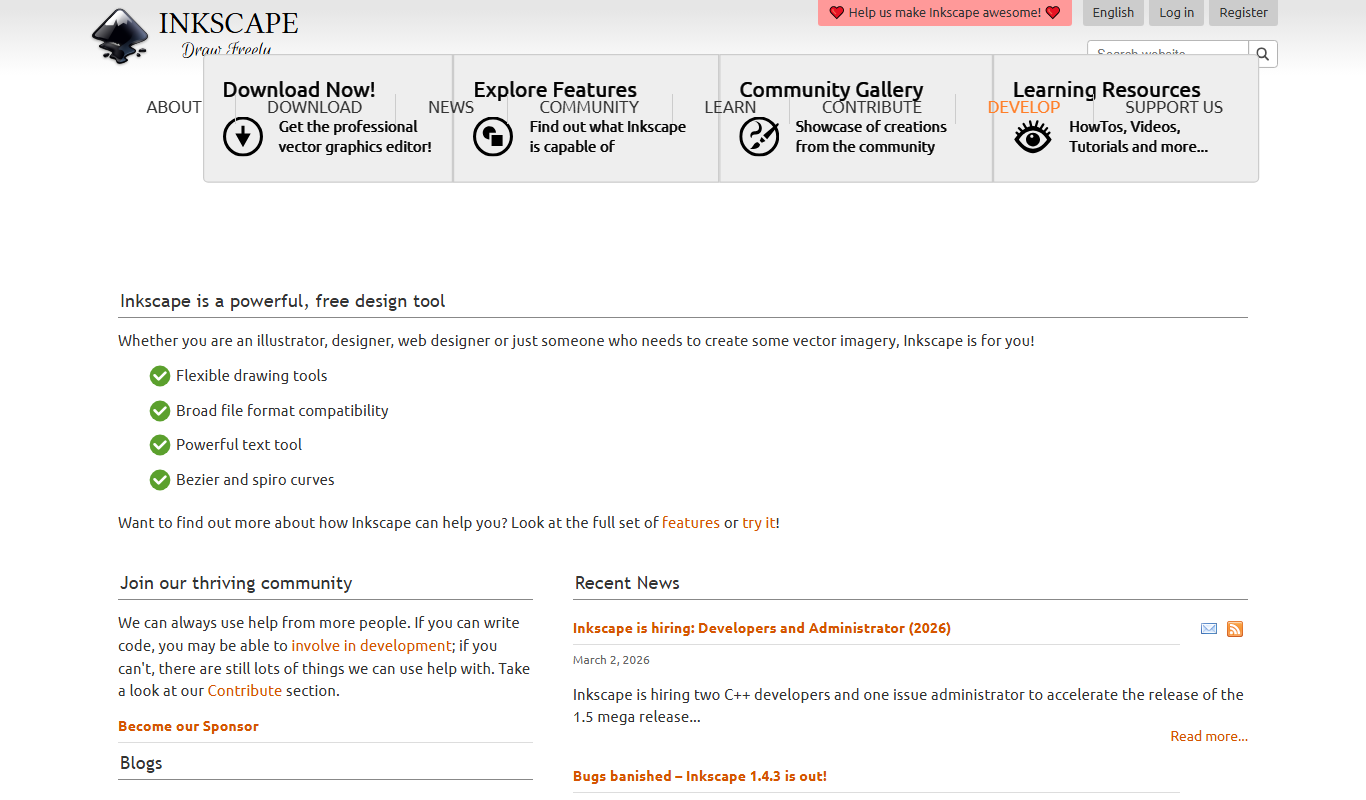
Inkscape
Inkscape is a free and open source vector graphics editor used for creating and editing scalable vector images with advanced tools for illustration and graphic design.

Free
Penpot
Penpot is a free, open source web-based design and prototyping tool that enables teams to collaboratively create UI and UX projects with vector graphics and interactive prototypes.
More AI Code Generator tools
Other tools in the same category, for when this one is not quite the fit.

Free
Rectangle
Rectangle is an AI code assistant that generates, explains, and helps debug code using natural language inputs, designed to accelerate software development.
Free
CodeWP
CodeWP is an AI-powered tool that generates WordPress-specific PHP and JavaScript code snippets from natural language prompts, helping developers speed up plugin and theme development.
Freemium
Symmetry AI
Symmetry AI is an AI-driven platform that generates code from natural language prompts, offers real-time code completions, and assists with bug detection to streamline software development.

Enterprise
Diffblue Cover
Diffblue Cover is an AI-driven tool that automatically generates Java unit tests to improve code coverage and reduce manual testing effort.
Free
Open Interpreter
Open Interpreter is an open-source AI tool that translates natural language instructions into executable code, enabling users to automate tasks and write code without programming expertise.
Free
AI Buddy
AI Buddy is an AI chatbot platform that helps businesses automate customer support and lead generation through customizable conversational bots and analytics.

Freemium
CraftAI
CraftAI is an AI-driven content creation and marketing automation platform by Craftable Pro that helps users generate high-quality content efficiently and automate marketing workflows.

Freemium
Shipixen
Shipixen is a web-based shipping software that helps e-commerce businesses manage multi-carrier shipments, automate label creation, and track packages in real-time.