
From my experience with Framer, I found it excels at bridging the gap between design and development by allowing designers to create interactive prototypes that feel like real apps and export clean React code for developers. The platform’s intuitive visual editor combined with powerful animation and collaboration features makes it particularly well-suited for UI/UX designers and product teams aiming to streamline their workflows. However, the learning curve can be steep for users who want to leverage advanced code customization, and pricing may be a consideration for smaller teams. Overall, if you need a tool that supports both design creativity and development efficiency, Framer delivers solid results.
Framer Design Tool for Interactive Prototypes and Web Development
Framer is a design and prototyping tool that allows users to create interactive UI prototypes and export production-ready React code, supporting collaboration and design systems.
Tech Stack:
Node.js
React
TypeScript
What is Framer?
Framer is a powerful design and prototyping platform that enables designers and developers to create interactive, high-fidelity prototypes and production-ready front-end code. It combines visual design tools with code-based customization, allowing users to build realistic app and website experiences without deep programming knowledge. Framer supports collaboration, responsive design, and seamless handoff to development teams.

Key Features of Framer
Visual Design Editor
Drag-and-drop interface for creating layouts, styling elements, and building UI components.
Interactive Prototyping
Add animations, transitions, and user interactions to simulate real app behavior.
Code Export
Generate clean, production-ready React code directly from your designs.
Real-Time Collaboration
Multiple users can work simultaneously on projects with live updates and commenting.
Design Systems Support
Create reusable components and maintain consistency across projects with shared libraries.
Pros and Cons of Framer
Pros
- Intuitive drag-and-drop design interface
- Supports high-fidelity interactive prototypes
- Exports clean React code for developers
- Real-time team collaboration features
- Strong support for design systems
Cons
- Learning curve for advanced code customization
- Pricing can be high for small teams
- Limited offline functionality
Key Use Cases for Framer
Interactive Prototyping
Create high-fidelity interactive prototypes to simulate real app and website experiences without coding.
UI/UX Design
Design user interfaces with a visual editor that supports animations, transitions, and responsive layouts.
Collaboration
Work with teams in real-time on design projects, sharing feedback and iterating quickly.
Web Development
Export production-ready React code from designs to accelerate front-end development workflows.
Design Systems
Build and maintain reusable components and design systems to ensure consistency across projects.
How Framer Works
-
1
Sign Up
Create a free account on Framer’s website to access the design platform.
-
2
Start a Project
Choose a template or start from scratch to begin designing your prototype or UI.
-
3
Design and Animate
Use the visual editor to add components, customize styles, and create animations and interactions.
-
4
Collaborate and Share
Invite team members to view, comment, and edit your project in real-time.
-
5
Export Code or Publish
Export React code for development or publish your prototype for user testing and feedback.
Who's Using Framer
UI/UX designers
Product managers
Front-end developers
Design teams
Startups and agencies
Framer Pricing
Free
$0/month
Access to basic design and prototyping features with limited projects and collaborators.
Pro
$20/month
Advanced features including unlimited projects, team collaboration, and code export.
Enterprise
Custom pricing
Tailored solutions with enhanced security, dedicated support, and team management tools.
Frequently Asked Questions About Framer
Yes, Framer’s visual editor allows you to design and prototype without writing code, though coding can enhance customization.
Yes, Framer enables real-time collaboration with team members on projects.
Framer allows exporting production-ready React code for use in development workflows.
Yes, Framer offers a free plan with basic features and limited usage.
This tool is designed to help users accomplish its core tasks more efficiently. It is typically used by individuals or teams looking to improve productivity and workflow.
Yes, it can help with that use case depending on how you configure it and what features are available. You’ll get the best results with clear inputs and a defined goal.
It depends on your specific needs and how you plan to use the tool. The official website and documentation are the best sources for the latest details.
Yes, it can help with that use case depending on how you configure it and what features are available. You’ll get the best results with clear inputs and a defined goal.
Share your review
Reviews are limited to one per logged-in user and are published after moderation.
You need an account to review this tool.
0.0
★
★
★
★
★
0 reviews
5 star
0
4 star
0
3 star
0
2 star
0
1 star
0
No reviews yet
Be the first to share how this tool worked for you.
Questions from the community
Read questions and answers about this tool, or ask your own.
No questions yet
Start the conversation by asking the first question about this tool.
Is this tool helpful?
Alternative Tools
Explore similar AI tools that might fit your needs
Free
Figma
Figma is a cloud-based design tool for creating user interfaces and prototypes collaboratively in real time, accessible via web and desktop apps.

Free
Ant Design
Ant Design is an open-source React UI framework providing a comprehensive set of reusable components and design guidelines to build enterprise-level web applications with consistent and customizable user interfaces.

Freemium
Logo Maker
Logo Maker by Logoify AI is an AI-driven online platform that helps users create custom logos quickly and easily with no design skills required.

Free
PaintFont
PaintFont is a free online tool that lets you create custom fonts by scanning your handwritten characters and converting them into TrueType font files.
Free
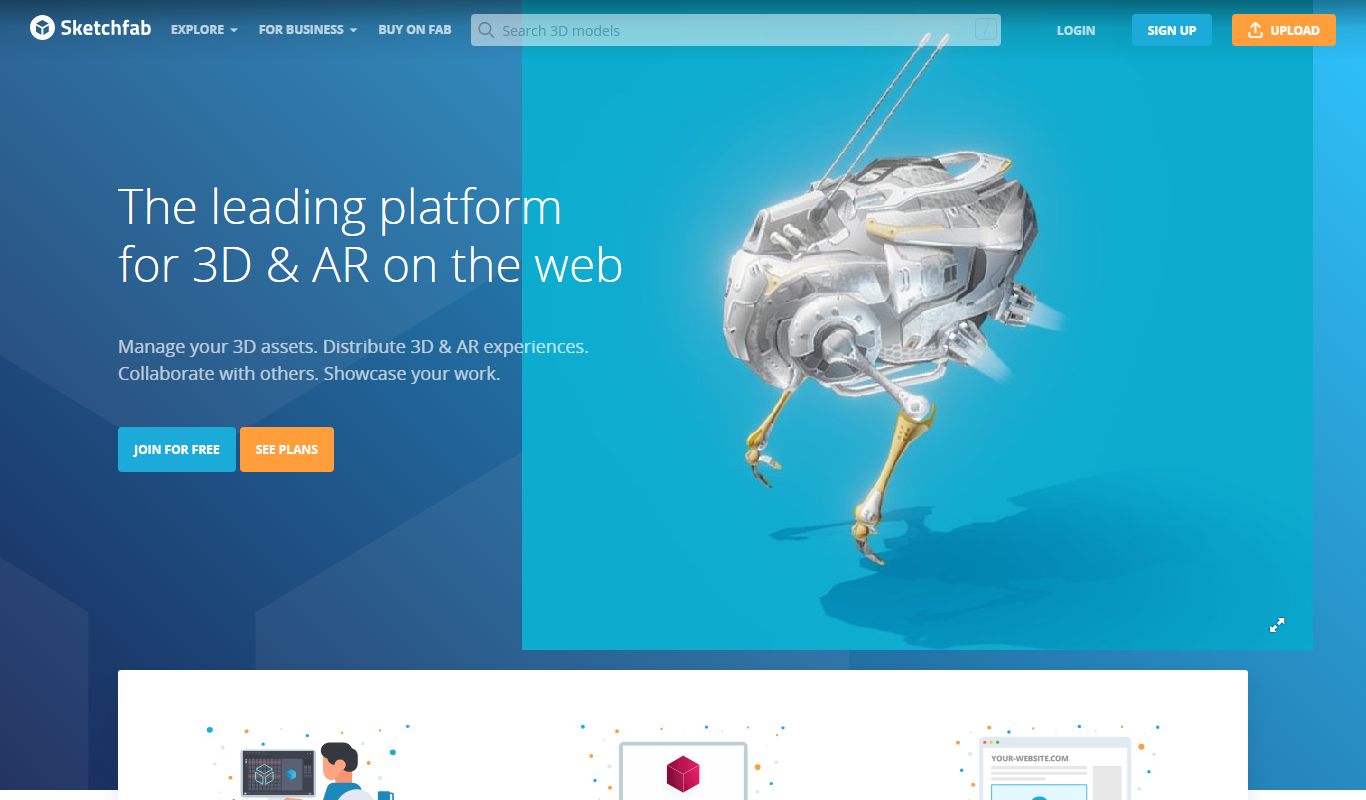
Sketchfab
Sketchfab is a web platform for publishing, sharing, and embedding interactive 3D models with support for VR and AR, widely used by artists, marketers, and developers.

Free
Method Draw
Method Draw is a free, open source online SVG editor that allows users to create and edit vector graphics directly in the browser without installation.

Perpetual License
V-Ray
V-Ray is a professional 3D rendering software by Chaos that produces photorealistic images and animations using advanced ray tracing and global illumination. It integrates with popular 3D modeling tools and supports CPU and GPU rendering.

Freemium
Oculus Medium
Oculus Medium is a free VR sculpting and 3D modeling application by Meta that enables artists to create detailed digital sculptures in an immersive virtual environment using Oculus VR headsets.

Free
Image Prompt
Image Prompt is a free online tool that generates creative text prompts for AI image generation, helping users create unique AI artwork easily.