

From my experience with GeniusUI, I found it excels at quickly generating UI prototypes without the need for complex software or steep learning curves. The web-based AI approach makes it accessible and efficient for designers and developers who want to visualize ideas rapidly. However, the tool currently offers limited advanced customization options and lacks mobile or desktop apps, which could be a drawback for some users. Overall, if you need a straightforward, free solution for early-stage UI prototyping, GeniusUI delivers practical value with minimal friction.
GeniusUI - AI-Powered UI Design Tool for Rapid Prototyping and Mockups
GeniusUI is a free web-based AI tool that helps designers quickly generate and customize UI prototypes and mockups without installation.
- Best for
- Rapid UI Prototyping
- Key capability
- AI-Powered UI Generation
Your actions
Save GeniusUI, follow its updates and vote on it — everything stays in your account.
Sign in or create a free account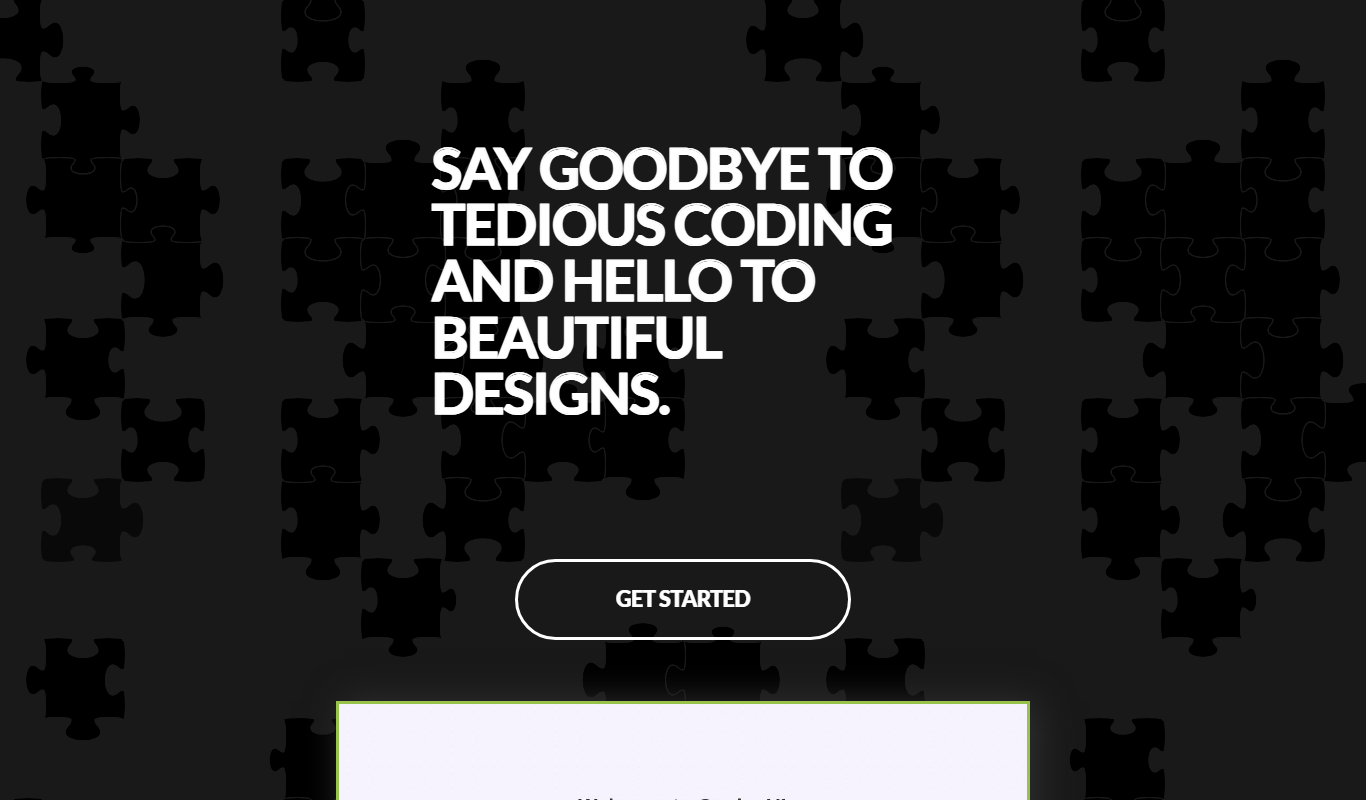

What is GeniusUI?
GeniusUI is a web-based AI-powered user interface design tool that helps designers and developers rapidly create UI prototypes and mockups. It leverages artificial intelligence to automate parts of the design process, enabling users to generate design layouts quickly without extensive manual work.
Key features of GeniusUI
The tool offers AI-driven UI generation, easy customization of design elements, and a simple web interface that requires no installation. It focuses on accelerating the early stages of UI design by providing instant visual layouts and mockups.
AI-Powered UI Generation
Automatically create UI layouts and mockups using artificial intelligence.
Web-Based Interface
Access the tool directly through a browser without installation.
Quick Prototyping
Speed up the design process by generating prototypes rapidly.
Customizable Designs
Easily adjust AI-generated designs to fit specific project needs.
Pros and cons of GeniusUI
Pros
- No installation required, accessible via web browser
- Speeds up UI prototyping with AI-generated designs
- Free to use with no hidden costs
Cons
- Limited information on advanced customization features
- No mobile or desktop app versions available
Key use cases for GeniusUI
Rapid UI Prototyping
Create quick user interface prototypes using AI-generated designs to visualize app or website layouts.
Mockup Generation
Generate detailed UI mockups automatically to streamline the design process and reduce manual effort.
Design Inspiration
Use AI to explore various design ideas and layouts, helping designers overcome creative blocks.
How GeniusUI works
- 1
Access the Web Platform
Open GeniusUI in a web browser without the need for downloads or installations.
- 2
Input Design Requirements
Provide basic information or prompts about the UI you want to create.
- 3
Generate UI Designs
Let the AI produce multiple UI prototypes or mockups based on your inputs.
- 4
Customize and Export
Modify generated designs as needed and export them for further development or presentation.
Who is using GeniusUI
UI/UX designers
Product managers
Startup founders
Web developers
Design students
GeniusUI pricing
Free
$0
Full access to GeniusUI features with no cost.
Plans and prices are as published by the vendor and can change. Check the official site before you buy. Open the pricing page (opens in a new tab)
Frequently asked questions about GeniusUI
Yes, GeniusUI is currently available for free with full feature access.
No, GeniusUI is a web-based tool accessible through any modern browser.
Yes, you can modify and adjust the generated UI layouts to suit your needs.
This tool is designed to help users accomplish its core tasks more efficiently. It is typically used by individuals or teams looking to improve productivity and workflow.
Some tools offer a free plan or trial with limited features. Availability can vary, so confirm on the official website.
Yes, it can help with that use case depending on how you configure it and what features are available. You’ll get the best results with clear inputs and a defined goal.
Sign in to review this tool.
Sign In to ReviewNo reviews yet
Be the first to share how this tool worked for you.
Ask about pricing, limits, or how it compares — or answer someone else.
Sign In to AskNo questions yet
Have a question about using or paying for this tool? Be the first to ask.
Featured on TiorAI



Alternative Tools
Explore similar AI tools that might fit your needs
Free
Figma
Figma is a cloud-based design tool for creating user interfaces and prototypes collaboratively in real time, accessible via web and desktop apps.
More AI Design Tools tools
Other tools in the same category, for when this one is not quite the fit.

Free
CraftUI
CraftUI Studio is a no-code UI design tool that lets you visually create responsive web and mobile app interfaces with drag-and-drop components and export clean code for development.

Freemium
CREA de XMetaverso
CREA de XMetaverso is a web platform that enables users to create and customize 3D virtual environments and digital assets for metaverse applications without coding skills.

One-time purchase
3D AI Studio
3D AI Studio is a web-based AI tool that simplifies 3D model creation by generating detailed 3D assets based on user input, ideal for designers and marketers.
Free
Spline
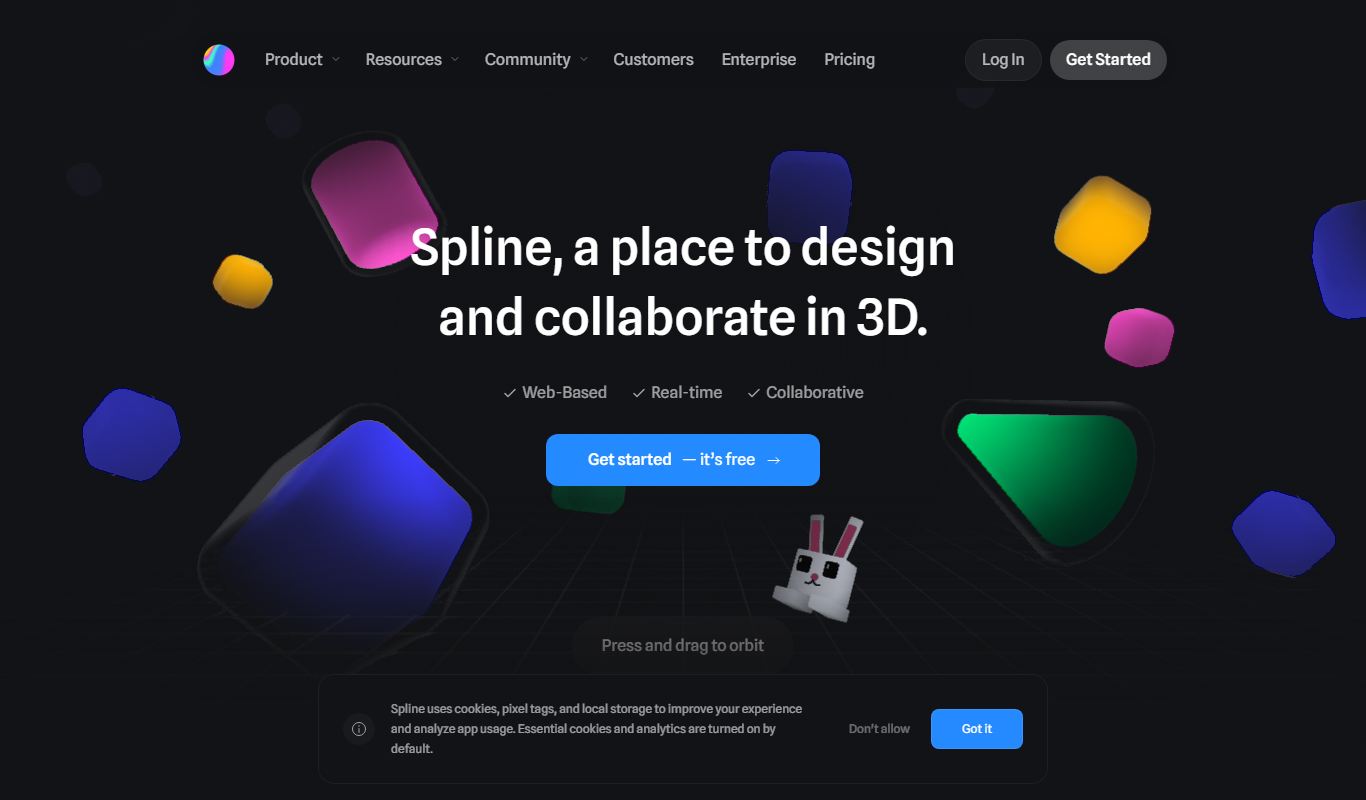
Spline is a web-based 3D design tool that allows users to create, animate, and embed interactive 3D graphics into websites and applications without advanced coding.

Freemium
Meshy
Meshy is a web-based AI-powered platform that enables real-time collaborative 3D design and visualization, allowing teams to work together seamlessly on 3D models through a browser without software installation.

Free
Sketch
Sketch by Approximate Labs is a free, open source vector graphics editor focused on UI and UX design, offering cross-platform desktop support and prototyping features.

Freemium
3DAiLY
3DAiLY is a web-based AI platform that helps users generate and customize 3D models quickly without advanced skills, suitable for designers, game developers, and content creators.
Free
CraftUI
CraftUI Studio is a web-based no-code UI design tool that enables users to create interactive, reusable, and production-ready user interfaces for web and mobile apps without coding.