

From my experience with Midjourney API by The Next Leg, I found it provides a straightforward way to integrate advanced AI image generation into custom applications. The API’s flexibility and scalable pricing make it suitable for developers and businesses looking to automate creative workflows or enhance user engagement with unique visuals. However, it requires some technical knowledge to implement effectively, and there is limited public information about a free trial, which might be a barrier for casual users. Overall, if you need reliable programmatic access to Midjourney’s AI capabilities, this API offers a solid and developer-friendly solution.
Midjourney API by The Next Leg – AI Image Generation API for Developers
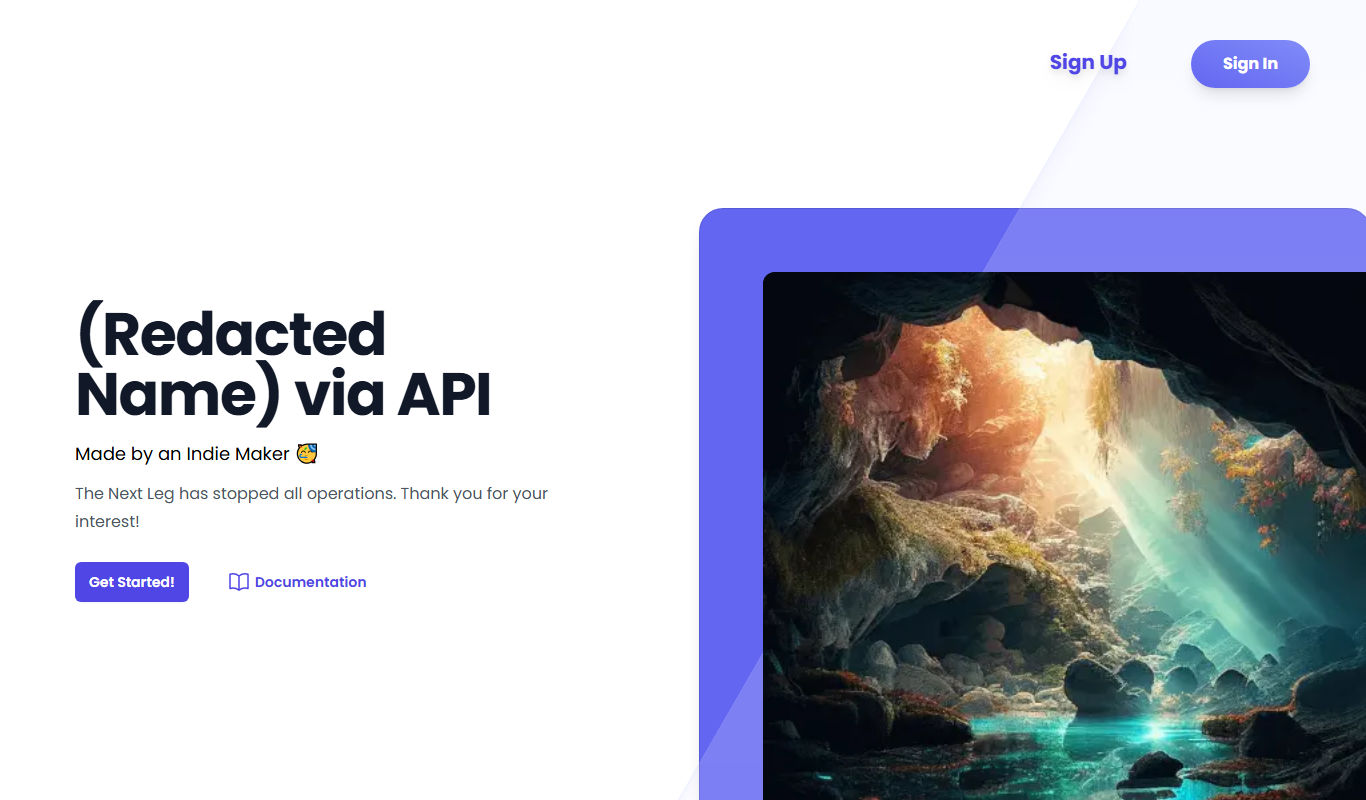
Midjourney API by The Next Leg is a developer-focused API that enables programmatic access to Midjourney's AI image generation, allowing integration of creative image synthesis into applications.
- Best for
- Creative Content Generation
- Key capability
- Text-to-Image Generation
Do you recommend this tool?
What is Midjourney API by The Next Leg?
Midjourney API by The Next Leg is a developer-focused API that provides programmatic access to Midjourney’s AI-powered image generation capabilities. It allows developers and businesses to integrate advanced AI image synthesis into their own applications, automating creative content generation and enhancing user experiences with unique visuals.
Key features of Midjourney API by The Next Leg
The API offers seamless integration with Midjourney’s AI engine, enabling image generation from textual prompts, customization options, and scalable usage plans suited for developers and enterprises.
Text-to-Image Generation
Generate high-quality images from descriptive text prompts using advanced AI models.
API-Based Integration
Easily integrate image generation capabilities into any software or platform via RESTful API.
Scalable Usage Plans
Flexible pricing and usage tiers to accommodate individual developers and enterprise needs.
Customizable Outputs
Adjust parameters to influence style, resolution, and other image attributes.
Pros and cons of Midjourney API by The Next Leg
Pros
- Direct API access to Midjourney's powerful AI image generation
- Flexible pricing plans for different user needs
- Easy integration with existing applications
- Customizable image generation parameters
Cons
- No publicly disclosed free tier or trial at launch
- Limited information on underlying tech stack
- Requires developer knowledge to integrate
Key use cases for Midjourney API by The Next Leg
Creative Content Generation
Generate unique and high-quality images for marketing, social media, and branding projects using AI-powered image synthesis.
App and Website Integration
Integrate AI image generation capabilities directly into applications, websites, or platforms via the Midjourney API.
Automated Design Workflows
Automate creative workflows by programmatically generating images based on user input or predefined parameters.
Prototyping and Concept Art
Rapidly produce visual concepts and prototypes for design, gaming, or entertainment industries.
How Midjourney API by The Next Leg works
- 1
Sign Up and Get API Access
Create an account on The Next Leg platform and obtain API credentials to authenticate your requests.
- 2
Send Image Generation Requests
Use the API to submit text prompts or parameters that describe the desired image.
- 3
Receive AI-Generated Images
The API processes the request and returns generated images that can be used in your application or workflow.
- 4
Manage Usage and Billing
Monitor your API usage and manage subscription or pay-as-you-go billing through the dashboard.
Who is using Midjourney API by The Next Leg
Developers and software engineers
Creative agencies
Marketing teams
Startups building AI-powered apps
Enterprises needing scalable image generation
Midjourney API by The Next Leg pricing
Starter
$19/month
Basic access with limited monthly image generations suitable for small projects.
Professional
$99/month
Higher limits and priority support for professional developers and businesses.
Enterprise
Custom pricing
Tailored plans with dedicated support and SLA for large-scale usage.
Plans and prices are as published by the vendor and can change. Check the official site before you buy. Open the pricing page (opens in a new tab)
Frequently asked questions about Midjourney API by The Next Leg
It is an API service that allows developers to integrate Midjourney’s AI image generation capabilities into their own applications.
Sign up on The Next Leg website, obtain your API key, and follow the documentation to start sending image generation requests.
You can generate a wide range of images based on text prompts, including artistic, abstract, and realistic styles.
The Next Leg offers subscription plans; check their website for any current trial or demo options.
Integration support depends on the tool and its available connectors or API. Check the official documentation or integrations page to confirm what is supported.
Pricing depends on the plan and included features. For the most accurate and up-to-date details, check the official pricing page.
Integration support depends on the tool and its available connectors or API. Check the official documentation or integrations page to confirm what is supported.
Some tools offer a free plan or trial with limited features. Availability can vary, so confirm on the official website.
Sign in to review this tool.
Sign In to ReviewNo reviews yet
Be the first to share how this tool worked for you.
Ask about pricing, limits, or how it compares — or answer someone else.
Sign In to AskNo questions yet
Have a question about using or paying for this tool? Be the first to ask.
Featured on TiorAI



More AI API Design tools
Other tools in the same category, for when this one is not quite the fit.

Free
Structurizr
Structurizr is a cloud-based tool that helps software teams create, visualize, and share software architecture diagrams using the C4 model, supporting collaboration and integration via API.

Free
Swagger
Swagger is a set of tools for designing, documenting, testing, and mocking RESTful APIs using the OpenAPI Specification, widely used by developers and teams to streamline API development.

Free
Stoplight
Stoplight is an API design and development platform that provides visual editing, interactive documentation, mocking, and governance tools to help teams build and manage APIs efficiently.
Freemium
Apigee
Apigee is a Google Cloud API management platform that enables organizations to design, secure, deploy, and monitor APIs with features like API gateway, security policies, analytics, and developer portals.

Free Trial
Boostramp
Boostramp is an AI-driven platform that automates personalized sales email outreach and lead generation, integrating with CRMs to streamline sales workflows.

Free Trial
CRUDERRA
CRUDERRA is a low-code platform that helps users build web and mobile applications quickly using drag-and-drop tools and database integration without needing extensive coding skills.

Free Trial
Aptori
Aptori is a low-code platform that helps businesses quickly build custom applications and automate workflows using a visual drag-and-drop interface and API integrations.

Free Trial
Theneo
Theneo is an AI-driven knowledge base platform that automates customer support by providing a smart, searchable knowledge base and AI chatbot integration to deliver instant, accurate answers.