

LogoMakr Online Logo Maker Tool for Custom Logo Design and Branding
LogoMakr is a web-based logo design tool that enables users to create custom logos easily using drag-and-drop features and a large icon library, with free low-res downloads and paid high-res options.
- Best for
- Custom Logo Creation
- Key capability
- Drag-and-Drop Editor
Save LogoMakr, follow its updates and vote on it — everything stays in your account.
Sign in or create a free accountWhat is LogoMakr?
LogoMakr is a web-based logo design tool with a drag-and-drop interface and a library of shapes, fonts and colors for creating custom logos without design experience, and it now also offers an AI Logo Generator.
Key features of LogoMakr
LogoMakr offers an intuitive editor with vector graphic support, a vast icon and shape library, customizable text options, and the ability to export logos in high-resolution formats. It supports free logo creation with optional paid downloads for high-quality files.
Drag-and-Drop Editor
User-friendly interface that simplifies logo creation without needing graphic design skills.
Extensive Icon Library
Access thousands of icons and shapes to incorporate into your logo design.
Customizable Text Options
Choose from numerous fonts, adjust sizes, colors, and styles to personalize your logo text.
High-Resolution Downloads
Option to purchase and download logos in high-resolution formats suitable for professional use.
No Software Installation
Fully web-based platform accessible from any modern browser without downloads or installations.
Pros and cons of LogoMakr
Pros
- Simple and intuitive interface
- No software installation required
- Large icon and font library
- Affordable pay-per-download pricing
- Quick logo creation for beginners
Cons
- Limited free download options
- No advanced design features for professionals
- Only available as a web app
Key use cases for LogoMakr
Custom Logo Creation
Design unique logos for businesses, startups, or personal brands using an intuitive drag-and-drop interface.
Branding Materials
Create consistent branding elements such as icons and graphics to use across websites, social media, and print.
Marketing Content Design
Generate logos and graphics suitable for marketing campaigns, social media posts, and advertisements.
Quick Logo Prototyping
Rapidly prototype logo ideas without needing advanced graphic design skills or software.
How LogoMakr works
- 1
Access the Website
Go to the LogoMakr website to start designing your logo directly in the browser.
- 2
Design Your Logo
Use the drag-and-drop editor to add shapes, icons, and text. Customize colors, fonts, and sizes to fit your brand.
- 3
Preview and Edit
Adjust your design as needed, preview it in different sizes, and ensure it meets your branding requirements.
- 4
Download Your Logo
Download a free low-resolution version or purchase a high-resolution file suitable for print and digital use.
Who is using LogoMakr
LogoMakr pricing
Free
$0
Create logos and download low-resolution files with watermark.
Basic
$29 one-time
One-time purchase.
Pro
$60 one-time
One-time purchase.
Business
$120 one-time
One-time purchase.
Plans and prices are as published by the vendor and can change. Check the official site before you buy. Open the pricing page (opens in a new tab)
Frequently asked questions about LogoMakr
Yes, purchased high-resolution logos can be used commercially. Free downloads have limitations.
No, LogoMakr is designed for users without graphic design experience with an easy drag-and-drop interface.
High-resolution logos can be downloaded in PNG and SVG formats.
You can create logos and download low-resolution versions for free. High-resolution downloads require payment.
Yes, it can help with that use case depending on how you configure it and what features are available. You’ll get the best results with clear inputs and a defined goal.
It depends on your specific needs and how you plan to use the tool. The official website and documentation are the best sources for the latest details.
Conclusion
Everything happens in the browser, where shapes, icons and text are added in a drag-and-drop editor and colors, fonts and sizes are adjusted to fit the brand. Designs can be previewed in different sizes before download. An AI Logo Generator is now offered next to the manual editor. Beyond logos, it can produce branding elements such as icons and graphics for websites, social media and print.
The editor is built for people without graphic design experience, such as small business owners, startups and freelancers. Low-resolution downloads are free, while high-resolution files in PNG and SVG formats are paid. Basic at $29, Pro at $60 and Business at $120 are all one-time purchases.
Sources
Sign in to review this tool.
Sign In to ReviewNo reviews yet
Be the first to share how this tool worked for you.
Ask about pricing, limits, or how it compares — or answer someone else.
Sign In to AskNo questions yet
Have a question about using or paying for this tool? Be the first to ask.
Featured on TiorAI



More Art & Creative Design tools
Other tools in the same category, for when this one is not quite the fit.

Guess The Prompt!
Guess The Prompt! is a free online game where players guess AI-generated prompts based on images or clues, promoting creative thinking and fun.
Logomark AI
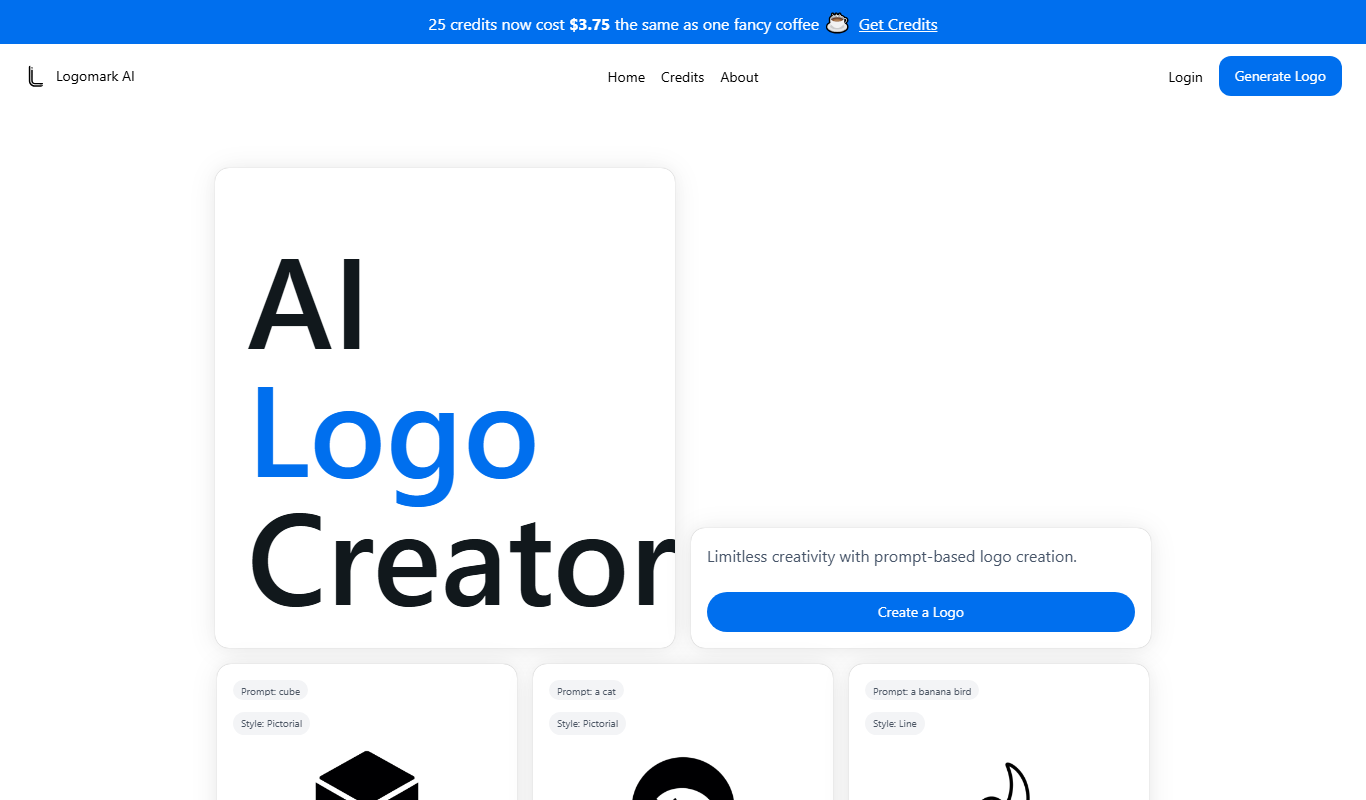
Logomark AI is a prompt-based logo creator that turns a text description into a pictorial, abstract or line mark logo exportable as PNG or SVG.

Prompts Club
Prompts Club is an AI prompt and model marketplace where users find prompts and models like Midjourney, ChatGPT and Flux AI, generate AI photos and videos, or sell their own.

YouMusic.AI
YouMusic.AI turns text prompts or your own lyrics into complete songs, with free credits for new users and commercial rights on paid plans.

berkshiregrey.com
Berkshire Grey provides AI-driven robotic automation systems designed to optimize warehouse and supply chain operations through intelligent picking, packing, and sorting.

Semantic Scholar
Semantic Scholar is a free, AI-driven academic search engine developed by the Allen Institute for AI that helps users find, summarize, and analyze scientific research papers and citations.

svgtrace.com
SVGTrace.com is an online tool that converts raster images such as PNG or JPG into scalable SVG vector graphics using image tracing algorithms, accessible directly from your browser without installation.

EasyNoteAI
EasyNoteAI is an AI-driven tool that automates note taking and summarization, helping users quickly capture and organize information from meetings, lectures, and content.