

From my experience with Log10, I found it excels at providing a straightforward, cloud-based solution for real-time log ingestion and analysis. Its user-friendly dashboards and alerting features make it practical for DevOps and IT teams needing centralized log management without complex setup. However, the lack of a permanent free tier and limited public details on its technology stack mean it might require some commitment before fully evaluating its fit. Overall, if your focus is on efficient log monitoring and quick troubleshooting in a scalable cloud environment, Log10 delivers solid capabilities.
Log10 Cloud Log Management Platform for Real-Time Monitoring and Analysis
Log10 is a cloud-based platform that centralizes and analyzes log data in real time, helping teams monitor applications and infrastructure efficiently.
- Best for
- Real-Time Log Monitoring
- Key capability
- Real-Time Log Ingestion

Do you recommend this tool?
What is Log10?
Log10 is a cloud-based log management platform designed to collect, aggregate, and analyze log data from various sources in real time. It helps IT teams, developers, and security professionals monitor system health, troubleshoot issues, and ensure compliance by providing centralized access to logs with powerful search and visualization capabilities.
Key features of Log10
Log10 offers real-time log ingestion, centralized log storage, advanced search and filtering, customizable dashboards, alerting mechanisms, and integrations with popular DevOps and monitoring tools, enabling efficient log analysis and operational insights.
Real-Time Log Ingestion
Capture and process log data instantly as it is generated.
Centralized Log Storage
Store logs from multiple sources in a unified, secure cloud repository.
Advanced Search and Filtering
Perform complex queries to quickly find relevant log entries.
Customizable Dashboards
Create visualizations and dashboards tailored to your monitoring needs.
Alerting and Notifications
Receive timely alerts based on log patterns or thresholds.
Integrations
Connect with popular DevOps and monitoring tools for streamlined workflows.
Pros and cons of Log10
Pros
- Real-time log ingestion and analysis
- User-friendly interface with customizable dashboards
- Strong alerting and notification system
- Supports multiple log sources and integrations
- Cloud-based with scalable storage
Cons
- No permanent free tier beyond trial
- Limited information on underlying tech stack
- Pricing details require contact for enterprise plans
Key use cases for Log10
Real-Time Log Monitoring
Monitor application and infrastructure logs in real time to quickly identify and resolve issues.
Log Aggregation and Centralization
Aggregate logs from multiple sources into a single platform for easier analysis and troubleshooting.
Security and Compliance Auditing
Use log data to audit security events and maintain compliance with industry standards.
Performance Analysis
Analyze logs to detect performance bottlenecks and optimize system operations.
DevOps Automation
Integrate log insights into DevOps workflows to automate alerting and incident response.
How Log10 works
- 1
Connect Data Sources
Integrate your applications, servers, and cloud services to send logs to Log10.
- 2
Ingest and Aggregate Logs
Log10 collects and centralizes logs from all connected sources in real time.
- 3
Analyze and Visualize
Use search queries and dashboards to explore log data and identify issues.
- 4
Set Alerts
Configure alerts to notify your team about critical events or anomalies.
Who is using Log10
DevOps teams
IT operations
Security analysts
Software developers
Cloud infrastructure managers
Log10 pricing
Free Trial
$0 for 14 days
Full access to all features for evaluation purposes.
Standard
Starts at $49/month
Basic log management with limits on data volume and retention.
Enterprise
Custom pricing
Advanced features, higher limits, and dedicated support.
Plans and prices are as published by the vendor and can change. Check the official site before you buy. Open the pricing page (opens in a new tab)
Frequently asked questions about Log10
Log10 can collect logs from applications, servers, cloud services, network devices, and more.
Log10 offers a 14-day free trial with full feature access but does not have a permanent free tier.
Yes, Log10 supports integrations with various DevOps and monitoring platforms.
Log10 uses encryption in transit and at rest, along with secure access controls.
This tool is designed to help users accomplish its core tasks more efficiently. It is typically used by individuals or teams looking to improve productivity and workflow.
Data handling and security practices vary by provider. Review the official privacy policy to understand how your data is stored and used.
Integration support depends on the tool and its available connectors or API. Check the official documentation or integrations page to confirm what is supported.
Sign in to review this tool.
Sign In to ReviewNo reviews yet
Be the first to share how this tool worked for you.
Ask about pricing, limits, or how it compares — or answer someone else.
Sign In to AskNo questions yet
Have a question about using or paying for this tool? Be the first to ask.
Featured on TiorAI



Alternative Tools
Explore similar AI tools that might fit your needs
Free Trial
Datadog
Datadog is a cloud-based monitoring platform that provides real-time visibility into IT infrastructure, applications, and logs, helping DevOps and IT teams optimize performance and security.

Free Trial
Splunk
Splunk is a data analytics platform that collects and analyzes machine-generated data to provide real-time IT monitoring, security insights, and operational intelligence.
Free
Loggly
Loggly is a cloud-based log management and analytics platform that centralizes logs from multiple sources, enabling real-time monitoring, troubleshooting, and operational insights for DevOps and IT teams.
More AI Devops Tools tools
Other tools in the same category, for when this one is not quite the fit.

Free Trial
PagerGPT
PagerGPT is an AI assistant that integrates with PagerDuty to automate incident triage, provide contextual summaries, and assist engineers in resolving incidents faster.

Free
0ptikube
0ptikube is an open-source tool designed to simplify Kubernetes cluster creation, management, and automation for developers and DevOps professionals.
Free Trial
brainboard.co
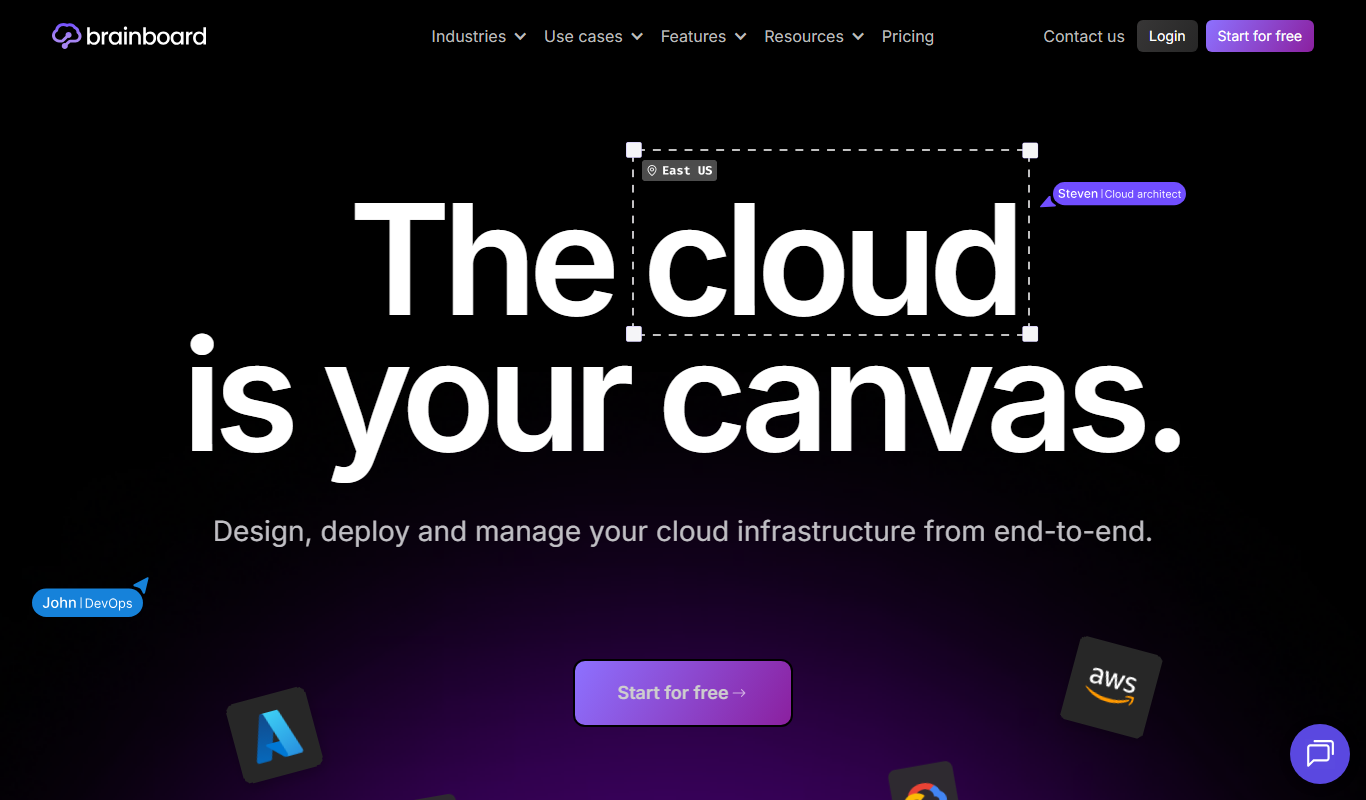
Brainboard is a web-based platform that allows users to visually design cloud infrastructure and automatically generate Terraform code for deployment across multiple cloud providers, enhancing collaboration and compliance.

Free Trial
Released
Released is a cloud platform that helps teams plan, automate, and coordinate software releases with features like visual planning boards, workflow automation, and reporting.
Free Trial
brainboard.co
Brainboard is a web-based platform that allows users to visually design cloud infrastructure and automatically generate Terraform code for multi-cloud deployments, facilitating collaboration and compliance.

Free
K8Studio
K8Studio is an integrated development environment designed to manage Kubernetes clusters and develop cloud-native applications with features like multi-cluster support, YAML editing, and CI/CD integration.

Free
Release AI
Release AI is a cloud platform that monitors APIs in real-time, detects incidents automatically, and alerts teams to ensure high API reliability and performance.

Free
BuildKeeper
BuildKeeper is a tool that automates code review by analyzing pull requests and provides detailed insights into CI/CD pipelines to improve code quality and developer productivity.