

From my experience with Brainboard, I found it excels at simplifying complex cloud infrastructure design through its intuitive visual editor combined with automated Terraform code generation. This approach significantly reduces manual errors and accelerates deployment workflows. After spending time with the platform, I can say it’s particularly well-suited for cloud architects and DevOps teams managing multi-cloud environments who want to collaborate efficiently and enforce compliance. However, the lack of transparent pricing and absence of desktop or mobile apps may be a limitation for some users. Overall, if you need a visual IaC tool that bridges design and automation, Brainboard delivers solid results.
Brainboard Cloud Infrastructure Design Platform for DevOps and Architects
Brainboard is a web-based platform that allows users to visually design cloud infrastructure and automatically generate Terraform code for multi-cloud deployments, facilitating collaboration and compliance.
- Best for
- Visual Cloud Architecture Design
- Key capability
- Visual Drag-and-Drop Editor
Your actions
Save brainboard.co, follow its updates and vote on it — everything stays in your account.
Sign in or create a free account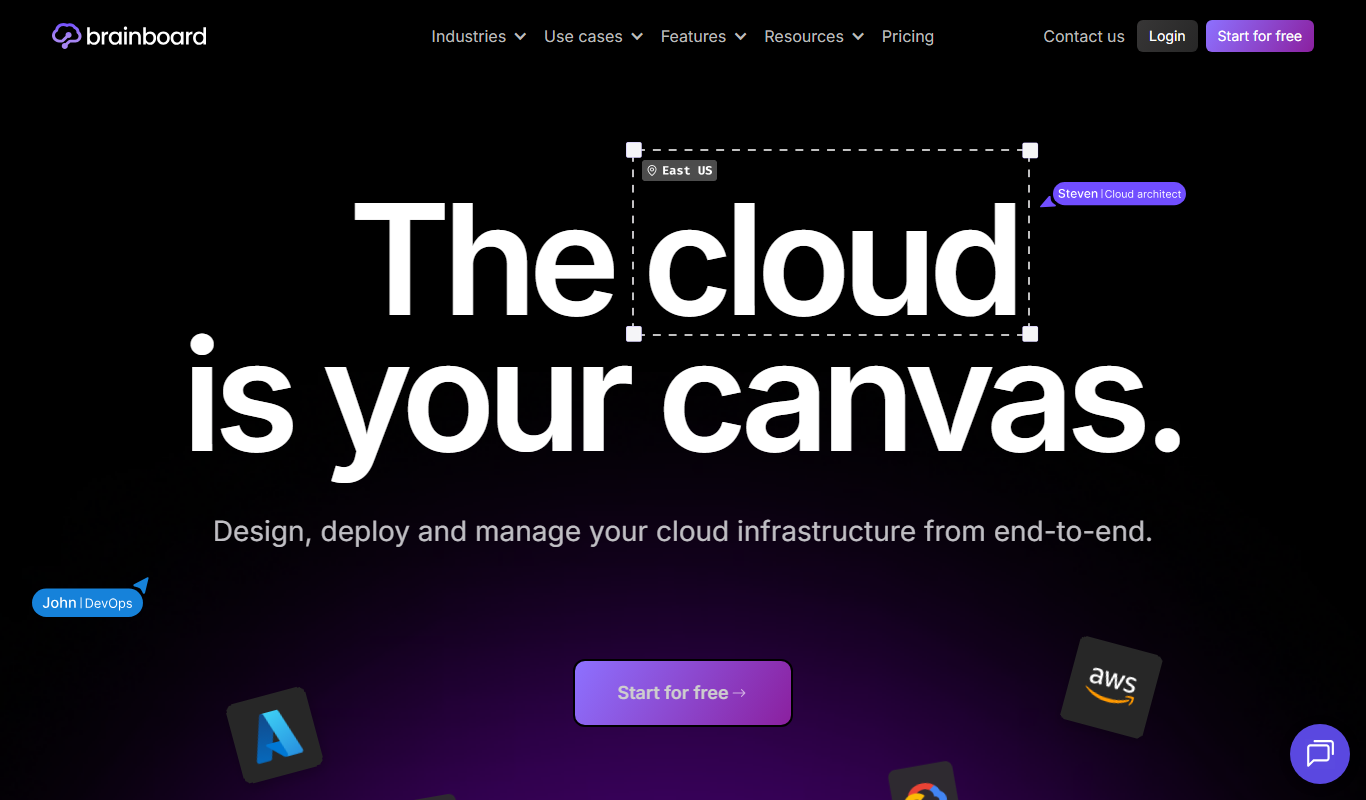
What is brainboard.co?
Brainboard is a cloud infrastructure design platform that enables DevOps engineers, cloud architects, and developers to visually design, automate, and manage cloud infrastructure using Infrastructure as Code (IaC) principles. It provides a drag-and-drop interface to build cloud architectures and automatically generates Terraform code, facilitating multi-cloud deployments and collaboration.
Key features of brainboard.co
Brainboard offers visual infrastructure design, Terraform code generation, multi-cloud support, team collaboration, and compliance integration to streamline cloud infrastructure management.
Visual Drag-and-Drop Editor
Simplifies cloud architecture design with an intuitive graphical interface.
Terraform Code Generation
Automatically produces ready-to-use Terraform scripts from visual designs.
Multi-Cloud Support
Supports AWS, Azure, and Google Cloud Platform for flexible deployments.
Team Collaboration Tools
Enables multiple users to work together with project sharing and versioning.
Compliance and Security Integration
Includes features to embed compliance checks and security best practices.
Pros and cons of brainboard.co
Pros
- Intuitive visual interface reduces complexity in cloud design
- Automated Terraform code generation saves time and reduces errors
- Supports multiple major cloud providers in one platform
- Facilitates team collaboration with version control
- Includes compliance and security integration features
Cons
- Pricing details are not publicly listed, requiring contact for quotes
- Limited to web platform; no desktop or mobile apps available
- Learning curve for users unfamiliar with Terraform or IaC concepts
Key use cases for brainboard.co
Visual Cloud Architecture Design
Create and manage cloud infrastructure visually using drag-and-drop components to simplify complex cloud environments.
Infrastructure as Code Automation
Generate Terraform code automatically from visual designs to enable infrastructure automation and version control.
Multi-Cloud Management
Design and deploy infrastructure across multiple cloud providers such as AWS, Azure, and Google Cloud Platform.
Collaboration for DevOps Teams
Enable teams to collaborate on infrastructure design and deployment with shared projects and versioning.
Compliance and Security Checks
Integrate compliance rules and security best practices into infrastructure designs to reduce risks.
How brainboard.co works
- 1
Create an Account
Sign up on Brainboard’s web platform to start designing your cloud infrastructure.
- 2
Design Infrastructure Visually
Use the drag-and-drop editor to build your cloud architecture with pre-built components.
- 3
Generate Terraform Code
Automatically convert your visual design into Terraform scripts for deployment.
- 4
Deploy and Manage
Deploy your infrastructure to cloud providers and manage updates through Brainboard.
- 5
Collaborate with Teams
Share projects and work collaboratively with version control and role management.
Who is using brainboard.co
Cloud architects
DevOps engineers
IT teams managing multi-cloud environments
Software development teams adopting Infrastructure as Code
Enterprises seeking compliance-driven infrastructure design
brainboard.co pricing
Free Trial
$0 for 14 days
Access to full features for evaluation with limited project usage.
Professional
Contact for pricing
Full access with unlimited projects, team collaboration, and support.
Plans and prices are as published by the vendor and can change. Check the official site before you buy. Open the pricing page (opens in a new tab)
Frequently asked questions about brainboard.co
Yes, Brainboard supports AWS, Azure, and Google Cloud Platform for designing and deploying infrastructure.
Yes, you can export the Terraform scripts generated from your visual designs for use in your own workflows.
Absolutely, Brainboard includes features for project sharing, version control, and role management to support teams.
Brainboard integrates compliance and security best practices into your infrastructure designs to help reduce risks.
This tool is designed to help users accomplish its core tasks more efficiently. It is typically used by individuals or teams looking to improve productivity and workflow.
Yes, it can help with that use case depending on how you configure it and what features are available. You’ll get the best results with clear inputs and a defined goal.
Yes, it can help with that use case depending on how you configure it and what features are available. You’ll get the best results with clear inputs and a defined goal.
Sign in to review this tool.
Sign In to ReviewNo reviews yet
Be the first to share how this tool worked for you.
Ask about pricing, limits, or how it compares — or answer someone else.
Sign In to AskNo questions yet
Have a question about using or paying for this tool? Be the first to ask.
Featured on TiorAI



Alternative Tools
Explore similar AI tools that might fit your needs

Free
Terraform
Terraform is an open-source infrastructure as code tool that automates provisioning and managing cloud infrastructure across multiple providers using declarative configuration files.

Enterprise
Pulumi
Pulumi is an infrastructure as code platform that allows developers to define and manage cloud infrastructure using general-purpose programming languages, supporting multi-cloud environments and integrating with DevOps workflows.
Free
Cloudcraft
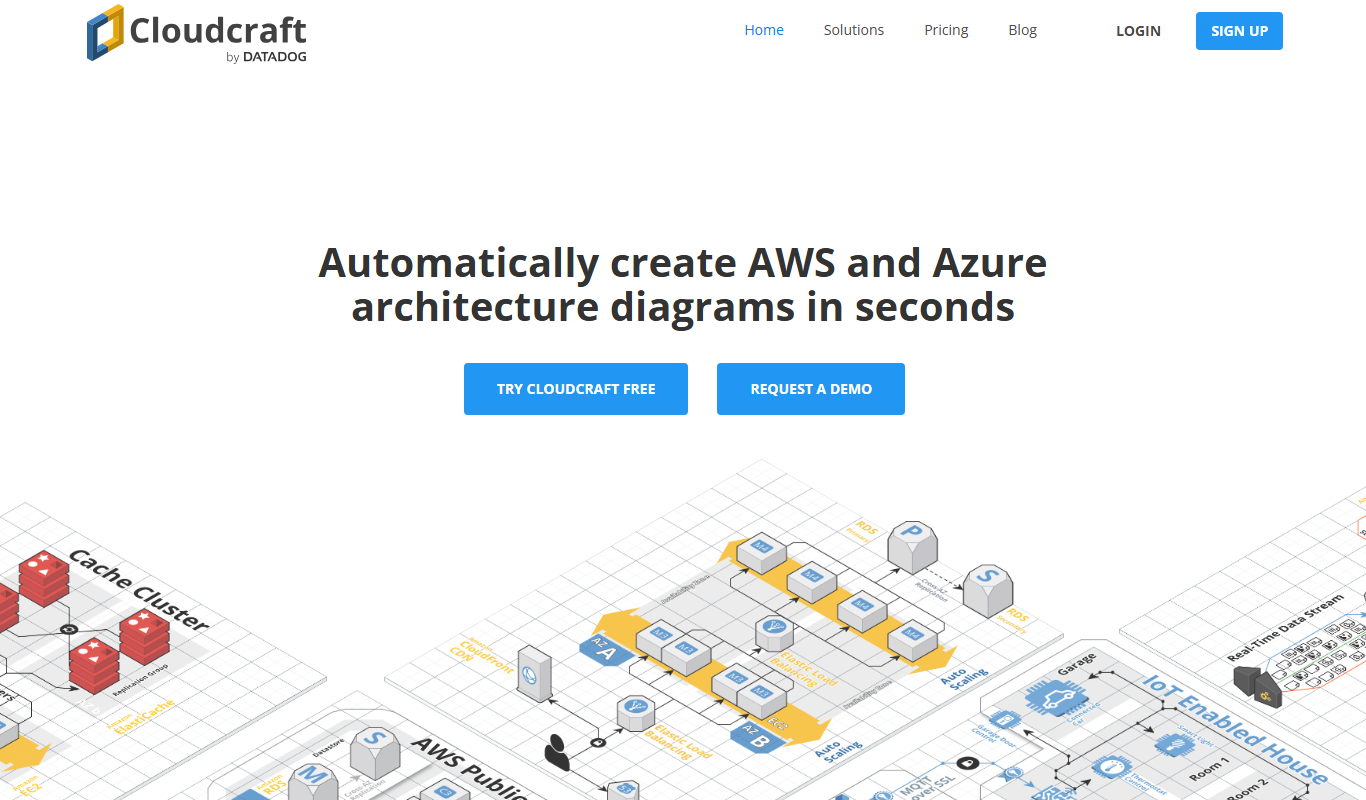
Cloudcraft is a web-based tool specialized in designing and visualizing AWS cloud infrastructure with real-time cost estimation and collaboration features.
More AI Cloud Infrastructure Tools tools
Other tools in the same category, for when this one is not quite the fit.

Free
0ptikube
0ptikube is an open-source tool designed to simplify Kubernetes cluster creation, management, and automation for developers and DevOps professionals.

Free
KubeHA
KubeHA is an open-source tool that provides high availability for Kubernetes clusters by automating failover of control plane components and monitoring cluster health to prevent downtime.