
From my experience with Brainboard, its visual drag-and-drop interface significantly simplifies the complex task of designing cloud infrastructure, making it accessible even for those less familiar with coding. The automatic generation of Terraform code bridges the gap between design and deployment, streamlining workflows for DevOps teams. It’s particularly well-suited for cloud architects and IT teams managing multi-cloud environments who need collaboration and compliance features. However, the lack of transparent pricing and absence of desktop or mobile apps might be a drawback for some users. Overall, Brainboard is a robust solution for visual infrastructure design and automation.
Brainboard Cloud Infrastructure Design Platform for DevOps and Architects
Brainboard is a web-based platform that allows users to visually design cloud infrastructure and automatically generate Terraform code for deployment across multiple cloud providers, enhancing collaboration and compliance.
What is brainboard.co?
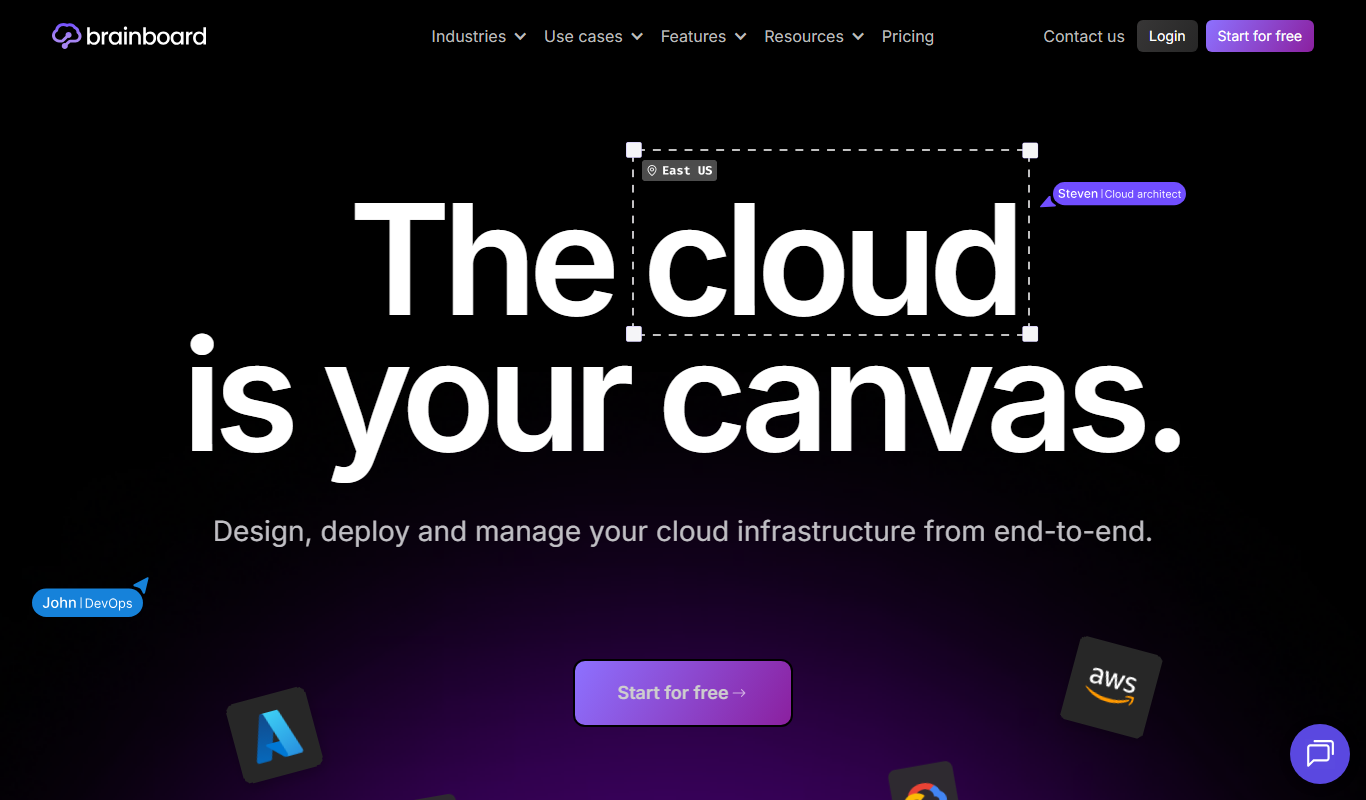
Brainboard is a cloud infrastructure design and automation platform that simplifies the creation, visualization, and deployment of cloud environments. It provides a visual drag-and-drop interface to design infrastructure architectures and automatically generates Terraform code, enabling DevOps teams and cloud architects to build scalable, secure, and compliant cloud solutions efficiently.
Key Features of brainboard.co
Drag-and-Drop Visual Designer
Intuitive interface to build cloud infrastructure diagrams without coding.
Terraform Code Generation
Automatically produce clean, ready-to-use Terraform scripts from designs.
Multi-Cloud Provider Support
Design and deploy infrastructure on AWS, Azure, Google Cloud, and more.
Team Collaboration and Versioning
Work with teams in shared environments with version control.
Compliance and Security Integration
Built-in checks to ensure infrastructure adheres to security and compliance standards.
Pros and Cons of brainboard.co
Pros
- Intuitive visual interface reduces complexity in infrastructure design
- Automatic Terraform code generation saves development time
- Supports multiple cloud providers for flexible deployments
- Collaboration features enhance team productivity
- Built-in compliance and security checks improve infrastructure quality
Cons
- Pricing details require direct contact, limiting upfront transparency
- Primarily web-based, no desktop or mobile apps currently available
- Learning curve for users unfamiliar with Terraform concepts
Key Use Cases for brainboard.co
Visual Cloud Infrastructure Design
Create and visualize cloud infrastructure architectures using an intuitive drag-and-drop interface.
Infrastructure as Code Automation
Generate Terraform code automatically from visual designs to automate cloud deployments.
Collaboration for DevOps Teams
Enable teams to collaborate on infrastructure projects with version control and shared workspaces.
Multi-Cloud Management
Design and manage infrastructure across multiple cloud providers including AWS, Azure, and GCP.
Compliance and Security Checks
Integrate compliance and security validations within infrastructure designs to ensure best practices.
How brainboard.co Works
-
1
Create an Account
Sign up on Brainboard’s website to access the platform.
-
2
Design Infrastructure Visually
Use the drag-and-drop interface to build your cloud architecture.
-
3
Generate Terraform Code
Automatically convert your visual design into Terraform scripts.
-
4
Collaborate with Your Team
Share projects and manage versions with team members.
-
5
Deploy and Manage
Deploy infrastructure to cloud providers and monitor compliance.
Who's Using brainboard.co
Cloud architects
DevOps engineers
IT infrastructure teams
Software development teams
Managed service providers
brainboard.co Pricing
Free Trial
$0 for 14 days
Access to all features for evaluation purposes.
Professional
Contact for pricing
Full platform access with team collaboration and multi-cloud support.
Frequently Asked Questions About brainboard.co
Yes, Brainboard supports AWS, Azure, Google Cloud, and other major cloud providers.
Yes, Brainboard generates Terraform code that you can export and use directly.
Brainboard offers a free 14-day trial with access to all features.
Yes, Brainboard includes collaboration tools and version control for teams.
This tool is designed to help users accomplish its core tasks more efficiently. It is typically used by individuals or teams looking to improve productivity and workflow.
Yes, it can help with that use case depending on how you configure it and what features are available. You’ll get the best results with clear inputs and a defined goal.
Yes, it can help with that use case depending on how you configure it and what features are available. You’ll get the best results with clear inputs and a defined goal.
It depends on your specific needs and how you plan to use the tool. The official website and documentation are the best sources for the latest details.
Share your review
Reviews are limited to one per logged-in user and are published after moderation.
You need an account to review this tool.
0.0
★
★
★
★
★
0 reviews
5 star
0
4 star
0
3 star
0
2 star
0
1 star
0
No reviews yet
Be the first to share how this tool worked for you.
Questions from the community
Read questions and answers about this tool, or ask your own.
No questions yet
Start the conversation by asking the first question about this tool.
Is this tool helpful?
Alternative Tools
Explore similar AI tools that might fit your needs

Enterprise
Pulumi
Pulumi is an infrastructure as code platform that allows developers to define and manage cloud infrastructure using general-purpose programming languages, supporting multi-cloud environments and integrating with DevOps workflows.
Free
Cloudcraft
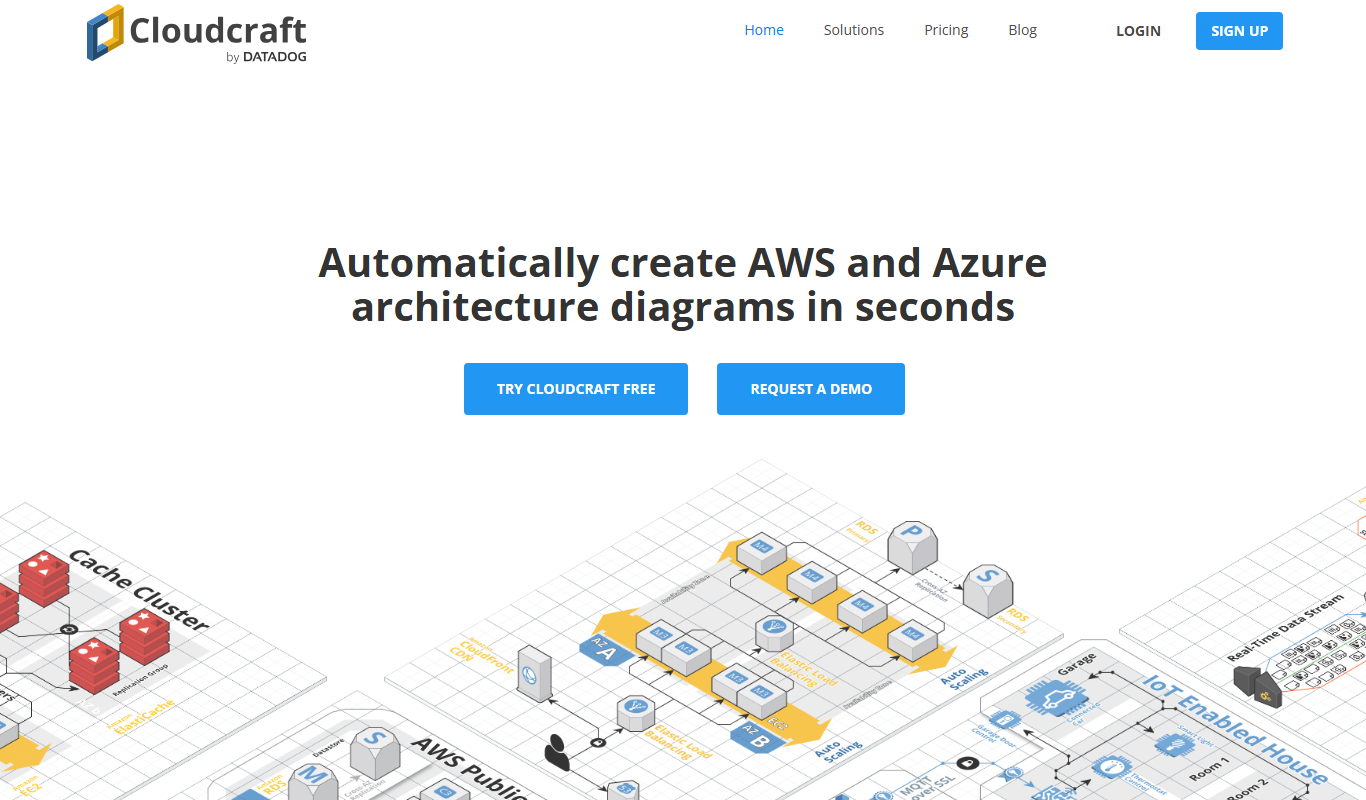
Cloudcraft is a web-based tool specialized in designing and visualizing AWS cloud infrastructure with real-time cost estimation and collaboration features.

Free
Terraform
Terraform is an open-source infrastructure as code tool that automates provisioning and managing cloud infrastructure across multiple providers using declarative configuration files.
Free Trial
brainboard.co
Brainboard is a web-based platform that allows users to visually design cloud infrastructure and automatically generate Terraform code for multi-cloud deployments, facilitating collaboration and compliance.

Free Trial
SolaraCloud.ai
SolaraCloud.ai is an AI-based platform that helps businesses optimize cloud costs by analyzing usage data, providing recommendations, and enabling budget controls across multiple cloud providers.

Free Trial
PerfAgents Uncloud
PerfAgents Uncloud is a cloud performance monitoring platform that provides real-time insights, anomaly detection, and integration with DevOps tools to optimize cloud infrastructure performance.

Free
KubeHA
KubeHA is an open-source tool that provides high availability for Kubernetes clusters by automating failover of control plane components and monitoring cluster health to prevent downtime.

Pay As You Go
infinitycloud.com
InfinityCloud is a cloud hosting platform providing scalable virtual servers, managed hosting services, and strong security features designed for businesses and developers.

Free
0ptikube
0ptikube is an open-source tool designed to simplify Kubernetes cluster creation, management, and automation for developers and DevOps professionals.