

From my experience with BuildKeeper, it stands out for automating the tedious parts of code review while providing valuable insights into CI/CD pipelines. The tool integrates smoothly with popular Git platforms, making it easy to adopt without disrupting existing workflows. I found its developer metrics dashboard particularly helpful for tracking team productivity and identifying bottlenecks. However, some pricing details and technical stack information are not fully transparent, which may require direct contact for clarity. Overall, BuildKeeper is a solid choice for development teams aiming to improve code quality and streamline their CI/CD processes.
BuildKeeper - Automated Code Review and CI/CD Insights for Developers
BuildKeeper is a tool that automates code review by analyzing pull requests and provides detailed insights into CI/CD pipelines to improve code quality and developer productivity.
- Best for
- Automated Code Review
- Key capability
- Automated Pull Request Analysis

Do you recommend this tool?
What is BuildKeeper?
BuildKeeper is a developer-focused tool that automates code review and provides actionable insights into CI/CD pipelines. It helps teams maintain high code quality by analyzing pull requests, identifying potential issues, and offering suggestions to improve code before merging. By integrating seamlessly with existing development workflows, BuildKeeper enhances productivity and ensures consistent standards across projects.
Key features of BuildKeeper
BuildKeeper offers automated pull request analysis, CI/CD pipeline monitoring, detailed metrics on code quality and developer activity, and integration with popular version control systems. Its dashboard provides clear visualizations and actionable recommendations to streamline code reviews and deployment processes.
Automated Pull Request Analysis
Instantly detect code smells, style violations, and potential bugs in pull requests.
CI/CD Pipeline Monitoring
Track build times, test results, and deployment statuses to optimize workflows.
Developer Metrics Dashboard
Visualize team activity, code review turnaround times, and contribution statistics.
Integration with Git Platforms
Supports GitHub, GitLab, and Bitbucket for seamless workflow integration.
Pros and cons of BuildKeeper
Pros
- Automates time-consuming code reviews
- Provides actionable CI/CD pipeline insights
- Easy integration with popular Git platforms
- Improves developer productivity with metrics
Cons
- Limited tech stack information publicly available
- Pricing details beyond basic plans are not fully transparent
Key use cases for BuildKeeper
Automated Code Review
Automatically analyze pull requests to identify issues, suggest improvements, and enforce coding standards.
CI/CD Pipeline Insights
Gain detailed insights into continuous integration and deployment pipelines to optimize build and test processes.
Developer Productivity Monitoring
Track and measure developer activity and pull request metrics to improve team efficiency.
Quality Assurance
Ensure code quality and reduce bugs by integrating automated checks into the development workflow.
How BuildKeeper works
- 1
Connect Repository
Link your GitHub, GitLab, or Bitbucket repository to BuildKeeper.
- 2
Analyze Pull Requests
BuildKeeper automatically scans new pull requests for code quality, style issues, and potential bugs.
- 3
Review Insights
Receive detailed reports and suggestions directly in your pull request interface or BuildKeeper dashboard.
- 4
Optimize CI/CD
Monitor your CI/CD pipelines to identify bottlenecks and improve build and test efficiency.
Who is using BuildKeeper
Software development teams
DevOps engineers
Quality assurance teams
Tech startups
Agile development teams
BuildKeeper pricing
Free
$0/month
Basic automated code review and limited CI/CD insights for small teams.
Pro
$15/user/month
Advanced features including detailed analytics, unlimited repositories, and priority support.
Plans and prices are as published by the vendor and can change. Check the official site before you buy. Open the pricing page (opens in a new tab)
Frequently asked questions about BuildKeeper
BuildKeeper supports GitHub, GitLab, and Bitbucket repositories.
Yes, BuildKeeper provides insights by integrating with your existing CI/CD pipelines.
BuildKeeper offers a free tier with basic features; details on Pro plan trials can be obtained from their sales team.
It depends on your specific needs and how you plan to use the tool. The official website and documentation are the best sources for the latest details.
Yes, it can help with that use case depending on how you configure it and what features are available. You’ll get the best results with clear inputs and a defined goal.
Some tools offer a free plan or trial with limited features. Availability can vary, so confirm on the official website.
Sign in to review this tool.
Sign In to ReviewNo reviews yet
Be the first to share how this tool worked for you.
Ask about pricing, limits, or how it compares — or answer someone else.
Sign In to AskNo questions yet
Have a question about using or paying for this tool? Be the first to ask.
Featured on TiorAI



Alternative Tools
Explore similar AI tools that might fit your needs

Free Trial
Code Climate
Code Climate is a platform that automates code review by analyzing code quality, test coverage, and technical debt to help development teams maintain high standards and ship better software.

Free
SonarQube
SonarQube is a platform that performs static code analysis to detect bugs, vulnerabilities, and code smells, helping developers maintain high code quality and security.
Free
DeepSource
DeepSource is an automated code review tool that integrates with GitHub, GitLab, and Bitbucket to detect bugs, security vulnerabilities, and code quality issues in pull requests and codebases.
More AI Devops Tools tools
Other tools in the same category, for when this one is not quite the fit.

Free Trial
PagerGPT
PagerGPT is an AI assistant that integrates with PagerDuty to automate incident triage, provide contextual summaries, and assist engineers in resolving incidents faster.

Free
0ptikube
0ptikube is an open-source tool designed to simplify Kubernetes cluster creation, management, and automation for developers and DevOps professionals.
Free Trial
brainboard.co
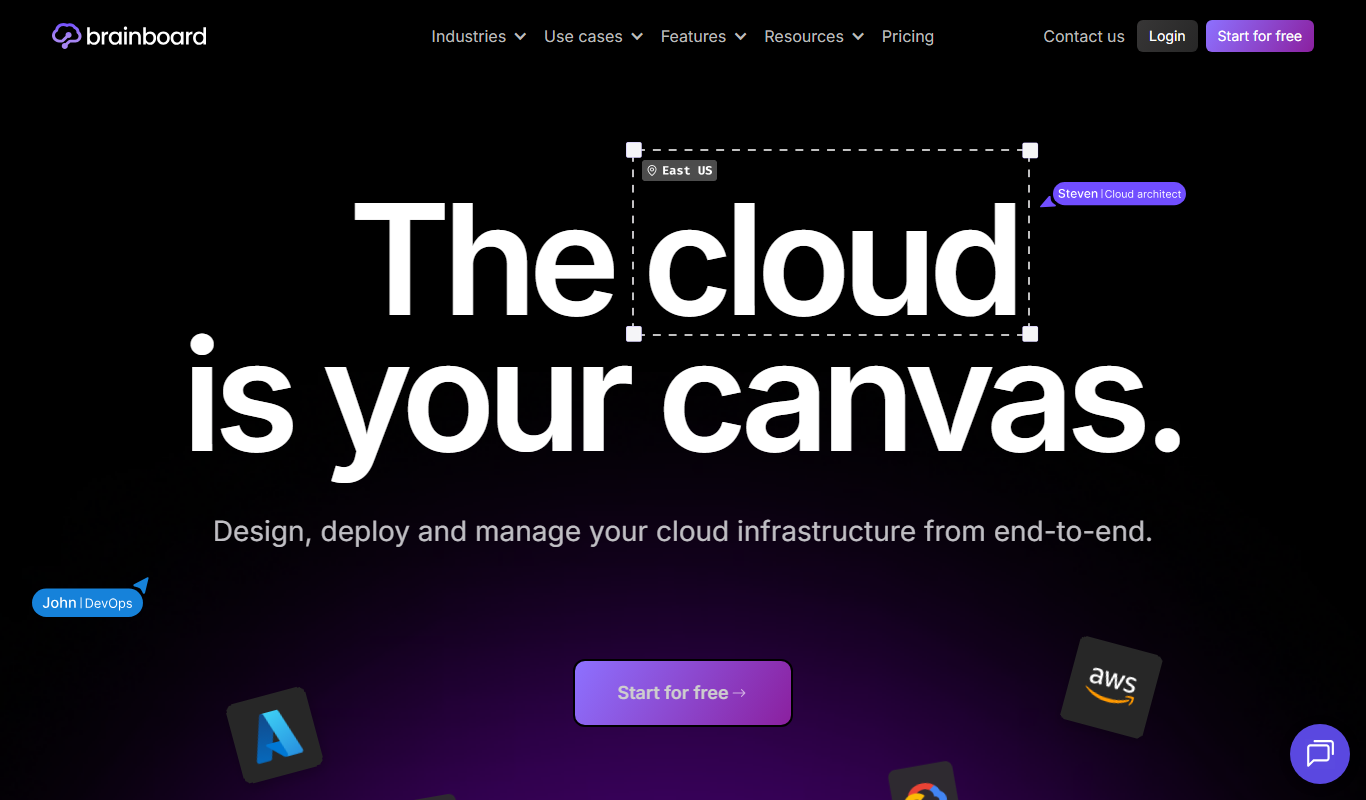
Brainboard is a web-based platform that allows users to visually design cloud infrastructure and automatically generate Terraform code for deployment across multiple cloud providers, enhancing collaboration and compliance.

Free Trial
Released
Released is a cloud platform that helps teams plan, automate, and coordinate software releases with features like visual planning boards, workflow automation, and reporting.
Free Trial
brainboard.co
Brainboard is a web-based platform that allows users to visually design cloud infrastructure and automatically generate Terraform code for multi-cloud deployments, facilitating collaboration and compliance.

Free
K8Studio
K8Studio is an integrated development environment designed to manage Kubernetes clusters and develop cloud-native applications with features like multi-cluster support, YAML editing, and CI/CD integration.

Free
Release AI
Release AI is a cloud platform that monitors APIs in real-time, detects incidents automatically, and alerts teams to ensure high API reliability and performance.

Free Trial
StackBob
StackBob is an AI-powered platform that automates software development, testing, and deployment processes to help teams deliver applications faster and with higher quality.