

From my experience with Release AI, it stands out for its straightforward setup and effective real-time API monitoring capabilities. The AI-driven incident detection helps catch issues early, which is crucial for maintaining reliable services. I found it particularly useful for development and DevOps teams who need detailed diagnostics and flexible alerting to respond quickly. However, the free plan is somewhat limited, and the lack of a mobile app might be a drawback for some users. Overall, if you manage APIs and want a focused monitoring and incident management solution, Release AI offers solid value.
Release AI API Monitoring and Incident Management Platform for Developers
Release AI is a cloud platform that monitors APIs in real-time, detects incidents automatically, and alerts teams to ensure high API reliability and performance.
- Best for
- API Health Monitoring
- Key capability
- Real-Time API Monitoring
Your actions
Save Release AI, follow its updates and vote on it — everything stays in your account.
Sign in or create a free account
What is Release AI?
Release AI is a cloud-based API monitoring and incident management platform designed to help developers and DevOps teams ensure their APIs are reliable and performant. It provides real-time monitoring, error tracking, and alerting capabilities to quickly detect and resolve API issues before they impact end users.
Key features of Release AI
Release AI offers continuous API health checks, automated incident detection, detailed error diagnostics, customizable alerting, and integration with popular DevOps tools, enabling teams to maintain high API uptime and performance.
Real-Time API Monitoring
Continuously check API endpoints for availability, latency, and errors.
Automated Incident Detection
Identify anomalies and incidents automatically using AI-driven analysis.
Customizable Alerting
Configure alerts via email, Slack, or other channels to notify the right team members.
Detailed Error Diagnostics
Access in-depth error reports to understand root causes and speed up fixes.
Integration with DevOps Tools
Seamlessly connect with tools like Jira, PagerDuty, and others for streamlined workflows.
Pros and cons of Release AI
Pros
- Easy setup and intuitive dashboard
- Real-time monitoring with AI-driven incident detection
- Flexible alerting options and integrations
- Detailed diagnostics to speed up issue resolution
Cons
- Limited features in the free plan
- No mobile app available currently
Key use cases for Release AI
API Health Monitoring
Continuously monitor API endpoints to detect downtime, latency issues, and errors in real-time.
Incident Detection and Alerting
Automatically detect incidents affecting API performance and send alerts to development teams.
Error Tracking and Diagnostics
Track API errors with detailed diagnostics to help developers quickly identify and resolve issues.
Performance Analytics
Analyze API response times and uptime metrics to optimize reliability and user experience.
DevOps Workflow Integration
Integrate with existing DevOps tools and workflows to streamline incident response and resolution.
How Release AI works
- 1
Connect Your API
Add your API endpoints to Release AI for continuous monitoring.
- 2
Configure Alerts
Set up alert rules and notification channels to be informed of incidents.
- 3
Monitor Performance
Track API uptime, latency, and error rates in real-time dashboards.
- 4
Respond to Incidents
Receive detailed diagnostics and collaborate with your team to resolve issues quickly.
Who is using Release AI
API developers
DevOps teams
Software engineering teams
SaaS companies
Startups focused on API products
Release AI pricing
Free
$0/month
Basic monitoring for up to 3 APIs with limited alerting features.
Pro
$49/month
Advanced monitoring, unlimited APIs, full alerting, and integrations.
Plans and prices are as published by the vendor and can change. Check the official site before you buy. Open the pricing page (opens in a new tab)
Frequently asked questions about Release AI
Release AI supports monitoring RESTful APIs, GraphQL endpoints, and other HTTP-based APIs.
You can receive alerts via email, Slack, or webhook integrations based on your configured rules.
Yes, Release AI offers integrations with popular tools like Jira, PagerDuty, and others.
Yes, Release AI provides a free trial period for the Pro plan to evaluate advanced features.
Integration support depends on the tool and its available connectors or API. Check the official documentation or integrations page to confirm what is supported.
Yes, it can help with that use case depending on how you configure it and what features are available. You’ll get the best results with clear inputs and a defined goal.
Integration support depends on the tool and its available connectors or API. Check the official documentation or integrations page to confirm what is supported.
Sign in to review this tool.
Sign In to ReviewNo reviews yet
Be the first to share how this tool worked for you.
Ask about pricing, limits, or how it compares — or answer someone else.
Sign In to AskNo questions yet
Have a question about using or paying for this tool? Be the first to ask.
Featured on TiorAI



Alternative Tools
Explore similar AI tools that might fit your needs
Free
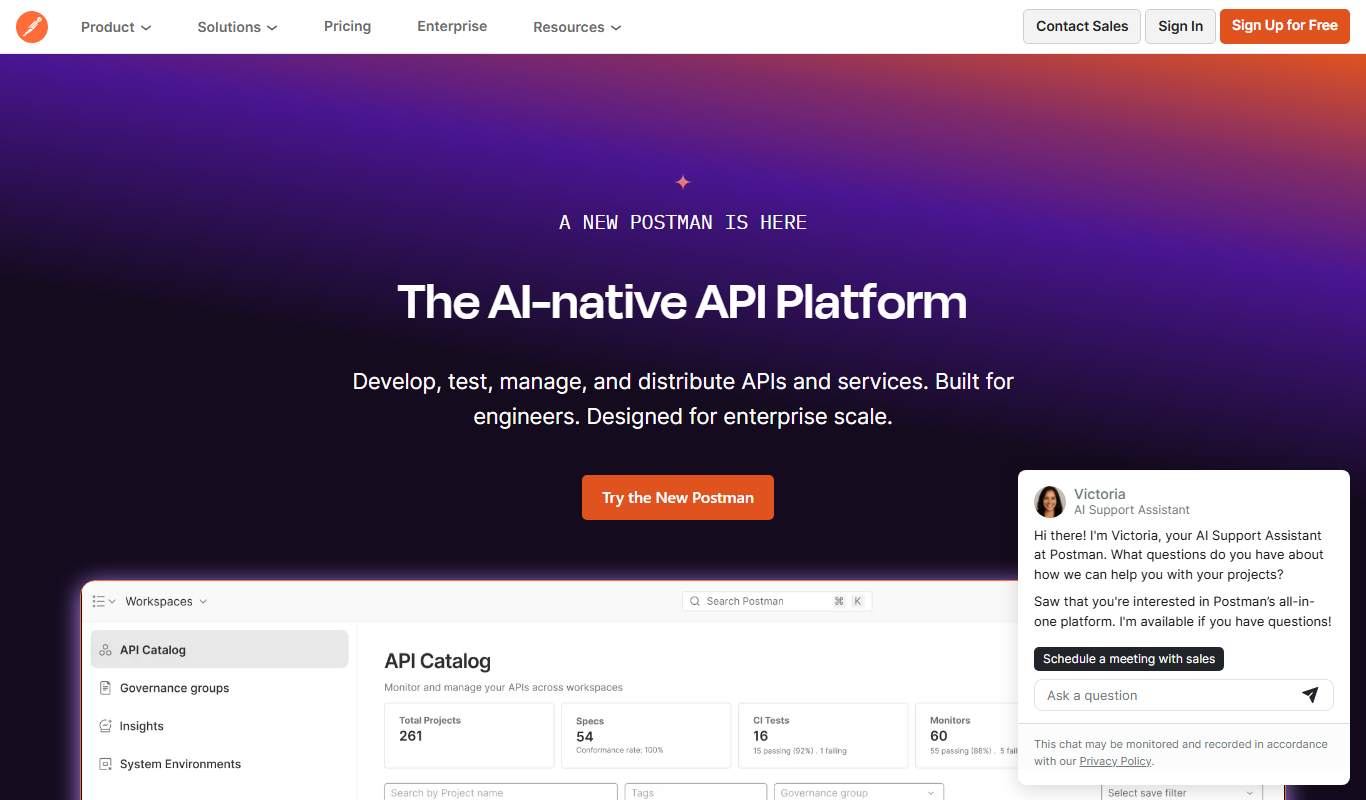
Postman
Postman is a comprehensive API platform that helps developers design, test, automate, document, and monitor APIs efficiently with collaboration tools.
Free
New Relic
New Relic is a full-stack observability platform that helps developers and IT teams monitor application performance, infrastructure health, and user experience in real time with AI-powered analytics and customizable dashboards.
More AI Devops Tools tools
Other tools in the same category, for when this one is not quite the fit.
Free
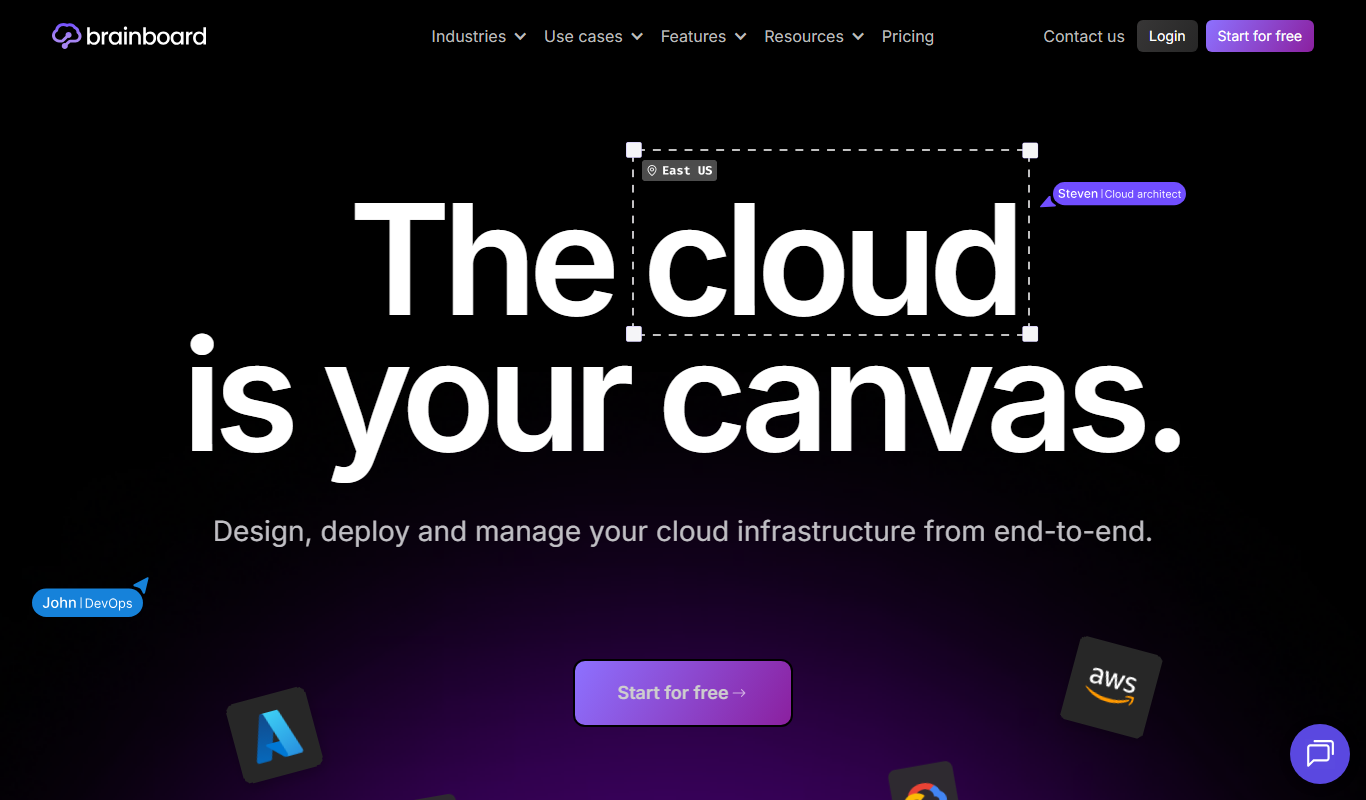
brainboard.co
Brainboard is a web-based platform that allows users to visually design cloud infrastructure and automatically generate Terraform code for multi-cloud deployments, facilitating collaboration and compliance.

Subscription
K8Studio
K8Studio is an integrated development environment designed to manage Kubernetes clusters and develop cloud-native applications with features like multi-cluster support, YAML editing, and CI/CD integration.

Free Trial
PagerGPT
PagerGPT is an AI assistant that integrates with PagerDuty to automate incident triage, provide contextual summaries, and assist engineers in resolving incidents faster.

Free
0ptikube
0ptikube is an open-source tool designed to simplify Kubernetes cluster creation, management, and automation for developers and DevOps professionals.

Free Trial
Released
Released is a cloud platform that helps teams plan, automate, and coordinate software releases with features like visual planning boards, workflow automation, and reporting.

Free
BuildKeeper
BuildKeeper is a tool that automates code review by analyzing pull requests and provides detailed insights into CI/CD pipelines to improve code quality and developer productivity.

Free Trial
StackBob
StackBob is an AI-powered platform that automates software development, testing, and deployment processes to help teams deliver applications faster and with higher quality.

Free Trial
Pulz.io
Pulz.io is a cloud-based platform that provides real-time monitoring, alerting, and analytics for IT infrastructure and applications, helping DevOps teams quickly detect and respond to issues.