

Lensa AI Photo Editor and AI Avatar Generator for Creative Image Enhancements
Lensa AI is a mobile app by Prisma Labs that uses AI to enhance photos, generate artistic avatars, and remove backgrounds, primarily for iOS and Android users.
- Best for
- AI Photo Enhancement
- Key capability
- AI-Powered Photo Enhancement
Save Lensa AI, follow its updates and vote on it — everything stays in your account.
Sign in or create a free account
What is Lensa AI?
Lensa AI is a mobile app that leverages artificial intelligence to provide advanced photo editing capabilities, including AI-powered avatar creation, background removal, and selfie retouching. Developed by Prisma Labs, it enables users to enhance their photos effortlessly and create artistic avatars from their selfies.
Key features of Lensa AI
Lensa AI offers a suite of AI-driven tools such as automatic photo enhancement, background removal, and creative avatar generation. Its intuitive interface allows users to transform ordinary photos into polished images or stylized digital portraits with minimal effort.
AI-Powered Photo Enhancement
Automatically improves image quality by adjusting colors, sharpness, and removing blemishes.
Avatar Generation
Transforms selfies into artistic avatars using AI-driven style transfer techniques.
Background Removal
Removes or replaces photo backgrounds seamlessly for professional results.
Skin Retouching Tools
Smooths skin, brightens eyes, and enhances facial features with AI precision.
User-Friendly Interface
Simple and intuitive design for quick photo editing on mobile devices.
Pros and cons of Lensa AI
Pros
- Easy-to-use AI photo enhancement and avatar creation
- Effective background removal with minimal manual effort
- High-quality artistic avatar generation
- Regular updates with new features
- Mobile-friendly interface optimized for selfies
Cons
- Premium subscription required for full features
- Limited desktop or web support
- Some users report occasional processing delays
Key use cases for Lensa AI
AI Photo Enhancement
Automatically improve photo quality by adjusting lighting, sharpness, and removing imperfections.
AI Avatar Generation
Create stylized digital avatars from selfies using AI-powered artistic filters and effects.
Background Removal
Easily remove or replace backgrounds in photos to create professional-looking images.
Selfie Retouching
Apply AI-driven retouching tools to smooth skin, enhance facial features, and improve portraits.
Social Media Content Creation
Generate unique images and avatars optimized for sharing on social media platforms.
How Lensa AI works
- 1
Download and Install
Get the Lensa AI app from the iOS App Store or Google Play Store.
- 2
Upload a Photo
Select a selfie or any photo from your device to start editing.
- 3
Choose Editing Tools
Apply AI enhancements, remove backgrounds, or generate avatars using the available features.
- 4
Customize and Save
Adjust effects as desired and save or share the final image.
Who is using Lensa AI
Lensa AI pricing
Free
$0
Access to basic editing tools with limited avatar generations and watermarked exports.
Premium
$7.99/month
Unlimited access to all features including avatar generation, background removal, and watermark-free exports.
Plans and prices are as published by the vendor and can change. Check the official site before you buy. Open the pricing page (opens in a new tab)
Frequently asked questions about Lensa AI
Lensa AI offers a free version with limited features and watermarked images. Premium subscription unlocks full functionality.
Yes, Lensa AI includes AI-powered background removal tools for photos.
Lensa AI is available on iOS and Android mobile devices.
Photos are processed on-device or securely in the cloud; Prisma Labs has a privacy policy detailing data handling.
This tool is designed to help users accomplish its core tasks more efficiently. It is typically used by individuals or teams looking to improve productivity and workflow.
Pricing depends on the plan and included features. For the most accurate and up-to-date details, check the official pricing page.
Yes, it can help with that use case depending on how you configure it and what features are available. You’ll get the best results with clear inputs and a defined goal.
It depends on your specific needs and how you plan to use the tool. The official website and documentation are the best sources for the latest details.
Conclusion
Available on iOS and Android, Lensa AI lets a user select a selfie or any photo and apply AI enhancements, remove backgrounds or generate avatars. Enhancement adjusts colors and sharpness and removes blemishes automatically, while avatar generation turns selfies into artistic avatars through style transfer. Its retouching tools smooth skin and enhance facial features with AI precision.
The app is aimed at social media users and influencers, content creators and digital artists, and mobile users seeking quick photo edits. The free version has limited features, limited avatar generations and watermarked images, while a paid subscription gives full functionality and watermark-free exports.
Sources
Sign in to review this tool.
Sign In to ReviewNo reviews yet
Be the first to share how this tool worked for you.
Ask about pricing, limits, or how it compares — or answer someone else.
Sign In to AskNo questions yet
Have a question about using or paying for this tool? Be the first to ask.
Featured on TiorAI



Alternative Tools
Explore similar AI tools that might fit your needs

FaceApp
FaceApp is an AI photo editing application that uses neural networks to apply realistic face transformations such as aging, gender swaps, and makeup filters.
More AI Avatar Generator tools
Other tools in the same category, for when this one is not quite the fit.
Luppet
Luppet (LuppetX) is a tracking system for 3D Virtual YouTubers that only requires a web camera and LeapMotion.
Emoji Maker
Emoji Maker is an AI emoji generator: type an idea or upload a photo, pick from 48 art styles, and get a transparent PNG emoji.
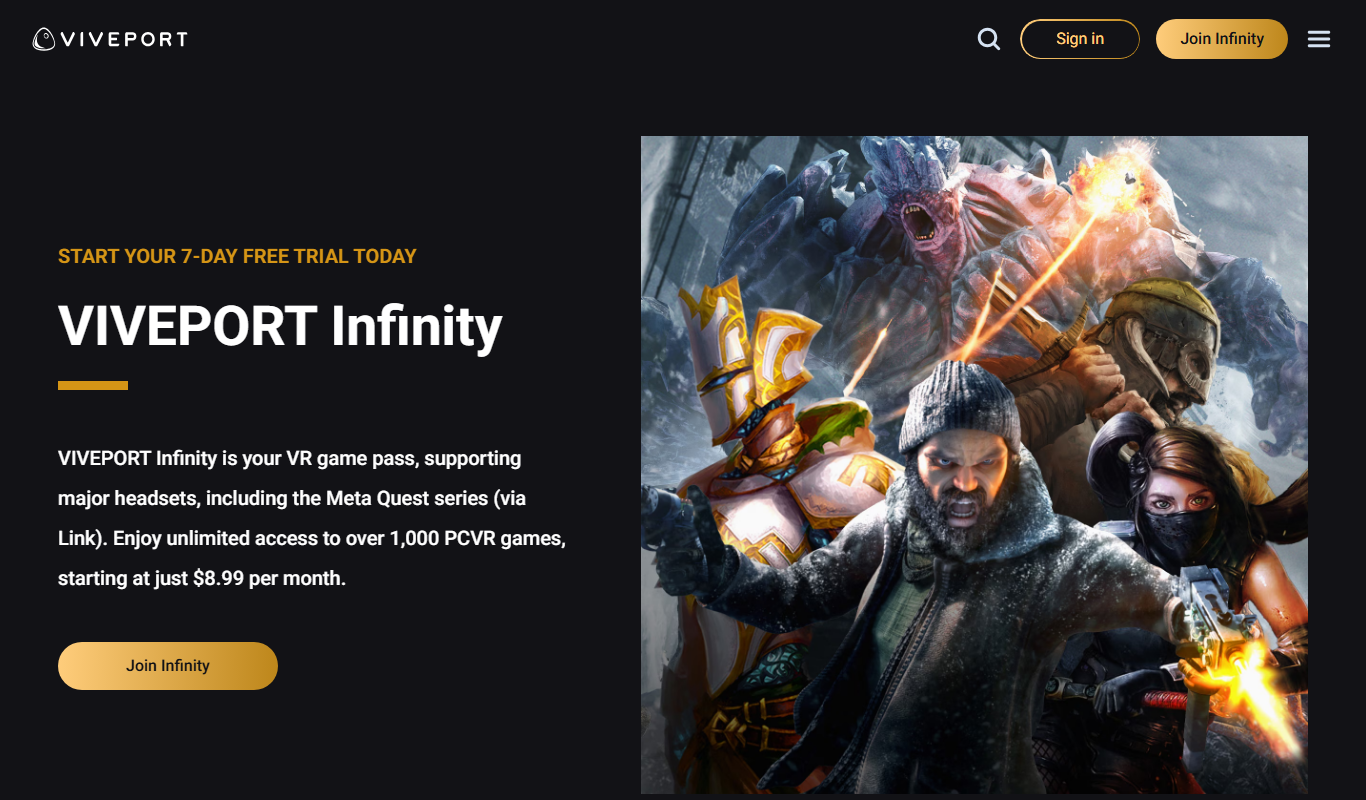
Viveport
Viveport is HTC's virtual reality content platform providing access to VR games and experiences, including a subscription service called Viveport Infinity for unlimited VR content.

Second Life
Second Life is a 3D virtual world platform where users create avatars, socialize, build environments, and participate in a virtual economy.

Looking Glass Factory
Looking Glass Factory offers advanced glasses-free 3D holographic displays that enable users to view and interact with volumetric 3D content without headsets, suitable for design, education, and entertainment.

DeepAR SDK
DeepAR SDK is a cross-platform augmented reality development kit that enables real-time face tracking, AI avatar creation, and 3D AR effects for mobile apps, games, and live streaming.

Banuba SDK
Banuba SDK is an AI-powered augmented reality software development kit that enables developers to integrate real-time face tracking, 3D masks, beauty filters, and avatar effects into mobile and desktop applications.
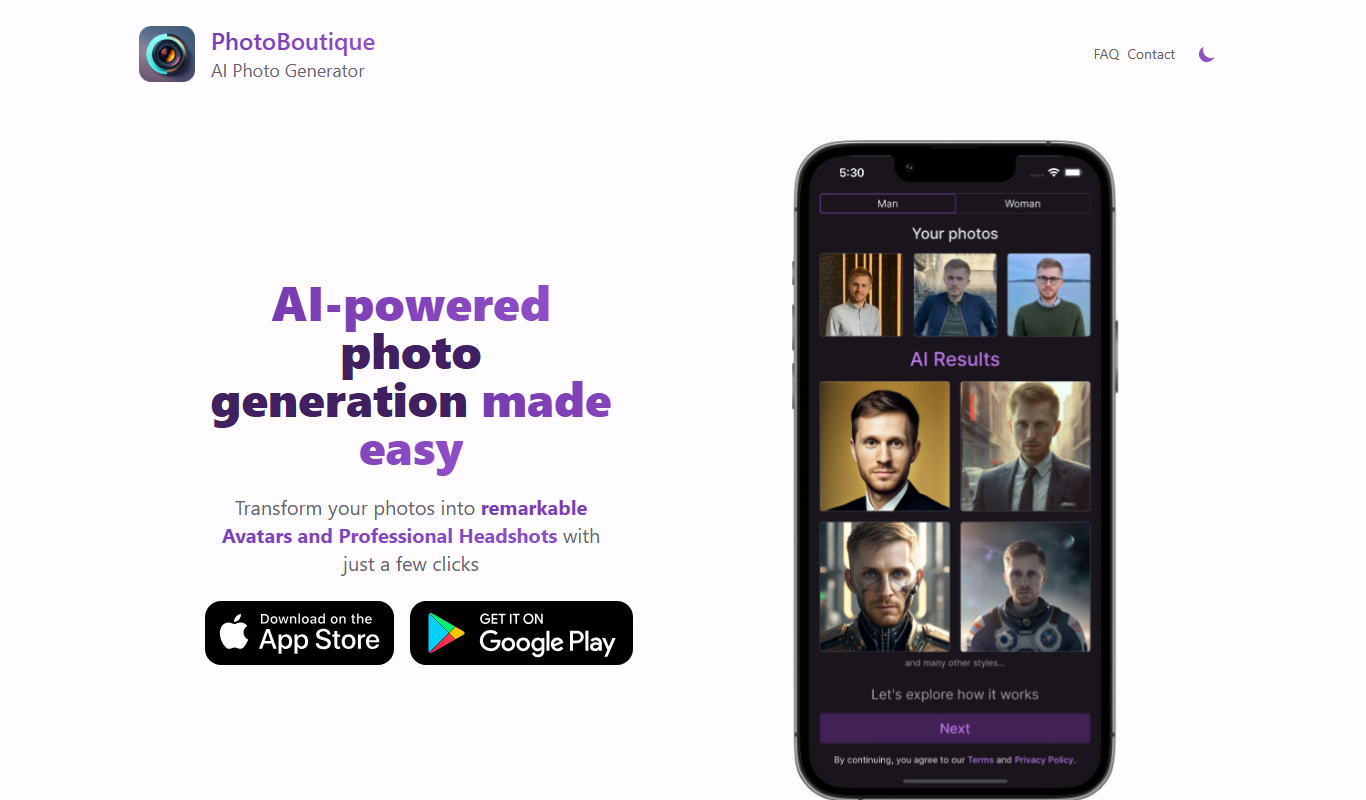
PhotoBoutique – AI Avatar maker
PhotoBoutique is a web-based AI avatar maker that generates personalized avatars using artificial intelligence, suitable for social media profiles, gaming, and creative uses.