

Langswap.app Video Translator Tool for Multilingual Content Creation
Langswap.app is an AI-driven video translation tool that automatically transcribes, translates, and dubs videos into multiple languages with natural-sounding AI voices, enabling fast and easy video localization.
- Best for
- Content Localization
- Key capability
- Automatic Speech Recognition
Save Langswap.app – a video translator tool, follow its updates and vote on it — everything stays in your account.
Sign in or create a free account
What is Langswap.app – a video translator tool?
Langswap.app is an AI-powered video translation and dubbing platform that enables users to convert video content into multiple languages with synchronized voiceovers. It leverages advanced speech recognition and AI voice synthesis to create natural-sounding translations, making video localization faster and more accessible without the need for manual dubbing or subtitles.
Key features of Langswap.app – a video translator tool
Langswap.app offers automatic video translation, AI-generated voice dubbing, multi-language support, and easy integration through a web-based interface. It simplifies the process of creating multilingual videos by automating transcription, translation, and voiceover generation in one platform.
Automatic Speech Recognition
Accurately transcribes spoken content from videos to text.
AI-Powered Translation
Translates transcribed text into multiple languages with contextual accuracy.
Natural AI Voice Dubbing
Generates realistic voiceovers that match the original speaker’s tone and timing.
Multi-Language Support
Supports over 10 major languages for global reach.
User-Friendly Web Interface
Simple drag-and-drop upload and easy management of translation projects.
Pros and cons of Langswap.app – a video translator tool
Pros
- Fast and automated video translation and dubbing
- Supports multiple languages with natural AI voices
- User-friendly web platform with easy upload and download
- Affordable pricing with a free tier
- No need for manual voiceover recording
Cons
- AI voice may lack emotional nuance compared to human dubbing
- Limited video length on free plan
- No offline or desktop app available
Key use cases for Langswap.app – a video translator tool
Content Localization
Translate and dub videos into multiple languages to reach global audiences.
Marketing Videos
Create multilingual marketing campaigns by localizing video ads efficiently.
Educational Content
Convert educational videos into various languages to increase accessibility.
Social Media Creators
Expand social media reach by producing videos in different languages.
Corporate Training
Translate training videos for multinational teams to ensure consistent messaging.
How Langswap.app – a video translator tool works
- 1
Upload Video
Users upload their video file to the Langswap.app platform.
- 2
Select Target Languages
Choose one or more languages for translation and dubbing.
- 3
AI Transcription and Translation
The tool automatically transcribes the original audio and translates the text into the selected languages.
- 4
AI Voice Dubbing
Langswap generates synchronized AI voiceovers in the target languages with natural intonation.
- 5
Download or Share
Users can download the localized videos or share them directly from the platform.
Who is using Langswap.app – a video translator tool
Langswap.app – a video translator tool pricing
Free
$0/month
Limited video length and number of translations per month.
Pro
$29/month
Extended video length, more languages, and priority processing.
Business
Custom pricing
Tailored solutions with API access and dedicated support.
Plans and prices are as published by the vendor and can change. Check the official site before you buy. Open the pricing page (opens in a new tab)
Frequently asked questions about Langswap.app – a video translator tool
Langswap.app supports common video formats including MP4, MOV, and AVI.
Yes, users can review and edit the translated transcript before generating the voiceover.
Yes, the free plan allows videos up to 5 minutes in length.
No, Langswap.app uses AI for translation and voice dubbing but does not offer human translation.
It depends on your specific needs and how you plan to use the tool. The official website and documentation are the best sources for the latest details.
Yes, it can help with that use case depending on how you configure it and what features are available. You’ll get the best results with clear inputs and a defined goal.
Some tools offer a free plan or trial with limited features. Availability can vary, so confirm on the official website.
Yes, it can help with that use case depending on how you configure it and what features are available. You’ll get the best results with clear inputs and a defined goal.
Conclusion
Voice retention is the core idea: a video is translated into another language while the original voice and its intonation are preserved, so nothing has to be re-recorded. The steps are brief, uploading a video, choosing the language and then downloading and sharing the finished result. The service targets anyone who needs to translate and dub a large volume of video without searching for voice actors.
According to the page, a video can be translated even without knowing the language. Translation with your own voice is still in beta, and the site offers early access.
Sources
Sign in to review this tool.
Sign In to ReviewNo reviews yet
Be the first to share how this tool worked for you.
Ask about pricing, limits, or how it compares — or answer someone else.
Sign In to AskNo questions yet
Have a question about using or paying for this tool? Be the first to ask.
Featured on TiorAI



Alternative Tools
Explore similar AI tools that might fit your needs

Dubverse
Dubverse is an AI-driven video dubbing and translation tool that automatically generates multilingual voiceovers and subtitles to help localize videos efficiently.
More AI Translation Tools tools
Other tools in the same category, for when this one is not quite the fit.
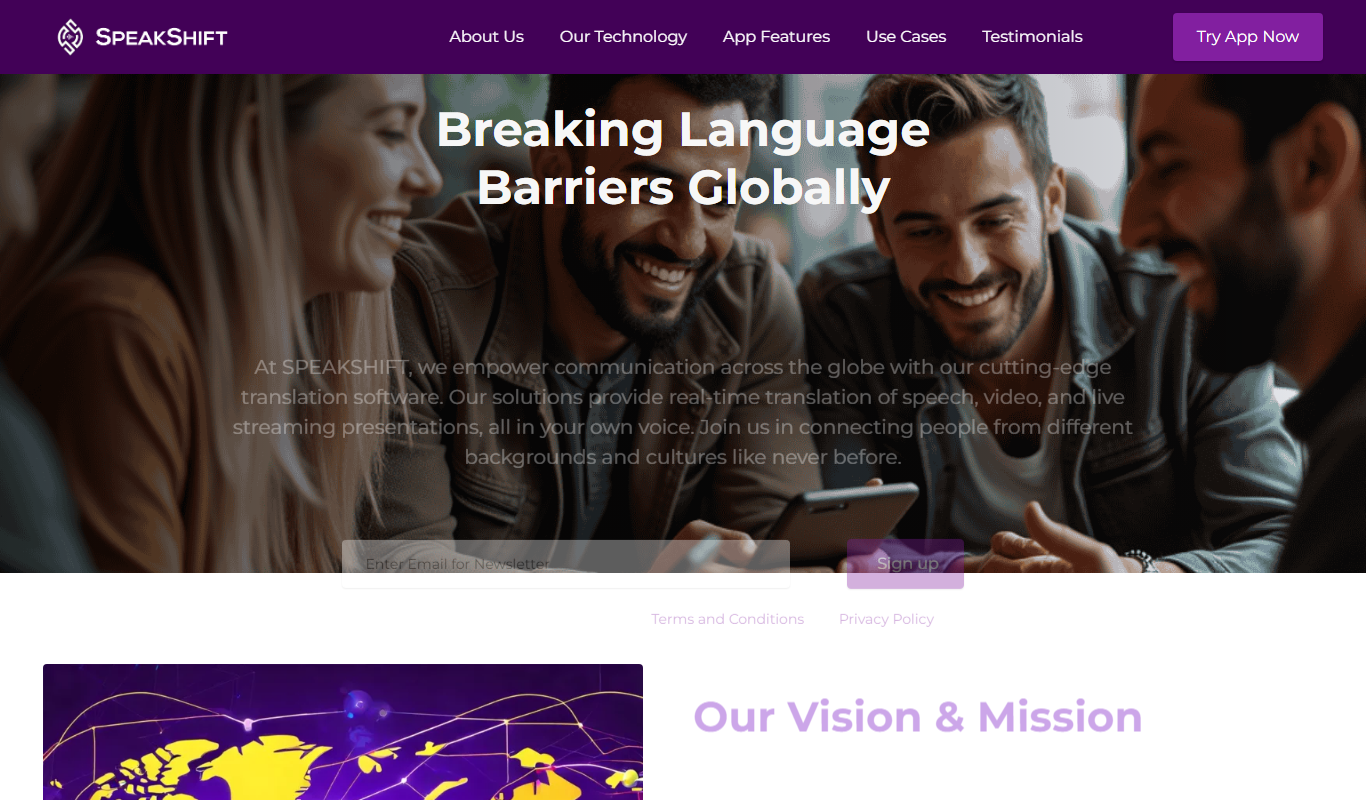
Speakshift.ai
SpeakShift translates text in 194 languages and delivers voice messages, video and live calls in your own cloned voice across 28 languages.
Youdao AI Open Platform
Youdao AI Open Platform from NetEase Youdao provides translation, OCR, speech and education AI APIs and industry solutions for developers, enterprises and government organizations.

Readable
Readable translates PDF files into Japanese with AI while keeping the layout of tables and figures, with glossary registration and large file support.
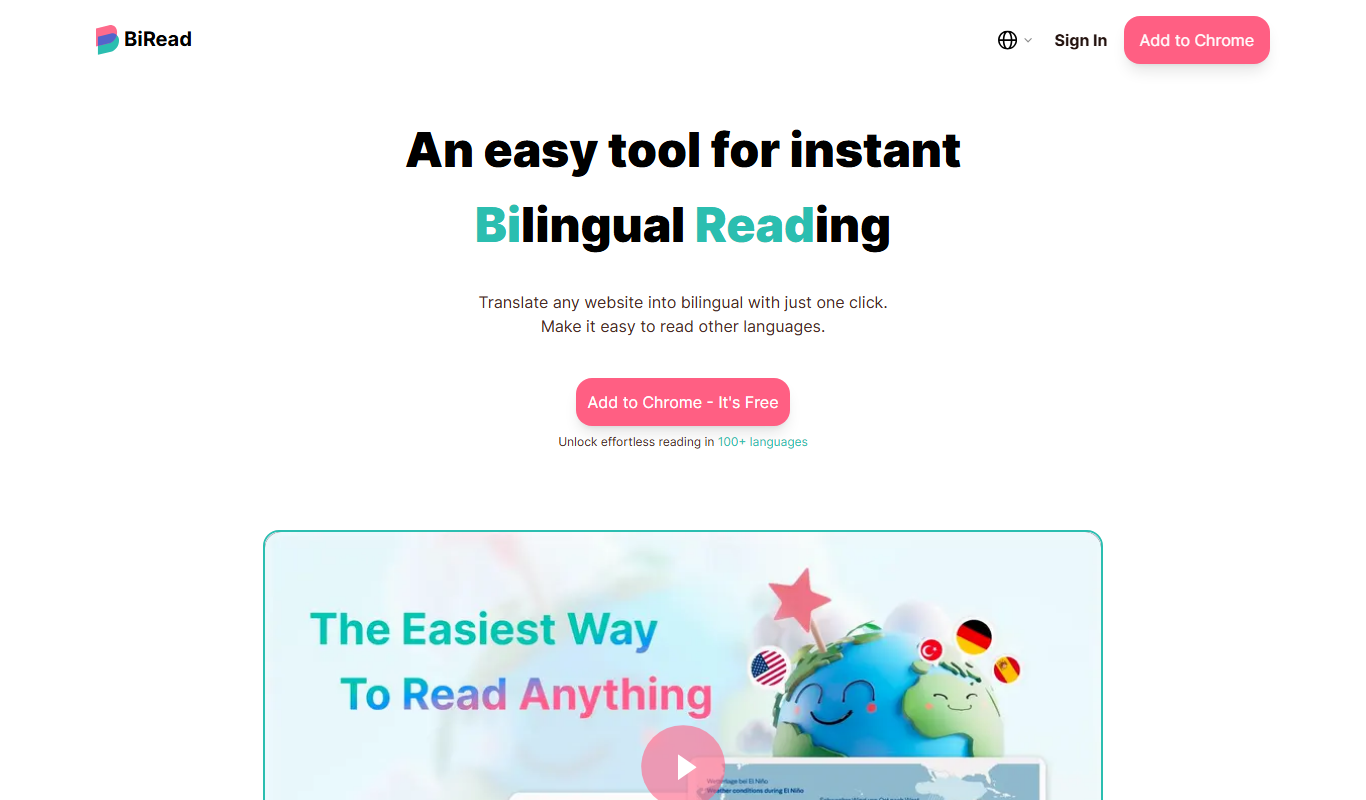
BiRead
BiRead is a Chrome extension that translates any website into bilingual text with one click, for reading and learning in 100+ languages.

Pairaphrase
Pairaphrase is an AI-powered translation platform that combines machine translation with customizable glossaries and translation memory to deliver accurate, secure, and collaborative document translations for businesses.
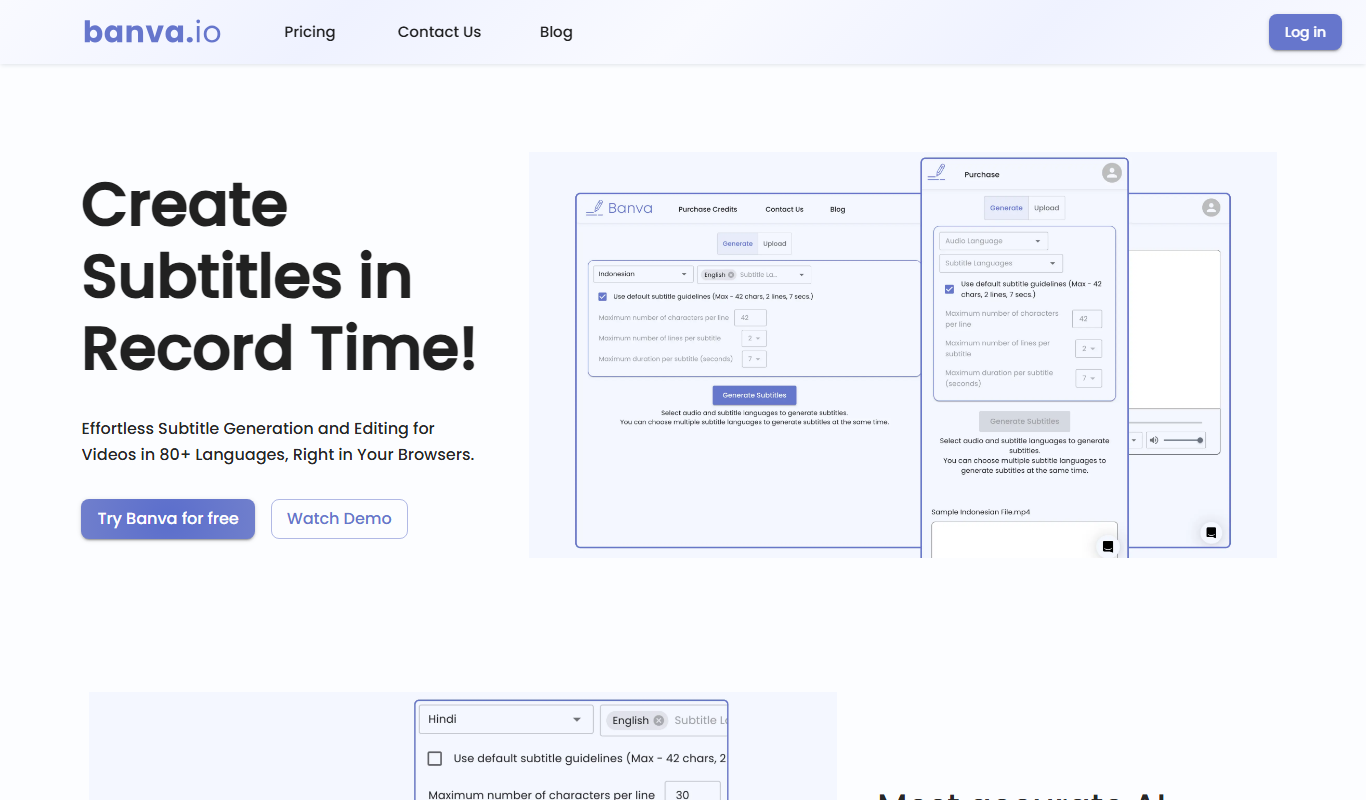
Banva
Banva is an AI subtitling, transcription and translation platform for video and audio in 90+ languages, with pay-as-you-go credits after 15 free minutes.

Manga Translator
Manga Translator is an AI extension for Chrome and Edge that translates manga, manhwa, webtoons, raw scans and screenshots into 100+ languages while you read online.

AI Manga Translator
AI Manga Translator is a web tool that uses AI to translate raw manga and comic images into multiple languages while preserving the original artwork and layout.