

Kurzweil 3000 Assistive Technology for Reading, Writing, and Learning Support
Kurzweil 3000 is assistive technology software that supports reading, writing, and learning through text-to-speech, writing aids, and study tools, primarily used by students with learning disabilities and ESL learners.
- Best for
- Reading Support
- Key capability
- Text-to-Speech with Highlighting
Save Kurzweil 3000, follow its updates and vote on it — everything stays in your account.
Sign in or create a free accountWhat is Kurzweil 3000?
Kurzweil 3000 is an assistive technology software designed to support individuals with reading, writing, and learning challenges. It integrates text-to-speech, writing aids, and study tools to enhance literacy skills and academic performance. Widely used in educational settings, it helps users with dyslexia, learning disabilities, and English language learners by providing customizable reading and writing support.
Key features of Kurzweil 3000
The software features text-to-speech with synchronized highlighting, writing tools like word prediction and spell check, study aids such as annotations and note-taking, and test accommodation functionalities. It is accessible across multiple platforms including web, desktop, and mobile devices.
Text-to-Speech with Highlighting
Reads text aloud while highlighting words, sentences, or paragraphs to improve focus and comprehension.
Writing Support Tools
Includes word prediction, spell check, and speech-to-text to facilitate writing tasks.
Study and Annotation Features
Allows users to highlight, underline, and add notes to documents for better study habits.
Multilingual Support
Supports multiple languages for reading and writing assistance, aiding ESL learners.
Test Accommodation
Provides accessible tools to support students during exams and assessments.
Pros and cons of Kurzweil 3000
Pros
- Comprehensive assistive reading and writing tools
- Supports multiple platforms including mobile
- Effective for users with learning disabilities
- Customizable voices and reading settings
- Includes study and annotation features
Cons
- Pricing can be high for individual users
- Learning curve for new users unfamiliar with assistive tech
- Limited language options compared to some competitors
Key use cases for Kurzweil 3000
Reading Support
Helps users with reading difficulties by providing text-to-speech, highlighting, and dictionary tools to improve comprehension.
Writing Assistance
Offers writing tools including word prediction, spell check, and speech-to-text to support users in composing text.
Study and Learning Aid
Supports students with learning disabilities by enabling annotation, note-taking, and study skill development.
Test Accommodation
Provides tools for reading and writing accommodations during tests for students with disabilities.
Multilingual Support
Supports multiple languages for reading and writing assistance, beneficial for ESL learners.
How Kurzweil 3000 works
- 1
Install or Access Online
Users can install Kurzweil 3000 on their desktop or access it via a web browser or iOS app.
- 2
Import or Open Documents
Upload or open text documents, PDFs, or web pages within the software.
- 3
Customize Reading Settings
Adjust voice, speed, and highlighting options to suit individual reading preferences.
- 4
Use Writing and Study Tools
Leverage word prediction, spell check, and annotation features to assist with writing and studying.
- 5
Save and Export Work
Save annotated documents or export written work for further use or submission.
Who is using Kurzweil 3000
Kurzweil 3000 pricing
Individual Subscription
$500/year
Individual retail subscription.
Institutional Licensing
Custom pricing
Volume licensing options for schools and organizations with additional support.
Plans and prices are as published by the vendor and can change. Check the official site before you buy. Open the pricing page (opens in a new tab)
Frequently asked questions about Kurzweil 3000
Students and individuals with reading difficulties, learning disabilities, dyslexia, or ESL learners can benefit from Kurzweil 3000.
It supports Windows and Mac desktop applications, web browsers, and iOS devices.
Yes, it supports Spanish and French among other languages for reading and writing assistance.
Yes, it provides tools designed to assist students during exams as part of test accommodations.
This tool is designed to help users accomplish its core tasks more efficiently. It is typically used by individuals or teams looking to improve productivity and workflow.
Yes, it can help with that use case depending on how you configure it and what features are available. You’ll get the best results with clear inputs and a defined goal.
It depends on your specific needs and how you plan to use the tool. The official website and documentation are the best sources for the latest details.
Conclusion
Text documents, PDFs and web pages are opened in Kurzweil 3000, which reads text aloud while highlighting words, sentences or paragraphs. Voice, speed and highlighting options can be adjusted to individual reading preferences. For writing, the software includes word prediction, spell check and speech-to-text. Study tools let users highlight, underline and add notes, and test accommodation tools support students during exams.
It supports Windows and Mac desktop applications, web browsers and iOS devices. Students with dyslexia or learning disabilities and English language learners are its core users, with educators and schools also using it. An individual retail subscription costs $500/year, while schools and organizations use volume licensing with custom pricing.
Sources
Sign in to review this tool.
Sign In to ReviewNo reviews yet
Be the first to share how this tool worked for you.
Ask about pricing, limits, or how it compares — or answer someone else.
Sign In to AskNo questions yet
Have a question about using or paying for this tool? Be the first to ask.
Featured on TiorAI



More AI Speech Synthesis tools
Other tools in the same category, for when this one is not quite the fit.

Picovoice
Picovoice is an on-device voice AI platform that enables offline speech recognition, custom wake word detection, and speech-to-intent processing for embedded and mobile applications, prioritizing privacy and low latency.

Balabolka
Balabolka is a free Windows-based text-to-speech software that converts text from various formats into spoken audio using customizable voices and supports saving audio files.

ReadSpeaker
ReadSpeaker is an AI text-to-speech platform that converts written text into natural, human-like audio across multiple languages, designed to enhance accessibility and user engagement.

NameShouts
NameShouts is an online tool that provides audio pronunciations and phonetic spellings of names in multiple languages to help users pronounce names correctly.

Busuu
Busuu is an AI-powered language learning app offering personalized lessons, speech recognition for pronunciation, and community interaction to help users learn 12 languages effectively.
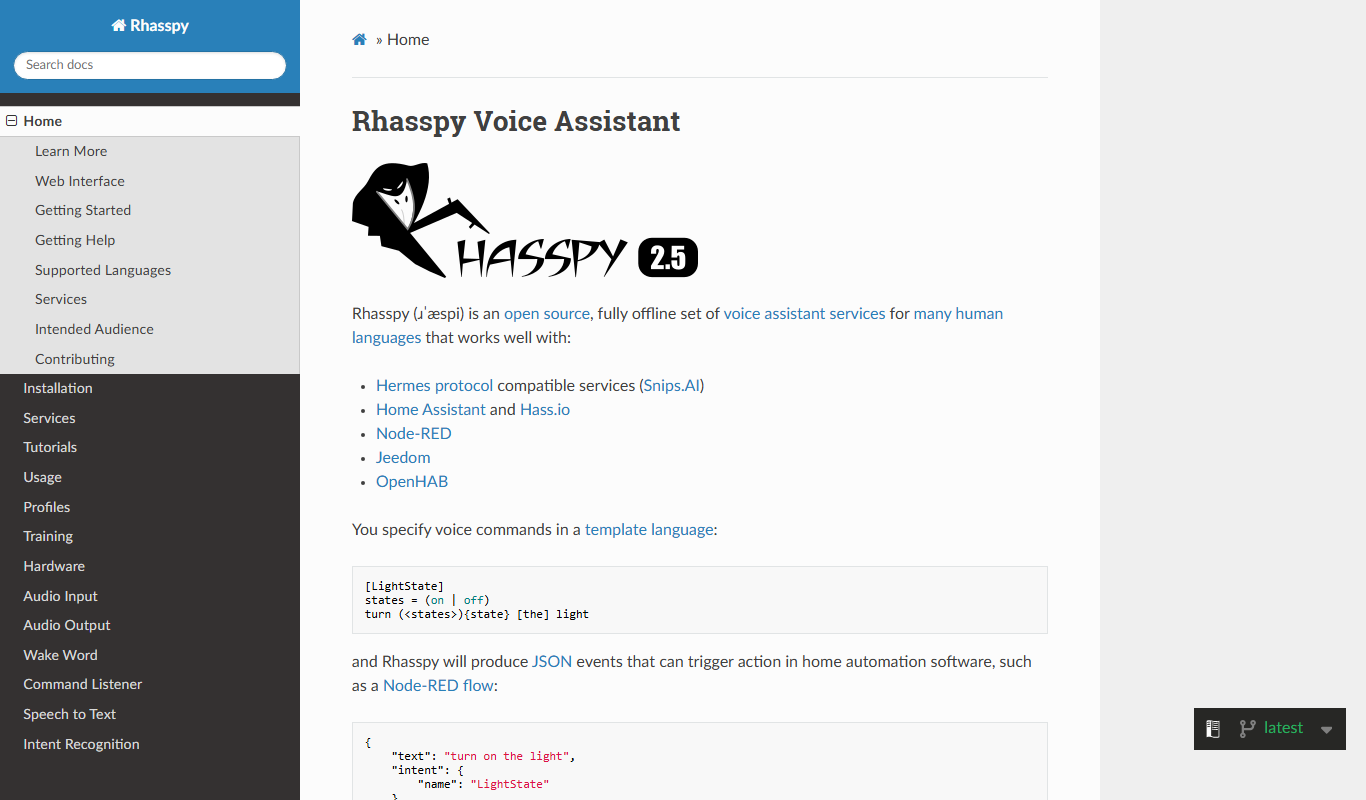
Rhasspy
Rhasspy is an open-source, offline voice assistant platform that enables users to build custom voice-controlled smart home systems with privacy and multilingual support.
Siri
Siri is Apple's AI voice assistant integrated into iOS and macOS devices, enabling users to control devices, get information, and manage smart home devices using natural voice commands.

Preply
Preply is an online platform connecting language learners with professional tutors for personalized one-on-one lessons via video chat.